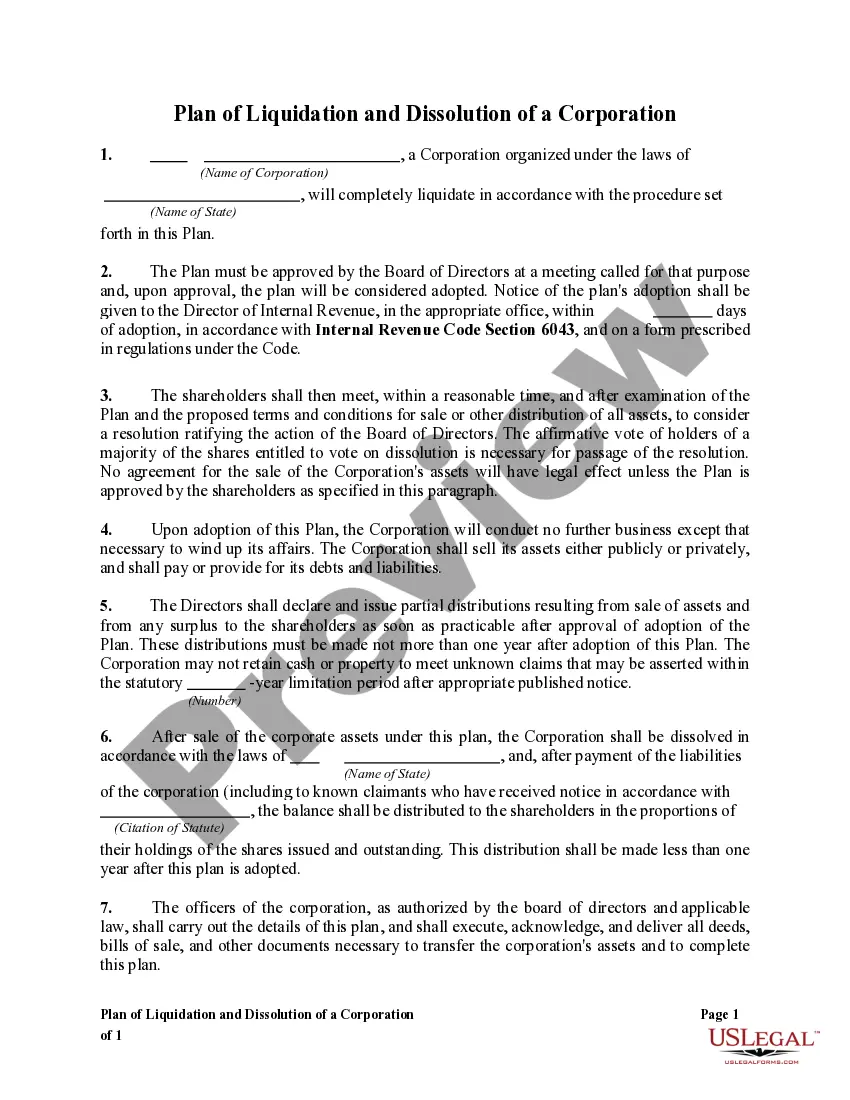
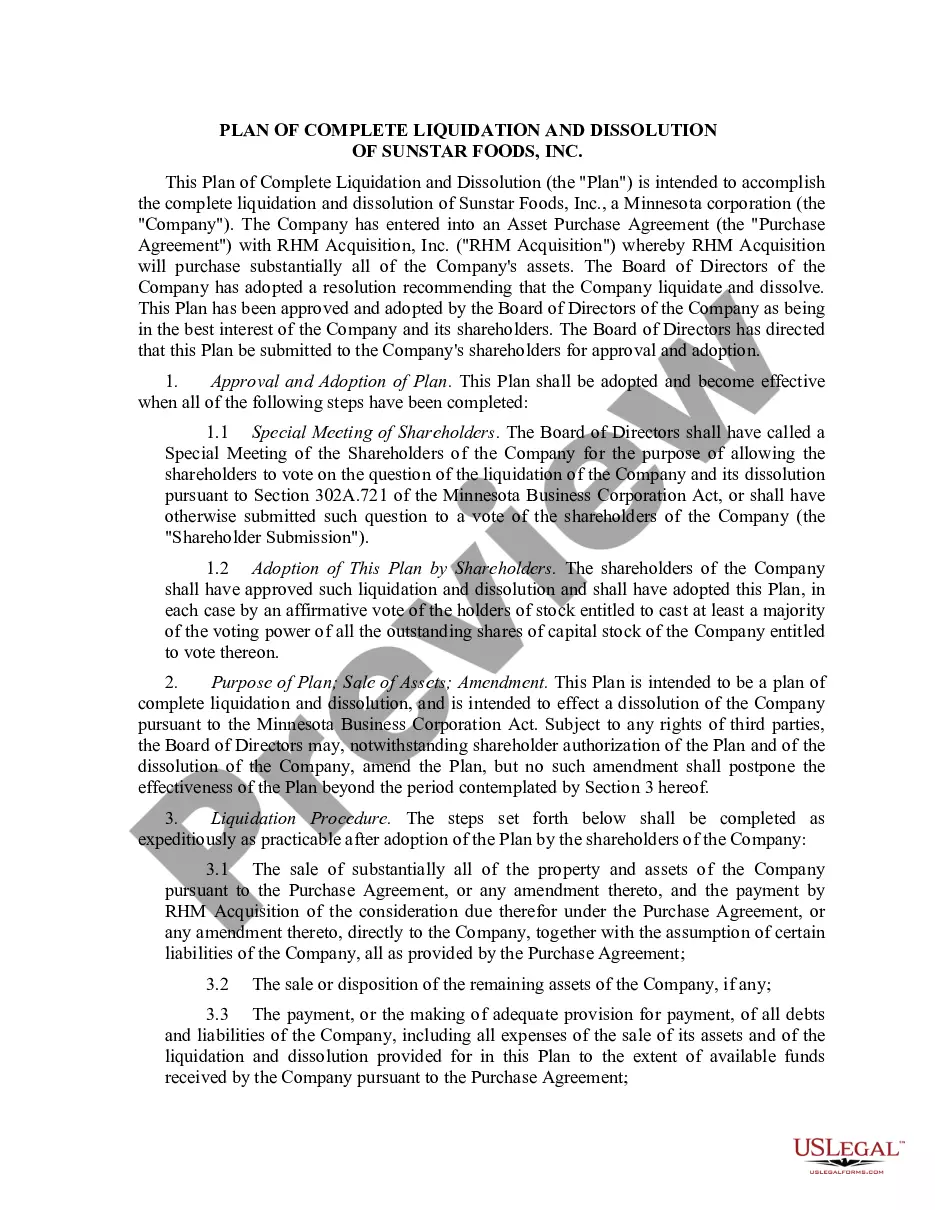
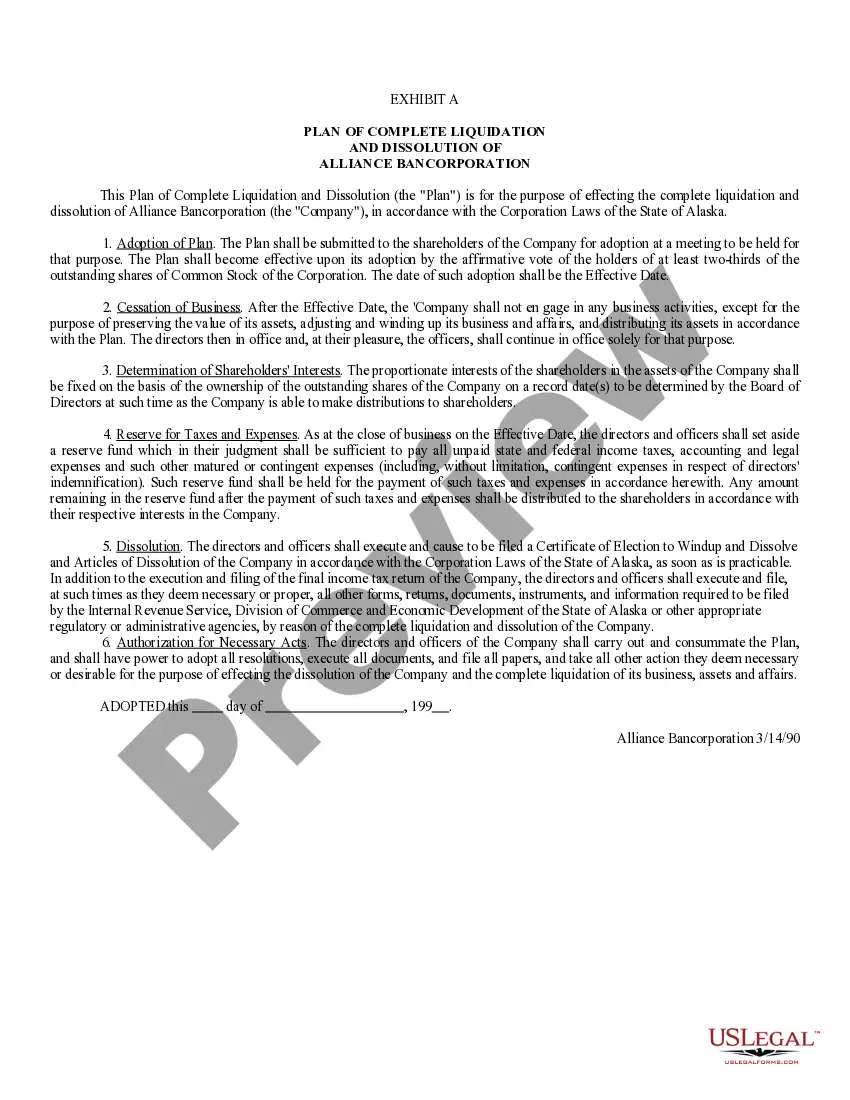
Dissolution Corporation Sample For Non Profit
Description
Get your form ready online
Our built-in tools help you complete, sign, share, and store your documents in one place.
Make edits, fill in missing information, and update formatting in US Legal Forms—just like you would in MS Word.
Download a copy, print it, send it by email, or mail it via USPS—whatever works best for your next step.
Sign and collect signatures with our SignNow integration. Send to multiple recipients, set reminders, and more. Go Premium to unlock E-Sign.
If this form requires notarization, complete it online through a secure video call—no need to meet a notary in person or wait for an appointment.
We protect your documents and personal data by following strict security and privacy standards.

Make edits, fill in missing information, and update formatting in US Legal Forms—just like you would in MS Word.

Download a copy, print it, send it by email, or mail it via USPS—whatever works best for your next step.

Sign and collect signatures with our SignNow integration. Send to multiple recipients, set reminders, and more. Go Premium to unlock E-Sign.

If this form requires notarization, complete it online through a secure video call—no need to meet a notary in person or wait for an appointment.

We protect your documents and personal data by following strict security and privacy standards.
Looking for another form?

How to fill out Plan Of Liquidation And Dissolution Of A Corporation?
The Dissolution Corporation Sample For Non Profit you see on this page is a multi-usable formal template drafted by professional lawyers in line with federal and local laws and regulations. For more than 25 years, US Legal Forms has provided individuals, companies, and legal professionals with more than 85,000 verified, state-specific forms for any business and personal situation. It’s the fastest, easiest and most trustworthy way to obtain the documents you need, as the service guarantees bank-level data security and anti-malware protection.
Acquiring this Dissolution Corporation Sample For Non Profit will take you only a few simple steps:
- Look for the document you need and check it. Look through the sample you searched and preview it or check the form description to verify it satisfies your requirements. If it does not, use the search option to find the appropriate one. Click Buy Now when you have located the template you need.
- Subscribe and log in. Choose the pricing plan that suits you and register for an account. Use PayPal or a credit card to make a prompt payment. If you already have an account, log in and check your subscription to proceed.
- Get the fillable template. Pick the format you want for your Dissolution Corporation Sample For Non Profit (PDF, Word, RTF) and save the sample on your device.
- Fill out and sign the paperwork. Print out the template to complete it manually. Alternatively, use an online multi-functional PDF editor to rapidly and accurately fill out and sign your form with a legally-binding] {electronic signature.
- Download your papers again. Use the same document again anytime needed. Open the My Forms tab in your profile to redownload any previously saved forms.
Sign up for US Legal Forms to have verified legal templates for all of life’s scenarios at your disposal.
Form popularity
FAQ
After the board of directors and/or membership vote to dissolve, a certificate evidencing the election to wind up and dissolve must be filed with the Secretary of State and also forwarded to the Attorney General's Registry of Charitable Trusts. (Corporations Code, sections 6611, 8611, 9680.)
In California, the procedures to voluntarily wind up operations are called ?dissolution? of the nonprofit corporation. Dissolution can be accomplished by either filing an action with the superior court or by complying with voluntary dissolution procedures.
Write a Letter When You Resign From a Nonprofit Board You may choose to break the news to your board chair in person, and that's perfectly fine?just make sure you're following up with an official letter to both the chair and the rest of the board.
The corporation must file 1) A certificate of dissolution (Form DISS NP) and 2) an election to wind up and dissolve with the Secretary of State (Form ELEC NP). The election to wind up and dissolve is only necessary if the dissolution is not by unanimous consent of all members or directors.
Certificate of Dissolution a statement that the nonprofit has been completely wound up and is dissolved. a statement that all final returns required under the California Revenue and Taxation Code have been or will be filed with the California Franchise Tax Board; and.