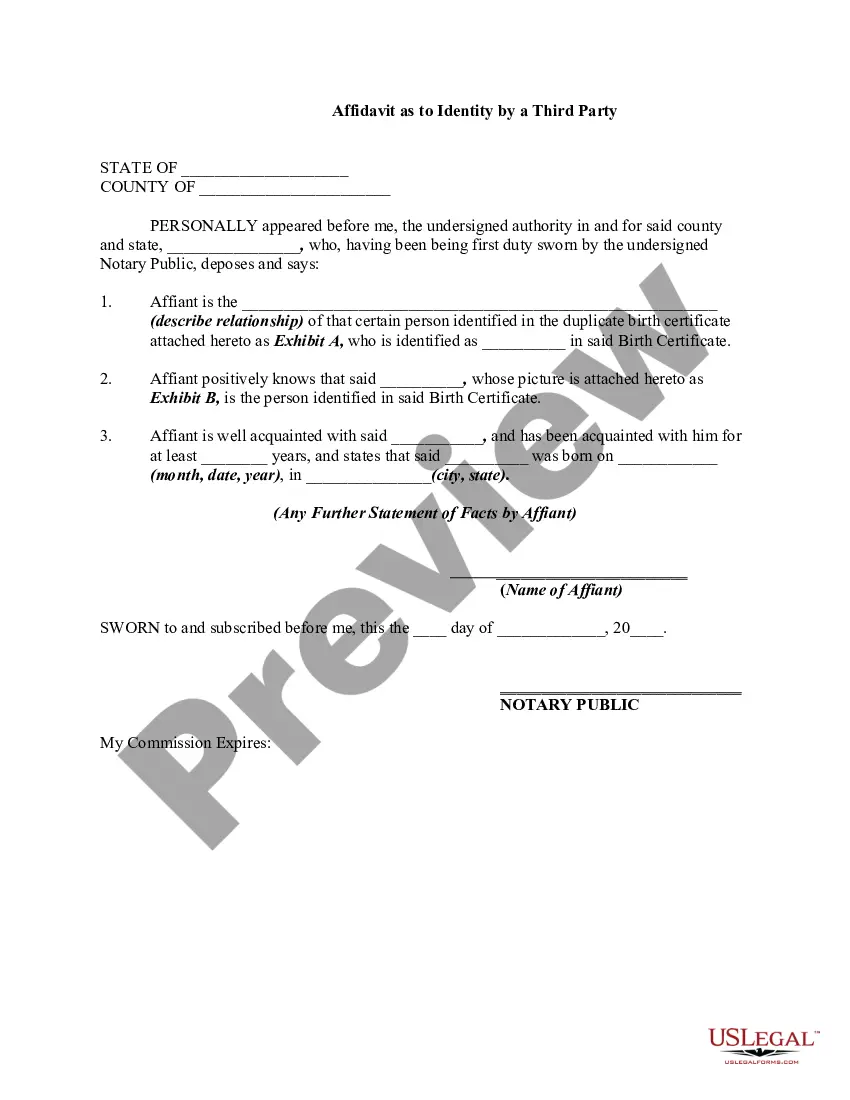
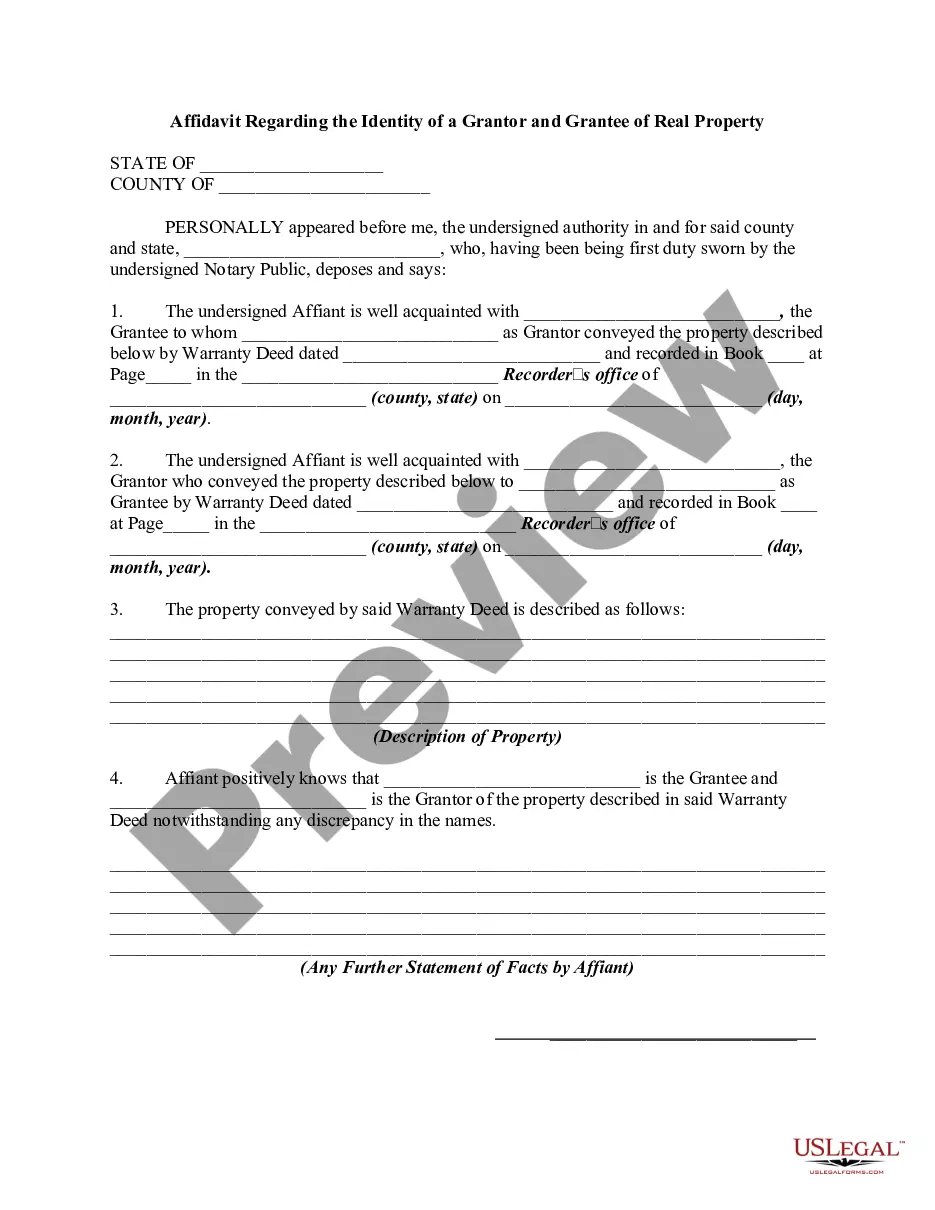
Affidavit Identity Form With Your Personal Information
Description



Get your form ready online
Our built-in tools help you complete, sign, share, and store your documents in one place.
Make edits, fill in missing information, and update formatting in US Legal Forms—just like you would in MS Word.
Download a copy, print it, send it by email, or mail it via USPS—whatever works best for your next step.
Sign and collect signatures with our SignNow integration. Send to multiple recipients, set reminders, and more. Go Premium to unlock E-Sign.
If this form requires notarization, complete it online through a secure video call—no need to meet a notary in person or wait for an appointment.
We protect your documents and personal data by following strict security and privacy standards.

Make edits, fill in missing information, and update formatting in US Legal Forms—just like you would in MS Word.

Download a copy, print it, send it by email, or mail it via USPS—whatever works best for your next step.

Sign and collect signatures with our SignNow integration. Send to multiple recipients, set reminders, and more. Go Premium to unlock E-Sign.

If this form requires notarization, complete it online through a secure video call—no need to meet a notary in person or wait for an appointment.

We protect your documents and personal data by following strict security and privacy standards.
Looking for another form?










How to fill out Affidavit As To Identity By A Third Party?
There's no longer a need to squander hours searching for legal documents to fulfill your local state obligations.
US Legal Forms has gathered all of them in one location and enhanced their accessibility.
Our platform features over 85k templates for various business and personal legal situations categorized by state and area of usage.
Utilize the search bar above to find another template if the current one doesn’t suit you.
- All forms are correctly drafted and verified for authenticity, ensuring you can trust in acquiring a current Affidavit Identity Form with your personal details.
- If you are acquainted with our service and already possess an account, ensure that your subscription is active before accessing any templates.
- Log In to your account, choose the document, and click Download.
- You can also revisit all obtained paperwork at any time as needed by selecting the My documents tab in your profile.
- If you haven’t previously used our service, the procedure will involve a few more steps to complete.
- Here’s how newcomers can secure the Affidavit Identity Form with your personal information in our collection.
- Examine the page content thoroughly to confirm it includes the sample you need.
- To accomplish this, make use of the form description and preview options if available.
Form popularity
FAQ
How to write an affidavitWrite the heading AFFIDAVIT.State your name and personal details (i.e. ID number, gender, address, contact details, etc.).State that you are making a declaration under oath (i.e. I, the undersigned, declare the following under oath).Write the facts in a numbered list.More items...
6 steps to writing an affidavitTitle the affidavit. First, you'll need to title your affidavit.Craft a statement of identity. The very next section of your affidavit is what's known as a statement of identity.Write a statement of truth.State the facts.Reiterate your statement of truth.Sign and notarize.
I (Applicant Name as per id proof), residing at (Address as per address proof) do solemnly affirm and stated as under: I am and my name , appearing on the enclosed ID proof, is single name.
The basic form for an affidavit has four parts:A statement that the affiant is swearing under oath to the truthfulness of the information contained in the affidavit.The information that is being sworn to.The signature of the affiant.The attestation of a notary public or other official authorized to administer oaths.
In the sentence, the person writing the statement must state that he or she is stating that the information is accurate. (Example: I, Jane Doe, solemnly swear that the contents of this document are true and correct, and that I agree to abide by the terms in this affidavit.)