Template Identification Card
Description


Get your form ready online
Our built-in tools help you complete, sign, share, and store your documents in one place.
Make edits, fill in missing information, and update formatting in US Legal Forms—just like you would in MS Word.
Download a copy, print it, send it by email, or mail it via USPS—whatever works best for your next step.
Sign and collect signatures with our SignNow integration. Send to multiple recipients, set reminders, and more. Go Premium to unlock E-Sign.
If this form requires notarization, complete it online through a secure video call—no need to meet a notary in person or wait for an appointment.
We protect your documents and personal data by following strict security and privacy standards.

Make edits, fill in missing information, and update formatting in US Legal Forms—just like you would in MS Word.

Download a copy, print it, send it by email, or mail it via USPS—whatever works best for your next step.

Sign and collect signatures with our SignNow integration. Send to multiple recipients, set reminders, and more. Go Premium to unlock E-Sign.

If this form requires notarization, complete it online through a secure video call—no need to meet a notary in person or wait for an appointment.

We protect your documents and personal data by following strict security and privacy standards.
Looking for another form?

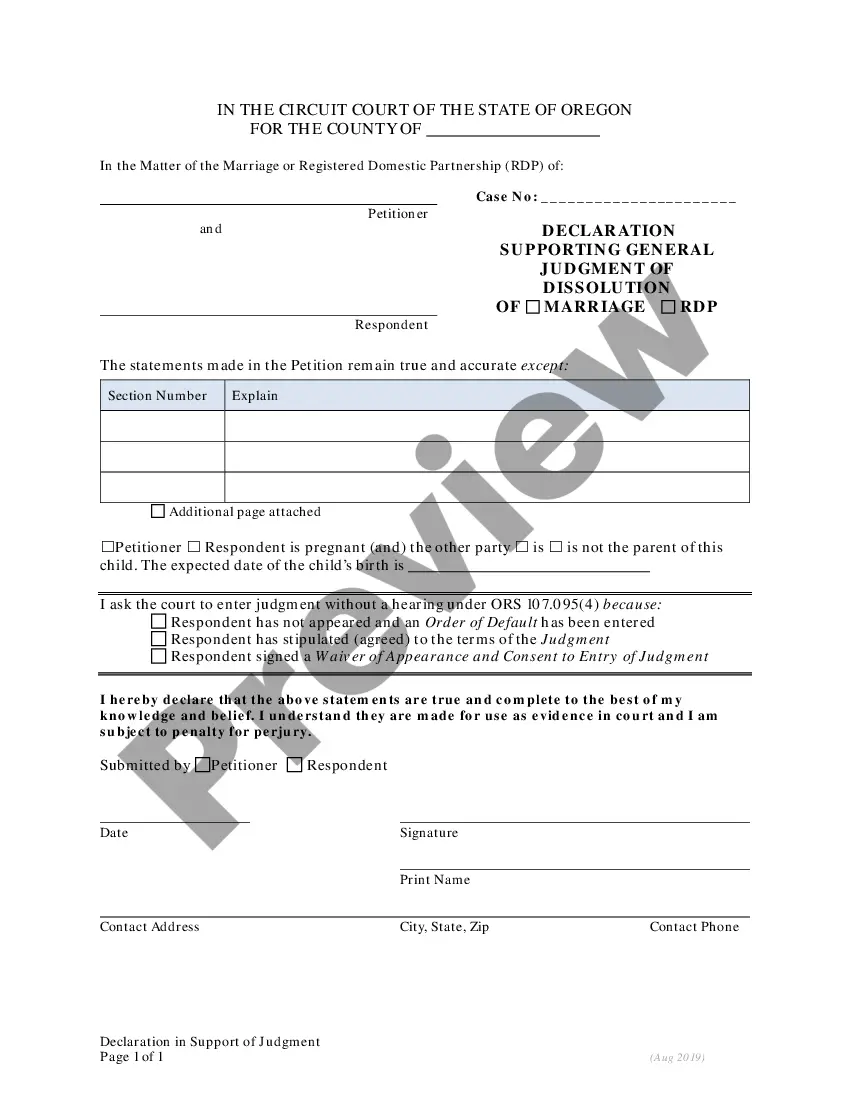



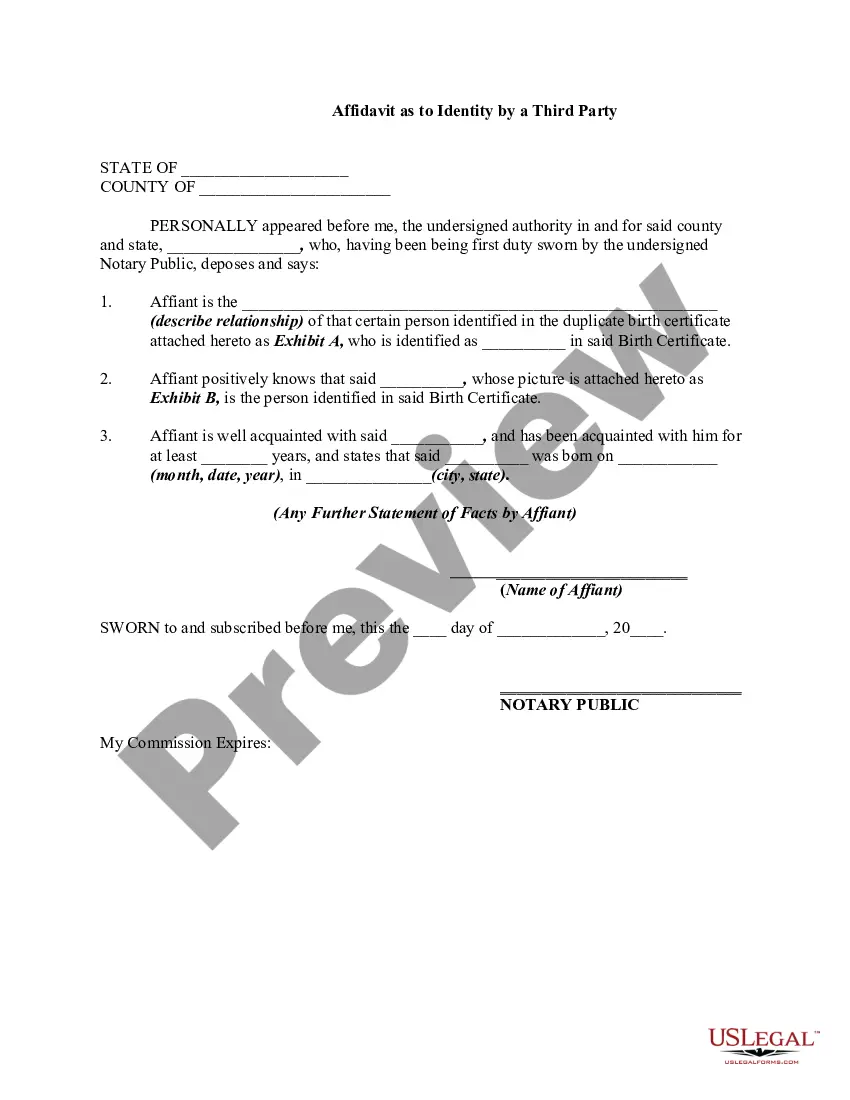
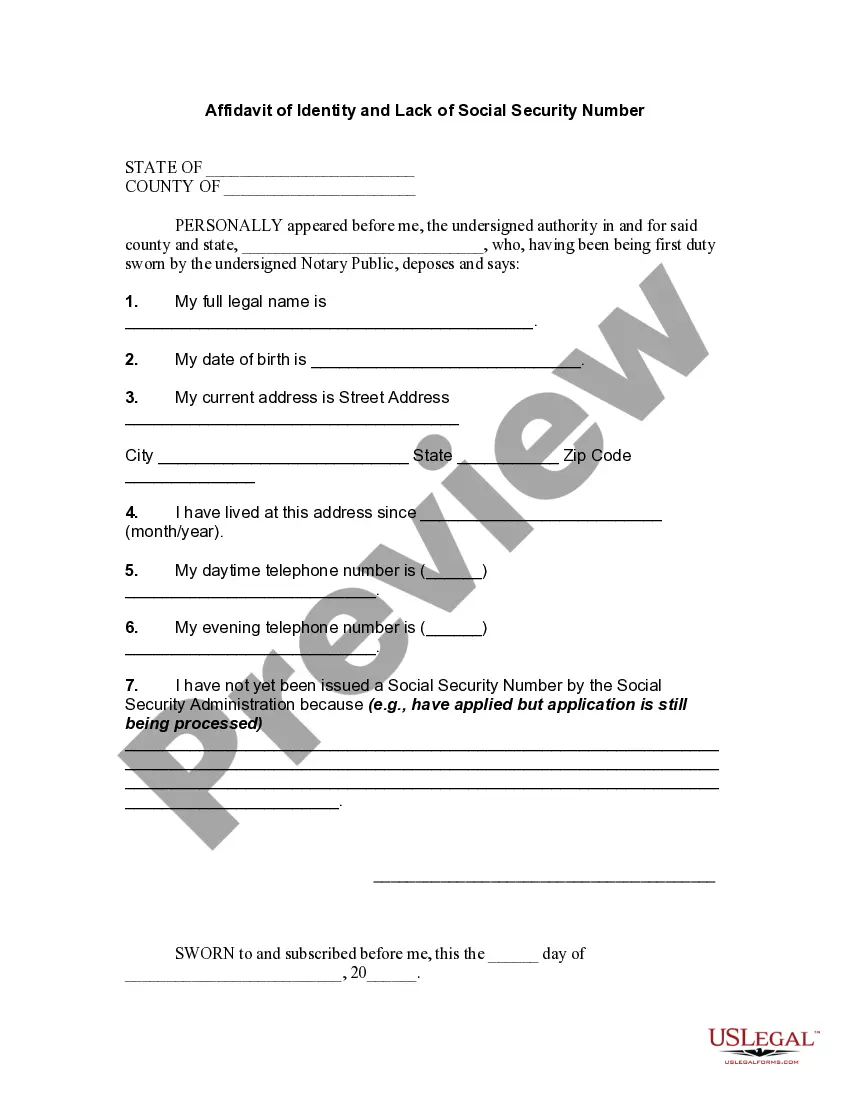
How to fill out Affidavit Of Identity?
- If you are a returning user, log in to your account and check your subscription status. Download the necessary template by clicking the Download button if your membership is active.
- For first-time users, begin by reviewing the Preview mode and form description to confirm that you have selected a template that aligns with your local requirements.
- If changes are necessary, utilize the Search tab to find a suitable alternative template that meets your criteria.
- Once you've settled on the correct template, click the Buy Now button and select your preferred subscription plan. You will need to create an account to access the extensive library.
- Complete your purchase by entering your credit card information or using your PayPal account for payment.
- Finally, download the form to your device. You can access it anytime from the My Forms section of your account to fill it out.
In conclusion, using US Legal Forms provides users with a vast selection of legal templates and the support of premium experts, making document creation both quick and precise. With easy access to a multitude of forms, legal tasks are simplified.
Start your legal documentation journey today—visit US Legal Forms to find your template identification card now!
Form popularity
FAQ
To create a template identification card on your computer, start by selecting your preferred design software or application. Begin by choosing a template that meets your needs, or create a custom layout from scratch. Import images and text, adjusting until you achieve the desired look, then finalize the card by saving it in a suitable format. Finally, print your ID card on high-quality card stock, ensuring you follow up with laminating for added protection.
For creating a template identification card on the go, apps like IDCreator and Card Maker are excellent choices. These apps offer easy-to-use interfaces and a variety of design templates suitable for different needs. Additionally, many of them allow you to save and share your designs directly from the app, making it convenient for quick access. Always check the latest user reviews to find an app that best fits your requirements.
The process of making a template identification card typically involves a few key materials. Most commonly, you'll need software for design, a quality printer, and ID card stock. Additionally, many users utilize laminating sheets to protect and enhance the durability of the cards. Depending on your needs, you may also consider incorporating security features such as barcodes or holographic elements.
Writing an identity card is straightforward. Begin by including essential information like the name, date of birth, and any identification numbers. Ensure that your template identification card follows a clear layout for easy readability. You can use the US Legal platform to access professional templates that guide you through the process.
Yes, you can create a card template in Word. Simply open a new document and adjust the page size to match your desired card dimensions. Inserting tables and images can help you design the layout for your template identification card easily. For more refined designs, you might consider using dedicated software or online services.
When creating an ID card in PDF format, the ideal size is usually 4.5 inches by 2.5 inches to accommodate standard card dimensions. This size allows for clear visibility and easy storage in cardholders. Utilize a template identification card that matches these dimensions to ensure a polished and functional design.
The standard format for an ID card typically includes a landscape orientation measuring about 4 inches by 3 inches. Many organizations use template identification cards that conform to this size, featuring sections for a photo, name, title, and other important details. Ensuring adherence to these standards will help maintain professionalism and functionality.
Creating an ID card in Word involves several easy steps. Start by opening a blank document, then set the page size to match standard ID card dimensions. Use a template or create your layout while including essential information for your template identification card. Add images, logos, or barcodes, and finally print your ID card directly from Word or save it as a PDF.
To create a card from a PDF, use ID card design software that allows you to import and manipulate PDF files. After importing, adjust the size and add any necessary details to your template identification card. Finally, save or export your project to the desired format, ensuring it is ready for print or digital use.
Converting a PDF into an ID card involves using various software capable of editing PDF files. You can import the PDF into an ID card maker and adjust the dimensions and format to fit your needs. Ensure that your template identification card is saved correctly to maintain its design and formatting during conversion.
