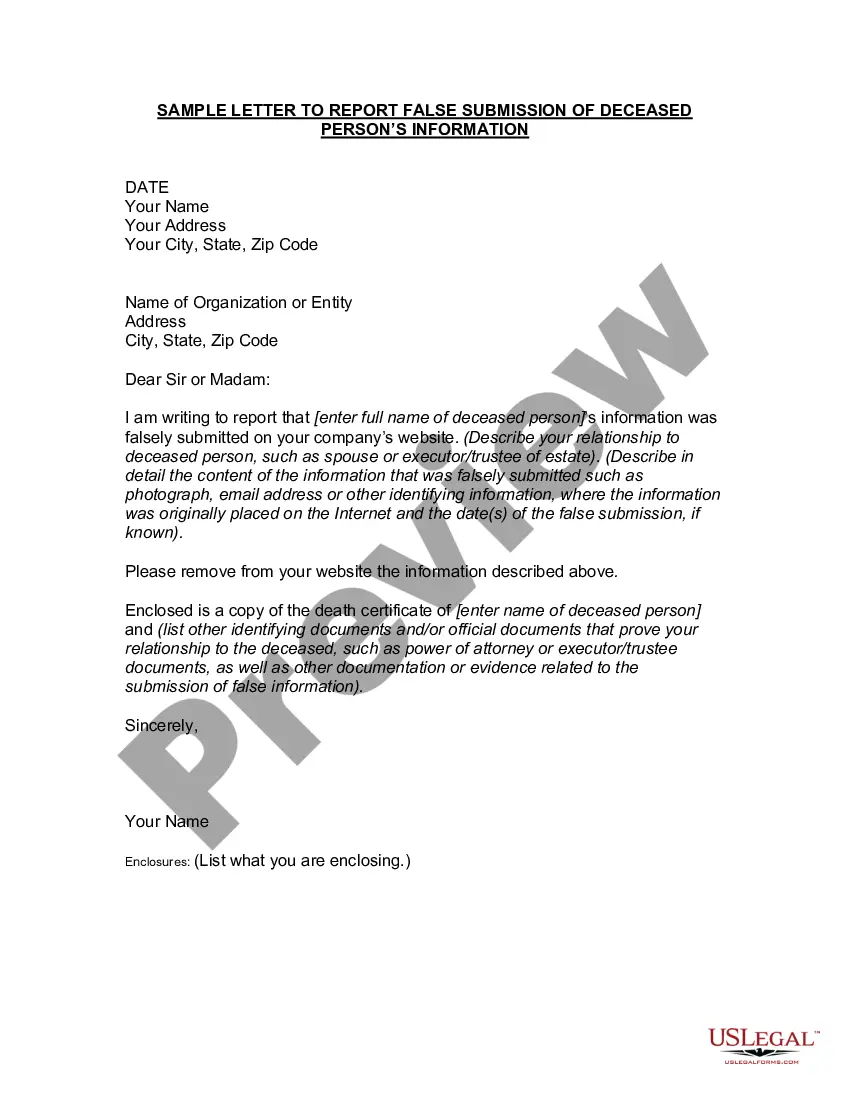
Report False Person For Facebook
Description
Get your form ready online
Our built-in tools help you complete, sign, share, and store your documents in one place.
Make edits, fill in missing information, and update formatting in US Legal Forms—just like you would in MS Word.
Download a copy, print it, send it by email, or mail it via USPS—whatever works best for your next step.
Sign and collect signatures with our SignNow integration. Send to multiple recipients, set reminders, and more. Go Premium to unlock E-Sign.
If this form requires notarization, complete it online through a secure video call—no need to meet a notary in person or wait for an appointment.
We protect your documents and personal data by following strict security and privacy standards.

Make edits, fill in missing information, and update formatting in US Legal Forms—just like you would in MS Word.

Download a copy, print it, send it by email, or mail it via USPS—whatever works best for your next step.

Sign and collect signatures with our SignNow integration. Send to multiple recipients, set reminders, and more. Go Premium to unlock E-Sign.

If this form requires notarization, complete it online through a secure video call—no need to meet a notary in person or wait for an appointment.

We protect your documents and personal data by following strict security and privacy standards.
Looking for another form?
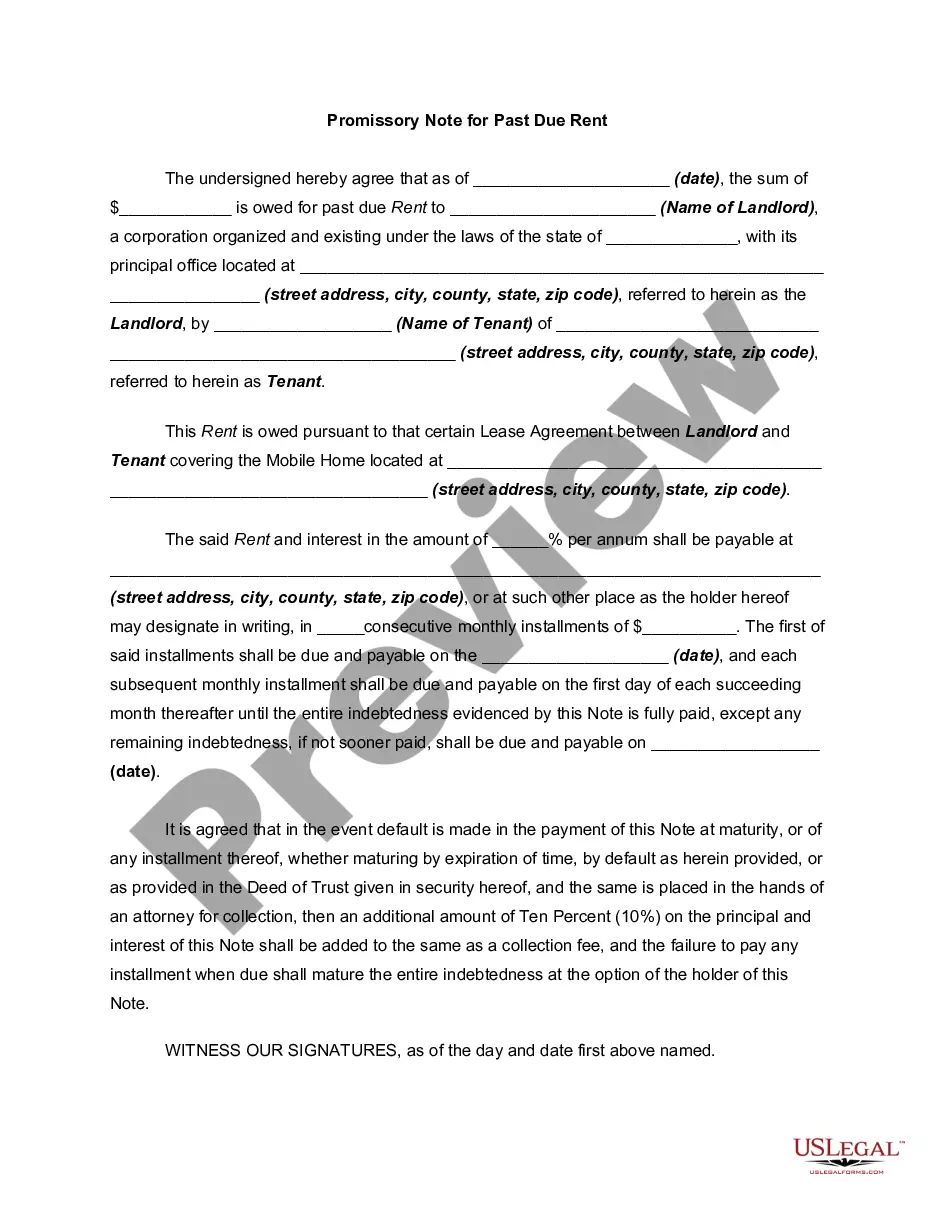



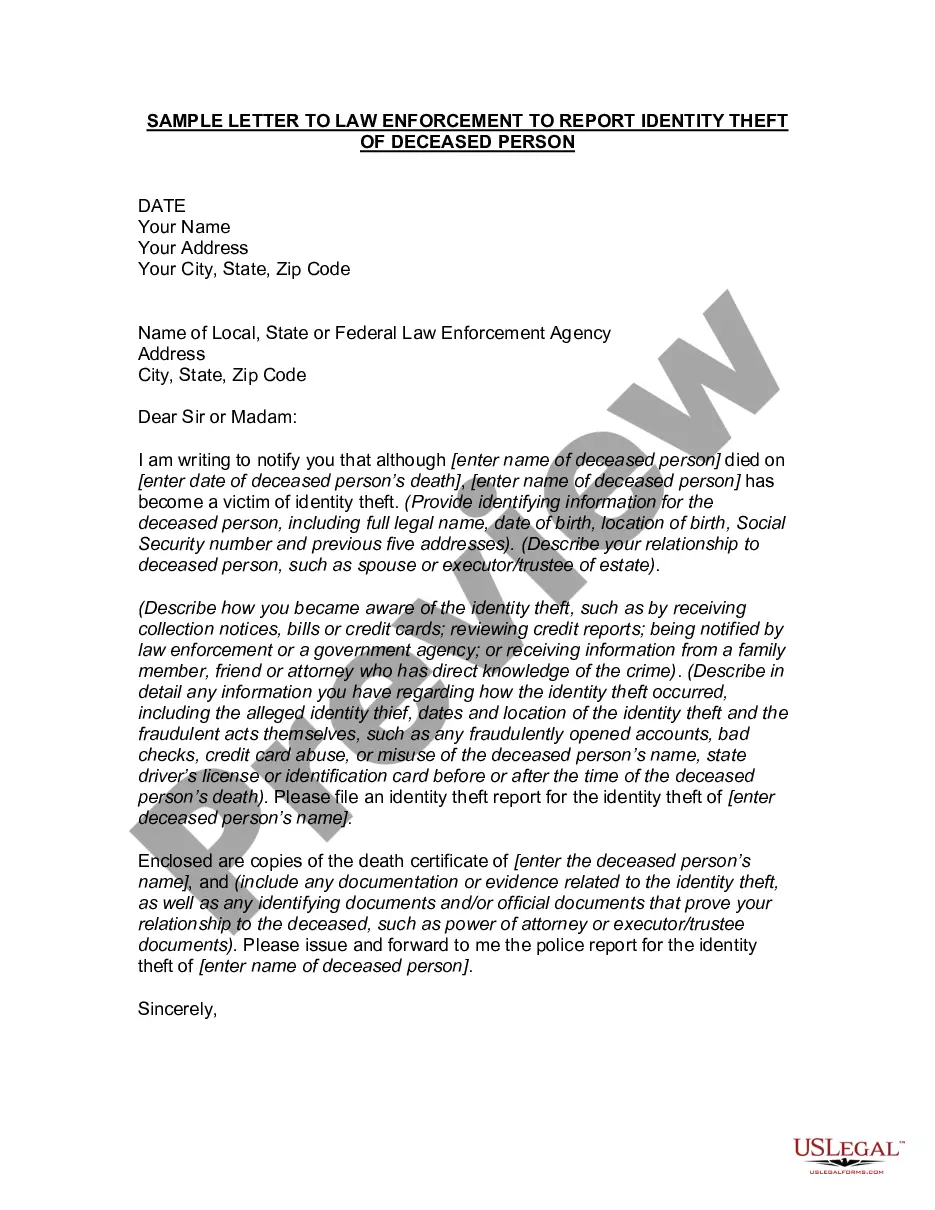
How to fill out Letter To Report False Submission Of Deceased Person's Information?
Handling legal documents can be challenging, even for experienced individuals.
When searching for a Report False Person For Facebook and lacking the time to find the correct and current version, the tasks can become overwhelming.
US Legal Forms meets all your needs, whether personal or business-related, all in one location.
Utilize sophisticated tools to complete and manage your Report False Person For Facebook.
Here are the steps to follow after locating the form you require: Confirm that it is the correct document by previewing it and reviewing its details. Ensure that the form is recognized in your state or county. Click Buy Now when ready. Choose a subscription plan. Select the format you need, and Download, complete, sign, print, and submit your documents. Enjoy the US Legal Forms online library, supported by 25 years of experience and reliability. Transform your daily document management into a seamless and user-friendly process today.
- Access a compilation of articles, guides, and manuals pertinent to your situation and needs.
- Save time and effort searching for the necessary documents, and use US Legal Forms’ advanced search and Preview tool to locate and obtain your Report False Person For Facebook.
- If you have a membership, Log In to your US Legal Forms account, search for the document, and obtain it.
- Check the My documents tab to view documents you have previously saved and manage your files accordingly.
- If you are new to US Legal Forms, create an account and gain unlimited access to all platform benefits.
- A comprehensive online form repository can transform the experience for anyone looking to manage these matters effectively.
- US Legal Forms stands as a frontrunner in online legal documents, offering over 85,000 state-specific legal forms accessible at your convenience.
- With US Legal Forms, you can access tailored legal and business documents specific to your state or county.
Form popularity
FAQ
The reasons for impersonating someone on Facebook can vary from hackers looking to collect personal information about you to stalkers who are trying to get information on the person they are pretending to be. Regardless of the reason, you want to put a stop to it right away.
When something gets reported to Facebook, we'll review it and take action on anything we determine doesn't follow our Community Standards. Unless you're reporting an incident of intellectual property infringement, your report will be kept confidential and the account you reported won't see who reported them.
Go to the profile. If you can't find it, try searching for the name used on the profile or asking your friends if they can send you a link to it. Tap More below the cover photo and select Find Support or Report Profile. Follow the on-screen instructions for profiles to file a report.
Report it once and FB will take a look at the profile. If they find anything suspicious, they'll ask for verification. If not verified the account gets closed. The best way is to report saying this person is pretending to be someone else or me and FB'll take it down in hours.
If you want to contact Facebook, you'll first need to log into your account. On the desktop site, look up at the top right corner of the screen. There, you'll see an icon with your profile image ? click it and select Help & support from the dropdown menu. From there, click Help Center.