Letter Card Issuer For Authentication
Description
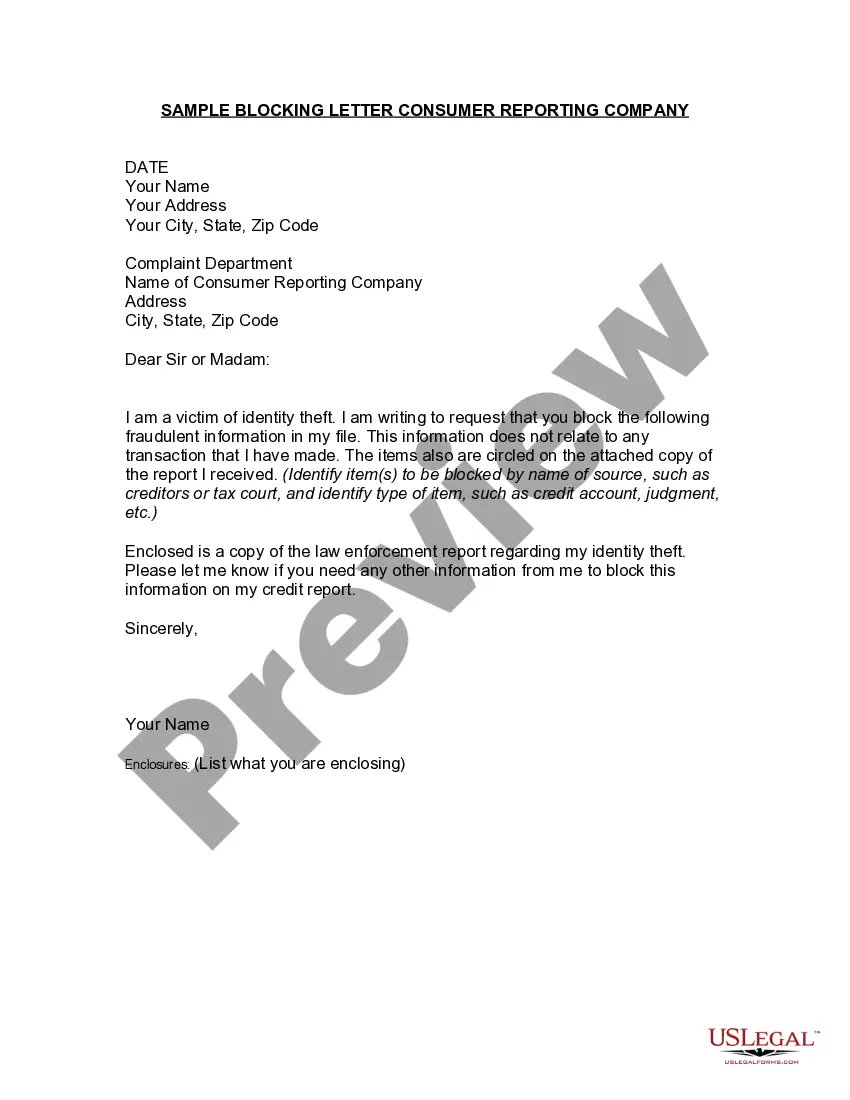





How to fill out Sample Letter To Credit Card Issuer Regarding Replacement Card?
Regardless of whether it is for professional objectives or personal matters, everyone must encounter legal issues at some point in their lives.
Filling out legal documents necessitates meticulous care, starting with selecting the right form template.
Once it is downloaded, you can either complete the form using editing software or print it out and fill it in manually. With an extensive catalog from US Legal Forms available, you no longer need to waste time searching for the correct template online. Utilize the library’s easy navigation to locate the right template for any occasion.
- For example, if you choose an incorrect version of a Letter Card Issuer For Authentication, it will be rejected upon submission.
- Thus, it is essential to have a trustworthy source of legal documents such as US Legal Forms.
- To obtain a sample of the Letter Card Issuer For Authentication, adhere to these straightforward steps.
- Search for the required template using the search bar or catalog navigation.
- Review the details of the form to ensure it is suitable for your circumstances, state, and locality.
- Click on the preview of the form to take a look at it.
- If it turns out to be the wrong document, go back to the search function to find the Letter Card Issuer For Authentication sample you need.
- Download the file once it fulfills your requirements.
- If you already possess a US Legal Forms account, simply click Log in to view previously stored files in My documents.
- If you do not have an account yet, you can download the form by clicking Buy now.
- Choose the suitable pricing option.
- Fill out the account registration form.
- Select your payment option: a bank card or a PayPal account.
- Choose the file format you wish and download the Letter Card Issuer For Authentication.
Form popularity
FAQ
When we say 'contact your card issuer,' we refer to reaching out to the institution or company that issued your letter card. This action allows you to obtain important information, resolve issues, or verify your account details. By engaging with your card issuer for authentication, you ensure the security and reliability of your transactions and personal data. It is a crucial step in managing your financial dealings effectively.
If you are getting a message to contact the card issuer, call the bank or credit card company who issued you the card to make sure there are no restrictions on the card. If you are getting a message that Apple Pay services are unavailable at this time, sign out of your Apple ID and back in.
Apple does not approve or decline cards for use with Apple Pay. If your card has been declined, contact your bank or card issuer. If you need help adding a card, find out how to set up Apple Pay.
Contact your card issuer to see if they support Apple Pay. Update to the latest version of iOS, watchOS, or macOS. Confirm that you have Face ID, Touch ID, or a passcode set on your device. Make sure that you are in a supported country or region.
Declined (Card declined by issuer - contact card issuer to determine reason.) This usually happens due to one of two reasons: The customer's credit card issuing bank did not approve the transaction. This could be due to insufficient funds, frozen account status, invalid credit card number or expiration date, etc.
There are a number of reasons the charge or verification might be declined: Apple is not allowed to accept credit or debit cards in your country. The card is not recognized in your country. Insufficient balance or account in arrears.