Assessment Website Traffic For Testing Personnel
Description
Get your form ready online
Our built-in tools help you complete, sign, share, and store your documents in one place.
Make edits, fill in missing information, and update formatting in US Legal Forms—just like you would in MS Word.
Download a copy, print it, send it by email, or mail it via USPS—whatever works best for your next step.
Sign and collect signatures with our SignNow integration. Send to multiple recipients, set reminders, and more. Go Premium to unlock E-Sign.
If this form requires notarization, complete it online through a secure video call—no need to meet a notary in person or wait for an appointment.
We protect your documents and personal data by following strict security and privacy standards.

Make edits, fill in missing information, and update formatting in US Legal Forms—just like you would in MS Word.

Download a copy, print it, send it by email, or mail it via USPS—whatever works best for your next step.

Sign and collect signatures with our SignNow integration. Send to multiple recipients, set reminders, and more. Go Premium to unlock E-Sign.

If this form requires notarization, complete it online through a secure video call—no need to meet a notary in person or wait for an appointment.

We protect your documents and personal data by following strict security and privacy standards.
Looking for another form?










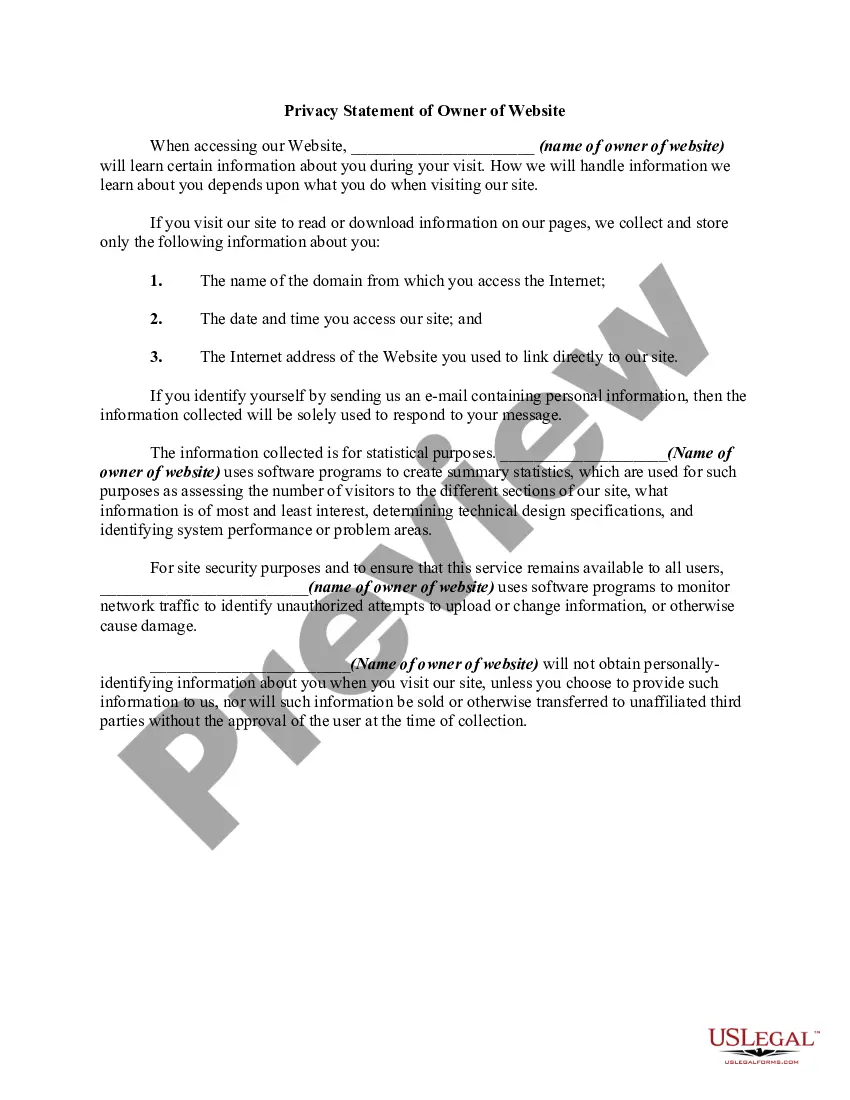
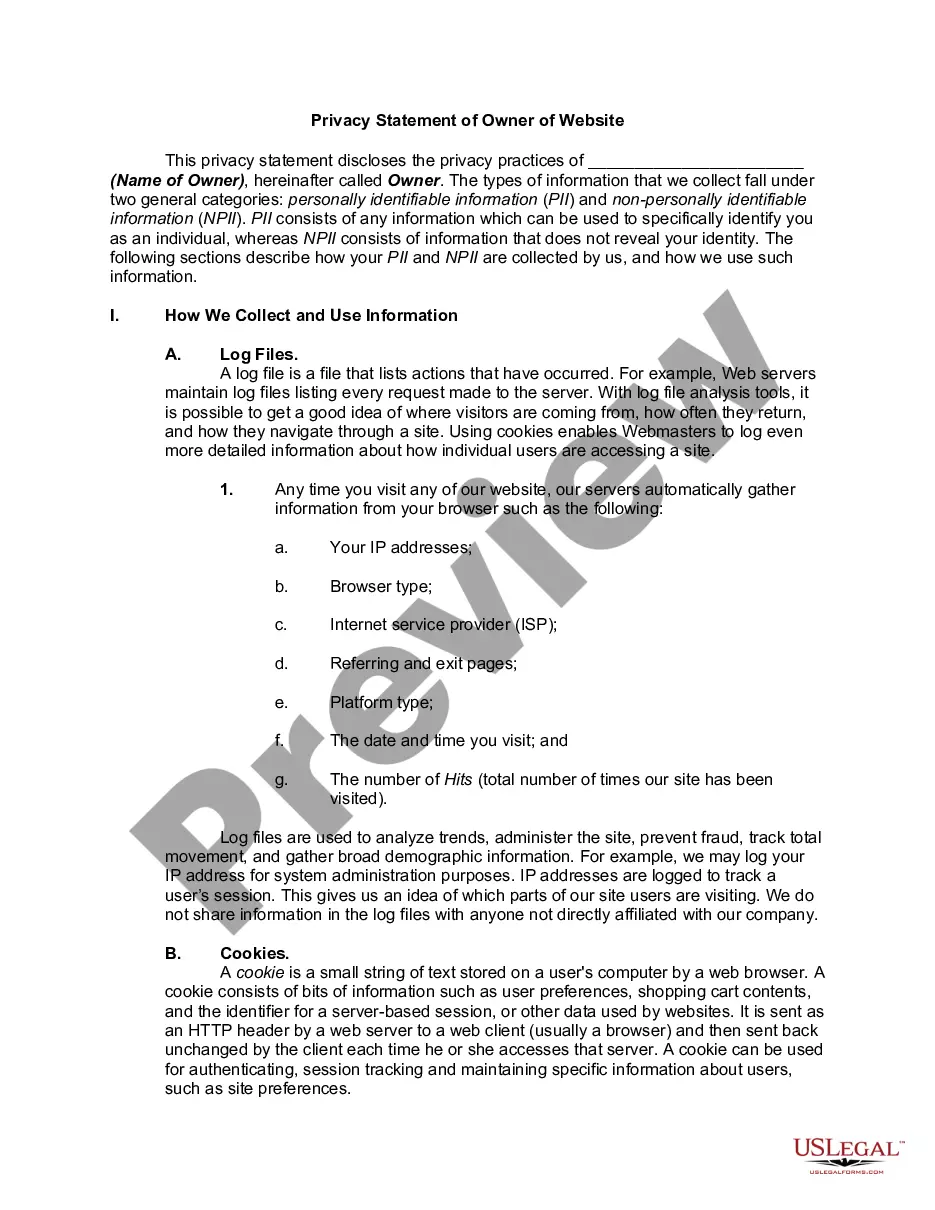
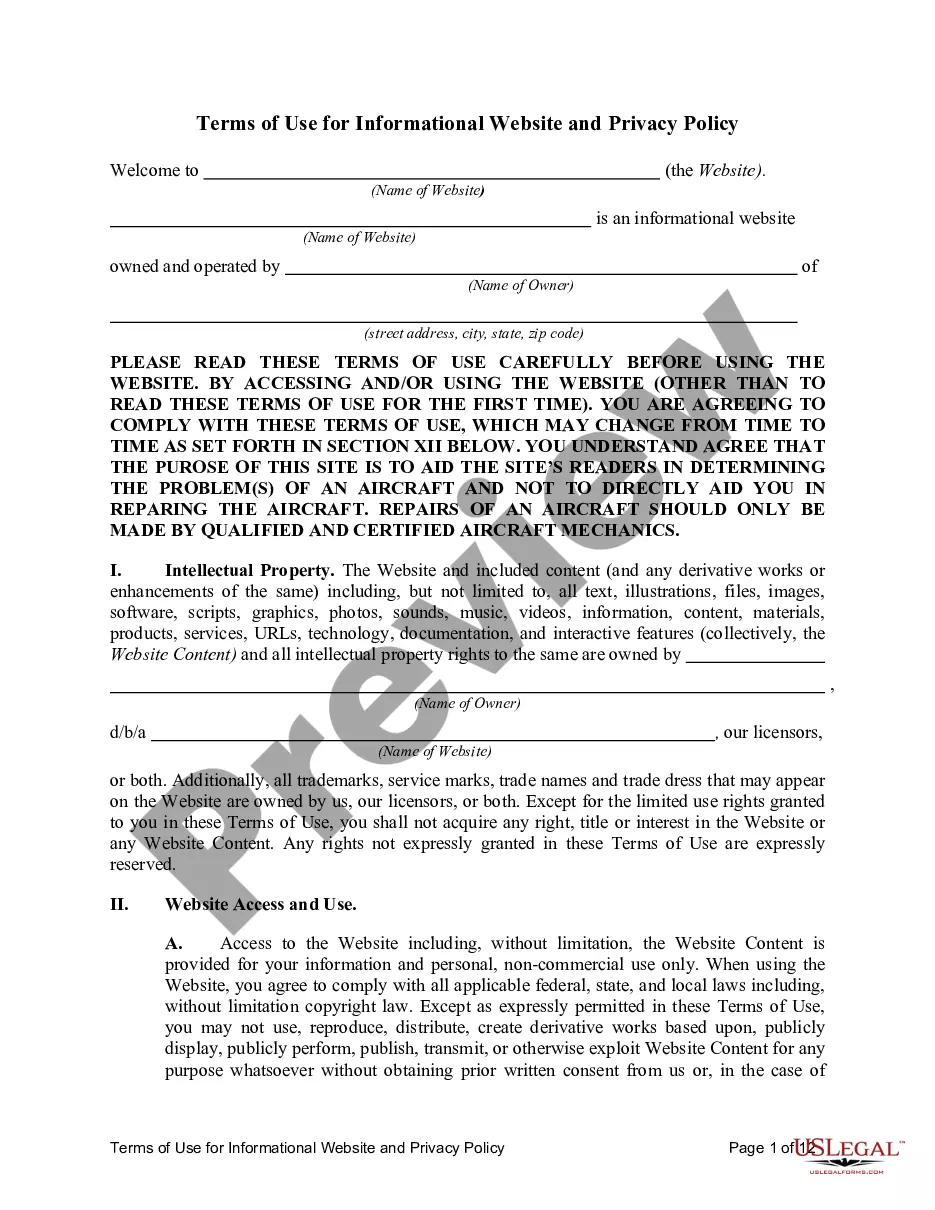
How to fill out Privacy Statement Of Owner Of Website?
It’s clear that you cannot become a legal expert instantly, nor can you comprehend how to swiftly prepare Assessment Website Traffic For Testing Personnel without the requirement of a specific background.
Crafting legal documents is a labor-intensive task that necessitates particular training and expertise. So why not entrust the preparation of the Assessment Website Traffic For Testing Personnel to the experts.
With US Legal Forms, one of the most comprehensive legal document repositories, you can obtain anything from court forms to templates for internal corporate communication. We understand how vital compliance and adherence to federal and state regulations are. That’s why, on our platform, all templates are region-specific and current.
Select Buy now. Once the payment is completed, you can download the Assessment Website Traffic For Testing Personnel, complete it, print it, and send or forward it to the required individuals or organizations.
You can regain access to your documents from the My documents tab anytime. If you’re an existing client, you can simply Log In and find and download the template from the same tab.
- Begin by visiting our website and acquiring the form you require in just a few minutes.
- Locate the document you need by utilizing the search bar at the top of the page.
- Preview it (if this option is available) and review the supporting description to determine if Assessment Website Traffic For Testing Personnel is what you seek.
- Restart your search if you require a different document.
- Establish a free account and choose a subscription plan to purchase the template.
Form popularity
FAQ
Step-by-step guide on how to do web app performance testing Set up the test environment. First of all, you need to figure out what sorts of conditions your application will actually face in production. ... Identify performance criteria. ... Plan tests. ... Configure the environment. ... Execute tests. ... Analyze and compose results. ... Reiterate.
Website quality assurance, frequently referred to as website QA, is the process where optimizers and developers test a website to ensure everything looks and works correctly on all relevant devices and browsers.
Follow this website QA testing checklist to ensure your website is free of bugs?and provide the best user experience for your visitors. UI and Design Testing. ... Content testing. ... Accessibility testing. ... SEO testing. ... Responsive & cross-browser testing. ... Security testing. ... Scripts, snippet codes, widgets, and plugins.
How to perform Website Testing? (QA Test Checklist) Ensure Cross Browser Compatibility. Test for Responsiveness. Functionality Testing. Check for Broken Links. Ensure Security. Test Payment Gateways. Cookie Testing.
Website Quality Assurance (QA) Checklist UI and design testing. Visual coherence and ease of navigation. ... Content testing. Correct all grammatical/spelling errors. ... Accessibility testing. ... SEO testing. ... Responsive & cross-browser testing. ... Security testing. ... Scripts, snippet codes, widgets, and plugins.