Assessing Website Traffic With Google Analytics
Description


Get your form ready online
Our built-in tools help you complete, sign, share, and store your documents in one place.
Make edits, fill in missing information, and update formatting in US Legal Forms—just like you would in MS Word.
Download a copy, print it, send it by email, or mail it via USPS—whatever works best for your next step.
Sign and collect signatures with our SignNow integration. Send to multiple recipients, set reminders, and more. Go Premium to unlock E-Sign.
If this form requires notarization, complete it online through a secure video call—no need to meet a notary in person or wait for an appointment.
We protect your documents and personal data by following strict security and privacy standards.
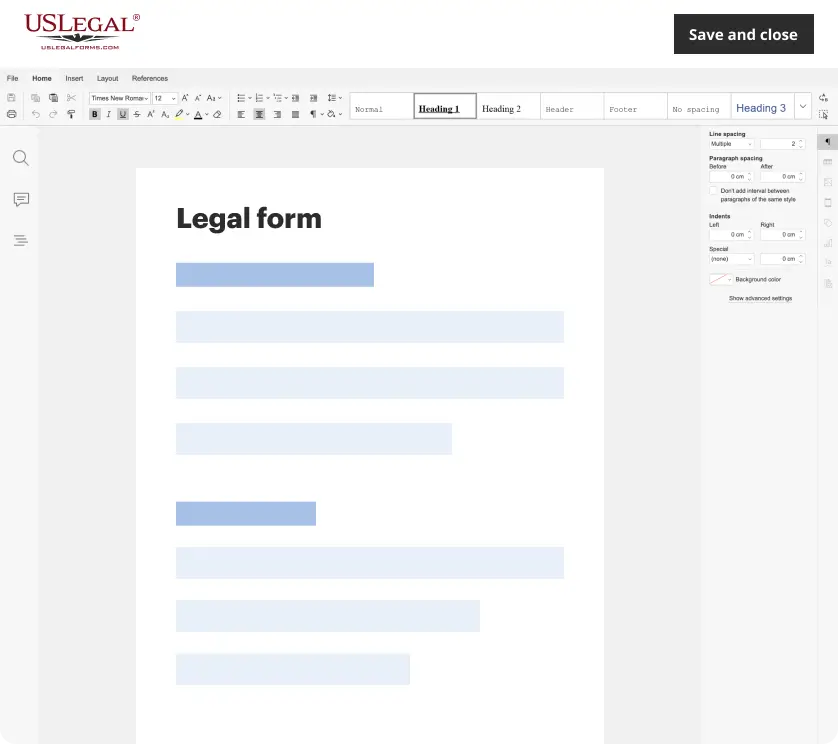
Make edits, fill in missing information, and update formatting in US Legal Forms—just like you would in MS Word.
Download a copy, print it, send it by email, or mail it via USPS—whatever works best for your next step.

Sign and collect signatures with our SignNow integration. Send to multiple recipients, set reminders, and more. Go Premium to unlock E-Sign.

If this form requires notarization, complete it online through a secure video call—no need to meet a notary in person or wait for an appointment.
We protect your documents and personal data by following strict security and privacy standards.
Looking for another form?










How to fill out Privacy Statement Of Owner Of Website?
Managing legal documents can be perplexing, even for the most experienced experts.
When you are searching for a Evaluating Website Traffic With Google Analytics and lack the time to dedicate to finding the suitable and current version, the processes can be challenging.
Obtain access to region-specific legal and business forms. US Legal Forms caters to all your requirements, from personal to corporate documents, in one convenient location.
Utilize sophisticated tools to fill out and manage your Evaluating Website Traffic With Google Analytics.
Here are the steps to follow after downloading the form you need: Confirm it is the correct form by previewing it and reviewing its description. Ensure that the sample is valid in your state or county. Select Buy Now when you are ready. Choose a monthly subscription plan. Select the format you need, and Download, complete, sign, print, and submit your document. Enjoy the US Legal Forms online library, supported by 25 years of expertise and trustworthiness. Streamline your daily document management into a simple and user-friendly process today.
- Access a valuable resource library of articles, guides, and manuals related to your situation and requirements.
- Save time and effort searching for the necessary documents, and use US Legal Forms’ advanced search and Preview tool to find Evaluating Website Traffic With Google Analytics and obtain it.
- If you have a subscription, Log In to your US Legal Forms account, search for the form, and download it.
- Check your My documents section to view the documents you have previously downloaded and manage your folders as desired.
- If this is your first time using US Legal Forms, create a free account and gain unlimited access to all the platform’s features.
- A comprehensive web form repository could be a transformative solution for anyone aiming to effectively handle these circumstances.
- US Legal Forms is a frontrunner in online legal documents, offering over 85,000 state-specific legal forms accessible to you at any moment.
- With US Legal Forms, you can.
Form popularity
FAQ
There are many tools you can use to measure your website's traffic. The most powerful tools are available through comprehensive online marketing management services like Google Analytics. These services bundle all the tools and techniques you'll need to monitor your website traffic.
Use Analytics with your site Step 1: Get an Analytics Property ID. If you don't already have one, sign up for an Analytics account. Find your Analytics Property ID. Step 2: Add the Analytics Property ID to your site. On your computer, open a new Google Sites. ... Step 3: See your data. Open Analytics.
Google Analytics calls unique visitors ?users.? Every time new users visit your website, they're assigned a unique ID that tracks their return visits. If the same user visits your website three times, Google Analytics will associate those three sessions with the same user.
To set up Google Analytics, you simply have to follow these steps: Step 1: Set up Google Tag Manager. Step 2: Create Google Analytics account. Step 3: Set up analytics tag with Google Tag Manager. Step 4: Set up goals. Step 5: Link to Google Search Console.