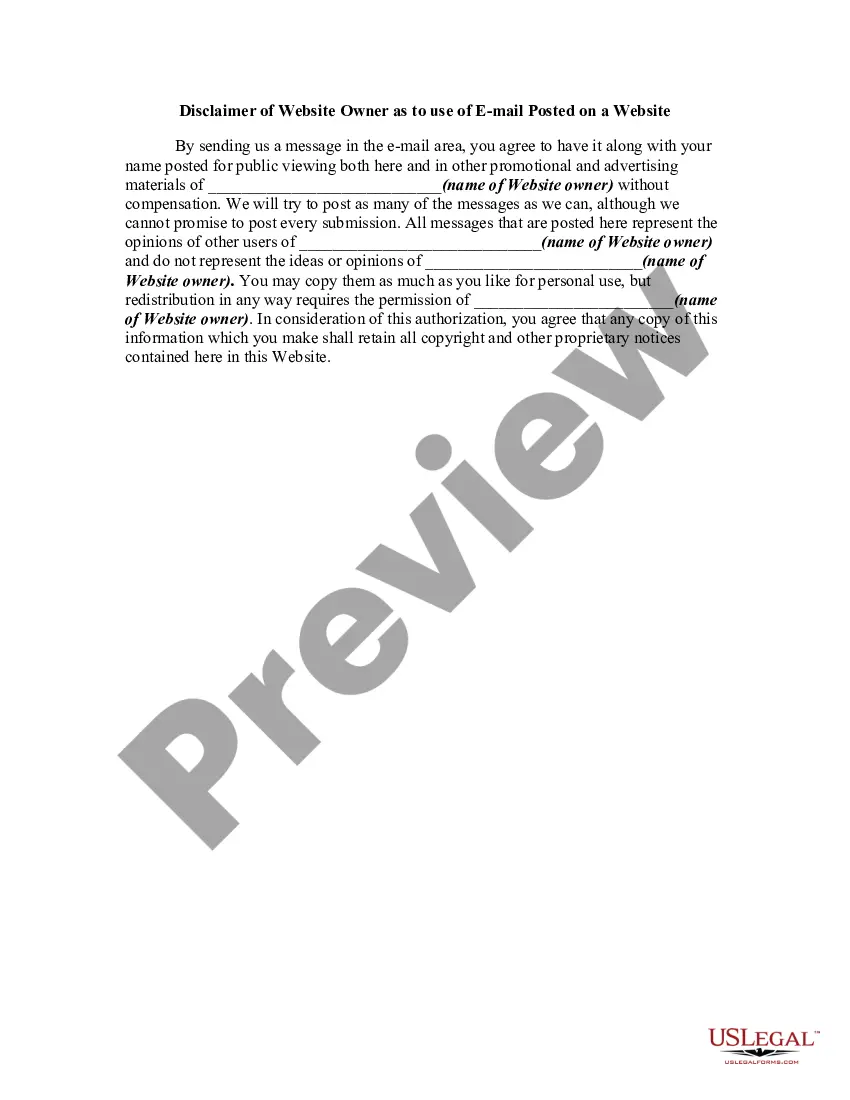
Website Use On With Source Code
Description
Get your form ready online
Our built-in tools help you complete, sign, share, and store your documents in one place.
Make edits, fill in missing information, and update formatting in US Legal Forms—just like you would in MS Word.
Download a copy, print it, send it by email, or mail it via USPS—whatever works best for your next step.
Sign and collect signatures with our SignNow integration. Send to multiple recipients, set reminders, and more. Go Premium to unlock E-Sign.
If this form requires notarization, complete it online through a secure video call—no need to meet a notary in person or wait for an appointment.
We protect your documents and personal data by following strict security and privacy standards.

Make edits, fill in missing information, and update formatting in US Legal Forms—just like you would in MS Word.

Download a copy, print it, send it by email, or mail it via USPS—whatever works best for your next step.

Sign and collect signatures with our SignNow integration. Send to multiple recipients, set reminders, and more. Go Premium to unlock E-Sign.

If this form requires notarization, complete it online through a secure video call—no need to meet a notary in person or wait for an appointment.

We protect your documents and personal data by following strict security and privacy standards.
Looking for another form?


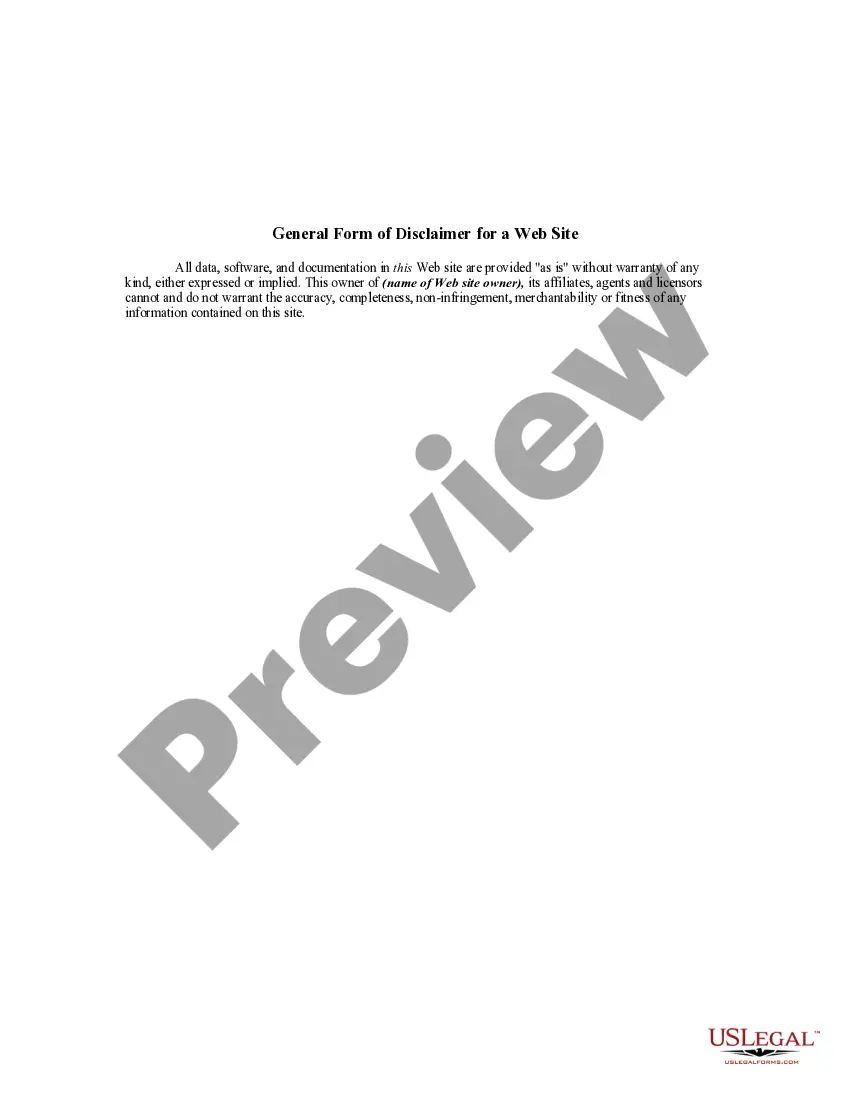
How to fill out Disclaimer Of Website Owner As To Use Of EMail Posted On A Website?
Creating legal documents from the ground up can occasionally be a bit daunting. Certain situations may require extensive research and significant financial investment.
If you’re looking for an easier and more budget-friendly method of generating Website Use On With Source Code or any other paperwork without unnecessary complications, US Legal Forms is always accessible.
Our online library of over 85,000 current legal documents covers nearly every aspect of your financial, legal, and personal matters. With just a few clicks, you can quickly obtain state- and county-specific templates meticulously crafted by our legal professionals.
Utilize our website whenever you require dependable and trustworthy services to swiftly locate and download the Website Use On With Source Code. If you’re familiar with our site and have set up an account previously, simply Log In to your account, choose the form, and download it instantly or retrieve it later from the My documents section.
Ensure the template you select adheres to the regulations and laws of your state and county. Choose the most appropriate subscription plan to access the Website Use On With Source Code. Download the form, then complete it, sign it, and print it. US Legal Forms has a solid reputation and over 25 years of experience. Join us today and simplify the document completion process!
- Don’t have an account? No problem.
- Setting it up takes just a few minutes and you can browse the catalog easily.
- Before diving into downloading the Website Use On With Source Code, consider these recommendations.
- Review the form overview and details to ensure it’s the document you need.
Form popularity
FAQ
Hear this out loud PausePress "Control" + "U" on the keyboard and a separate page with the source code appears. This allows you to view the HTML in a separate browser and makes it easy to compare it to the webpage.
Hear this out loud PauseSource code is a group of instructions that a programmer writes using a programming language. Once a programmer writes a set of source code, they can later implement it in a website, application, or another type of computer program to give it instructions for how to function.
PC Firefox: CTRL + U (Meaning press the CTRL key on your keyboard and hold it down. While holding down the CTRL key, press the ?u? key.) ... Edge/Internet Explorer: CTRL + U. Or right click and select ?View Source.? Chrome: CTRL + U. ... Opera: CTRL + U.
Hear this out loud PauseTo view the source code of any webpage, navigate to the webpage, right-click on the page and then select ?view page source?. Moreover, you may use a keyboard shortcut CTRL + U or CMD + U to inspect the source code of any HTML document.
Press Ctrl+U (Windows) or ?-Option-U (Mac).