Model Release Form With Compensation
Description
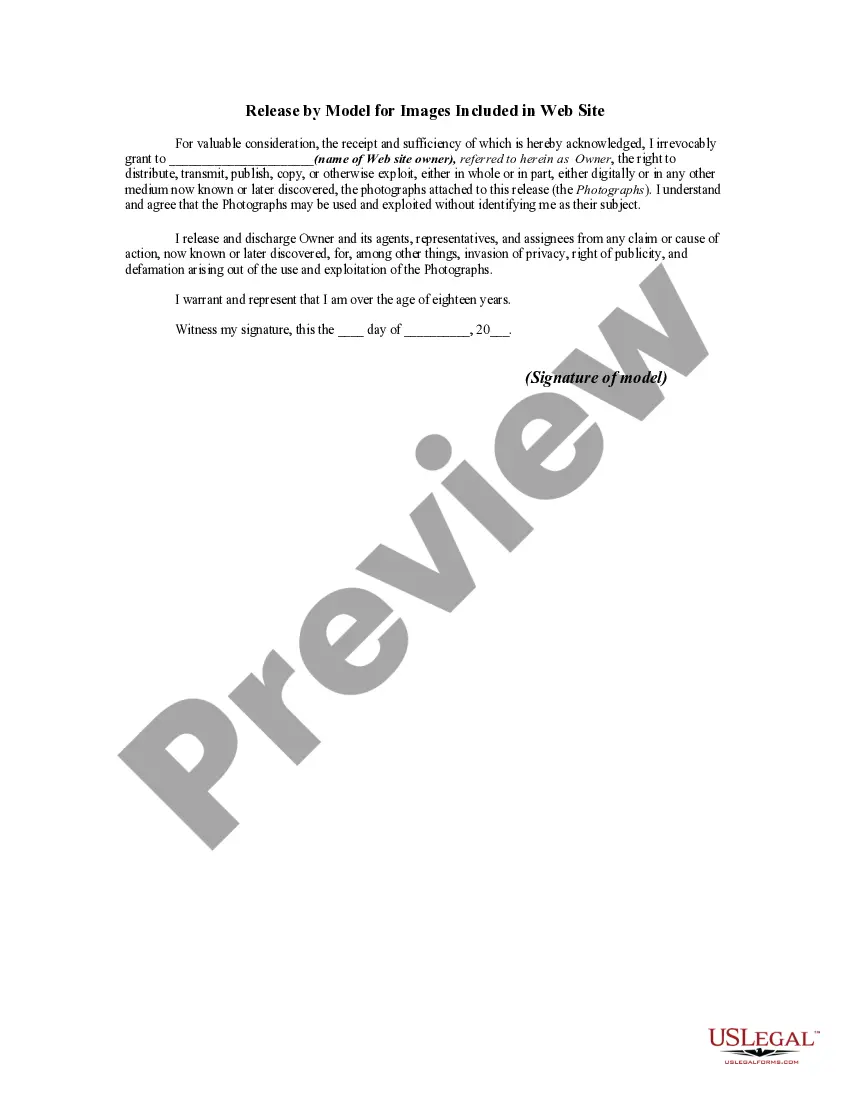
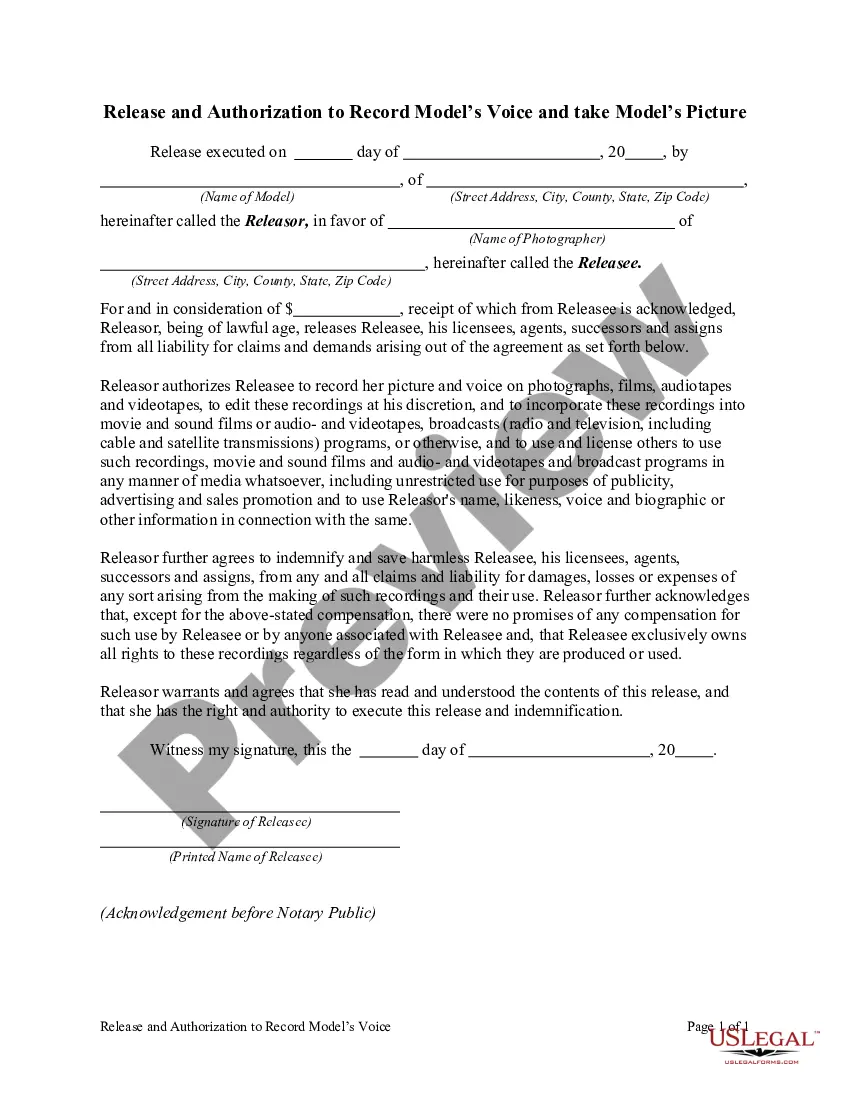
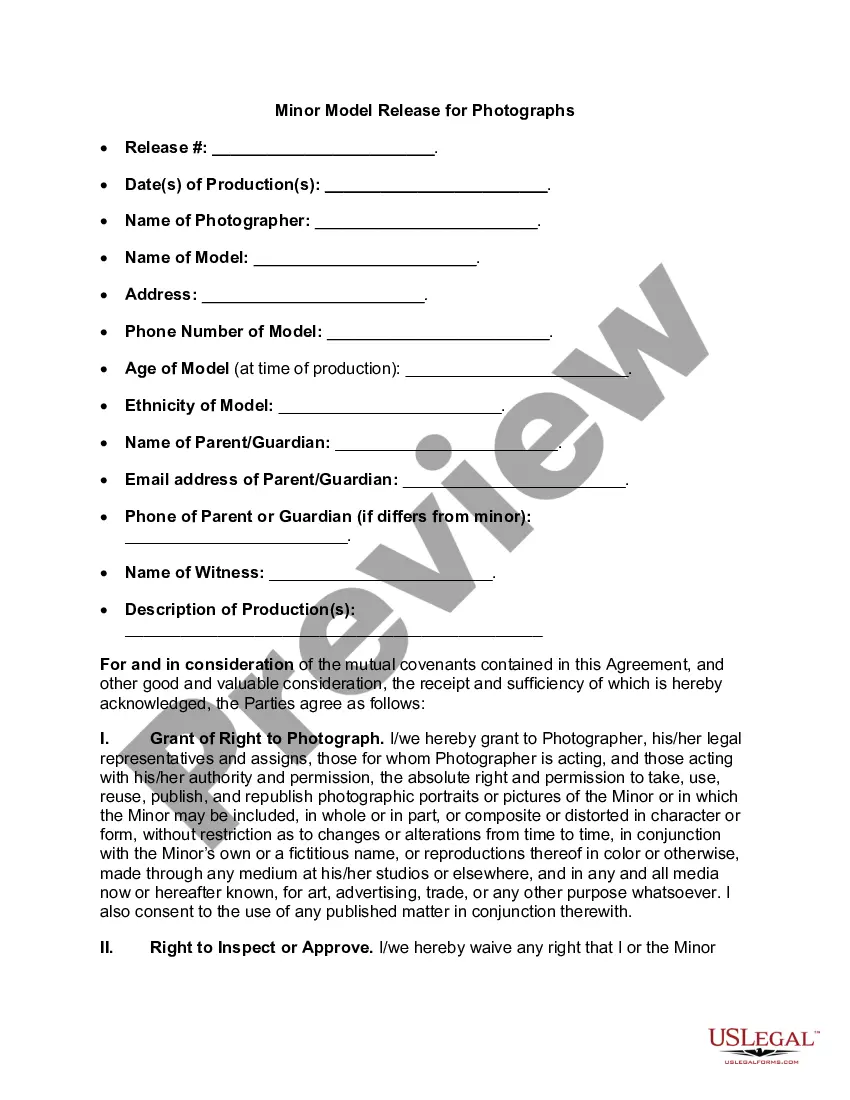
Get your form ready online
Our built-in tools help you complete, sign, share, and store your documents in one place.
Make edits, fill in missing information, and update formatting in US Legal Forms—just like you would in MS Word.
Download a copy, print it, send it by email, or mail it via USPS—whatever works best for your next step.
Sign and collect signatures with our SignNow integration. Send to multiple recipients, set reminders, and more. Go Premium to unlock E-Sign.
If this form requires notarization, complete it online through a secure video call—no need to meet a notary in person or wait for an appointment.
We protect your documents and personal data by following strict security and privacy standards.

Make edits, fill in missing information, and update formatting in US Legal Forms—just like you would in MS Word.

Download a copy, print it, send it by email, or mail it via USPS—whatever works best for your next step.

Sign and collect signatures with our SignNow integration. Send to multiple recipients, set reminders, and more. Go Premium to unlock E-Sign.

If this form requires notarization, complete it online through a secure video call—no need to meet a notary in person or wait for an appointment.

We protect your documents and personal data by following strict security and privacy standards.
Looking for another form?









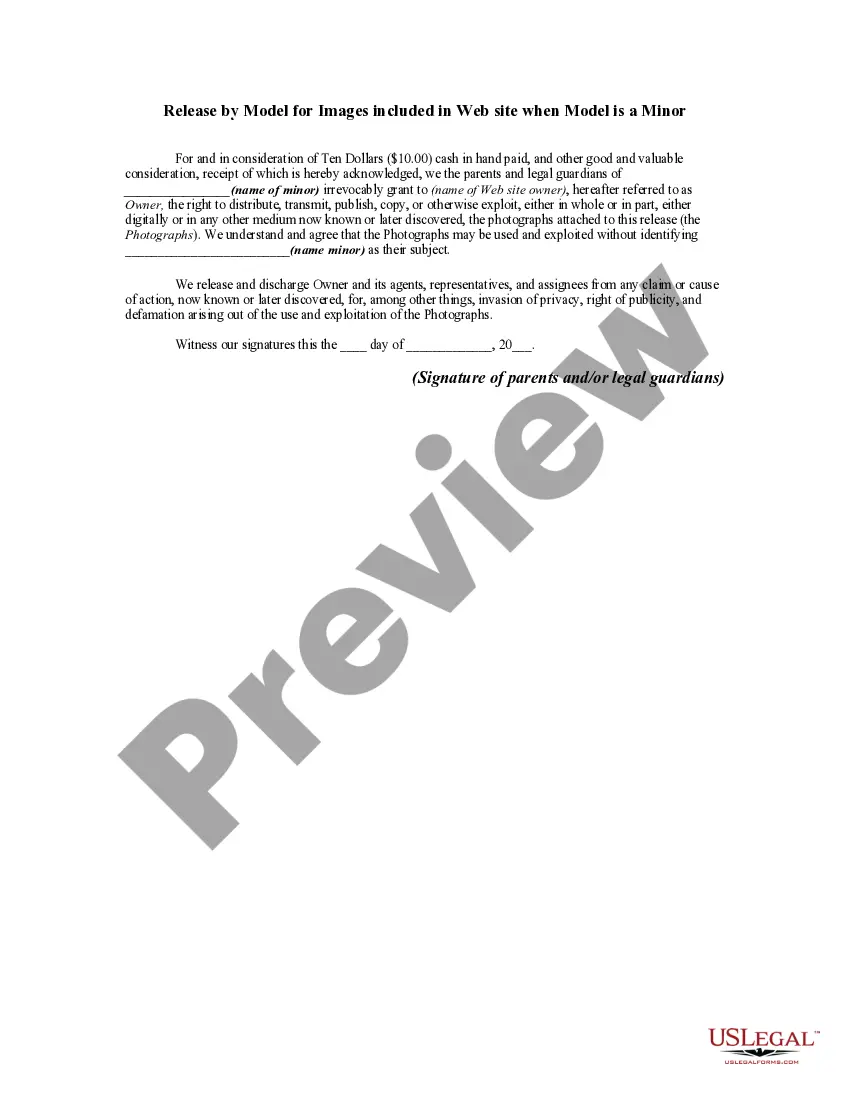
How to fill out Release By Model For Images Included In Web Site When Model Is A Minor?
There's no longer any justification for spending time searching for legal documents to meet your regional state requirements.
US Legal Forms has gathered all of them in a single location and made their accessibility easier.
Our website provides over 85,000 templates for various business and personal legal needs categorized by state and area of use.
Use the Search bar above to find another template if the earlier one didn’t meet your needs.
- All forms are properly drafted and checked for accuracy, so you can trust that you'll receive a current Model Release Form With Compensation.
- If you are acquainted with our platform and already possess an account, ensure your subscription is active before accessing any templates.
- Log In to your account, choose the document, and click Download.
- Additionally, you can revisit all saved documents at any time by selecting the My documents tab in your profile.
- If you haven't interacted with our platform previously, the process will require a few additional steps to complete.
- Here's how new users can find the Model Release Form With Compensation in our catalog.
- Examine the page contents thoroughly to ensure it includes the sample you are looking for.
- To assist with this, utilize the form description and preview options if available.
Form popularity
FAQ
Most Important Terms in a Release FormNames of releasor and releasee.Details about the project being produced.Information about what permissions are granted.Special considerations, such as crediting requirements or payment obligations.Spaces for signatures of all parties.
The essential elements of a model release formYour name and business name.Your business address.A release of all claims against your company.Whether you want to release claims from other companies that buy, use, or obtain the licenses for your photos.More items...?
On OnlyFans, we require all creators and photographers who publish photographs and third-party content to collect and submit release forms and identification. This is to ensure full verification of, and consent from, all participants, and it is in place to support all our content creators and models on our platform.
5 best practices for getting a model releaseIf possible, get the release signed before your shoot.It's okay to approach strangers, as long as you're considerate.Be clear about your objectives.When in doubt, get the release.Keep releases on hand at all times.Prepare your release in full before submitting it.
How do you attach a model release to content? To upload a model release with your content, attach a JPEG release no more than 20 MB in size using the + button next to Releases on the Submit Content page. Alternatively, you can take advantage of the Shutterstock digital release feature.