Employee Agreement With Company
Description
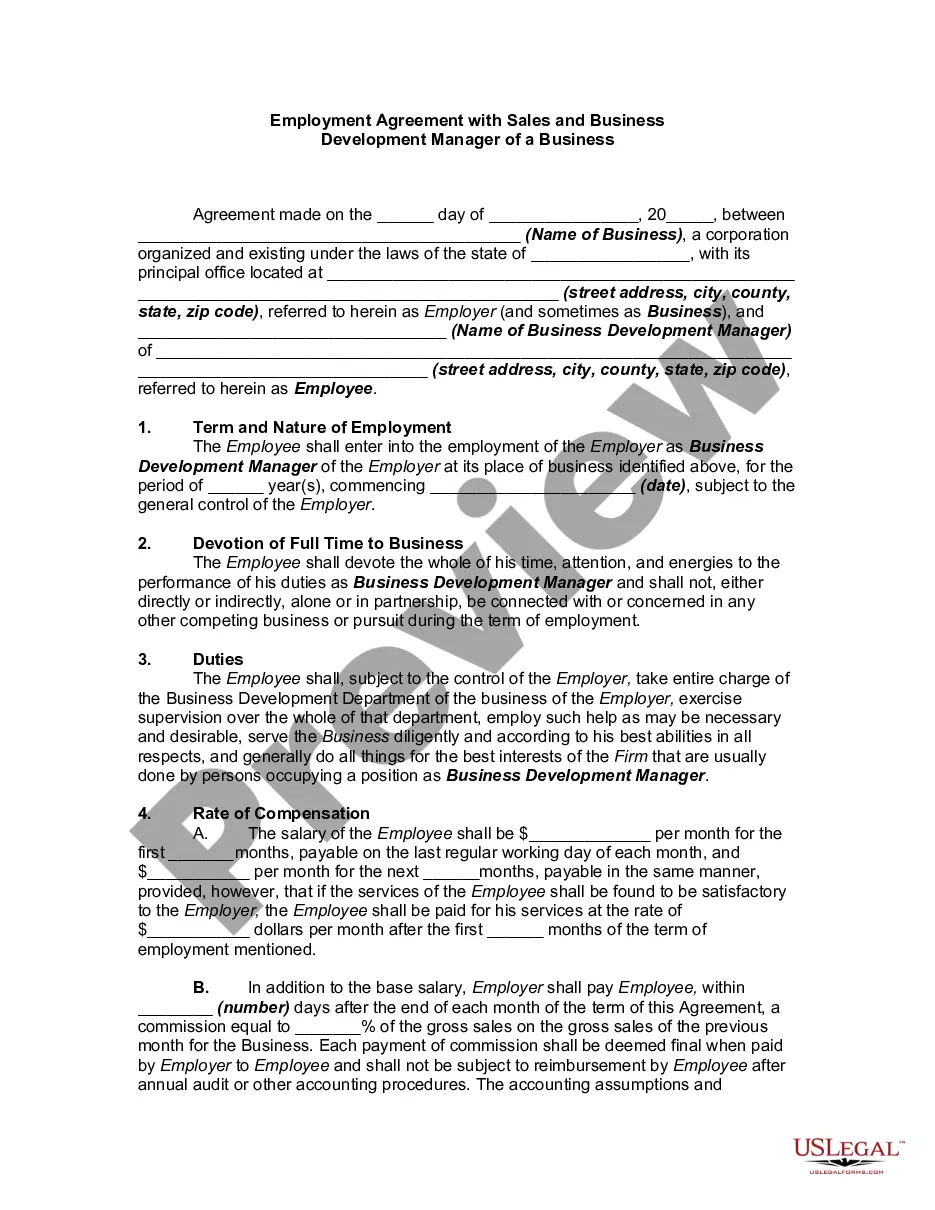
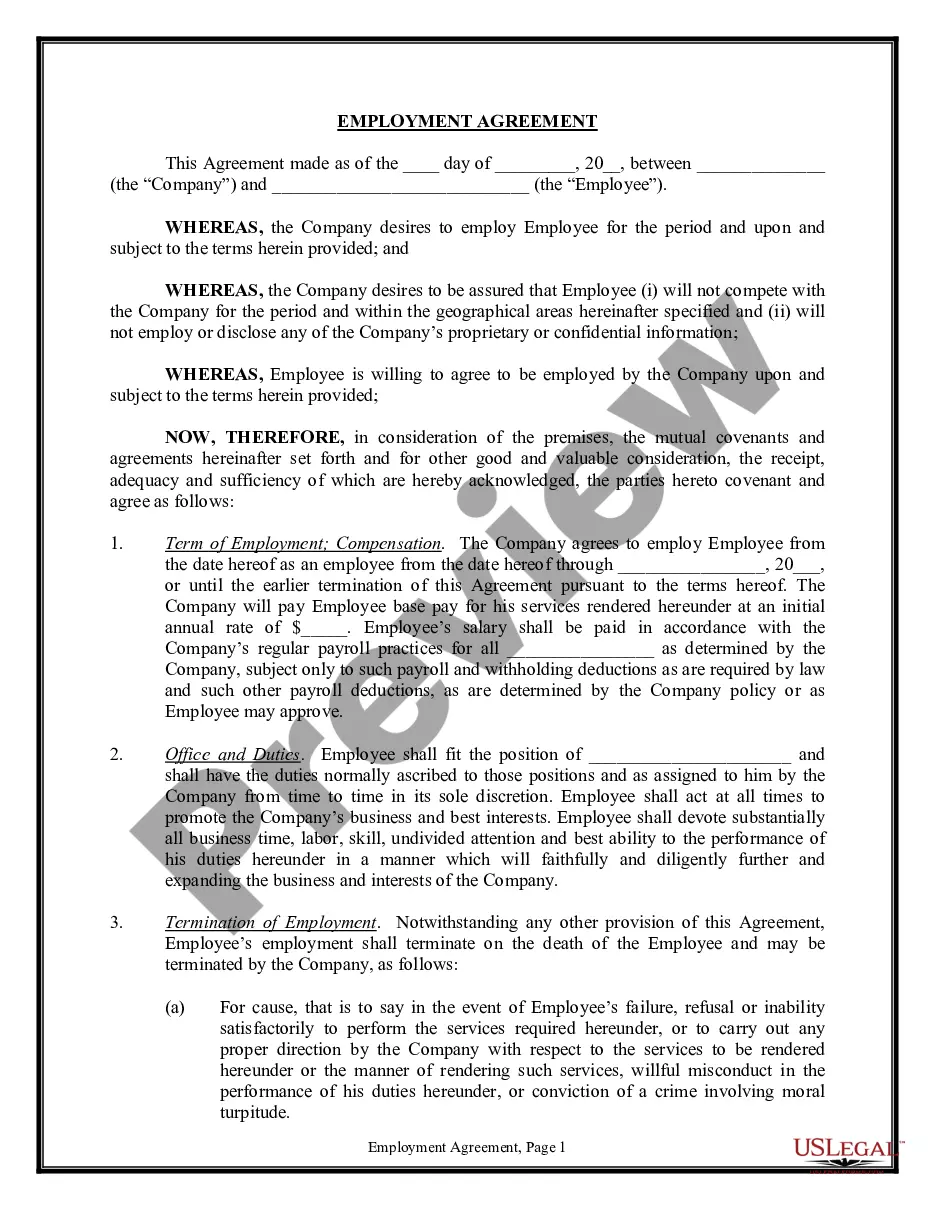
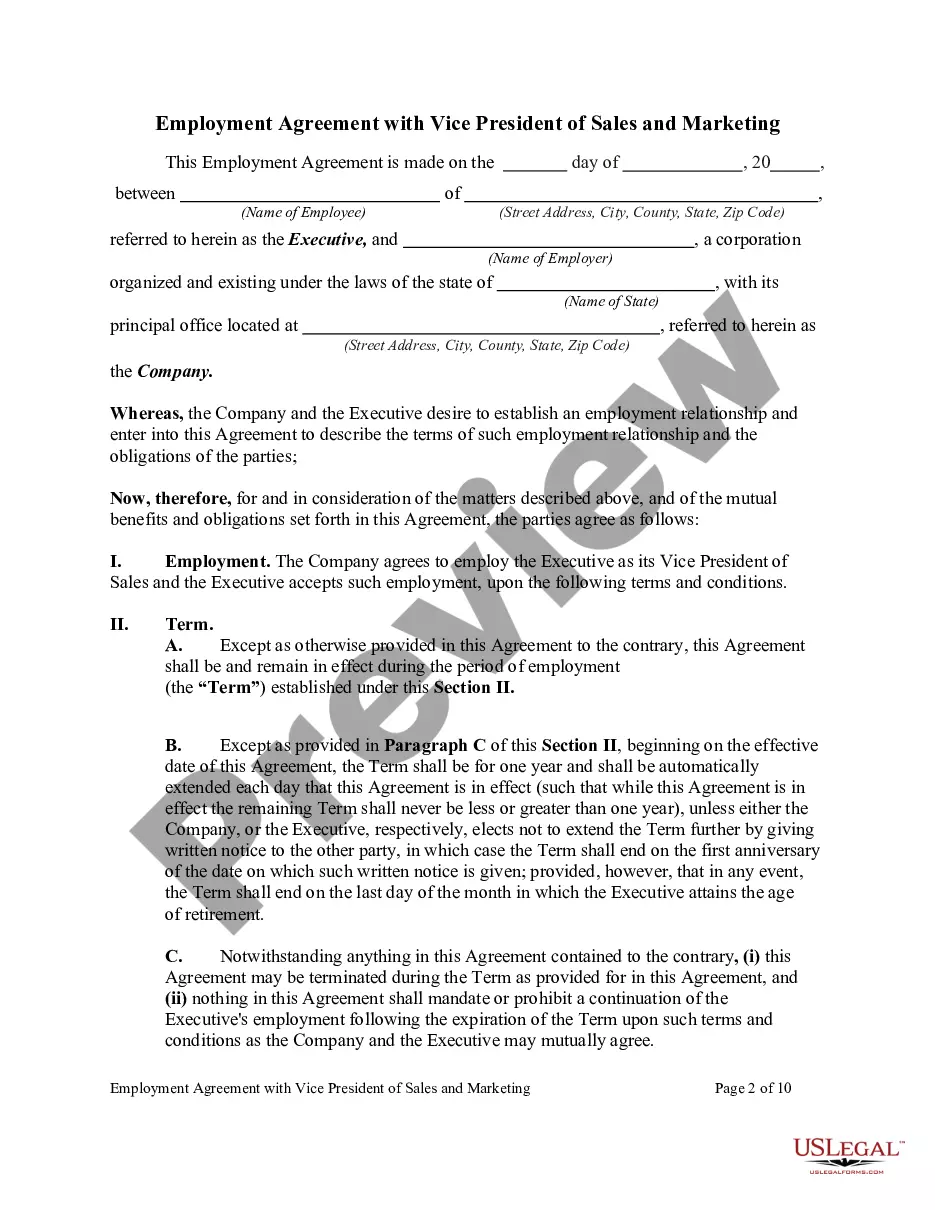
Get your form ready online
Our built-in tools help you complete, sign, share, and store your documents in one place.
Make edits, fill in missing information, and update formatting in US Legal Forms—just like you would in MS Word.
Download a copy, print it, send it by email, or mail it via USPS—whatever works best for your next step.
Sign and collect signatures with our SignNow integration. Send to multiple recipients, set reminders, and more. Go Premium to unlock E-Sign.
If this form requires notarization, complete it online through a secure video call—no need to meet a notary in person or wait for an appointment.
We protect your documents and personal data by following strict security and privacy standards.

Make edits, fill in missing information, and update formatting in US Legal Forms—just like you would in MS Word.

Download a copy, print it, send it by email, or mail it via USPS—whatever works best for your next step.

Sign and collect signatures with our SignNow integration. Send to multiple recipients, set reminders, and more. Go Premium to unlock E-Sign.

If this form requires notarization, complete it online through a secure video call—no need to meet a notary in person or wait for an appointment.

We protect your documents and personal data by following strict security and privacy standards.
Looking for another form?






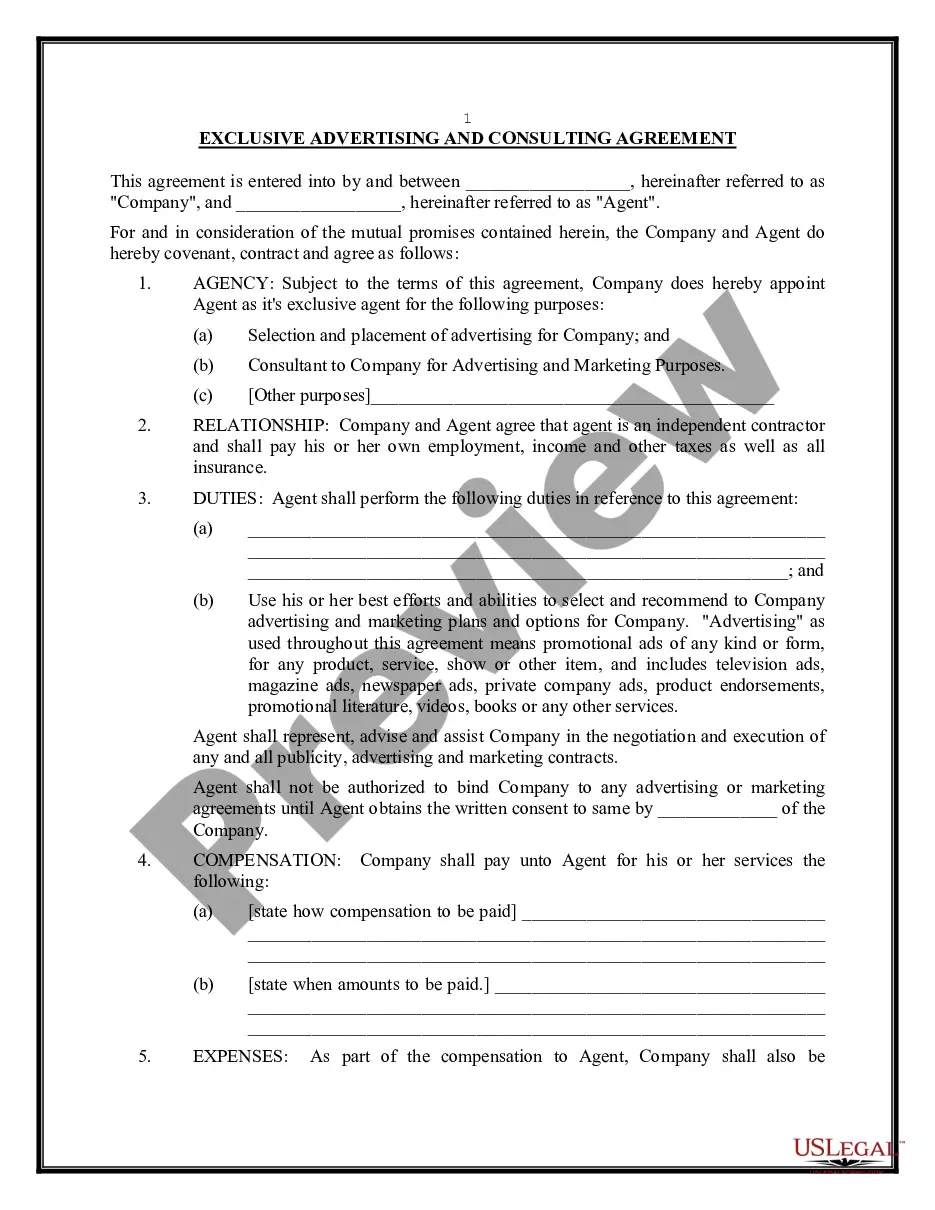

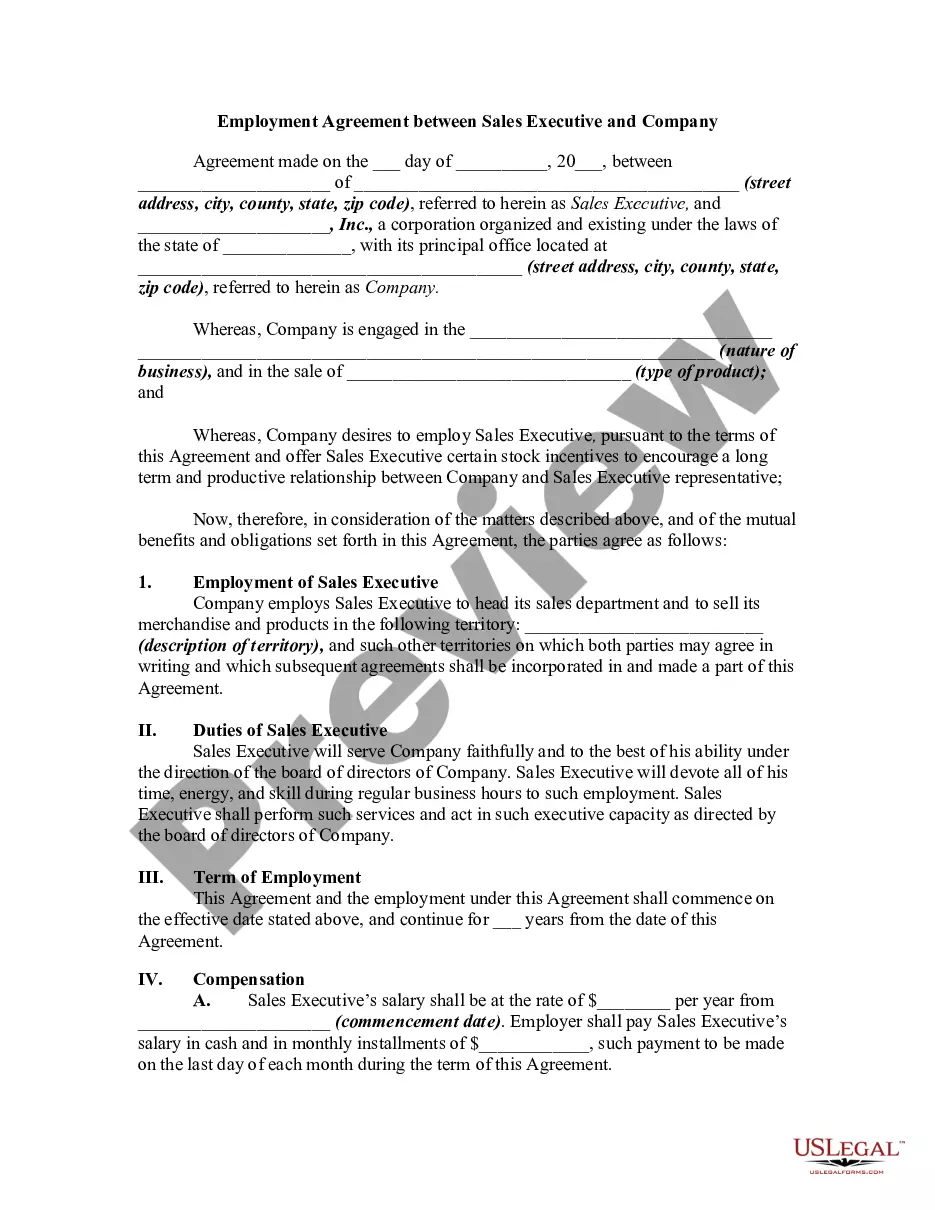
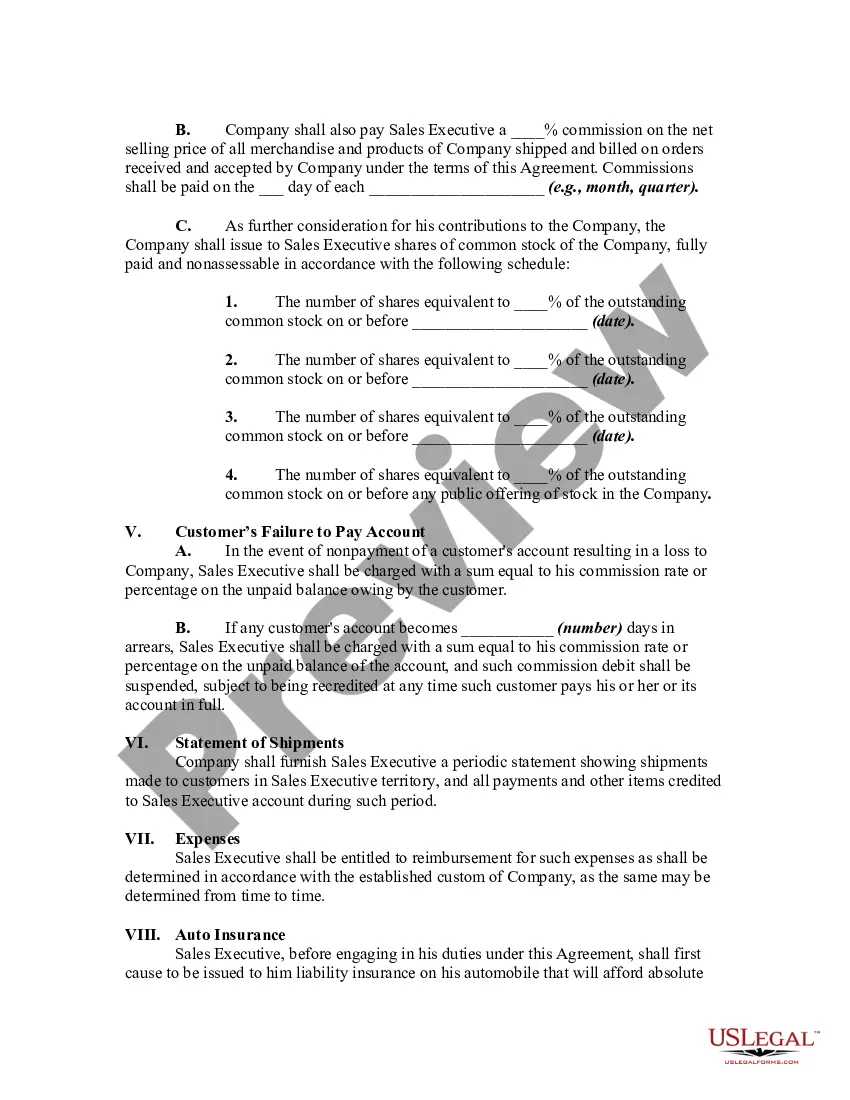
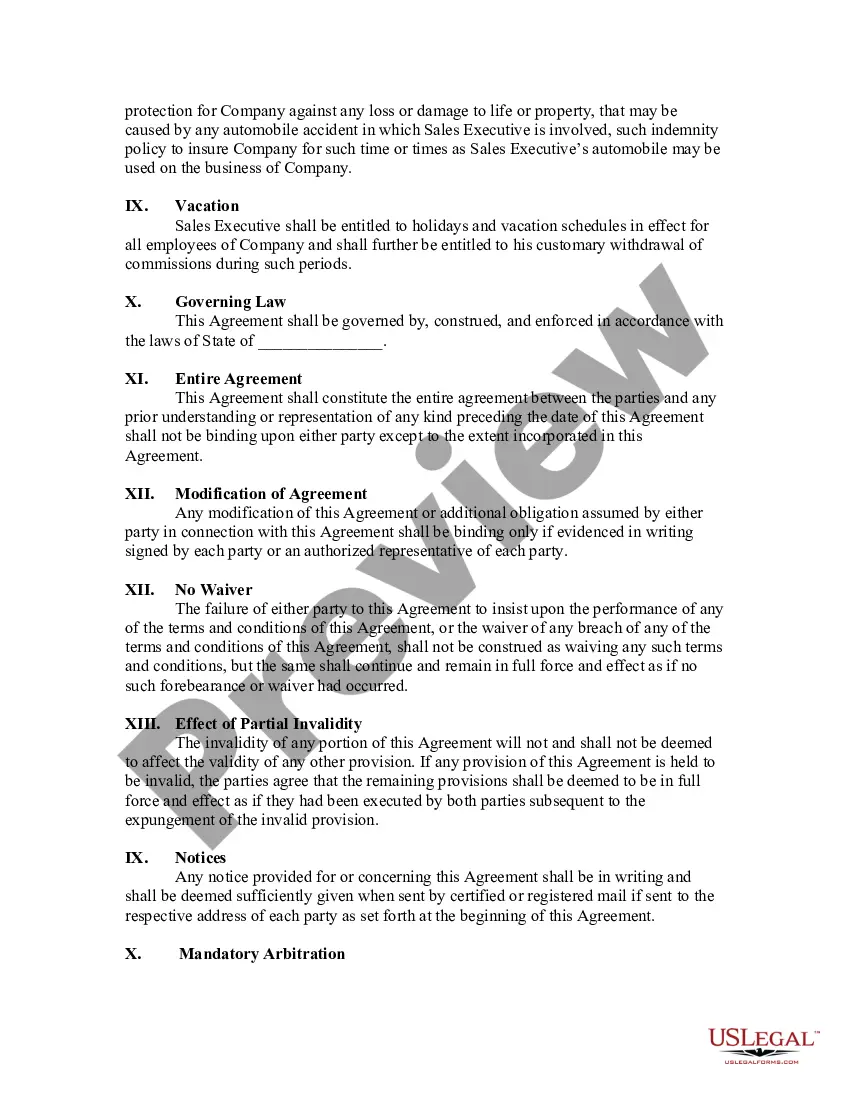
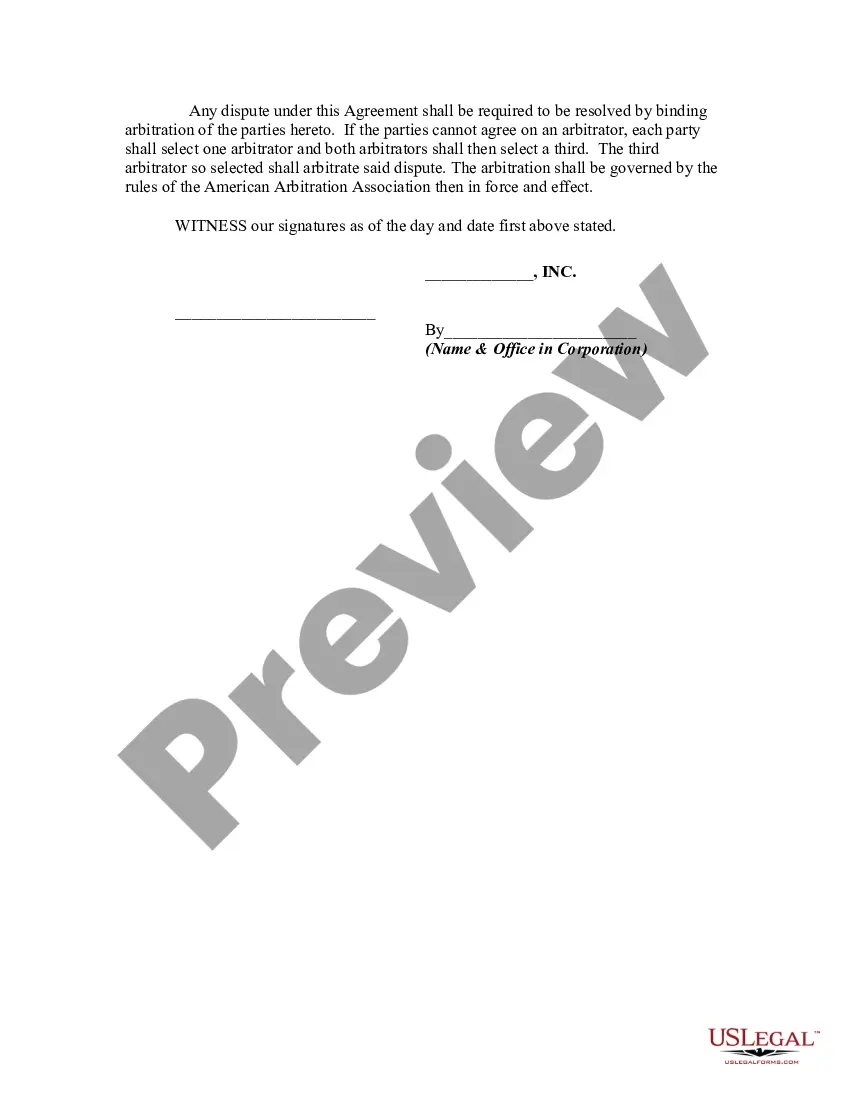
How to fill out Employment Agreement Between Sales Executive And Company?
There's no longer any necessity to squander time searching for legal documents to meet your local state obligations.
US Legal Forms has gathered all of them in one place and streamlined their availability.
Our website features over 85k templates for various business and personal legal situations categorized by state and use area.
Using the Search field above to find another template if the current one didn’t fit your needs. Click Buy Now next to the template title when you discover the suitable one. Choose the most appropriate pricing plan and create an account or Log In. Make payment for your subscription using a card or through PayPal to proceed. Select the file format for your Employee Agreement With Company and save it to your device. Print your form for manual completion or upload the sample if you prefer utilizing an online editor. Organizing legal documentation under federal and state laws and regulations is quick and simple with our library. Experience US Legal Forms today to keep your records organized!
- All forms are expertly crafted and certified for authenticity, allowing you to have confidence in receiving a current Employee Agreement With Company.
- If you are acquainted with our service and already possess an account, ensure your subscription is active before accessing any templates.
- Log In to your account, select the document, and click Download.
- You can also revisit all retrieved documents anytime needed by navigating to the My documents tab in your profile.
- If you haven't previously interacted with our service, the procedure requires a few more steps to finalize.
- Here’s how new users can locate the Employee Agreement With Company in our catalog.
- Examine the page content thoroughly to confirm it includes the sample you require.
- To do so, utilize the form description and preview options if available.
Form popularity
FAQ
An employment contract is a signed agreement between an individual employee and an employer or a labor union. It establishes both the rights and responsibilities of the two parties: the worker and the company.
Write the contract in six stepsStart with a contract template.Open with the basic information.Describe in detail what you have agreed to.Include a description of how the contract will be ended.Write into the contract which laws apply and how disputes will be resolved.Include space for signatures.
An employment agreement is a binding document between an employer and an employee, freelancer, independent contractor, or subcontractor. The agreement should include the terms of employment and ensure that parties to the agreement understand what is expected of them.
Thus, an employment agreement is simply a type of contract formed between an employee and employer, which governs the terms of employment. Once both parties have signed the employment agreement, the contract will become binding and legally enforceable in court.
Employment contracts generally have specific contract terms such as effective date, type of employment, notice, termination, dispute process, applicable law and severability.