3rd Party Special Needs Trust Form With Two Points
Description

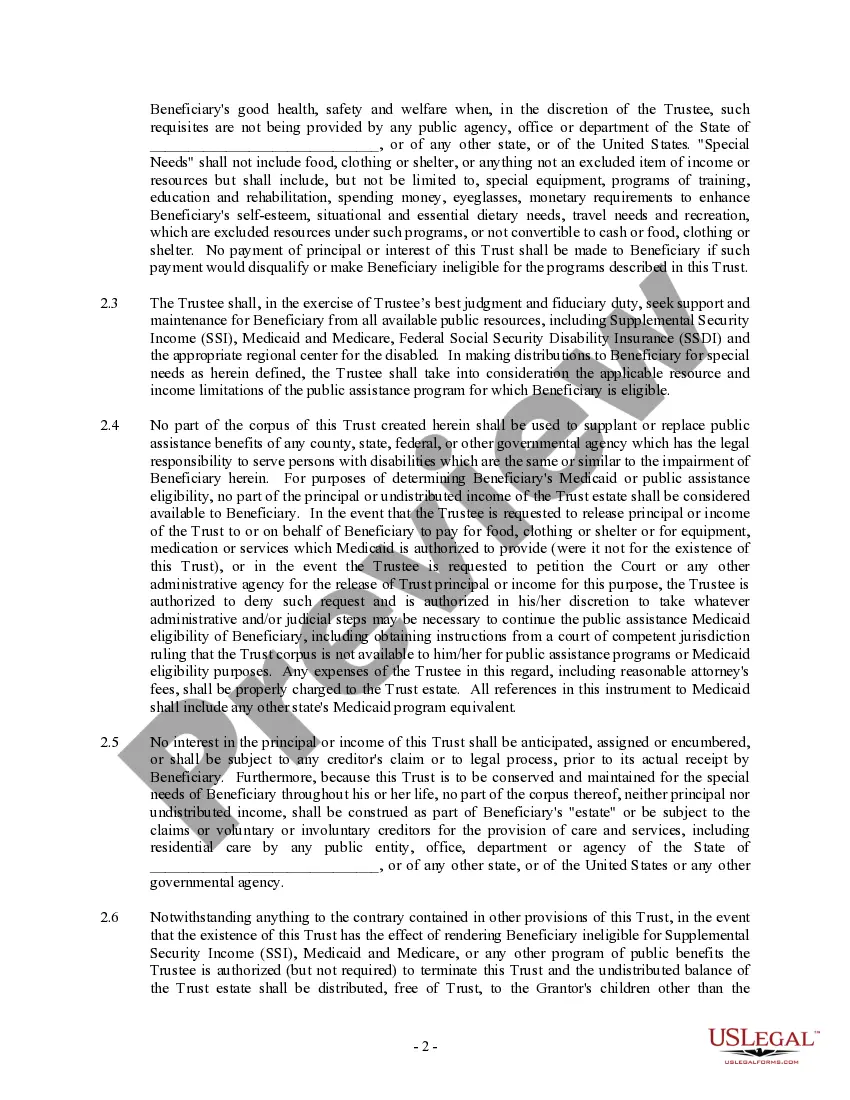
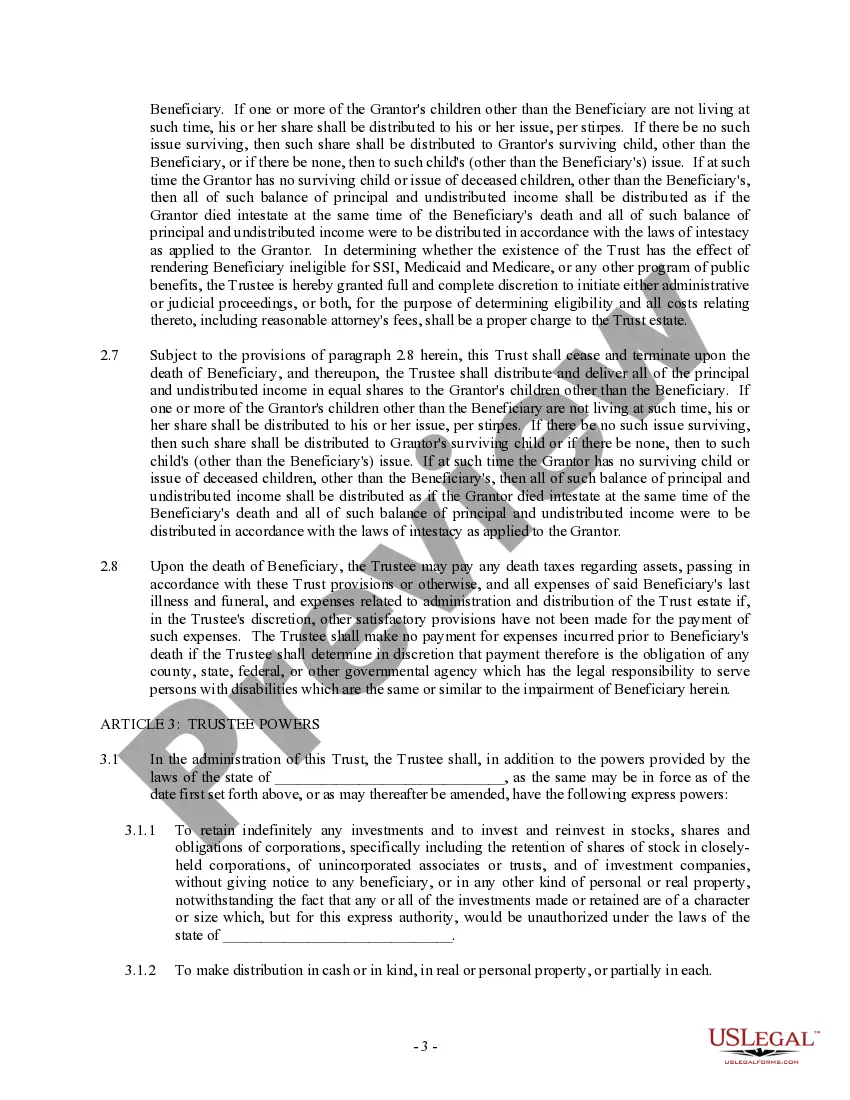
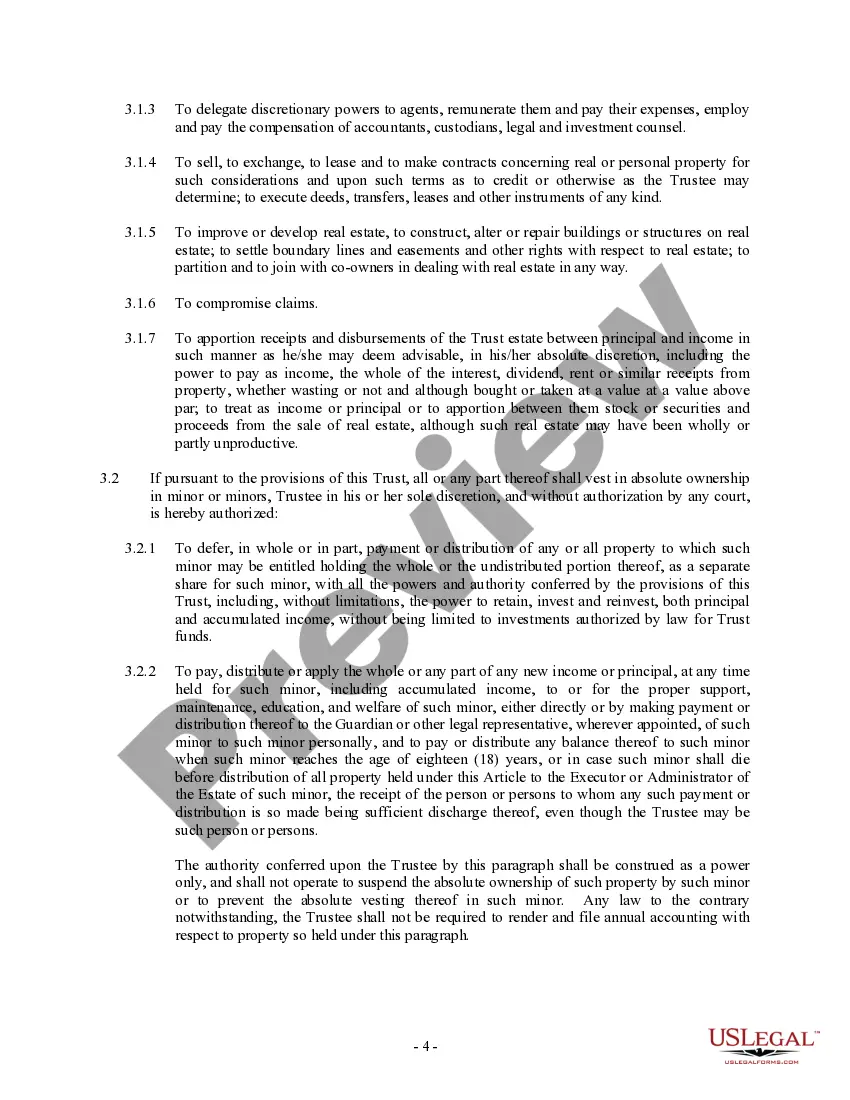
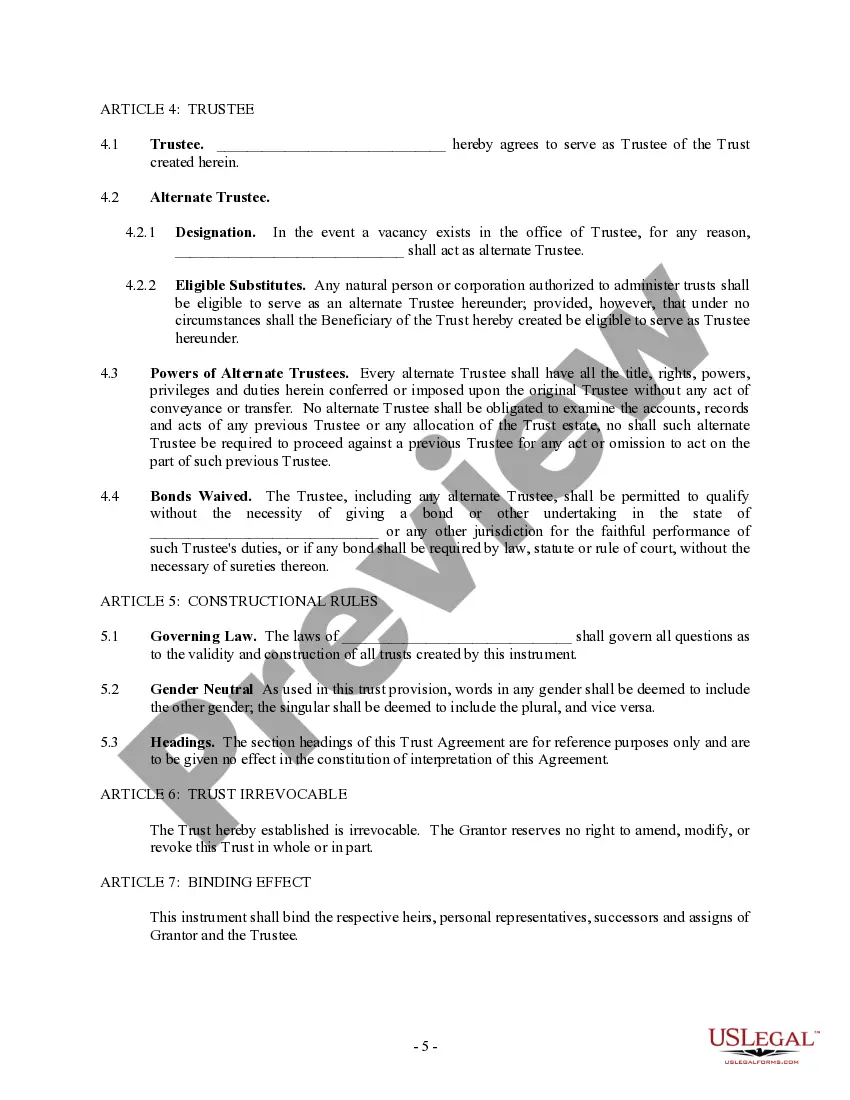


Get your form ready online
Our built-in tools help you complete, sign, share, and store your documents in one place.
Make edits, fill in missing information, and update formatting in US Legal Forms—just like you would in MS Word.
Download a copy, print it, send it by email, or mail it via USPS—whatever works best for your next step.
Sign and collect signatures with our SignNow integration. Send to multiple recipients, set reminders, and more. Go Premium to unlock E-Sign.
If this form requires notarization, complete it online through a secure video call—no need to meet a notary in person or wait for an appointment.
We protect your documents and personal data by following strict security and privacy standards.

Make edits, fill in missing information, and update formatting in US Legal Forms—just like you would in MS Word.

Download a copy, print it, send it by email, or mail it via USPS—whatever works best for your next step.

Sign and collect signatures with our SignNow integration. Send to multiple recipients, set reminders, and more. Go Premium to unlock E-Sign.

If this form requires notarization, complete it online through a secure video call—no need to meet a notary in person or wait for an appointment.

We protect your documents and personal data by following strict security and privacy standards.
Looking for another form?
How to fill out Trust Agreement - Family Special Needs?
Managing legal documents can be daunting, even for seasoned professionals.
When searching for a 3rd Party Special Needs Trust Form With Two Points and unable to invest time finding the correct and updated version, the process can be stressful.
US Legal Forms caters to all your requirements, from personal to business paperwork, all in a single platform.
Employ advanced tools to fill out and manage your 3rd Party Special Needs Trust Form With Two Points.
Here are the steps to follow after accessing the desired form: Verify its accuracy by previewing it and reviewing its description, ensure the template is valid in your state or county, click Buy Now when ready, select a subscription plan, choose your preferred file format, and Download, complete, sign, print, and submit your documents. Experience the extensive US Legal Forms online catalog, supported by 25 years of expertise and reliability. Transform your daily document management into a straightforward and user-friendly process today.
- Access a valuable resource library of articles, guides, and manuals pertinent to your situation and requirements.
- Save time and effort searching for the documents you need, and utilize US Legal Forms’ enhanced search and Review tool to locate and obtain the 3rd Party Special Needs Trust Form With Two Points.
- If you possess a membership, Log In to your US Legal Forms account, search for the form, and obtain it.
- Check the My documents tab to view the documents you’ve previously saved and organize your folders as desired.
- If this is your first experience with US Legal Forms, create a free account to gain unlimited access to all the advantages of the library.
- A comprehensive online form database can be transformative for anyone looking to navigate these matters effectively.
- US Legal Forms stands as a leading provider of online legal documents, featuring over 85,000 state-specific legal forms accessible at any time.
- With US Legal Forms, you can access legal and business documents tailored to your state or county.
Form popularity
FAQ
A Special Needs Trust (SNT) allows for a disabled person to maintain his or her eligibility for public assistance benefits, despite having assets that would otherwise make the person ineligible for those benefits. There are two types of SNTs: First Party and Third Party funded.
Third-Party Special Needs Trusts are established using assets from someone other than the individual living with disabilities. Typically established by a loved one while living or through specific language in a living will specifically designating funds to be placed into a Third-Party Trust.
What is a Third Party Trust? A Third Party Trust (also known as a Common Law Trust) is funded by the beneficiary's family and/or friends, rather than the beneficiary themselves. It can be funded either during their lifetime and/or through an estate plan.
SSDI does not depend upon having limited assets, and it is not affected by distributions from a Disability Trust.
Cons of Special Needs Trusts The trust must be maintained, and yearly management costs can be high. Depending on who manages the fund, there may be a minimum amount required to set up the trust. It may be financially difficult for the settlor to actually establish the trust, depending upon their circumstances.