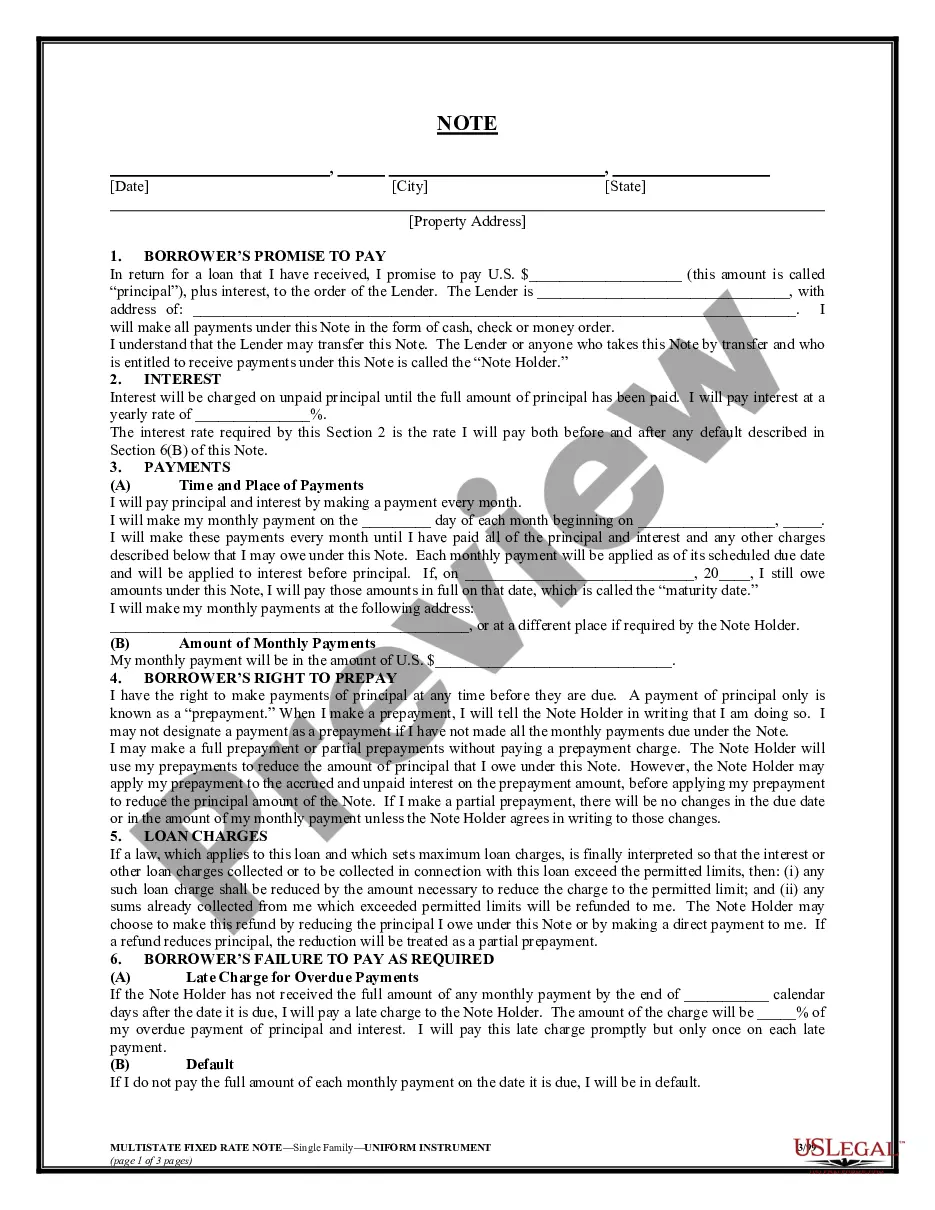
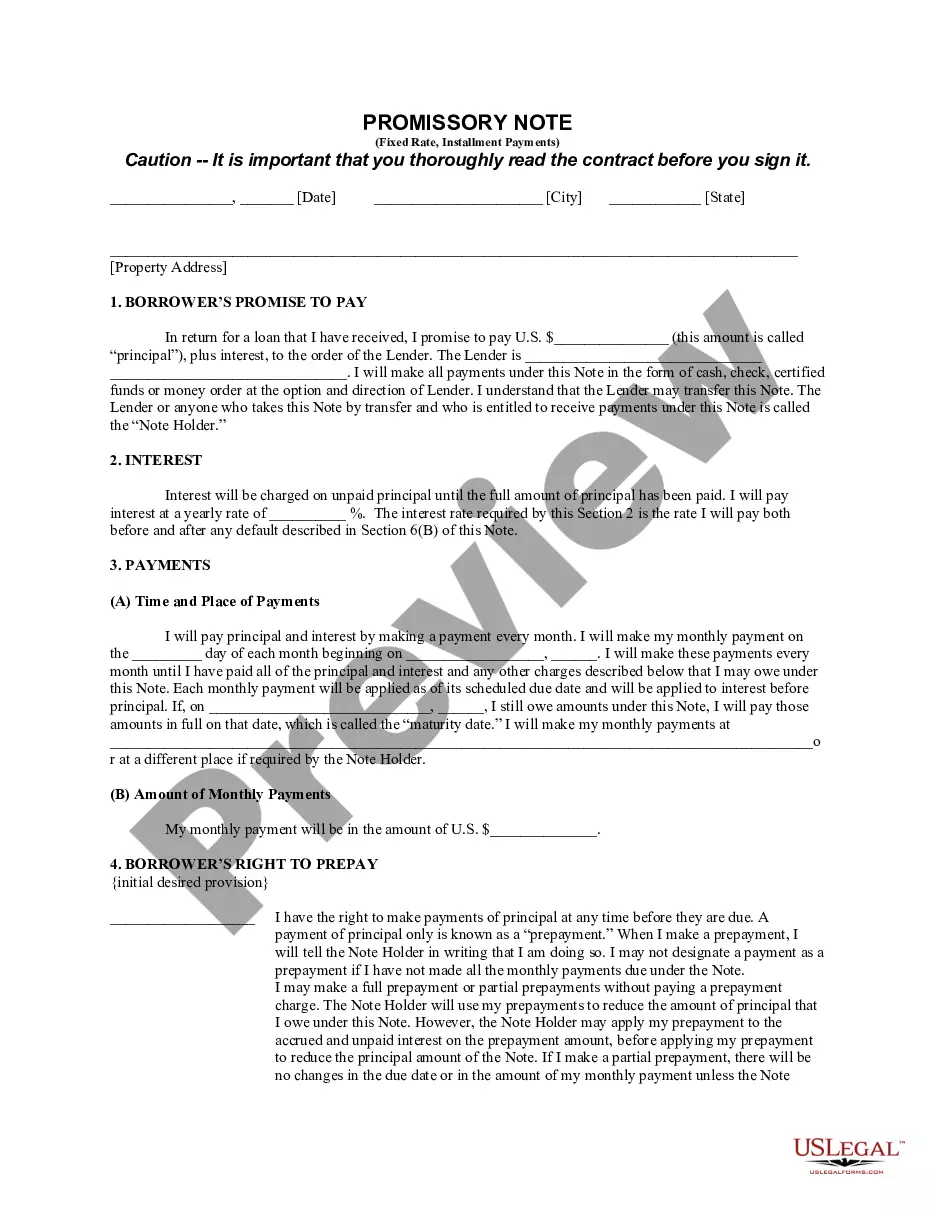
Note Unsecured Document Without Comments
Description
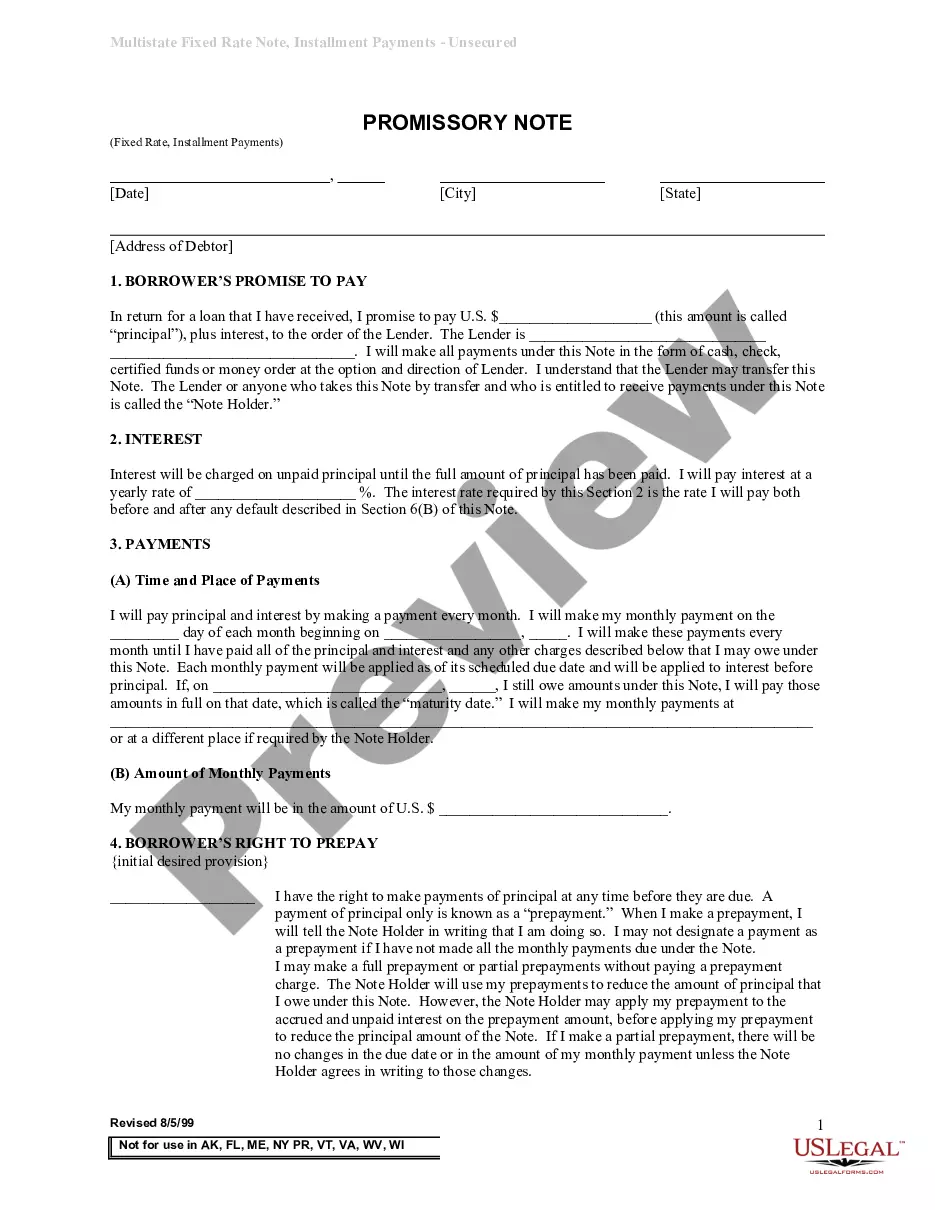
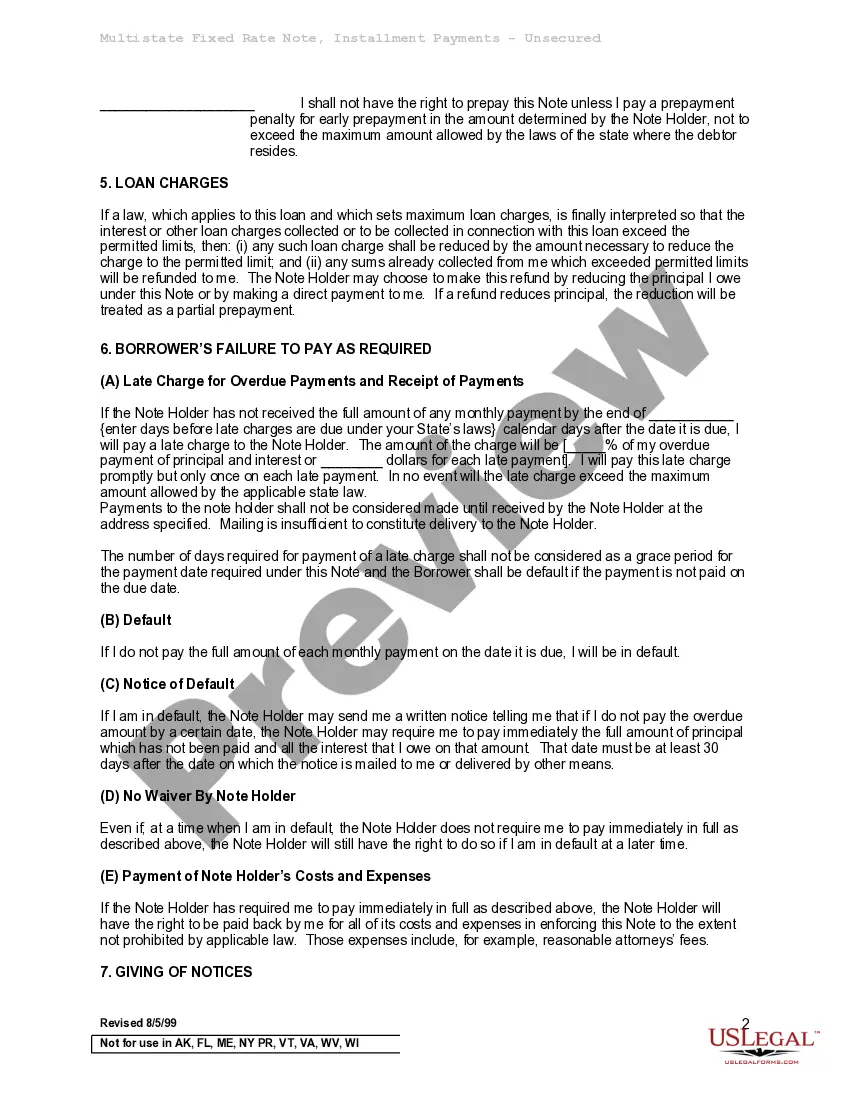
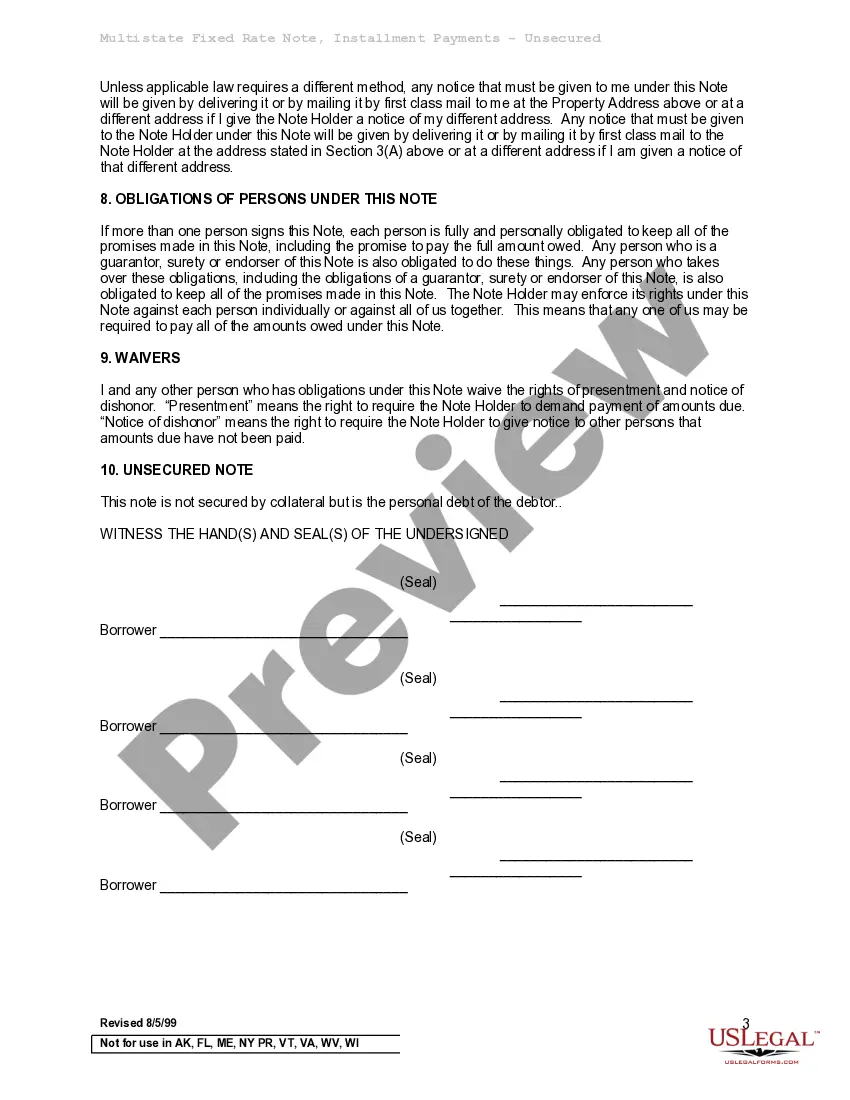
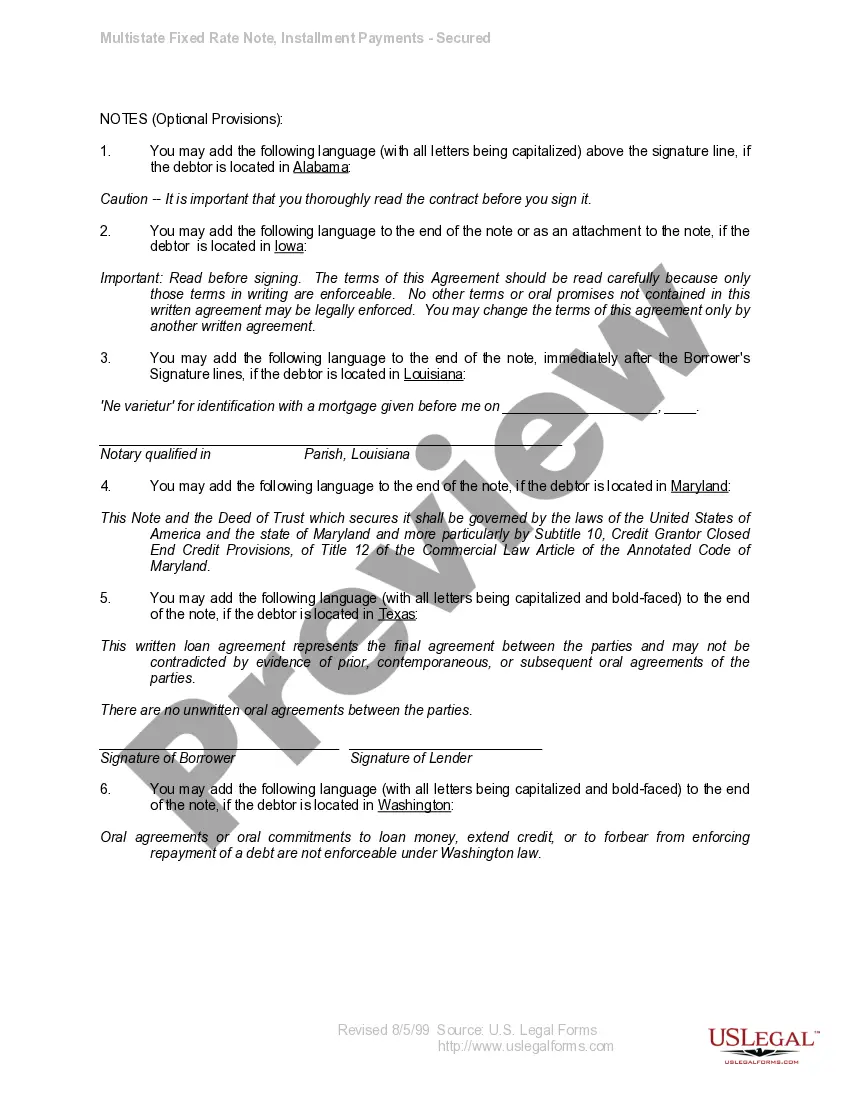
How to fill out Multistate Promissory Note - Unsecured - Signature Loan?
The Note Unsecured Document Without Comments you see on this page is a reusable formal template drafted by professional lawyers in line with federal and state laws and regulations. For more than 25 years, US Legal Forms has provided individuals, organizations, and attorneys with more than 85,000 verified, state-specific forms for any business and personal situation. It’s the fastest, simplest and most reliable way to obtain the documents you need, as the service guarantees the highest level of data security and anti-malware protection.
Getting this Note Unsecured Document Without Comments will take you just a few simple steps:
- Search for the document you need and review it. Look through the sample you searched and preview it or check the form description to confirm it fits your requirements. If it does not, utilize the search bar to find the appropriate one. Click Buy Now once you have located the template you need.
- Sign up and log in. Select the pricing plan that suits you and create an account. Use PayPal or a credit card to make a quick payment. If you already have an account, log in and check your subscription to proceed.
- Obtain the fillable template. Choose the format you want for your Note Unsecured Document Without Comments (PDF, DOCX, RTF) and save the sample on your device.
- Fill out and sign the paperwork. Print out the template to complete it by hand. Alternatively, utilize an online multi-functional PDF editor to quickly and accurately fill out and sign your form with a valid.
- Download your papers one more time. Use the same document again whenever needed. Open the My Forms tab in your profile to redownload any earlier purchased forms.
Sign up for US Legal Forms to have verified legal templates for all of life’s scenarios at your disposal.
Form popularity
FAQ
How to Edit Password Protected PDF with Adobe Acrobat Open the PDF in Adobe Acrobat DC. Enter password and press OK. Select the tool you need (top menu & side menu) Perform your edits. Save changes.
How Can I Make a PDF Not Allow Editing? Open the document in Power PDF. Navigate to the Security tab and click Manage Security. Check the box that says, ?Set a password to restrict editing of security settings.? Enter a password. Set restrictions, including whether to allow printing and which changes you wish to allow.
Simply open the PDF, pick "Remove All Comments in Document" from the "Comments" tool menu, and then save the document to remove the comments. You can delete comments from your PDF using the Adobe Acrobat Reader app if you have an Android or iOS device.
How to convert a word document to PDF without word comments Open the desired Word document in M-Files. ... Navigate to File > Save As? in Word. Click More options? Select Save As type to PDF. Click Options? In the Options -window Publish what -section select the Document. Click OK.
At its most basic, a promissory note should include the following things: Date. Name of the lender and borrower. Loan amount. Whether the loan is secured or unsecured. If it's secured with collateral: What is the collateral? ... Payment amount and frequency. Payment due date. Whether the loan has a cosigner, and if so, who.