Sample Letter To Dismiss Court Case With Judge
Description
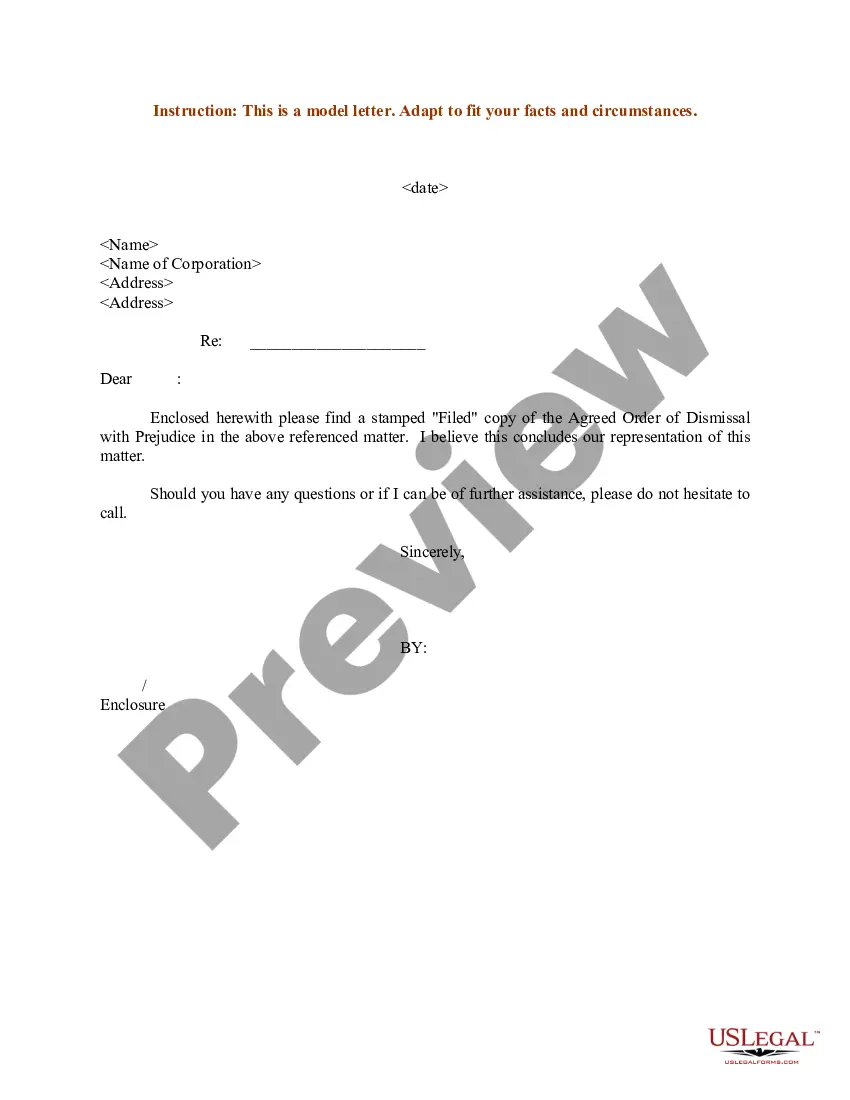


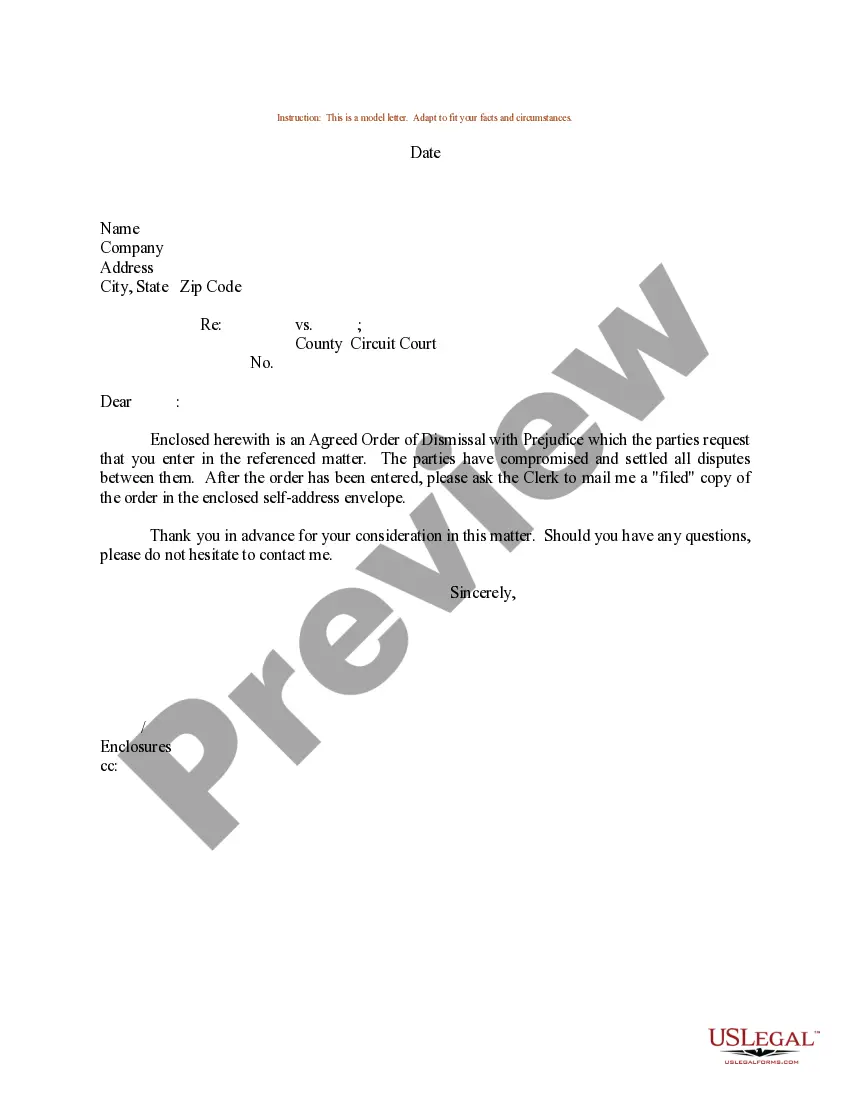

Get your form ready online
Our built-in tools help you complete, sign, share, and store your documents in one place.
Make edits, fill in missing information, and update formatting in US Legal Forms—just like you would in MS Word.
Download a copy, print it, send it by email, or mail it via USPS—whatever works best for your next step.
Sign and collect signatures with our SignNow integration. Send to multiple recipients, set reminders, and more. Go Premium to unlock E-Sign.
If this form requires notarization, complete it online through a secure video call—no need to meet a notary in person or wait for an appointment.
We protect your documents and personal data by following strict security and privacy standards.

Make edits, fill in missing information, and update formatting in US Legal Forms—just like you would in MS Word.

Download a copy, print it, send it by email, or mail it via USPS—whatever works best for your next step.

Sign and collect signatures with our SignNow integration. Send to multiple recipients, set reminders, and more. Go Premium to unlock E-Sign.

If this form requires notarization, complete it online through a secure video call—no need to meet a notary in person or wait for an appointment.

We protect your documents and personal data by following strict security and privacy standards.
Looking for another form?
How to fill out Sample Letter For Agreed Order Of Dismissal With Prejudice With Envelope?
It’s clear that you cannot become a legal authority instantaneously, nor can you learn to swiftly draft Sample Letter To Dismiss Court Case With Judge without possessing a specialized set of abilities.
Creating legal documents is a lengthy journey that demands specific training and expertise.
So why not entrust the drafting of the Sample Letter To Dismiss Court Case With Judge to the professionals.
You can regain access to your documents from the My documents tab at any time. If you’re an existing client, you can easily Log In, and locate and download the template from the same section.
Regardless of the reason for your documents—be it financial, legal, or personal—our website has you covered. Try US Legal Forms today!
- Find the document you need by utilizing the search bar located at the top of the page.
- Review it (if this option is available) and examine the accompanying description to ascertain whether Sample Letter To Dismiss Court Case With Judge is suitable for you.
- Begin your search anew if you require another document.
- Establish a free account and select a subscription plan to purchase the document.
- Click Buy now. Once the transaction is finalized, you can receive the Sample Letter To Dismiss Court Case With Judge, complete it, print it, and send or mail it to the relevant individuals or organizations.
Form popularity
FAQ
If the motion is granted and the action is dismissed, the appeal does not require prior leave in either case. (Orders dismissing actions are considered ?final? and are governed by rule 61.)
You need to fill out either one or two forms, depending on your situation. You must fill out: Request for Dismissal (form CIV-110) This forms asks the court to dismiss the case. ... You may need to fill out a 2nd form, too. Fill out a Notice of Entry of Dismissal and Proof of Service (form CIV-120) if either.
Follow the order of this format, leaving a space in between each section: Your Information (first thing that goes on the inside of the letter) Name. ... The Date. The Judge's Information. Honorable Judge First Name Last Name. ... What the Letter Is Going to Address. ... Salutation. ... Body. ... Signature.
It is important to note that a dismissal without prejudice does not toll the statute of limitations. Therefore, when a case gets dismissed without prejudice, it is treated as though it was never filed, and any case re-filed after the statute expires will be dismissed for another time.
File your forms at the courthouse where you filed your case. The court clerk will process your Request for Dismissal (Form CIV-110) and Form CIV-120. The clerk will keep the original and return the copies of Form CIV-110 to you, stamped "Filed." Keep one for your records.