Confidentiality Employment Employee Form
Description

Get your form ready online
Our built-in tools help you complete, sign, share, and store your documents in one place.
Make edits, fill in missing information, and update formatting in US Legal Forms—just like you would in MS Word.
Download a copy, print it, send it by email, or mail it via USPS—whatever works best for your next step.
Sign and collect signatures with our SignNow integration. Send to multiple recipients, set reminders, and more. Go Premium to unlock E-Sign.
If this form requires notarization, complete it online through a secure video call—no need to meet a notary in person or wait for an appointment.
We protect your documents and personal data by following strict security and privacy standards.

Make edits, fill in missing information, and update formatting in US Legal Forms—just like you would in MS Word.

Download a copy, print it, send it by email, or mail it via USPS—whatever works best for your next step.

Sign and collect signatures with our SignNow integration. Send to multiple recipients, set reminders, and more. Go Premium to unlock E-Sign.

If this form requires notarization, complete it online through a secure video call—no need to meet a notary in person or wait for an appointment.

We protect your documents and personal data by following strict security and privacy standards.
Looking for another form?
How to fill out Confidentiality Agreements - Noncompetition In Employment?
Carefully crafted official documents are among the essential safeguards for preventing complications and legal disputes, but acquiring them without the aid of a lawyer can be a lengthy process.
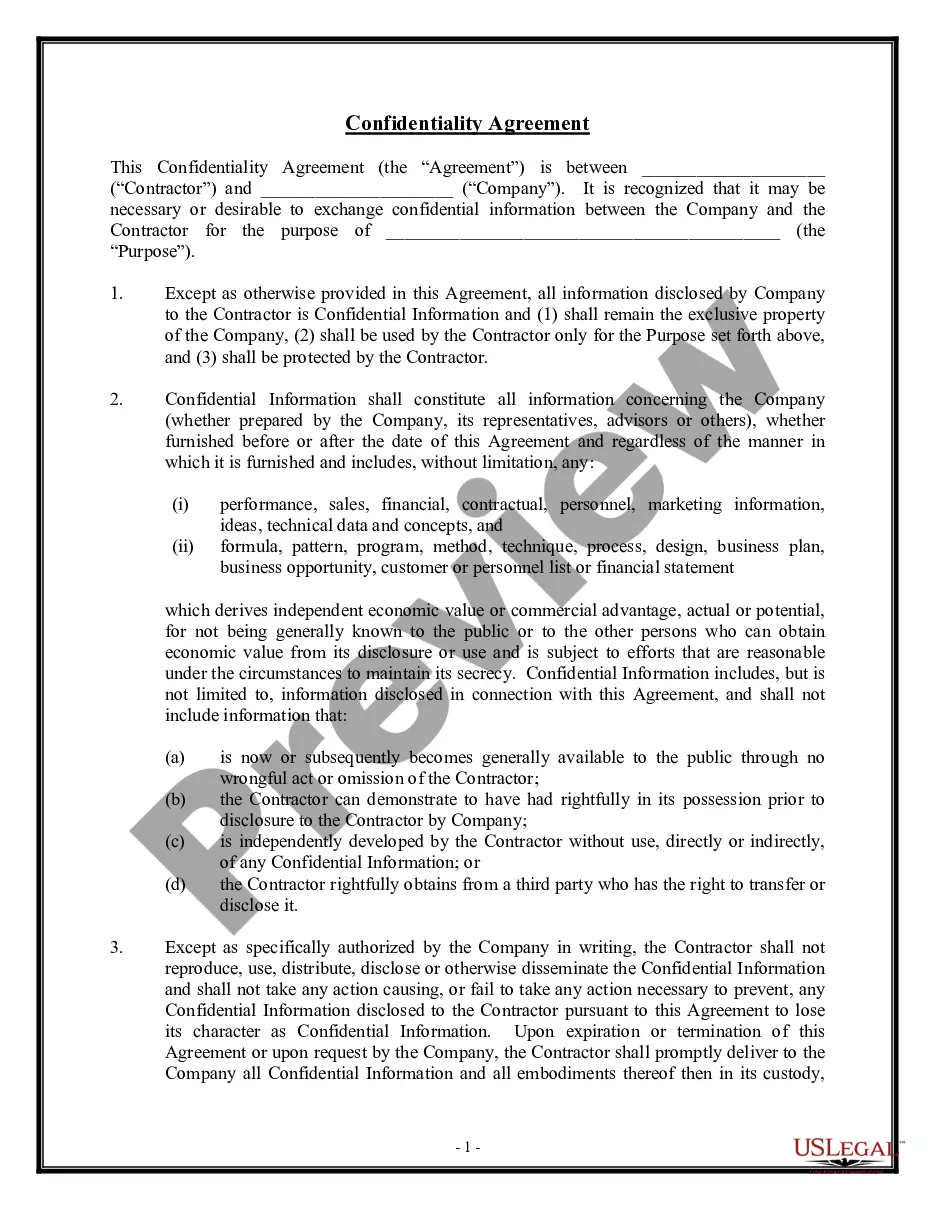
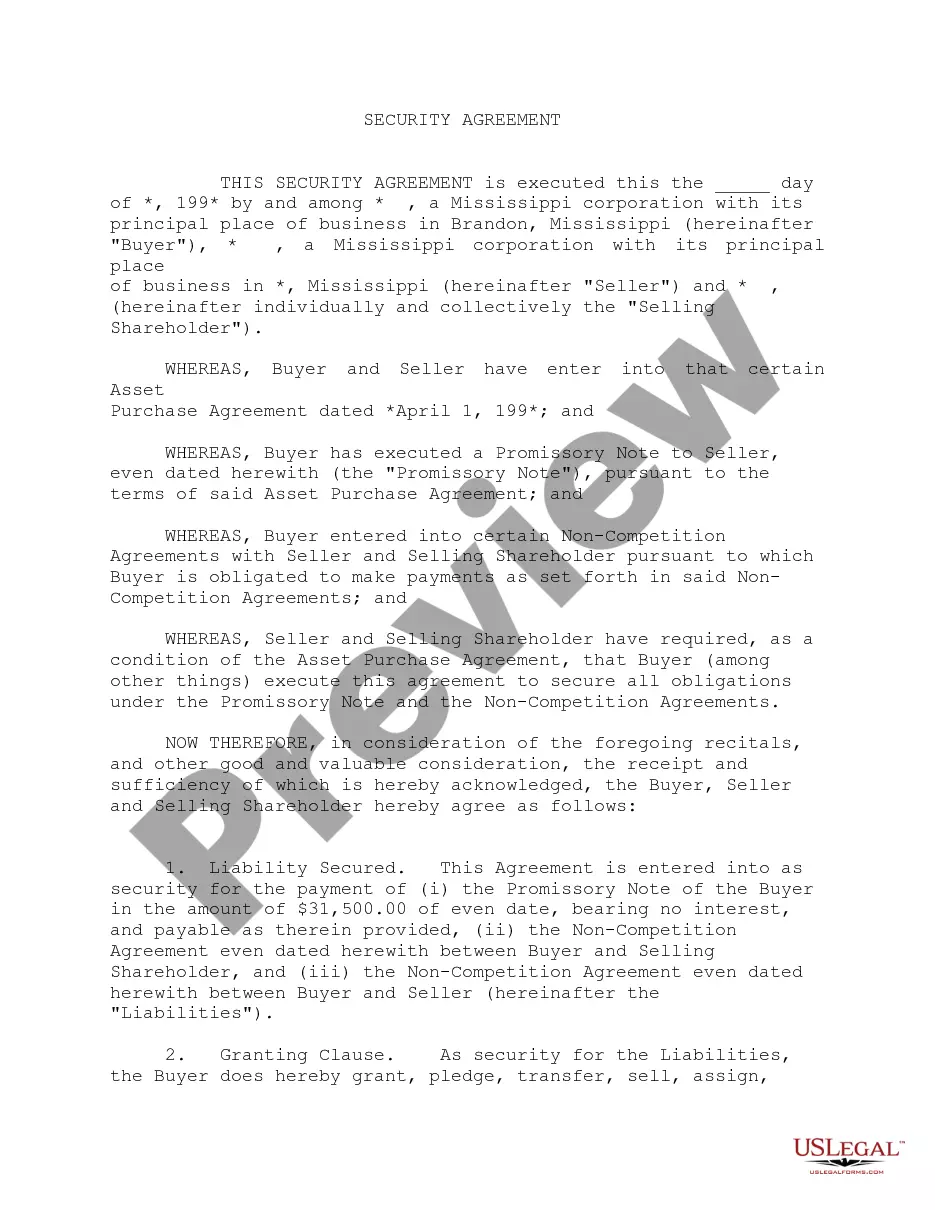
Whether you require an up-to-date Confidentiality Employment Employee Form swiftly or other templates for employment, family, or business needs, US Legal Forms is ready to assist.
The process is even more straightforward for existing users of the US Legal Forms library. If your subscription is active, you just need to Log In to your account and click the Download button next to the selected document. Furthermore, you can retrieve the Confidentiality Employment Employee Form anytime later, as all documentation acquired on the platform remains accessible in the My documents section of your profile. Save time and money on formal paperwork. Experience US Legal Forms today!
- Ensure that the form is appropriate for your situation and location by reviewing the description and preview.
- Search for another example (if necessary) using the Search bar in the page header.
- Click on Buy Now when you locate the suitable template.
- Select the pricing option, Log In to your account or create a new one.
- Choose your preferred payment method to purchase the subscription plan (using a credit card or PayPal).
- Select the PDF or DOCX file format for your Confidentiality Employment Employee Form.
- Click Download, then print the document to complete it or upload it to an online editor.
Form popularity
FAQ
Typically, a legal professional writing the NDA will complete these steps:Step 1 - Describe the scope. Which information is considered confidential?Step 2 - Detail party obligations.Step 3 - Note potential exclusions.Step 4 - Set the term.Step 5 - Spell out consequences.
An employee confidentiality agreement, or non-disclosure agreement (NDA), is a contract that prevents the employee from revealing confidential information about a business. Employee confidentiality agreements can't be broadthey must list specific information that employees are not allowed to disclose.
This can include salaries, employee perks, client lists, trade secrets, sales numbers, customer information, news about pending terminations, reasons for a firing, phone codes or computer passwords. You may not divulge this information while you are working for an employer or after you leave.
Generally, an effective confidentiality statement example must include these basic parts:The definition of confidential information.The parties involved.The reason the recipient received the information.Any limitations or exclusions on confidential information.The obligations of the receiving party.Term or time frame.More items...
For example, your beginning paragraph may say something like: "This Nondisclosure Agreement (the "Agreement") is entered into by and between with its principal offices at ("Disclosing Party") and , located at ("Receiving Party") for the purpose of