Confidentiality Agreements Form Agreement With Canada
Description

Get your form ready online
Our built-in tools help you complete, sign, share, and store your documents in one place.
Make edits, fill in missing information, and update formatting in US Legal Forms—just like you would in MS Word.
Download a copy, print it, send it by email, or mail it via USPS—whatever works best for your next step.
Sign and collect signatures with our SignNow integration. Send to multiple recipients, set reminders, and more. Go Premium to unlock E-Sign.
If this form requires notarization, complete it online through a secure video call—no need to meet a notary in person or wait for an appointment.
We protect your documents and personal data by following strict security and privacy standards.

Make edits, fill in missing information, and update formatting in US Legal Forms—just like you would in MS Word.

Download a copy, print it, send it by email, or mail it via USPS—whatever works best for your next step.

Sign and collect signatures with our SignNow integration. Send to multiple recipients, set reminders, and more. Go Premium to unlock E-Sign.

If this form requires notarization, complete it online through a secure video call—no need to meet a notary in person or wait for an appointment.

We protect your documents and personal data by following strict security and privacy standards.
Looking for another form?






How to fill out Confidentiality Agreements - Noncompetition In Employment?
Regardless of whether for commercial aims or personal issues, everyone eventually faces legal circumstances at some point in their lives.
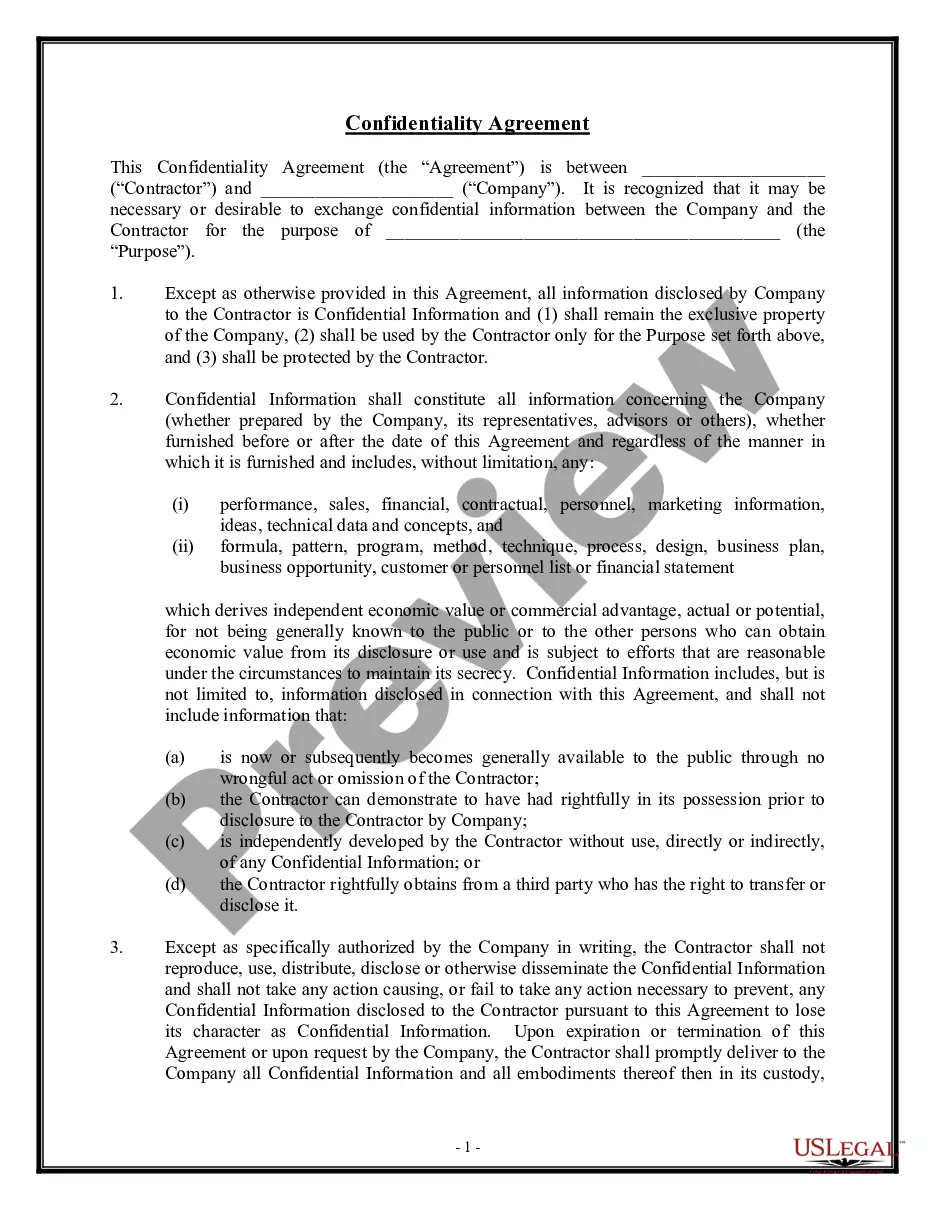
Completing legal documents necessitates meticulous focus, beginning with choosing the right template. For example, if you select an incorrect variant of the Confidentiality Agreements Form Agreement With Canada, it will be rejected upon submission.
Once it is saved, you can fill in the document using editing software or print it and complete it manually. With an extensive US Legal Forms collection available, you do not need to waste time searching for the correct template online. Utilize the library’s user-friendly navigation to find the suitable document for any circumstance.
- Acquire the template you require by using the search tool or catalog browsing.
- Review the document's details to ensure it aligns with your situation, state, and county.
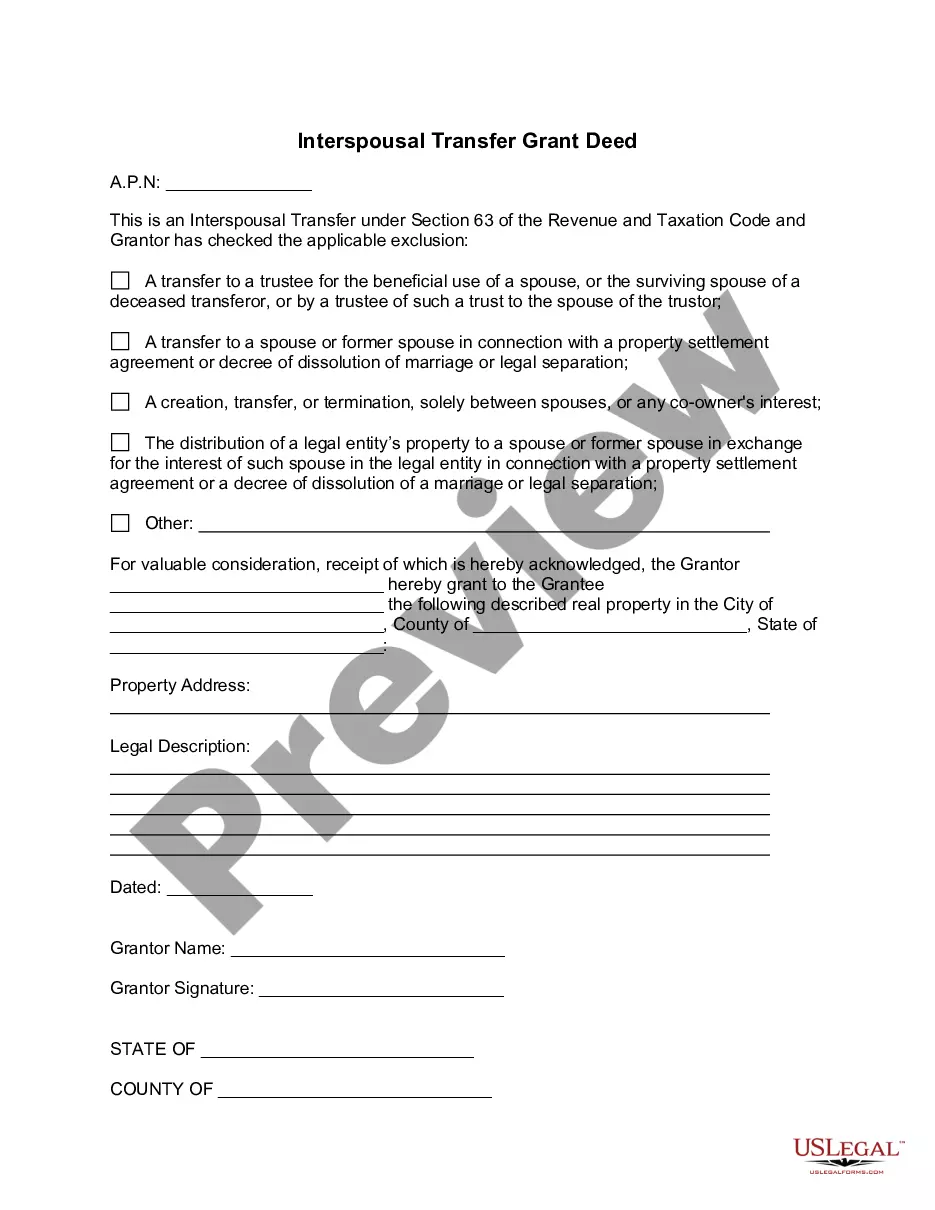
- Click on the document’s preview to examine it.
- If it is not the right document, return to the search tool to locate the Confidentiality Agreements Form Agreement With Canada template you need.
- Download the template if it satisfies your criteria.
- If you possess a US Legal Forms account, click Log in to access previously saved documents in My documents.
- If you do not yet have an account, you can acquire the document by clicking Buy now.
- Choose the appropriate pricing option.
- Complete the account registration form.
- Select your method of payment: utilize a credit card or PayPal account.
- Choose the file format you desire and download the Confidentiality Agreements Form Agreement With Canada.
Form popularity
FAQ
An example of a confidentiality statement could be: 'The undersigned agrees not to disclose any confidential information received during the course of this agreement.' This statement should emphasize the significance of protecting sensitive information. Incorporating a confidentiality agreements form agreement with Canada can provide an effective template to create your own tailored confidentiality statement.
Protecting Proprietary and Confidential Information The Ontario Courts have recognized the importance of protecting such information, and the enforceability of well-drafted NDAs. To maintain a fair business environment, NDAs must be reasonable in scope, duration, and geographical limitations.
A confidentiality agreement should include a clear definition of the confidential information, scope of the agreement, obligations of the receiving party, the duration of the contract, any exceptions to confidentiality, and the consequences of a breach of the contract.
I acknowledge that all Information is strictly confidential and I agree that I shall not reveal to any person or entity, or use any Information at any time, except as expressly directed by [firm], or as may be required by law.
While legal proceedings and settlements can sometimes be covered by an NDA, they're prohibited in some cases. In 2022, Prince Edward Island became the first province in Canada to outlaw non-disclosure agreements in cases of workplace harassment, discrimination, abuse, and sexual misconduct.