Partnership Meeting Minutes Template With Action Items
Description
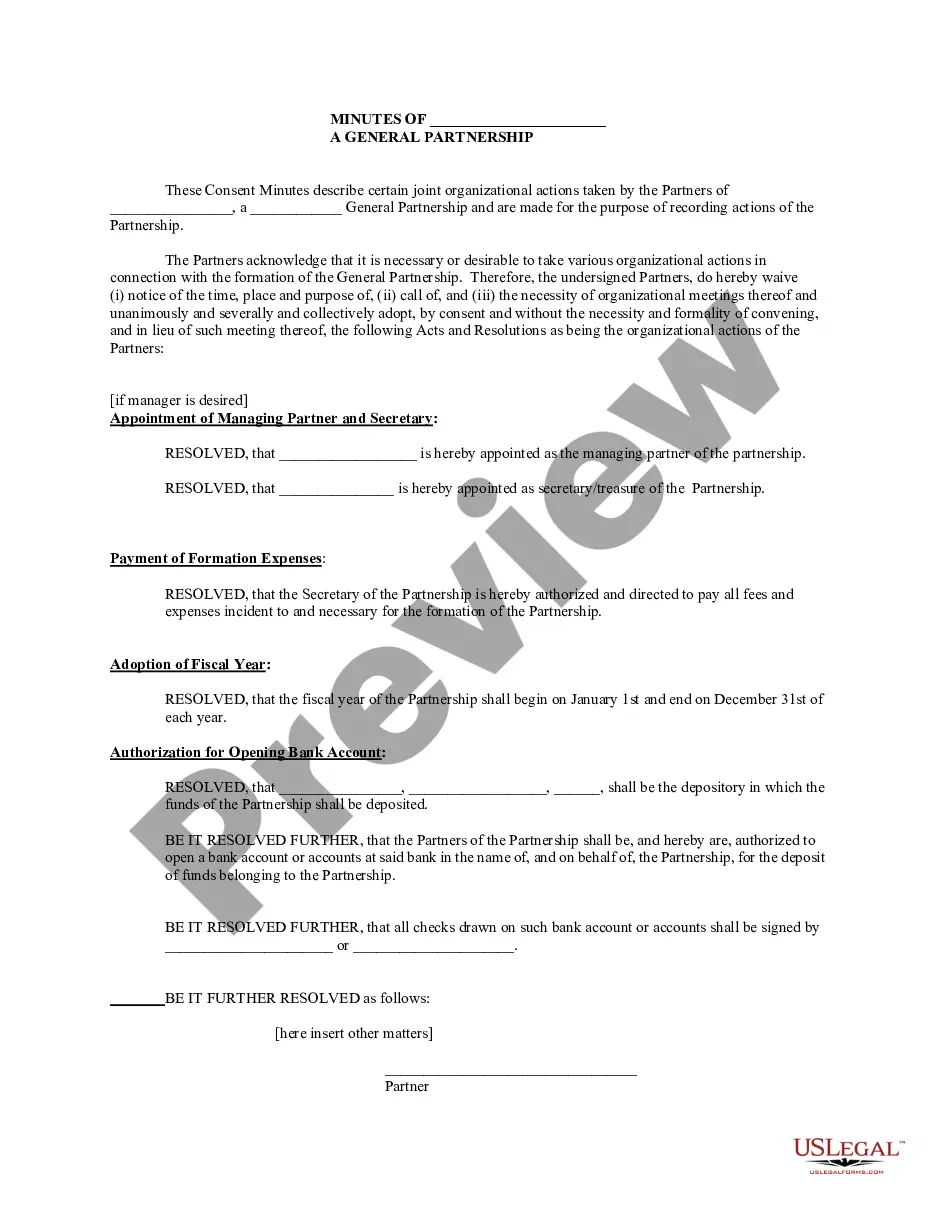

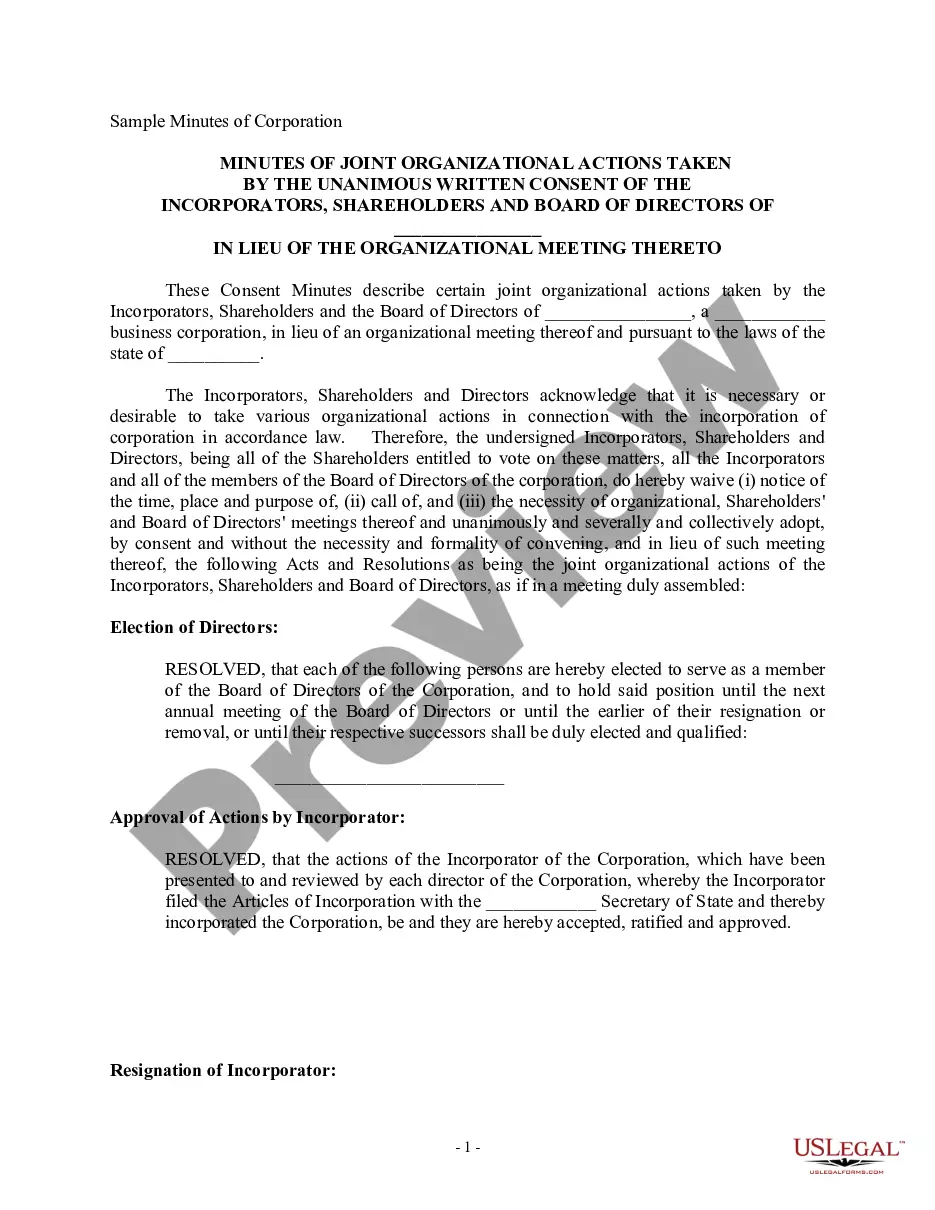
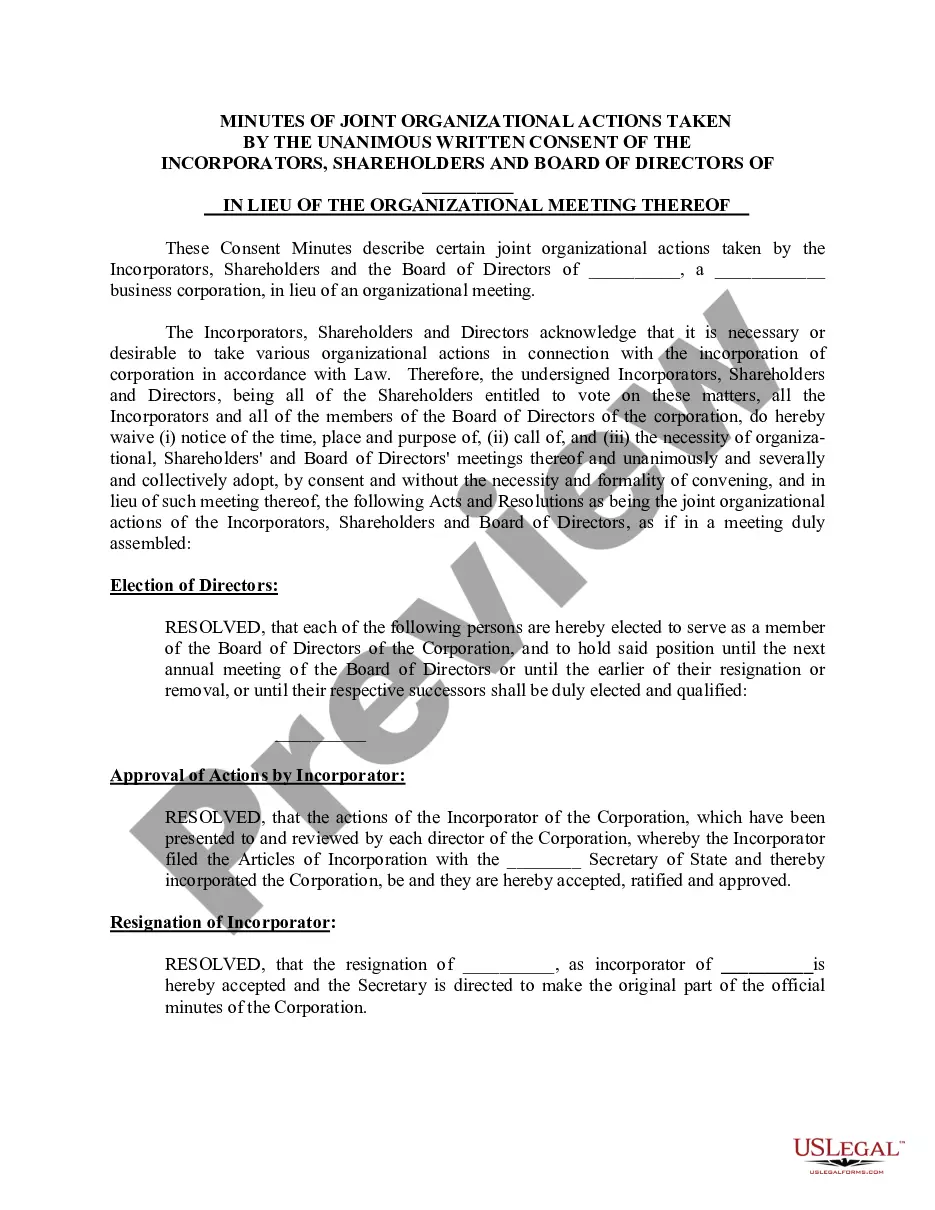

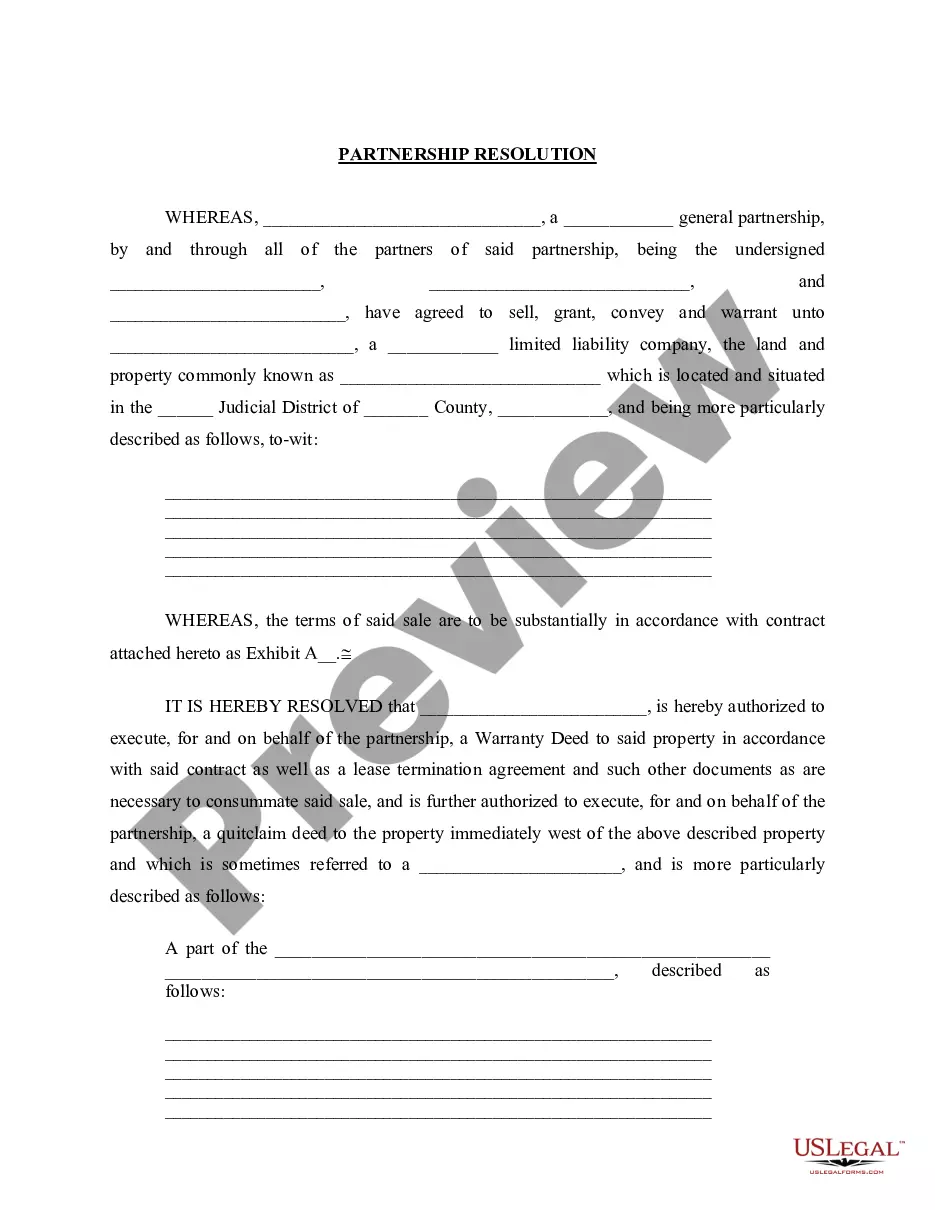
Get your form ready online
Our built-in tools help you complete, sign, share, and store your documents in one place.
Make edits, fill in missing information, and update formatting in US Legal Forms—just like you would in MS Word.
Download a copy, print it, send it by email, or mail it via USPS—whatever works best for your next step.
Sign and collect signatures with our SignNow integration. Send to multiple recipients, set reminders, and more. Go Premium to unlock E-Sign.
If this form requires notarization, complete it online through a secure video call—no need to meet a notary in person or wait for an appointment.
We protect your documents and personal data by following strict security and privacy standards.

Make edits, fill in missing information, and update formatting in US Legal Forms—just like you would in MS Word.

Download a copy, print it, send it by email, or mail it via USPS—whatever works best for your next step.

Sign and collect signatures with our SignNow integration. Send to multiple recipients, set reminders, and more. Go Premium to unlock E-Sign.

If this form requires notarization, complete it online through a secure video call—no need to meet a notary in person or wait for an appointment.

We protect your documents and personal data by following strict security and privacy standards.
Looking for another form?





How to fill out Minutes For Partnership?
It's clear that you cannot become a legal authority instantly, nor can you swiftly learn how to prepare a Partnership Meeting Minutes Template With Action Items without possessing specialized knowledge.
Drafting legal documents is a lengthy process that necessitates specific training and expertise. So why not entrust the creation of the Partnership Meeting Minutes Template With Action Items to the experts.
With US Legal Forms, one of the most comprehensive legal template collections, you can access a range of documents from court filings to templates for internal business communication. We understand the importance of compliance with federal and local laws and regulations.
Click Buy now. Once the payment is processed, you can download the Partnership Meeting Minutes Template With Action Items, fill it out, print it, and send or mail it to the appropriate individuals or organizations.
You can revisit your documents from the My documents tab anytime. If you’re an existing client, you can simply Log In and locate and download the template from the same tab. Regardless of the purpose of your paperwork—whether financial, legal, or personal—our website has you covered. Give US Legal Forms a try now!
- Here’s how to get started with our website and acquire the form you need in just minutes.
- Find the document you’re looking for using the search bar at the top of the page.
- Preview it (if this option is available) and read the accompanying description to see if the Partnership Meeting Minutes Template With Action Items meets your needs.
- If you require a different template, start your search again.
- Create a free account and select a subscription plan to purchase the template.
Form popularity
FAQ
Action items should be listed in a straightforward manner to enhance readability. Utilize a Partnership meeting minutes template with action items to create a standard format that includes the task, the assigned individual, and the completion deadline. This approach not only organizes the information but also makes it easy for participants to track progress. By following this method, you ensure that no action item slips through the cracks.
To show action items in meeting minutes, clearly list each item under a dedicated section. Use a Partnership meeting minutes template with action items to ensure consistency and clarity. Each item should include a brief description, the person responsible, and a due date. This format helps everyone understand their responsibilities and fosters accountability.
ChatGPT can assist in drafting minutes from a meeting, but it cannot attend or actively participate in a meeting like a human. You can use a Partnership meeting minutes template with action items to guide ChatGPT in structuring the minutes effectively. By providing key points and discussions, you can create a comprehensive record of the meeting. This way, your minutes will be organized and easy to follow.
An example of an action item in a meeting could be 'John will prepare the budget report by next Friday.' Using a partnership meeting minutes template with action items will help you track such responsibilities efficiently. This format allows you to specify who is responsible and when the task should be completed. Clear action items enhance productivity and follow-up in future meetings.
To write action items in your minutes, first, clearly identify who is responsible for each task. Use a partnership meeting minutes template with action items to organize the details effectively. Include a brief description of the task, the deadline for completion, and any relevant notes. This structured approach ensures accountability and clarity for all participants.
- Every good meeting should end with an action plan. Otherwise, what's the point of the next meeting? So it's important that this action plan be reflected in the summary of your meeting minutes. In fact, some organizations require that meeting minutes include this sort of summary.
Write action items using an action item template. Start by using a meeting action item template such as this one: ?[TASK OWNER] will complete [SPECIFIC TASK] by [DEADLINE].? How you write action items is important. The task, its owner, and the deadline must be clear.
Action minutes are also called decision-only minutes. They include only the decisions made and none of the discussions that went into making them. In other words, they capture only the conclusion of discussions and the actions that need to be taken.
To keep track of action items in meeting minutes, it's best to use a template to quickly plug them in as they arise. Once the meeting is over, share the action items as soon as you can so everyone has access to them.
Take notes of the main topics, decisions, actions, and deadlines that are discussed in the meeting. You don't need to write down everything that is said, but focus on the facts, outcomes, and next steps. Use bullet points, headings, and numbering to organize your notes and make them easier to read.