Employee Guides With Ai
Description
Get your form ready online
Our built-in tools help you complete, sign, share, and store your documents in one place.
Make edits, fill in missing information, and update formatting in US Legal Forms—just like you would in MS Word.
Download a copy, print it, send it by email, or mail it via USPS—whatever works best for your next step.
Sign and collect signatures with our SignNow integration. Send to multiple recipients, set reminders, and more. Go Premium to unlock E-Sign.
If this form requires notarization, complete it online through a secure video call—no need to meet a notary in person or wait for an appointment.
We protect your documents and personal data by following strict security and privacy standards.

Make edits, fill in missing information, and update formatting in US Legal Forms—just like you would in MS Word.

Download a copy, print it, send it by email, or mail it via USPS—whatever works best for your next step.

Sign and collect signatures with our SignNow integration. Send to multiple recipients, set reminders, and more. Go Premium to unlock E-Sign.

If this form requires notarization, complete it online through a secure video call—no need to meet a notary in person or wait for an appointment.

We protect your documents and personal data by following strict security and privacy standards.
Looking for another form?
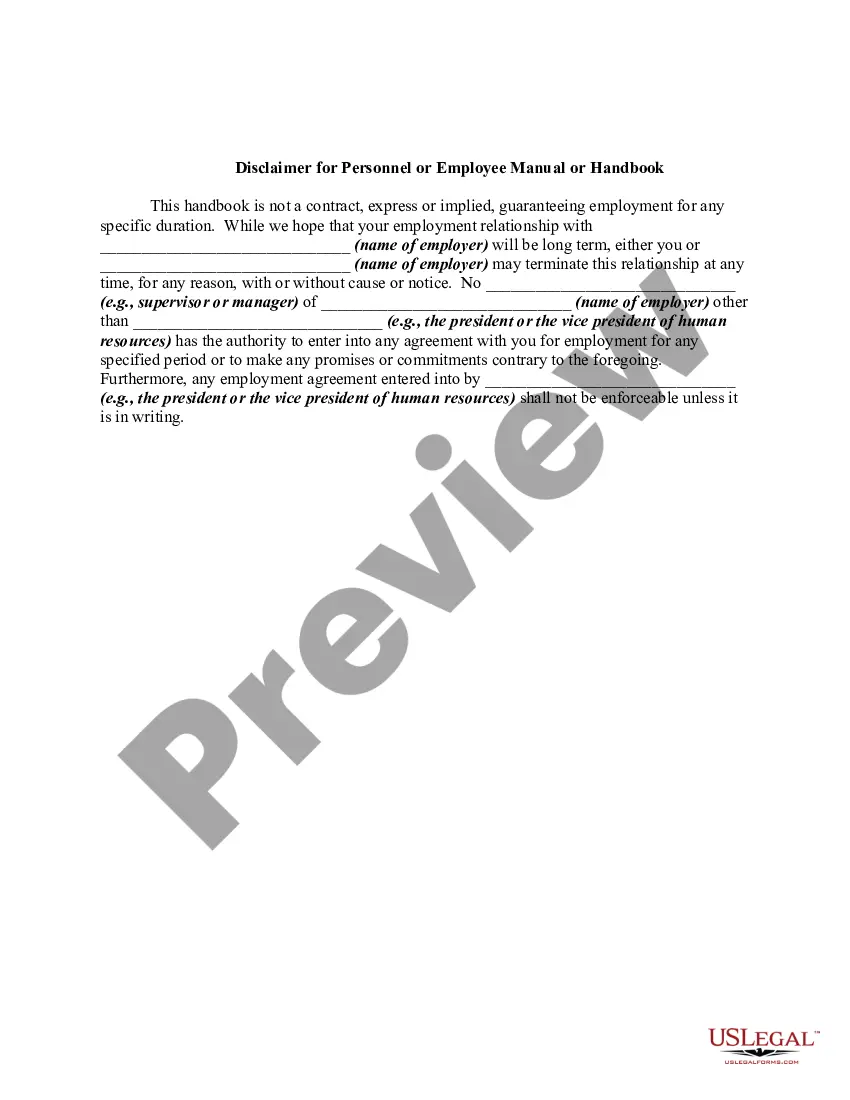
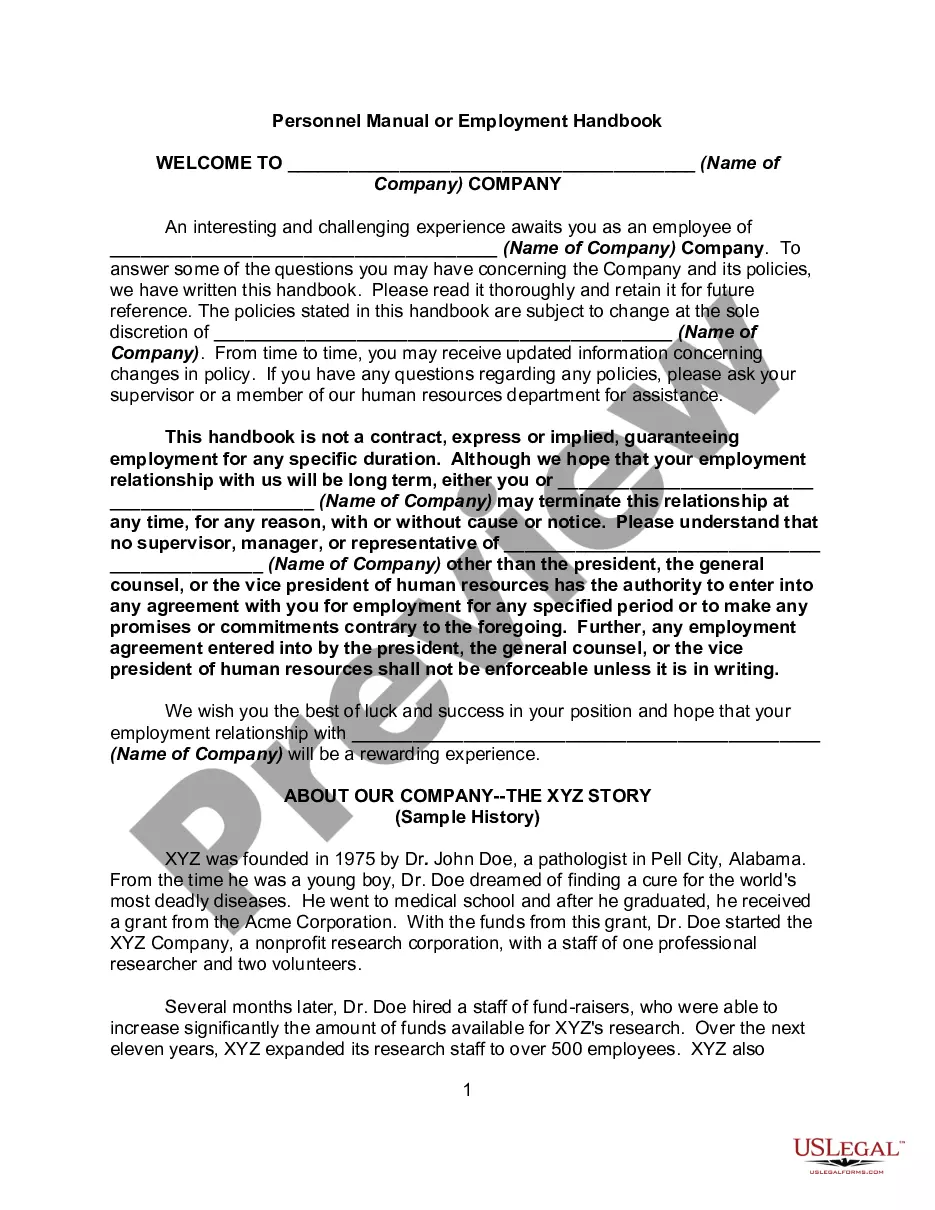
How to fill out Disclaimer For Personnel Or Employee Manual Or Handbook?
Locating a reliable source for the latest and suitable legal templates is a significant part of managing bureaucracy.
Identifying the correct legal documents requires precision and carefulness, which is why it is essential to obtain examples of Employee Guides With Ai exclusively from trusted providers, such as US Legal Forms.
Complete your purchase by selecting a payment method (credit card or PayPal). Choose the document format for downloading Employee Guides With Ai. Once you have the form on your device, you can edit it with the editor or print it and complete it manually. Remove the hassle associated with your legal documentation. Explore the extensive US Legal Forms library where you can find legal templates, evaluate their applicability to your situation, and download them instantly.
- A faulty template will squander your time and prolong the situation you are facing.
- With US Legal Forms, you have minimal concerns.
- You can access and review all the information regarding the document’s applicability and significance for your situation and in your jurisdiction.
- Utilize the catalog navigation or search bar to locate your template.
- Examine the form’s description to ensure it meets the criteria of your state and locality.
- View the form preview, if accessible, to confirm the form is indeed the one you seek.
- Return to the search to find the appropriate document if the Employee Guides With Ai does not suit your requirements.
- When you are confident about the form’s applicability, download it.
- If you are a registered user, click Log in to verify and access your selected forms in My documents.
- If you have not created an account yet, click Buy now to acquire the form.
- Select the pricing plan that meets your needs.
- Proceed to the registration to complete your transaction.
Form popularity
FAQ
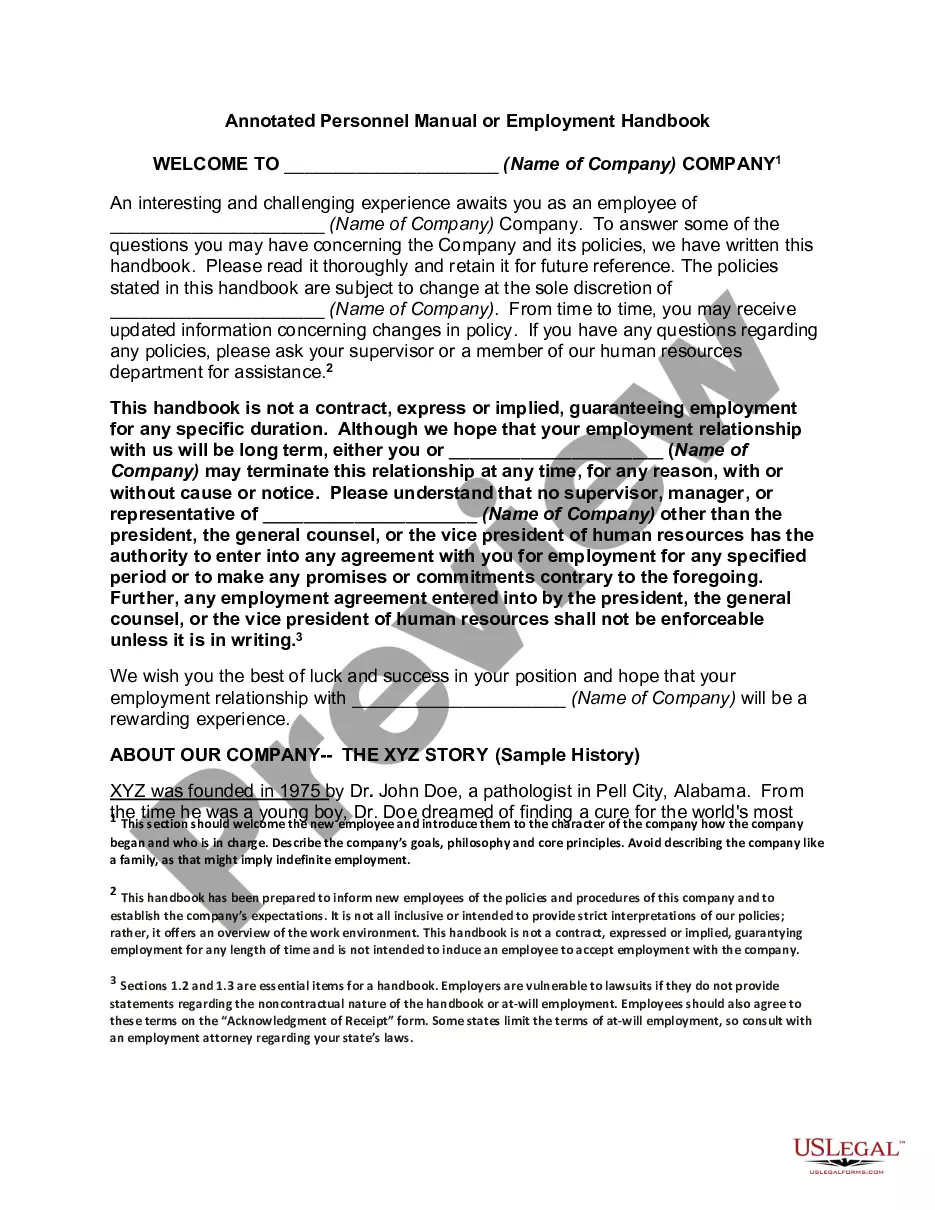
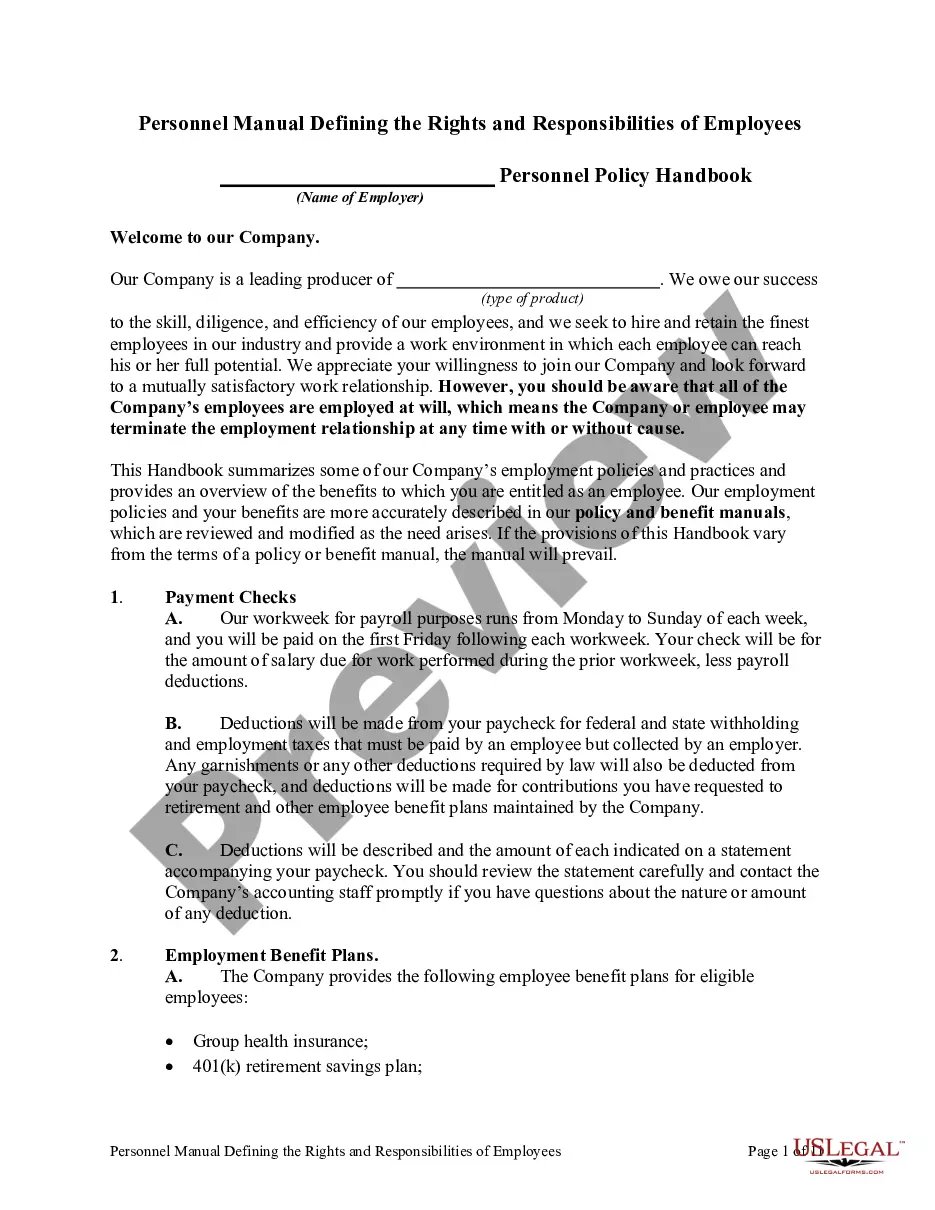
The best program to create a handbook often depends on your specific needs, but tools like USLegalForms provide comprehensive templates and AI support. These platforms allow you to customize your handbook according to your company’s policies while ensuring compliance with legal standards. By using such programs, you can create effective employee guides with AI that are professional and tailored to your organization. Consider exploring various options to find the best fit for your requirements.
To create a work schedule using AI, utilize scheduling software that incorporates AI algorithms to optimize shifts based on employee availability and workload. Input your team's preferences and necessary coverage, and let the AI generate an efficient schedule. This approach reduces scheduling conflicts and enhances productivity. Implementing employee guides with AI can further assist managers in understanding the scheduling process and addressing employee needs.
Yes, ChatGPT can help write an employee handbook by generating content based on your specific requirements. You can prompt it with your company policies and desired sections, and it will produce a draft that you can refine. While ChatGPT provides a great starting point, ensure that a human reviews the content for accuracy and alignment with your company’s values. This collaboration results in effective employee guides with AI that serve your organization well.
The 30% rule for AI suggests that AI-generated content should be used as a foundation, with at least 30% of the final document being human input. This ensures that the output reflects the company’s unique voice and culture. By combining AI efficiency with human oversight, you create more personalized employee guides with AI that resonate better with your staff. Always review and adjust the content generated by AI to maintain relevance and clarity.
Yes, AI can effectively write an employee handbook by automating the content creation process. By inputting specific information and guidelines, AI can generate drafts that cover essential topics such as workplace policies and employee rights. This not only saves time but also ensures consistency in language and format. Utilizing employee guides with AI allows you to focus on refining content rather than starting from scratch.
Using AI to write an employee handbook involves leveraging AI tools that can generate content based on your company’s policies and guidelines. Begin by inputting key information, such as company values, rules, and procedures, into the AI system. The AI can then help create a structured and comprehensive handbook that aligns with your organization’s needs. This approach ensures that your employee guides with AI are both informative and easy to understand.
To enhance employee engagement with AI, start by collecting data on employee preferences and feedback. Use AI tools to analyze this data to tailor engagement strategies that resonate with your workforce. Additionally, deploy AI chatbots to facilitate communication and address employee queries, creating a more interactive environment. Remember, effective employee guides with AI can provide insights to foster a positive workplace culture.