Terminating Employee With Mental Health Issues
Description
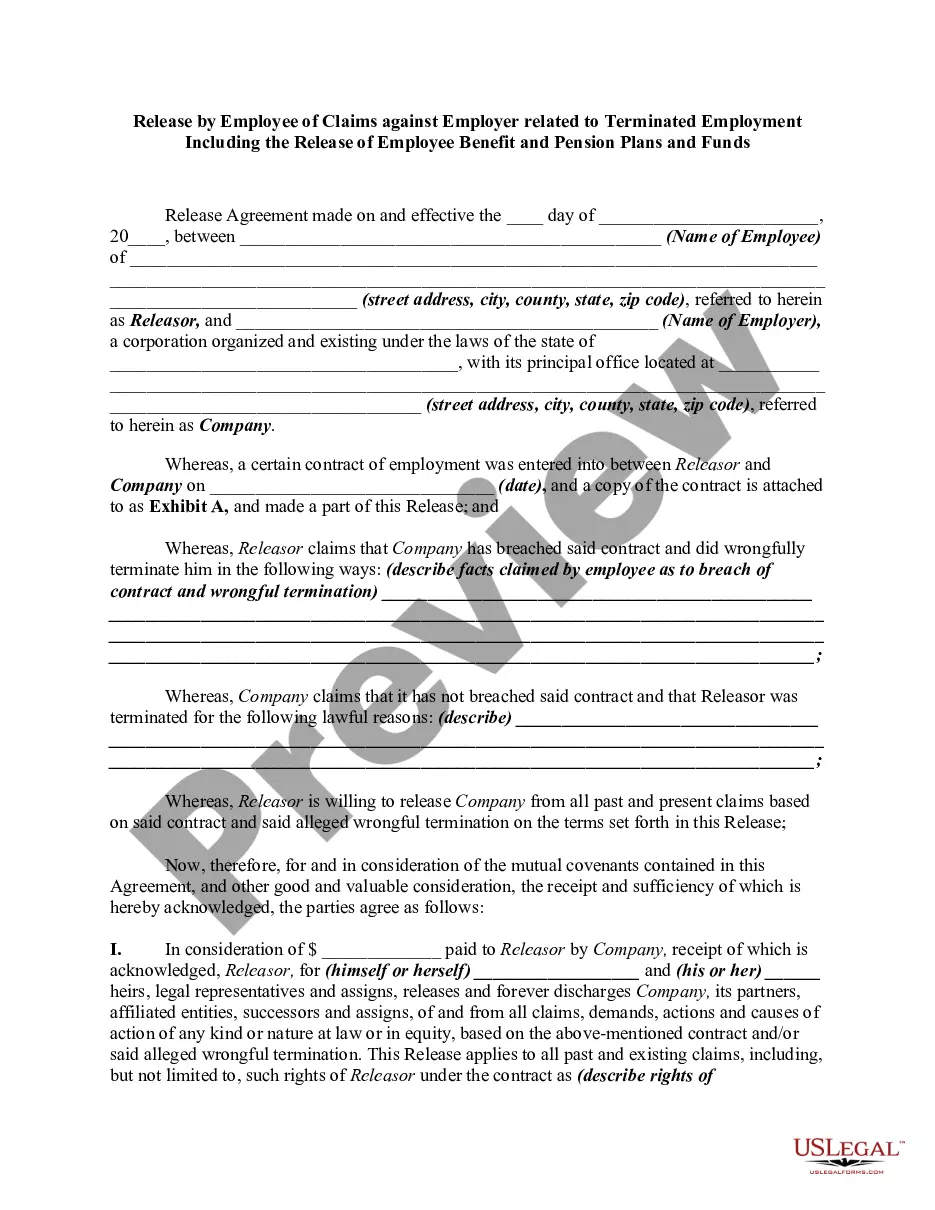
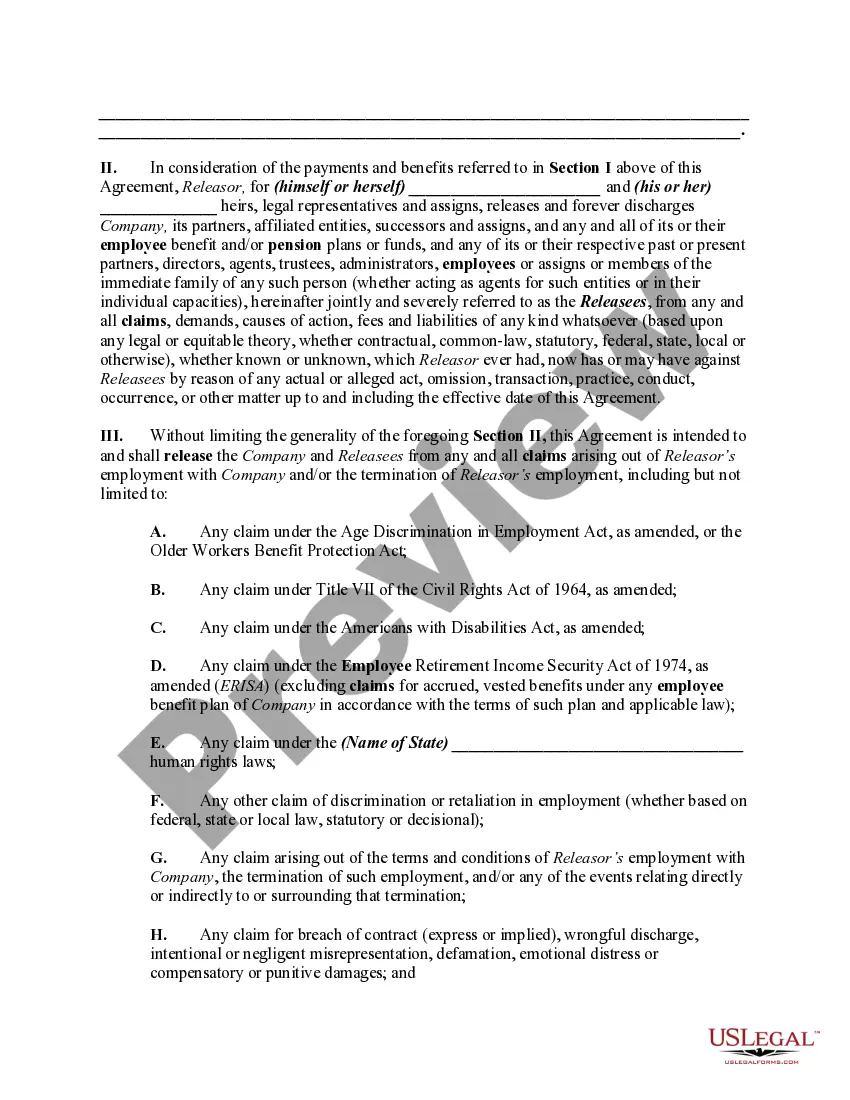
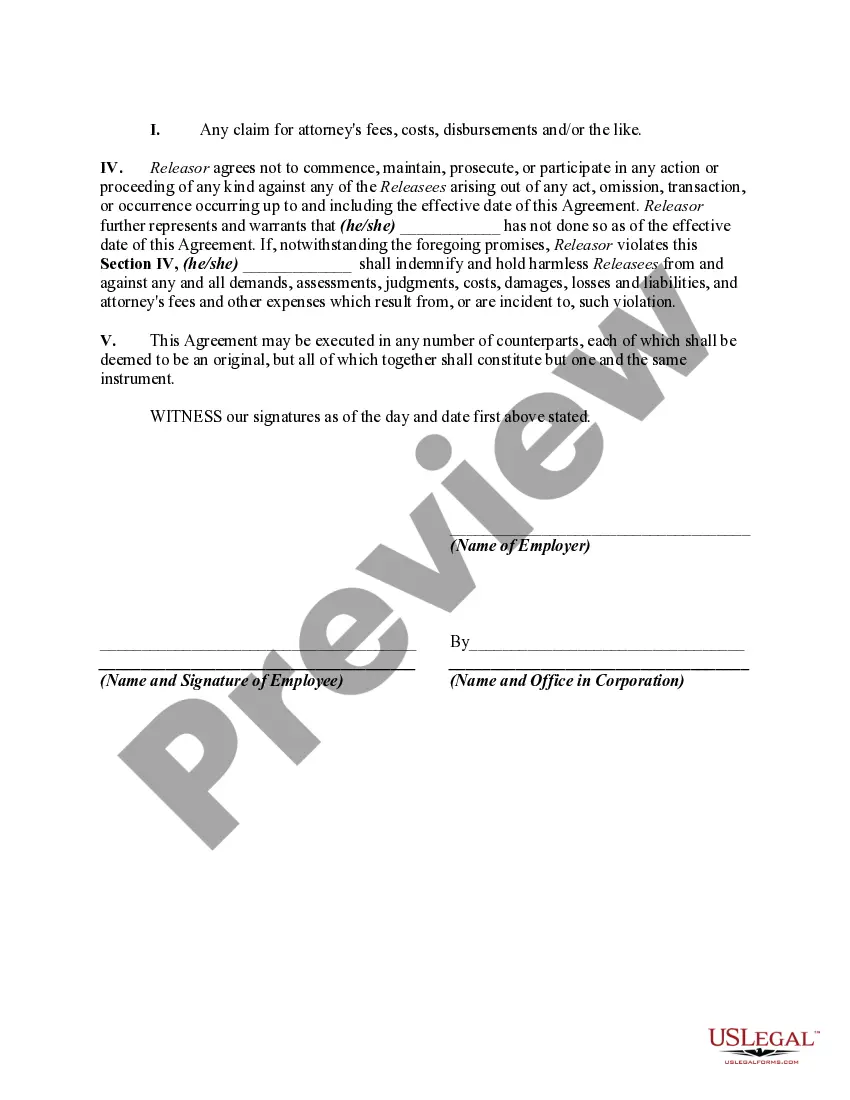
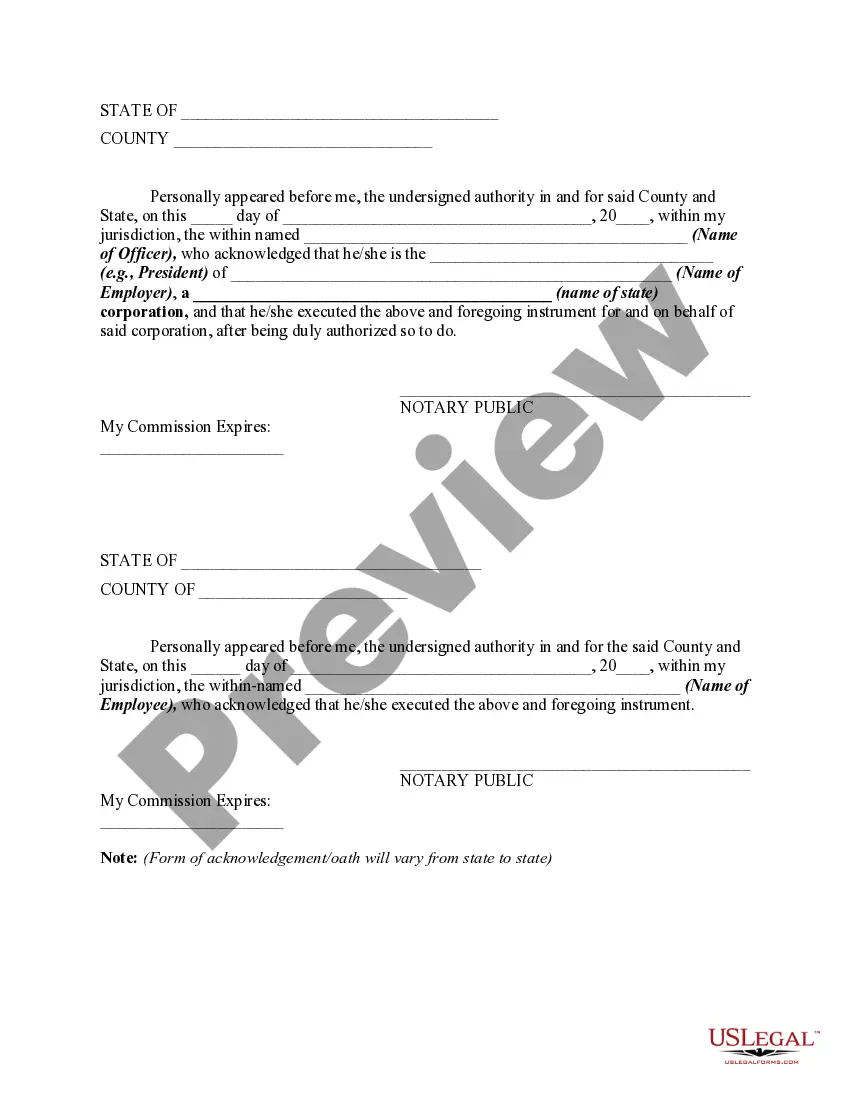
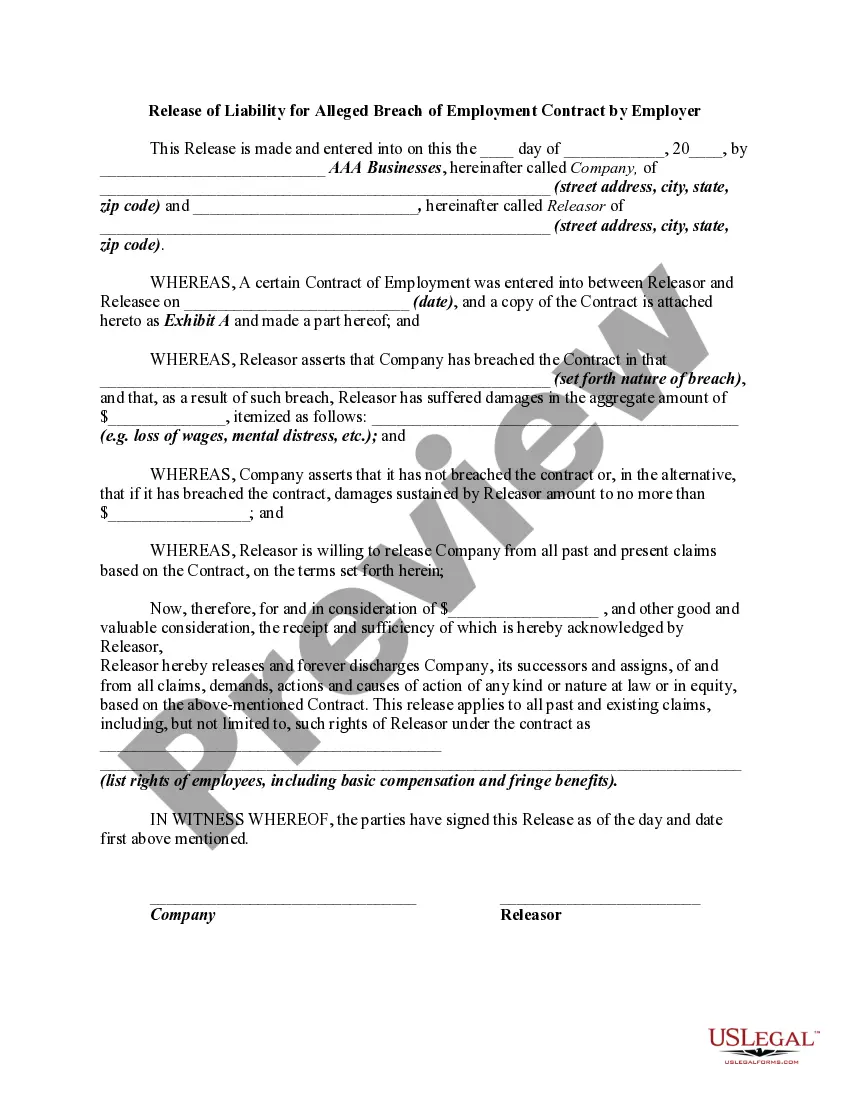
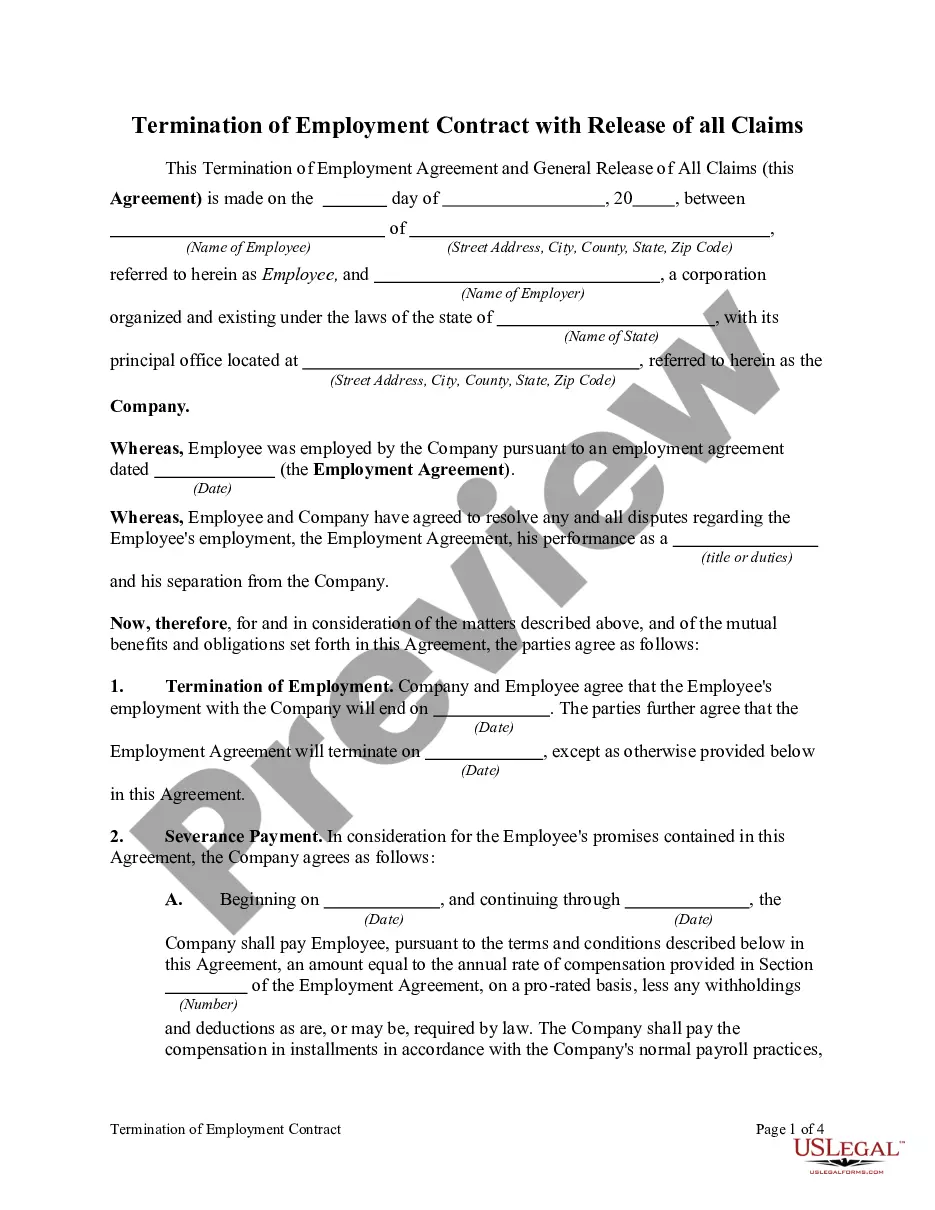
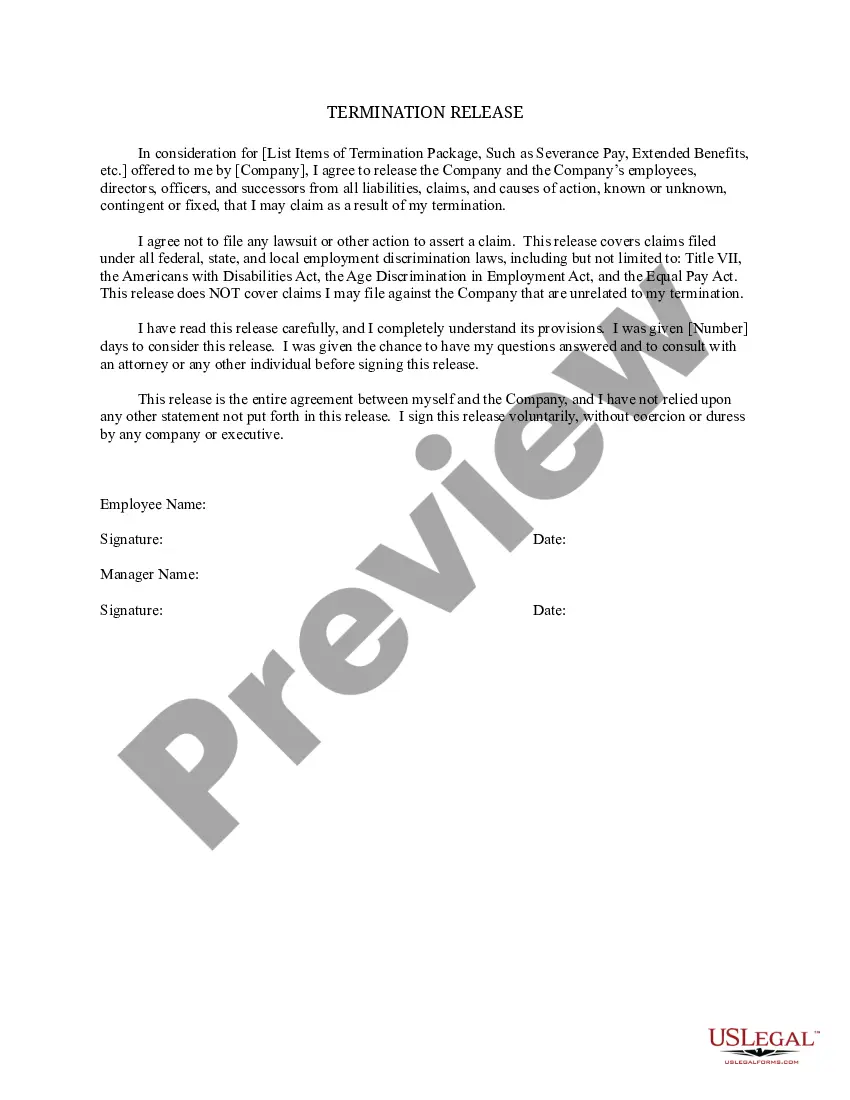
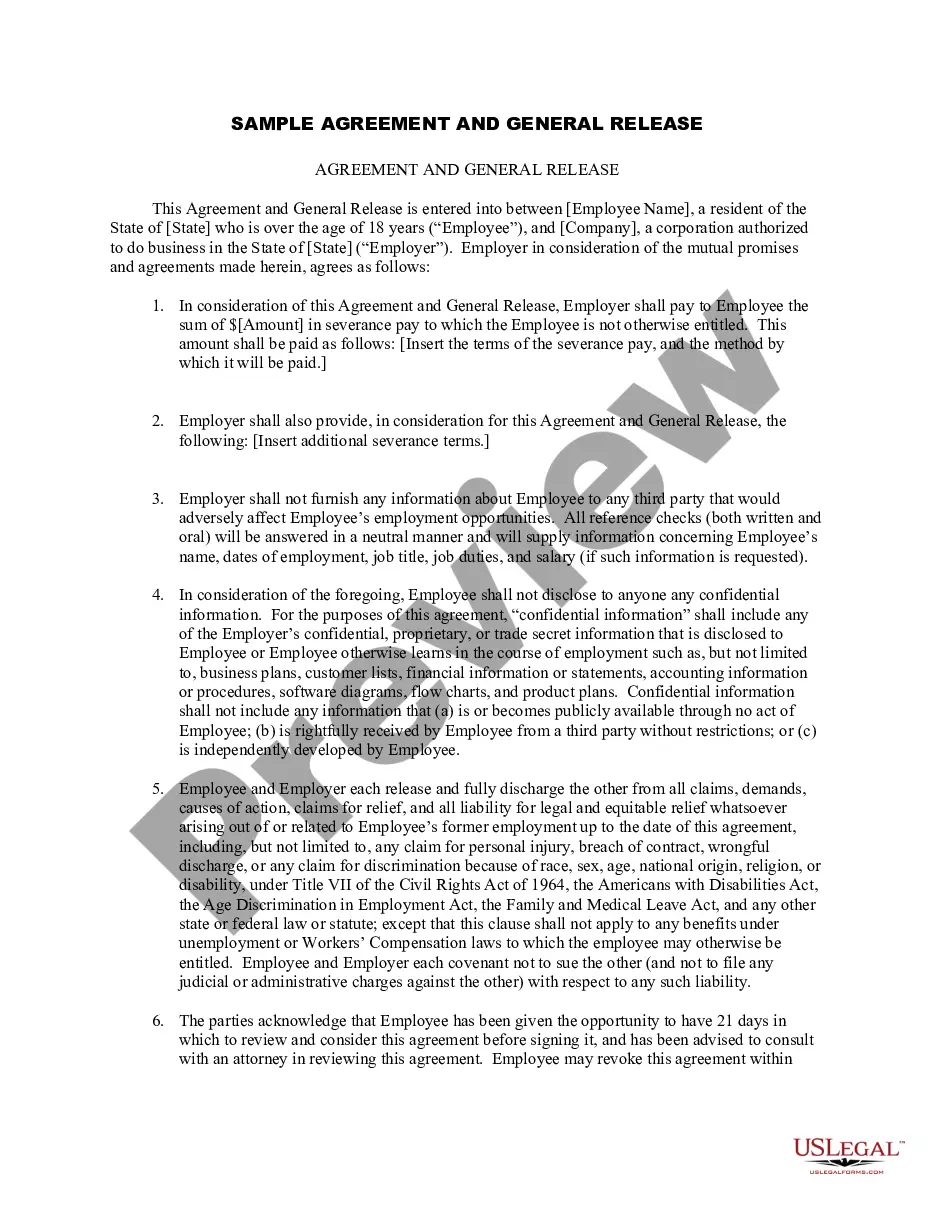
Get your form ready online
Our built-in tools help you complete, sign, share, and store your documents in one place.
Make edits, fill in missing information, and update formatting in US Legal Forms—just like you would in MS Word.
Download a copy, print it, send it by email, or mail it via USPS—whatever works best for your next step.
Sign and collect signatures with our SignNow integration. Send to multiple recipients, set reminders, and more. Go Premium to unlock E-Sign.
If this form requires notarization, complete it online through a secure video call—no need to meet a notary in person or wait for an appointment.
We protect your documents and personal data by following strict security and privacy standards.

Make edits, fill in missing information, and update formatting in US Legal Forms—just like you would in MS Word.

Download a copy, print it, send it by email, or mail it via USPS—whatever works best for your next step.

Sign and collect signatures with our SignNow integration. Send to multiple recipients, set reminders, and more. Go Premium to unlock E-Sign.

If this form requires notarization, complete it online through a secure video call—no need to meet a notary in person or wait for an appointment.

We protect your documents and personal data by following strict security and privacy standards.
Looking for another form?









How to fill out Release By Employee Of Claims Against Employer Related To Terminated Employment Including The Release Of Employee Benefit And Pension Plans And Funds?
Whether for professional objectives or personal matters, everyone must confront legal issues at some point in their life.
Completing legal documents requires careful scrutiny, beginning with selecting the correct form template.
With an extensive US Legal Forms collection available, you don’t have to waste time searching for the suitable template across the web. Utilize the library’s straightforward navigation to obtain the correct example for any circumstance.
- Locate the template you require by utilizing the search bar or catalog browsing.
- Review the form’s details to ensure it aligns with your situation, state, and area.
- Click on the form’s preview to inspect it.
- If it is not the appropriate form, return to the search feature to find the Terminating Employee With Mental Health Issues template you need.
- Download the template when it fits your requirements.
- If you have a US Legal Forms account, click Log in to retrieve previously saved documents in My documents.
- If you do not possess an account yet, you can obtain the form by clicking Buy now.
- Select the appropriate pricing option.
- Complete the account registration form.
- Choose your payment method: you can utilize a credit card or PayPal account.
- Select the document format you desire and download the Terminating Employee With Mental Health Issues.
- After it is saved, you can fill out the form with the assistance of editing software or print it and complete it manually.
Form popularity
FAQ
After you have completed everything, the clerk will review all the information in the application and decide whether you have a good reason to change your name. The clerk will then grant or deny the name change. You will then receive your Order and Certificate of Name Change 6-8 weeks later.
Legal Aid of North Carolina is a statewide, nonprofit law firm that provides free legal services in civil matters to low-income people in order to ensure equal access to justice...
Filing the Documents Take the original and two (2) copies of the Motion to the Civil Division of the Clerk of Superior Court's office in the county where your case is filed. The Clerk will stamp each Motion ?filed,? place the original in the Court file and return two (2) copies of the ?filed? document to you.
Prepare evidence Bring your evidence to the hearing. The best way to give evidence is in person at the hearing. ... Be clear and honest. You must be truthful, accurate and clear in your evidence. ... Consider both sides of the case. ... Video and digital evidence. ... What happens to evidence after the hearing.
If you have several documents in each category, organize them by date, from oldest to newest. If you have a lot of documents, you might want to put them in a binder, with a tab for each category. For more information about making a trial book, see Preparing to attend a Provincial Court trial.
Step By Step Guide to Draft Legal Documents Step 1: Understand the Purpose & Scope. ... Step 2: Research Applicable Laws & Regulations. ... Step 3: Outline the Structure & Sections. ... Step 4: Draft the Document. ... Step 5: Review and Revise. ... Step 6: Seek Legal Review and Approval. ... Step 7: Finalize and Execute the Document.
This way, you can try to get the evidence preserved within days of the incident, and long before you actually engage a lawyer. People Regularly Present at that Location. ... CCTV Footage. ... Your Google Maps Location History. ... Your Electronic Transactions History. ... Building Access Records. ... Your Private-Hire Ride History.
For example, typeface, sections, font, margin, line-spacing, etc. You should provide a line for the signature of the relevant authority. You should also thoroughly proofread the document to ensure if objectives are mentioned with utmost clarity. Correct any lexical, spelling, grammar, and punctuation errors you spot.