Employee Claim For
Description
Get your form ready online
Our built-in tools help you complete, sign, share, and store your documents in one place.
Make edits, fill in missing information, and update formatting in US Legal Forms—just like you would in MS Word.
Download a copy, print it, send it by email, or mail it via USPS—whatever works best for your next step.
Sign and collect signatures with our SignNow integration. Send to multiple recipients, set reminders, and more. Go Premium to unlock E-Sign.
If this form requires notarization, complete it online through a secure video call—no need to meet a notary in person or wait for an appointment.
We protect your documents and personal data by following strict security and privacy standards.

Make edits, fill in missing information, and update formatting in US Legal Forms—just like you would in MS Word.

Download a copy, print it, send it by email, or mail it via USPS—whatever works best for your next step.

Sign and collect signatures with our SignNow integration. Send to multiple recipients, set reminders, and more. Go Premium to unlock E-Sign.

If this form requires notarization, complete it online through a secure video call—no need to meet a notary in person or wait for an appointment.

We protect your documents and personal data by following strict security and privacy standards.
Looking for another form?
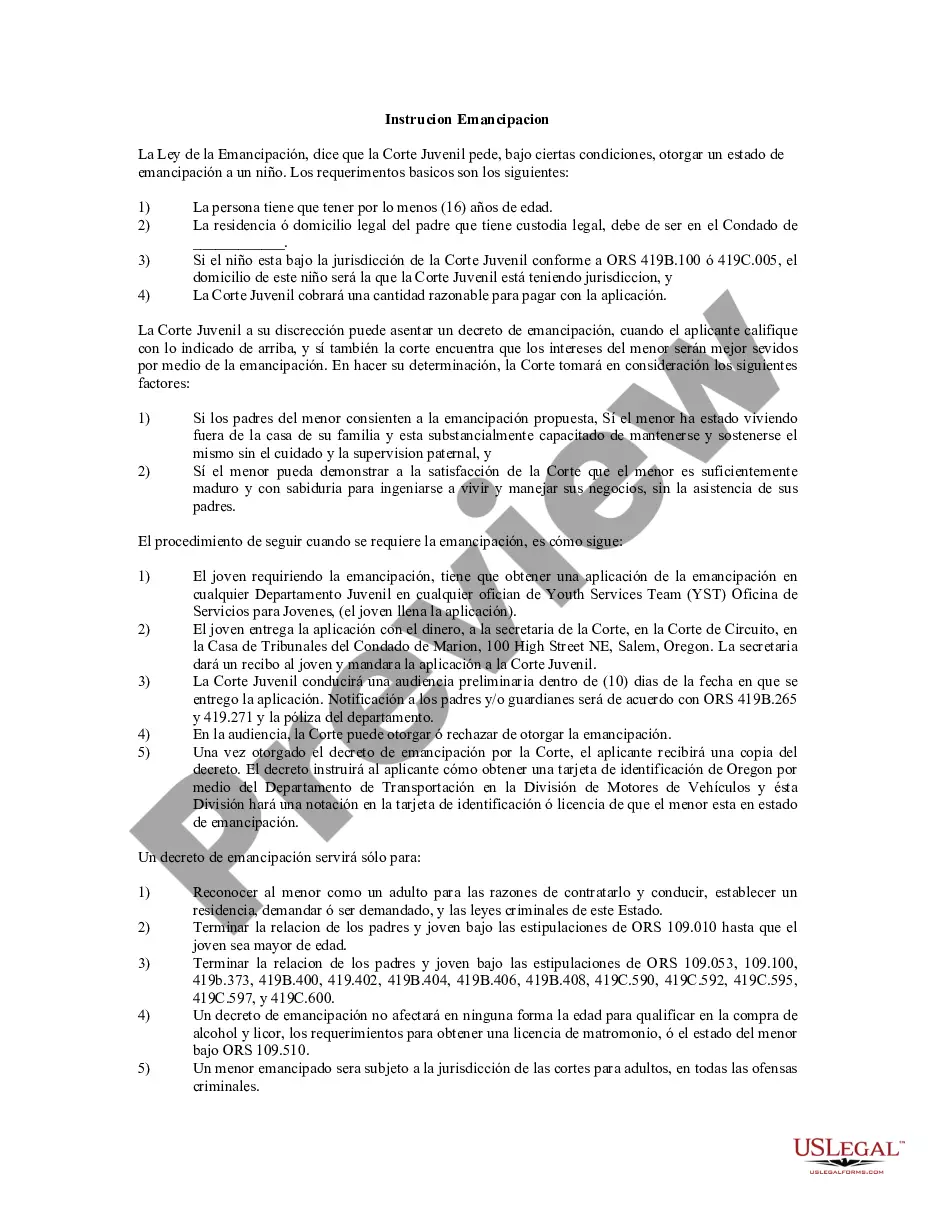
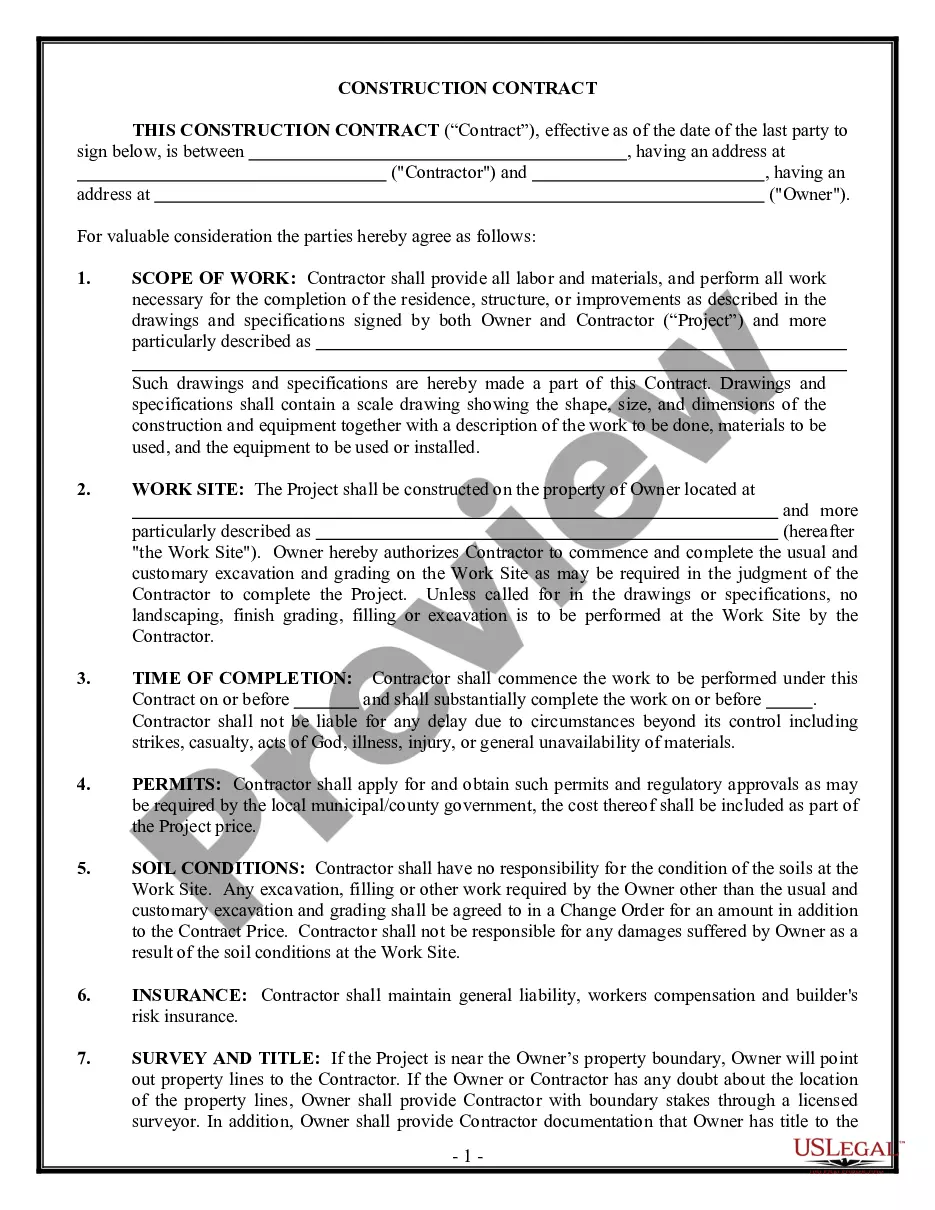
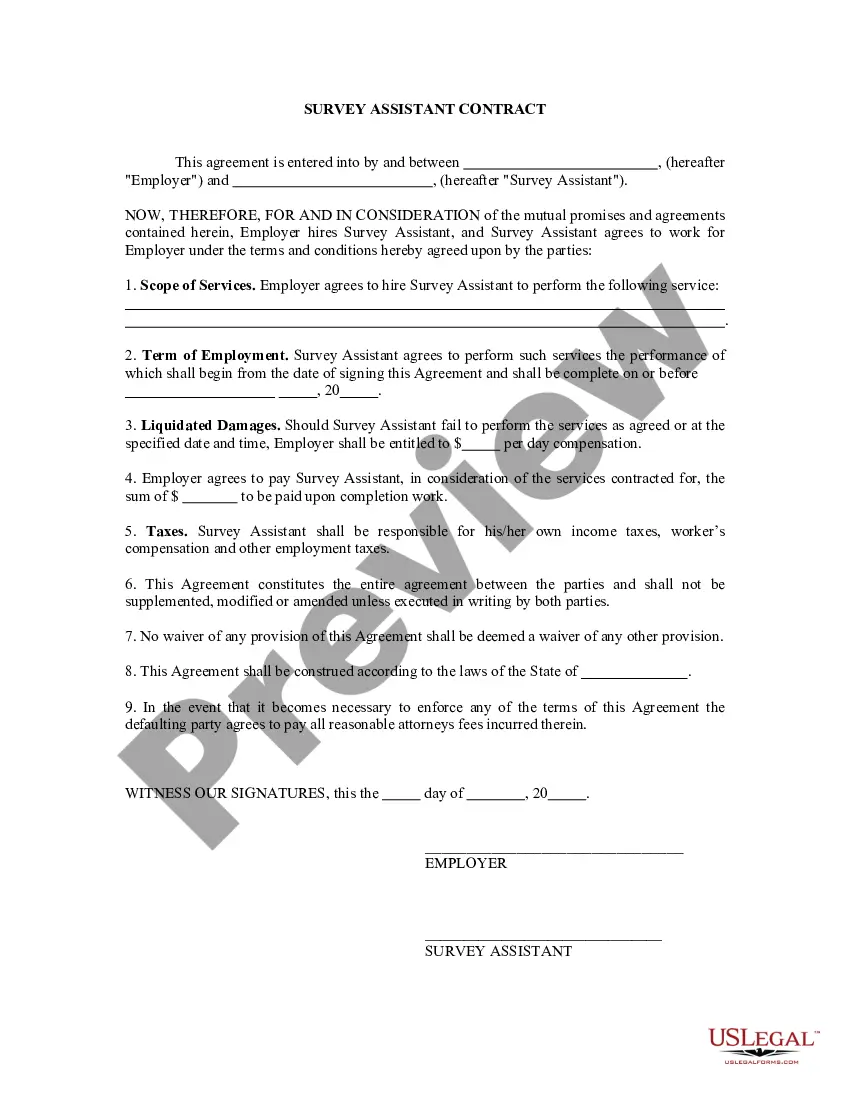
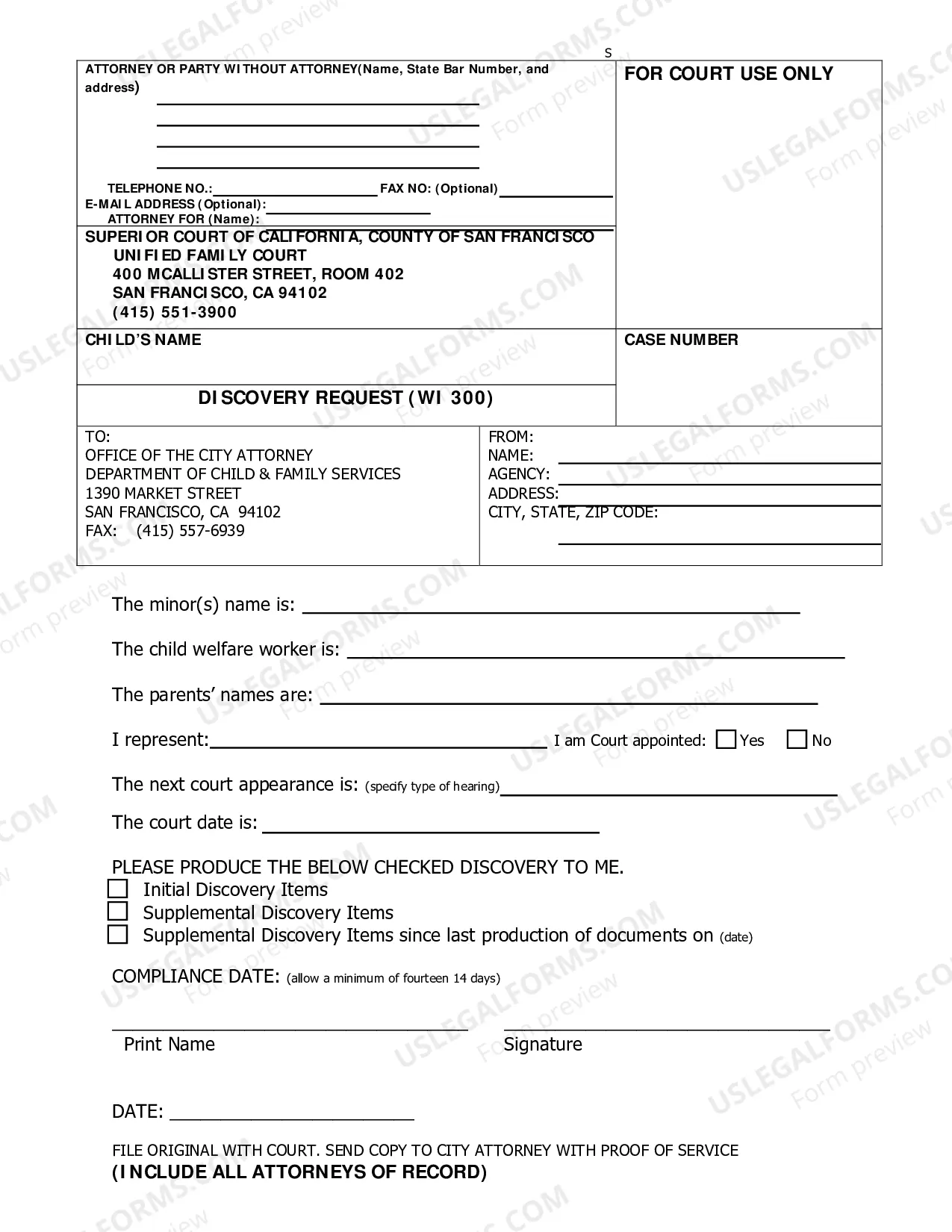
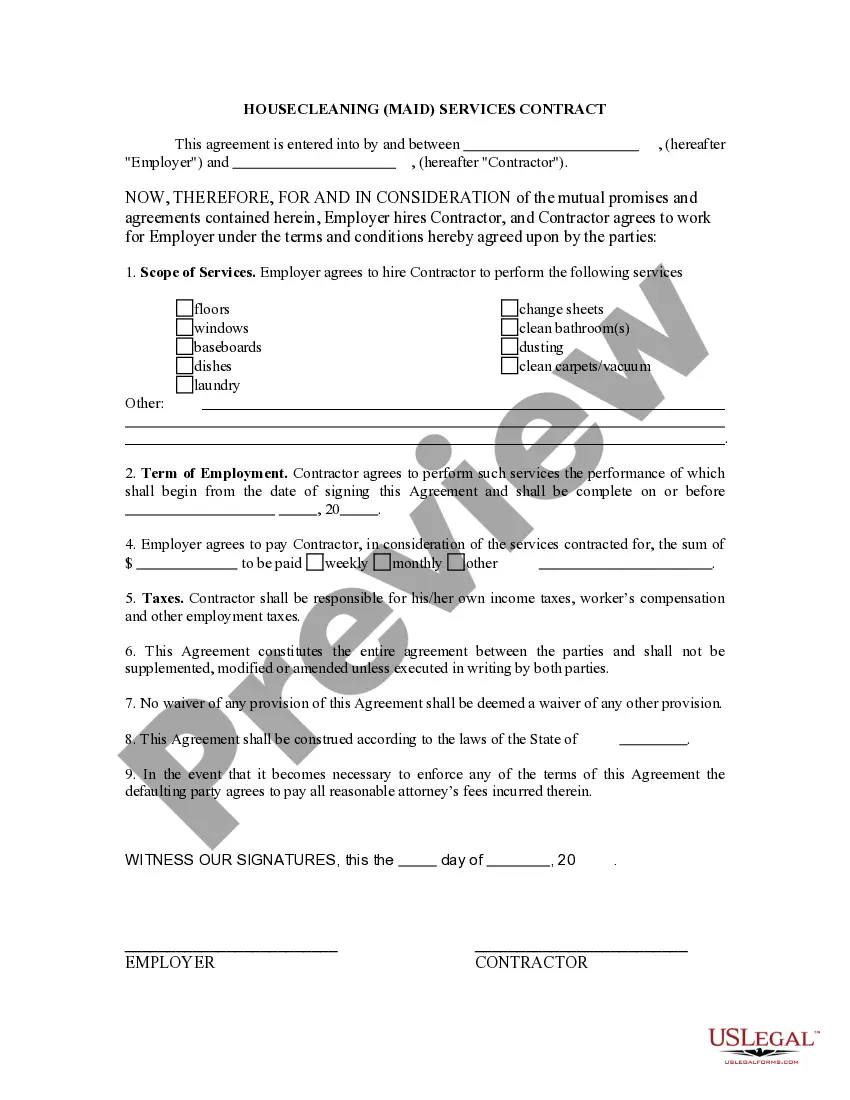
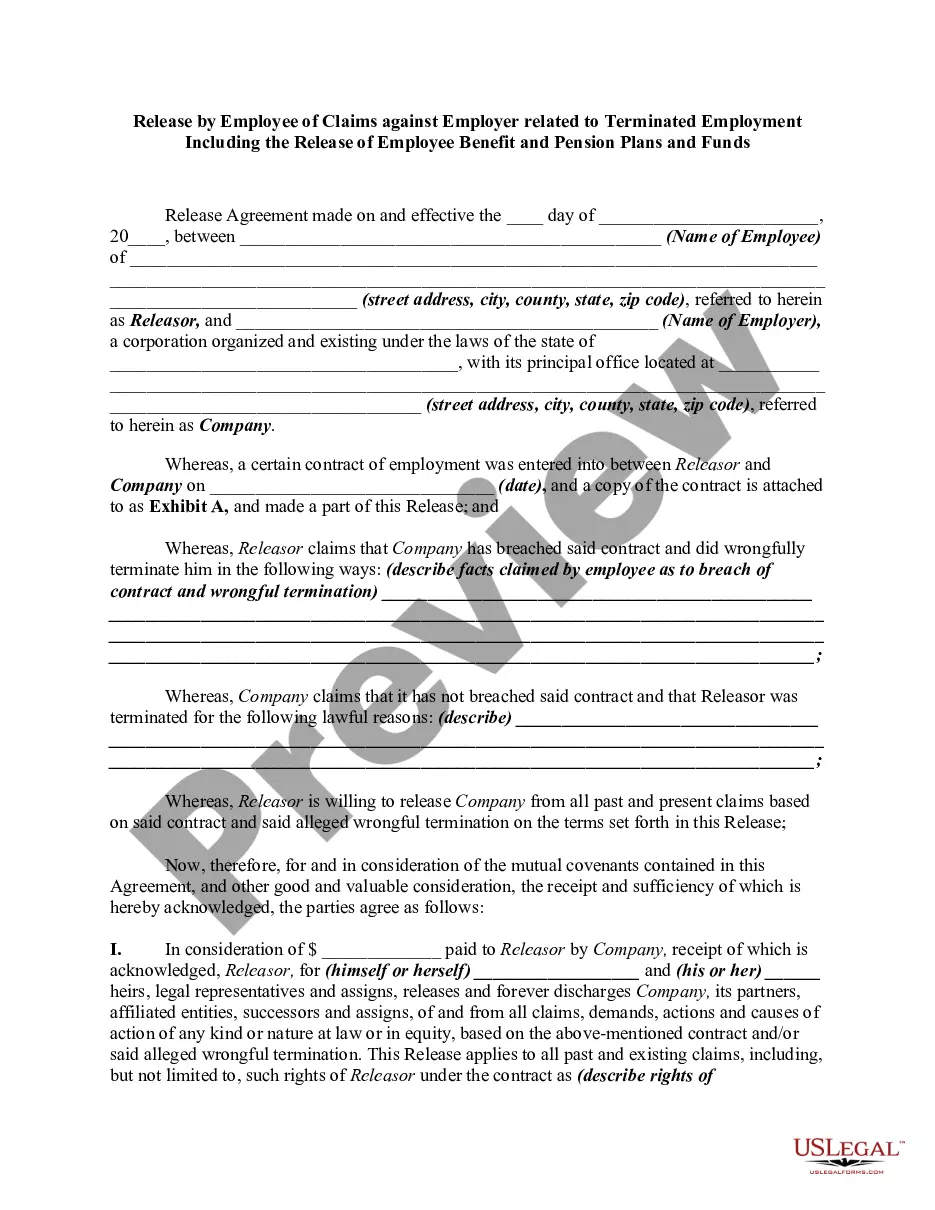
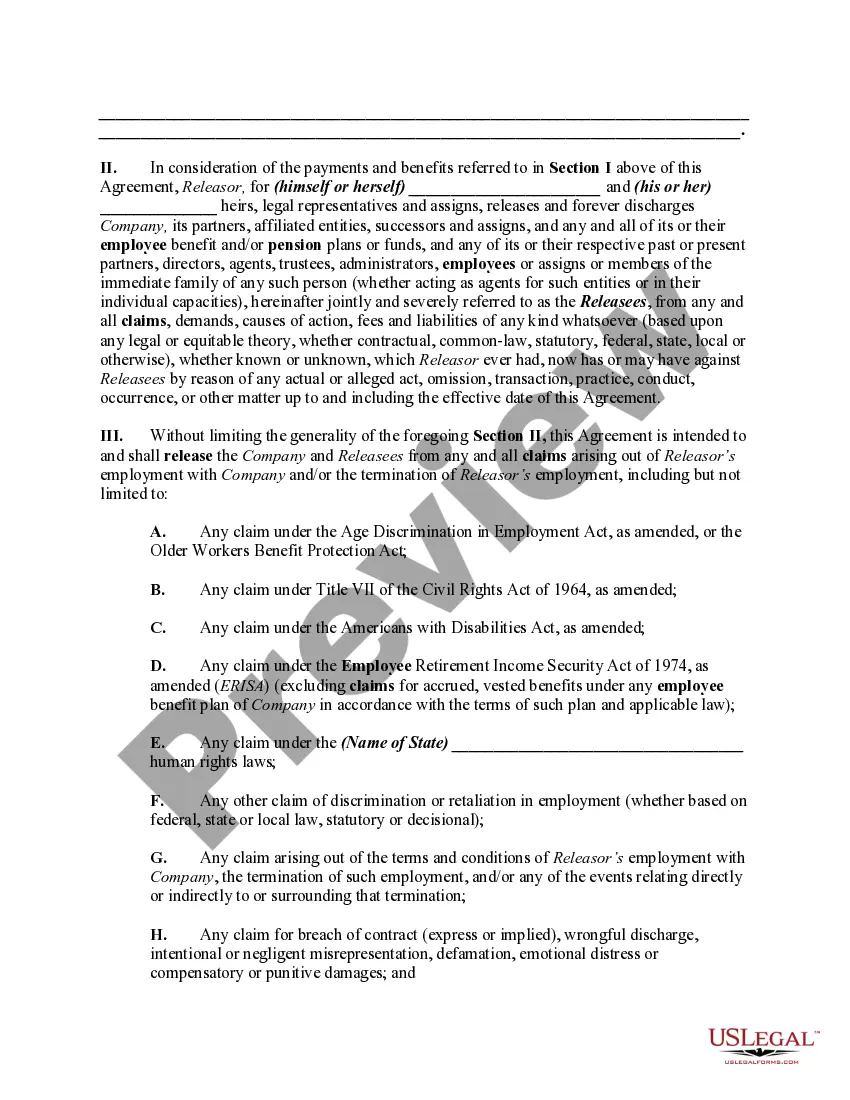
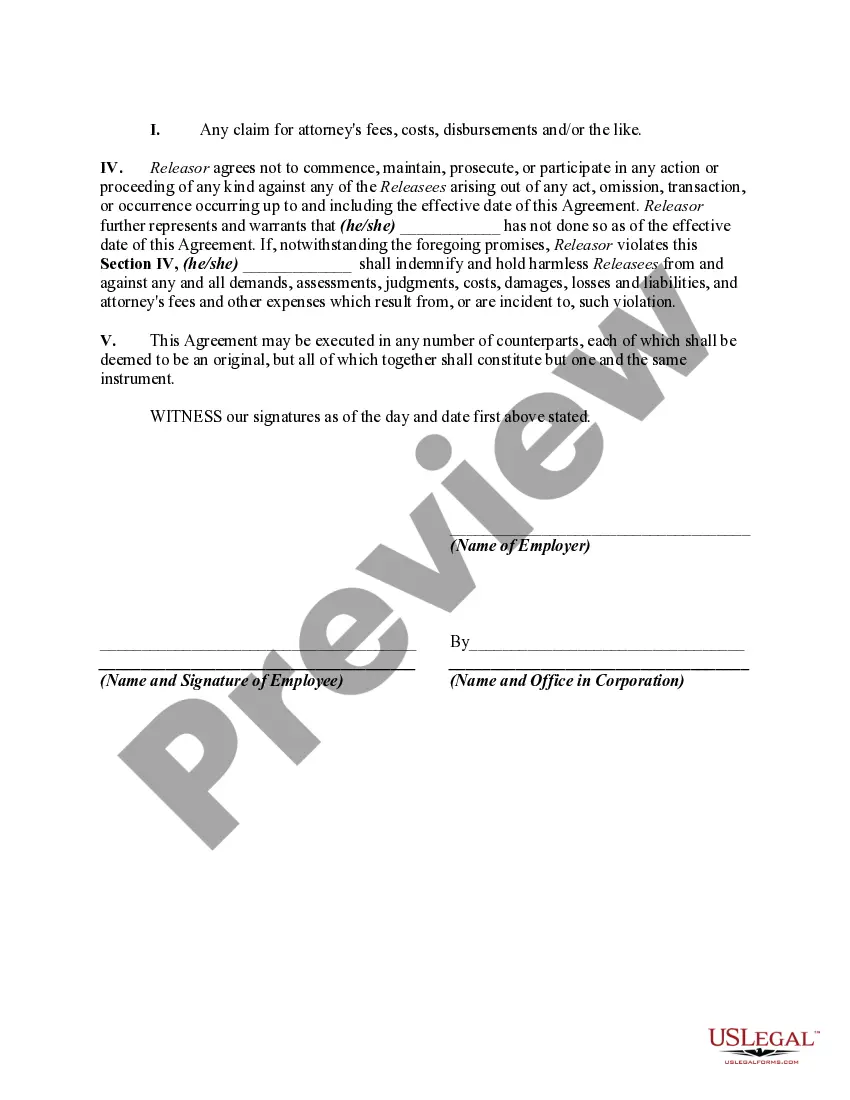
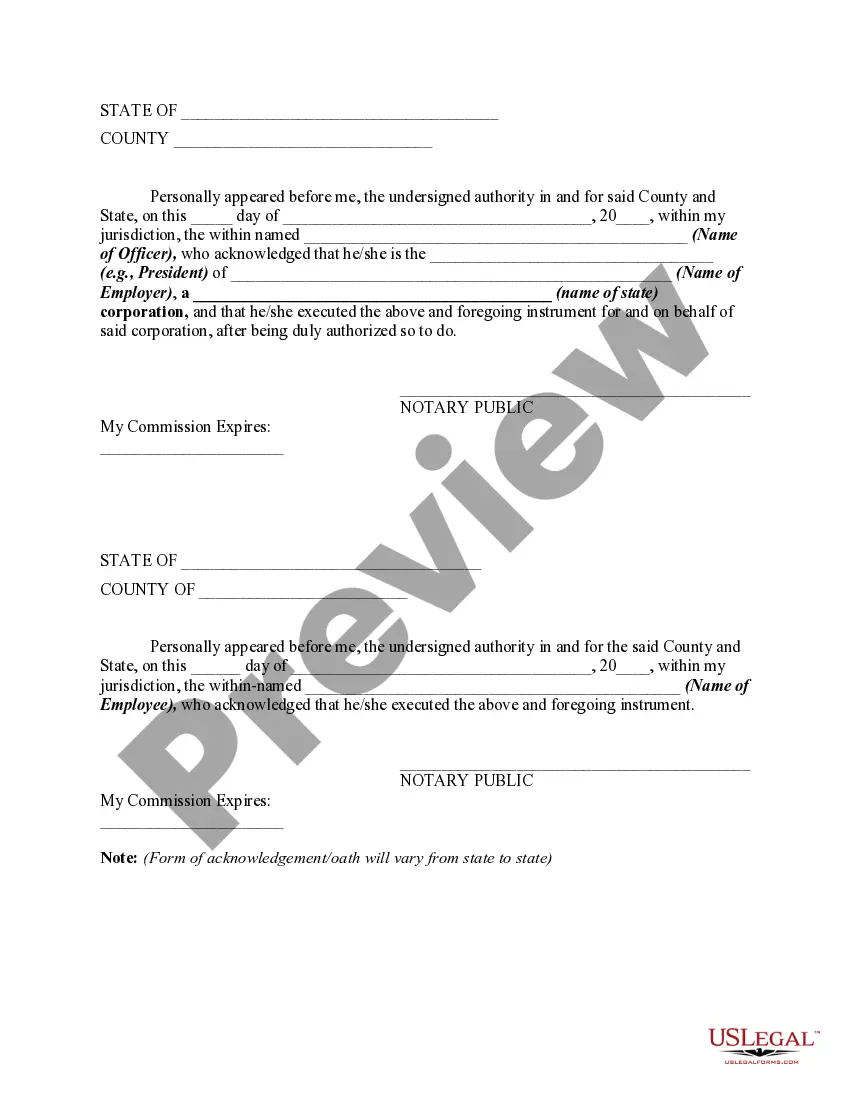
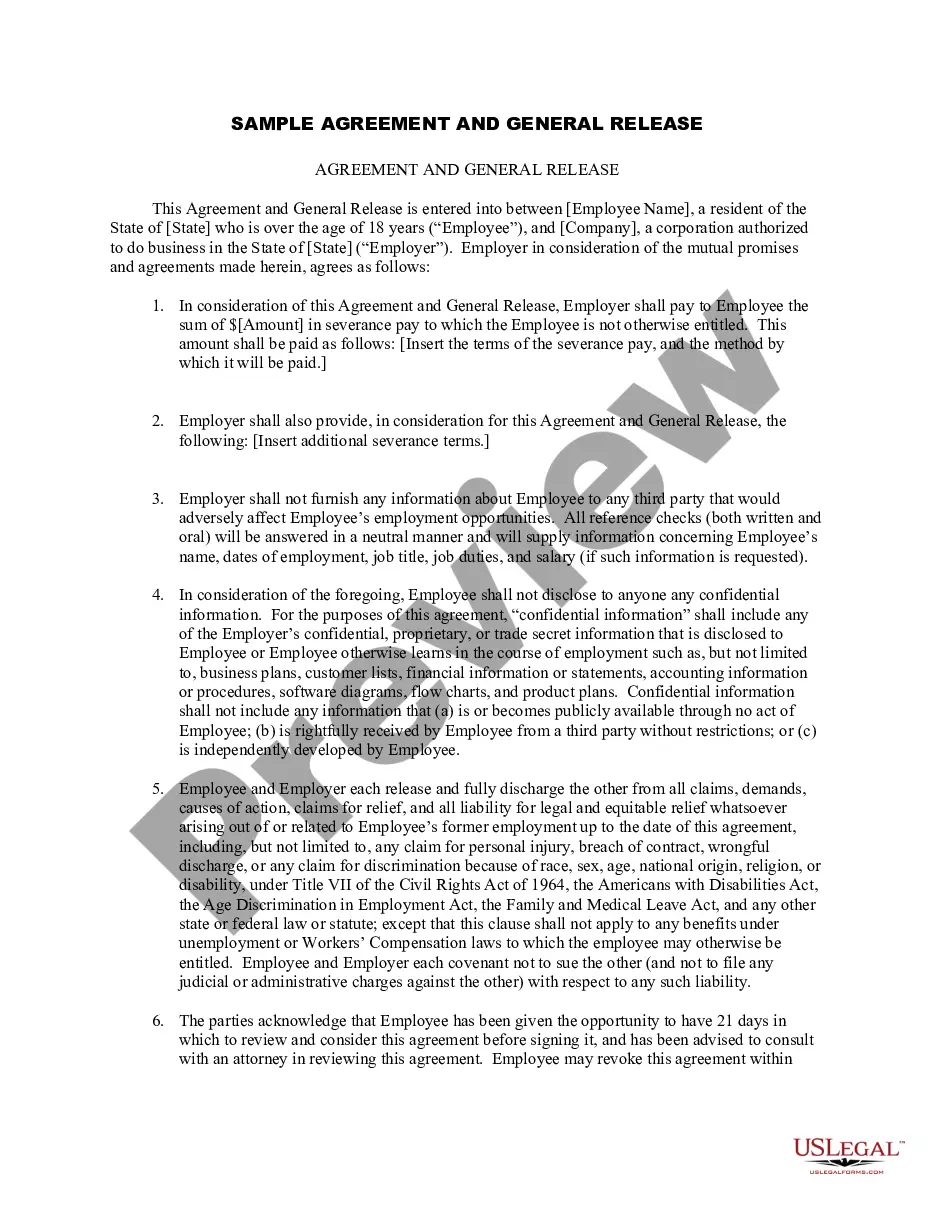
How to fill out Release By Employee Of Claims Against Employer Related To Terminated Employment Including The Release Of Employee Benefit And Pension Plans And Funds?
Securing a reliable source for obtaining the most up-to-date and pertinent legal templates constitutes a significant part of navigating bureaucratic processes. Identifying the appropriate legal documents requires accuracy and meticulousness, which underscores the necessity of sourcing Employee Claim For exclusively from credible providers, such as US Legal Forms. An incorrect template can squander your time and prolong your current situation. With US Legal Forms, you have minimal concerns. You can access and review all the details regarding the document’s applicability and significance for your specific situation and locality.
Consider the following steps to complete your Employee Claim For.
Eliminate the complications associated with your legal paperwork. Explore the vast US Legal Forms repository where you can discover legal templates, assess their relevance to your situation, and download them instantly.
- Use the library navigation or search bar to locate your template.
- Access the form’s details to verify its compliance with your state and locality.
- View the form preview, if available, to confirm that it is indeed the document you need.
- Return to the search to find the correct document if the Employee Claim For does not meet your requirements.
- If you are confident about the form’s applicability, proceed to download it.
- As an authorized customer, click Log in to verify your identity and access your selected forms in My documents.
- If you haven’t created an account yet, click Buy now to procure the form.
- Select the pricing plan that aligns with your needs.
- Continue to the registration to complete your transaction.
- Conclude your purchase by selecting a payment option (credit card or PayPal).
- Choose the document format for downloading Employee Claim For.
- Once you have the form on your device, you may edit it using the editor or print it out to fill it in manually.
Form popularity
FAQ
How Do I File a Workers' Comp Claim in Maryland? Step 1: Notify Your Employer. To begin the claims process in Maryland, you must inform your employer of your work injury. ... Step 2: Seek Medical Attention. Don't wait to seek medical attention. ... Step 3: File a Claim With the Maryland WCC.
Procedure to Claim the Compensation Every notice submitted should be with the name and address of the person injured and also by including the cause of the injury and the date on which the accident occurred. Then submit the claim application to the commissioner within two years from the date of the accident.
60 days: All workers' compensation claims should be filed with the Commission within 60 days of the injury or the discovery of an occupational illness. 2 years: Employees who fail to file accidental injury claims within two years will be barred from receiving compensation forever.
Guide to File Claim under Workmen Compensation Insurance Reporting of Injury. The employees must report the injuries they have sustained to the employer. ... Necessary Paperwork. The employer must guide the injured worker about essential paperwork. ... Filing of Claim Form. ... Approval or Denial of Claim. ... Return to Work.
Employee Claim means a Claim based on salaries, wages, sales commissions, expense reimbursements, accrued vacation pay, health-related benefits, incentive programs, employee compensation guarantees, severance or similar employee benefits.