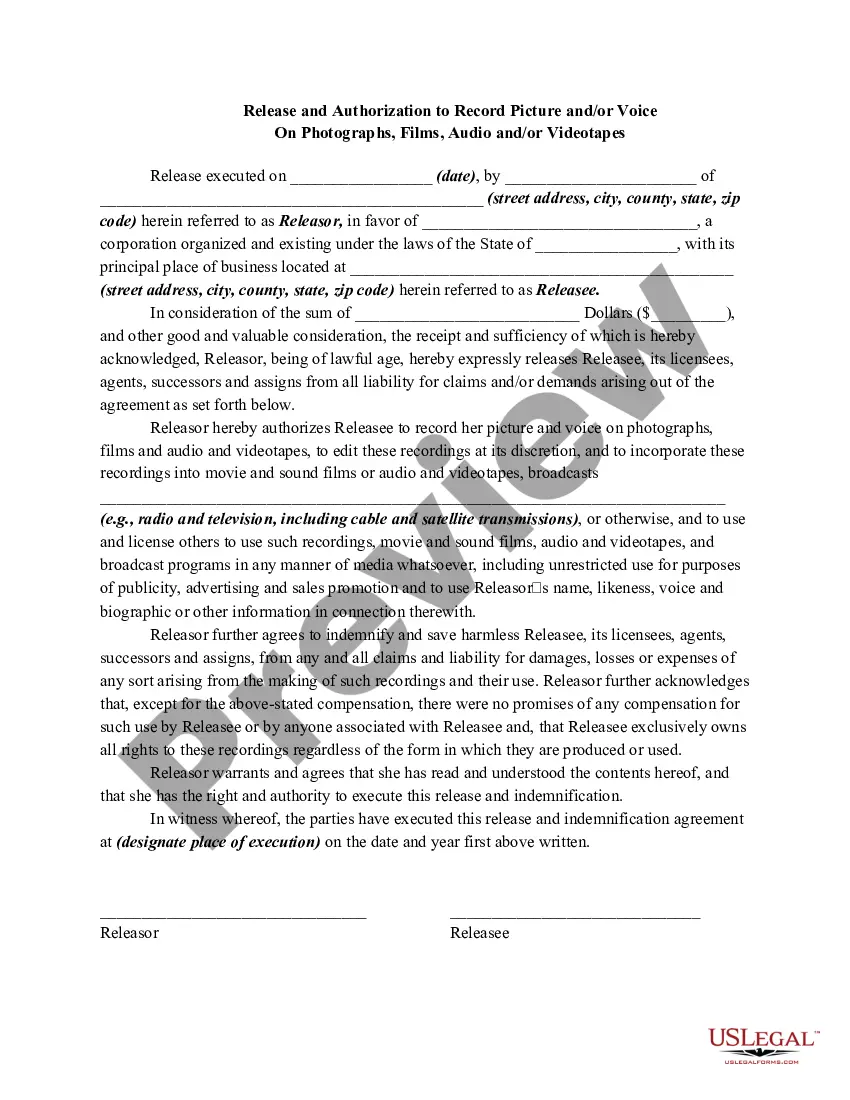
Release Picture Photographs With Iphone
Description
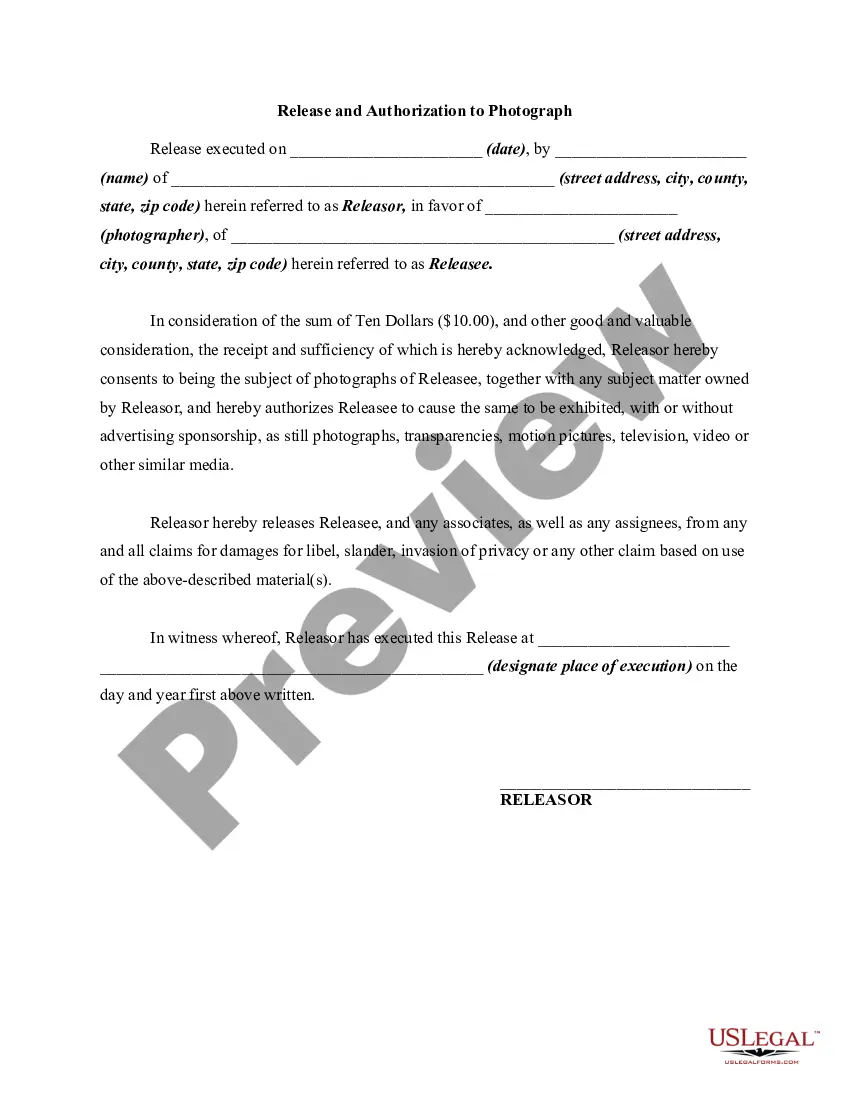
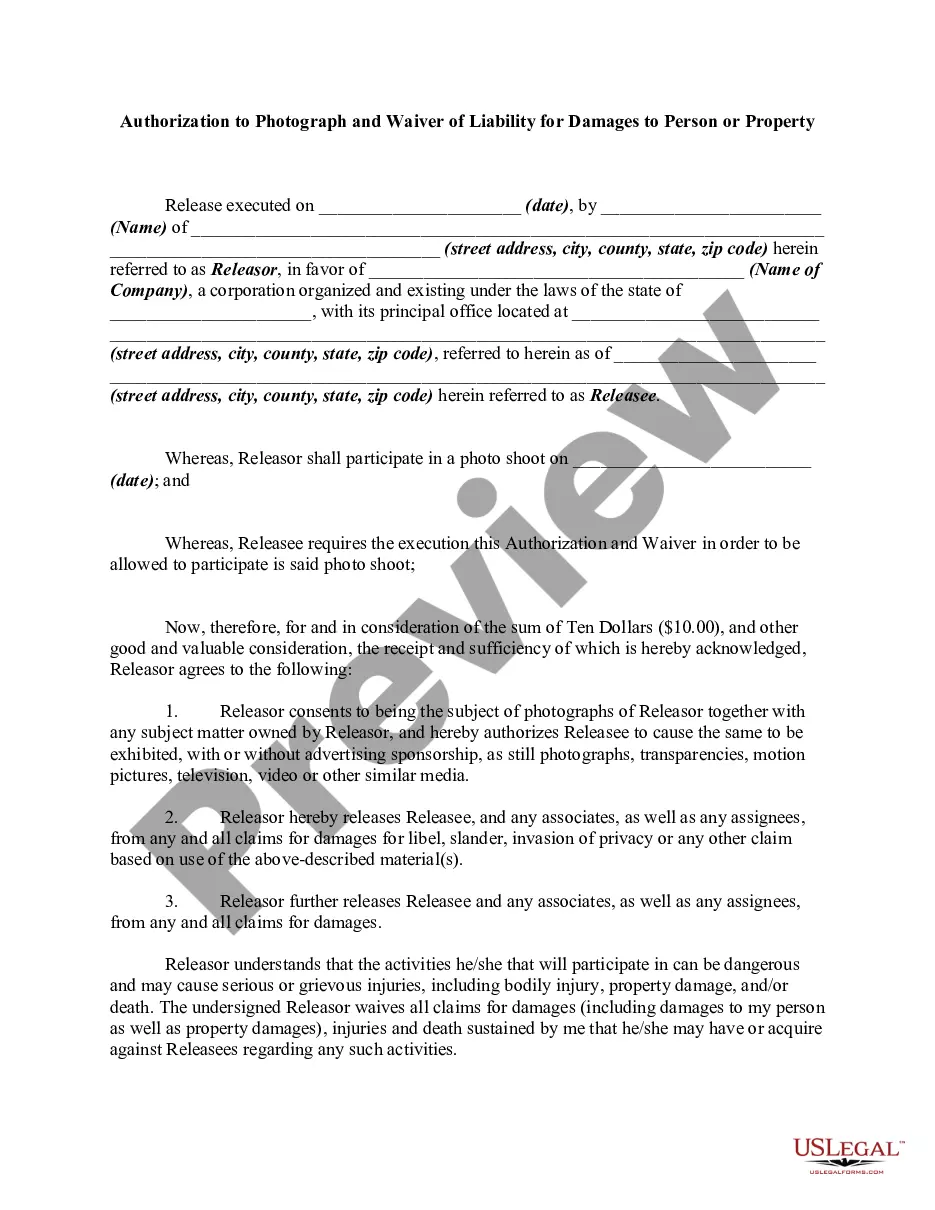
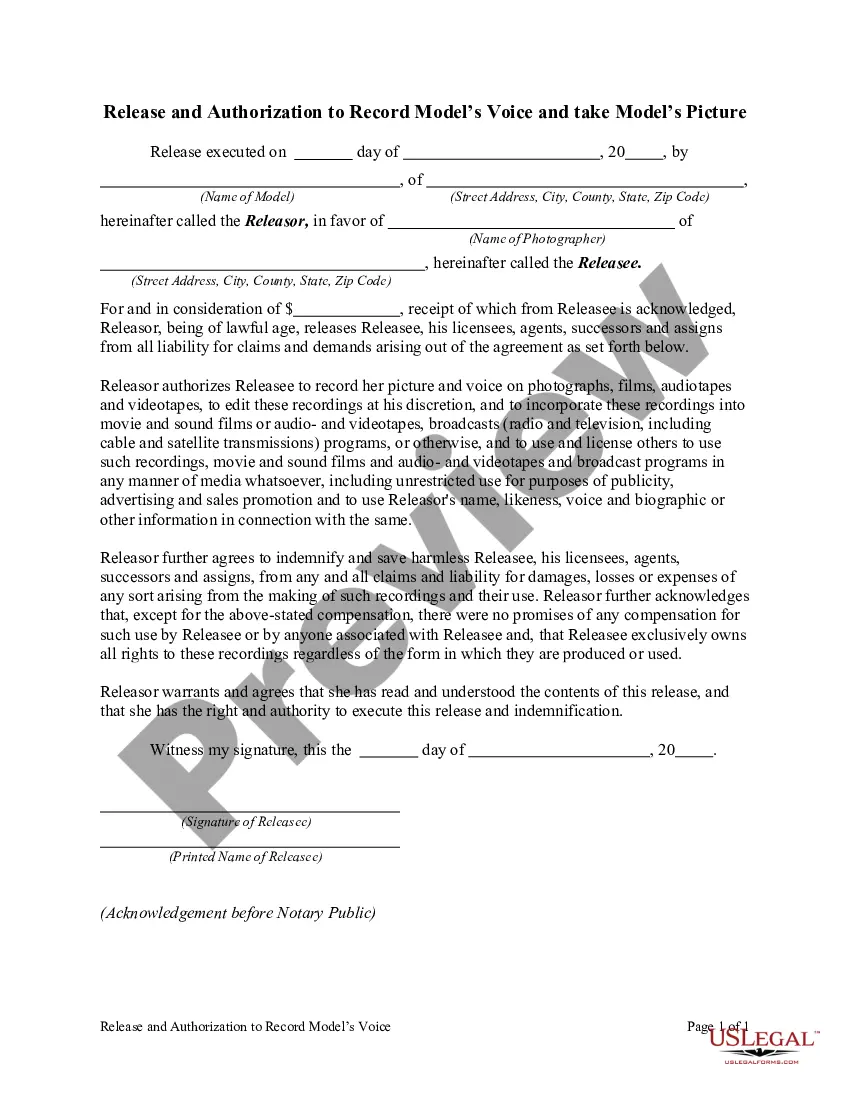
Get your form ready online
Our built-in tools help you complete, sign, share, and store your documents in one place.
Make edits, fill in missing information, and update formatting in US Legal Forms—just like you would in MS Word.
Download a copy, print it, send it by email, or mail it via USPS—whatever works best for your next step.
Sign and collect signatures with our SignNow integration. Send to multiple recipients, set reminders, and more. Go Premium to unlock E-Sign.
If this form requires notarization, complete it online through a secure video call—no need to meet a notary in person or wait for an appointment.
We protect your documents and personal data by following strict security and privacy standards.

Make edits, fill in missing information, and update formatting in US Legal Forms—just like you would in MS Word.

Download a copy, print it, send it by email, or mail it via USPS—whatever works best for your next step.

Sign and collect signatures with our SignNow integration. Send to multiple recipients, set reminders, and more. Go Premium to unlock E-Sign.

If this form requires notarization, complete it online through a secure video call—no need to meet a notary in person or wait for an appointment.

We protect your documents and personal data by following strict security and privacy standards.
Looking for another form?





How to fill out Release And Authorization To Record Picture And / Or Voice On Photographs, Films, Audio And / Or Videotapes?
The Release Picture Photographs With Iphone you observe on this page is a reusable legal template formulated by expert lawyers in accordance with national and local statutes.
For over 25 years, US Legal Forms has supplied individuals, enterprises, and legal practitioners with over 85,000 authenticated, state-specific forms for any commercial and personal occasion. It’s the quickest, simplest, and most dependable method to acquire the documents you require, as the service ensures bank-level data security and anti-malware safeguards.
Select the format you wish for your Release Picture Photographs With Iphone (PDF, Word, RTF) and download the sample onto your device. Fill out and sign the document. Print the template for manual completion. Alternatively, use an online multi-functional PDF editor to efficiently and accurately fill out and sign your form with a valid signature. Download your documents again. Use the same document again whenever required. Open the My documents tab in your profile to redownload any previously saved forms. Subscribe to US Legal Forms to have authenticated legal templates for all of life’s situations readily available.
- Look for the document you require and verify it.
- Browse through the file you searched and preview it or examine the form description to confirm it meets your requirements. If it does not, use the search function to find the correct one. Click Buy Now once you’ve located the template you need.
- Register and Log In.
- Select the pricing plan that fits you and create an account. Use PayPal or a credit card to make a quick payment. If you already possess an account, Log In and check your subscription to proceed.
- Obtain the fillable template.
Form popularity
FAQ
After you take a photo or video, use the tools in the Photos app to edit it on your iPhone.
Because the aspect ratio of the camera (the ratio of height to width) is not the same as the aspect ratio of the screen.
Tap a shape or text box to select it, or select multiple objects. , tap Style, then tap Fill. Choose one of the following: A preset color or gradient: Tap Preset, swipe left or right to see all choices, then tap a color.
IPhone 14/14 Pro Max: How to Add Text To A Picture In Photos - YouTube YouTube Start of suggested clip End of suggested clip And now you can tap on the text box. And in here you can change the text you can change the size ofMoreAnd now you can tap on the text box. And in here you can change the text you can change the size of the text. You can change the font style. You can move them around the screen.
Go to Photos and select the photo you want. Tap Edit, then tap the Markup button . Tap the Add button to add text, shapes, and more. Tap Done, then tap Done again.