Shareholder Transfer Stock With Sto
Description




Get your form ready online
Our built-in tools help you complete, sign, share, and store your documents in one place.
Make edits, fill in missing information, and update formatting in US Legal Forms—just like you would in MS Word.
Download a copy, print it, send it by email, or mail it via USPS—whatever works best for your next step.
Sign and collect signatures with our SignNow integration. Send to multiple recipients, set reminders, and more. Go Premium to unlock E-Sign.
If this form requires notarization, complete it online through a secure video call—no need to meet a notary in person or wait for an appointment.
We protect your documents and personal data by following strict security and privacy standards.

Make edits, fill in missing information, and update formatting in US Legal Forms—just like you would in MS Word.

Download a copy, print it, send it by email, or mail it via USPS—whatever works best for your next step.

Sign and collect signatures with our SignNow integration. Send to multiple recipients, set reminders, and more. Go Premium to unlock E-Sign.

If this form requires notarization, complete it online through a secure video call—no need to meet a notary in person or wait for an appointment.

We protect your documents and personal data by following strict security and privacy standards.
Looking for another form?

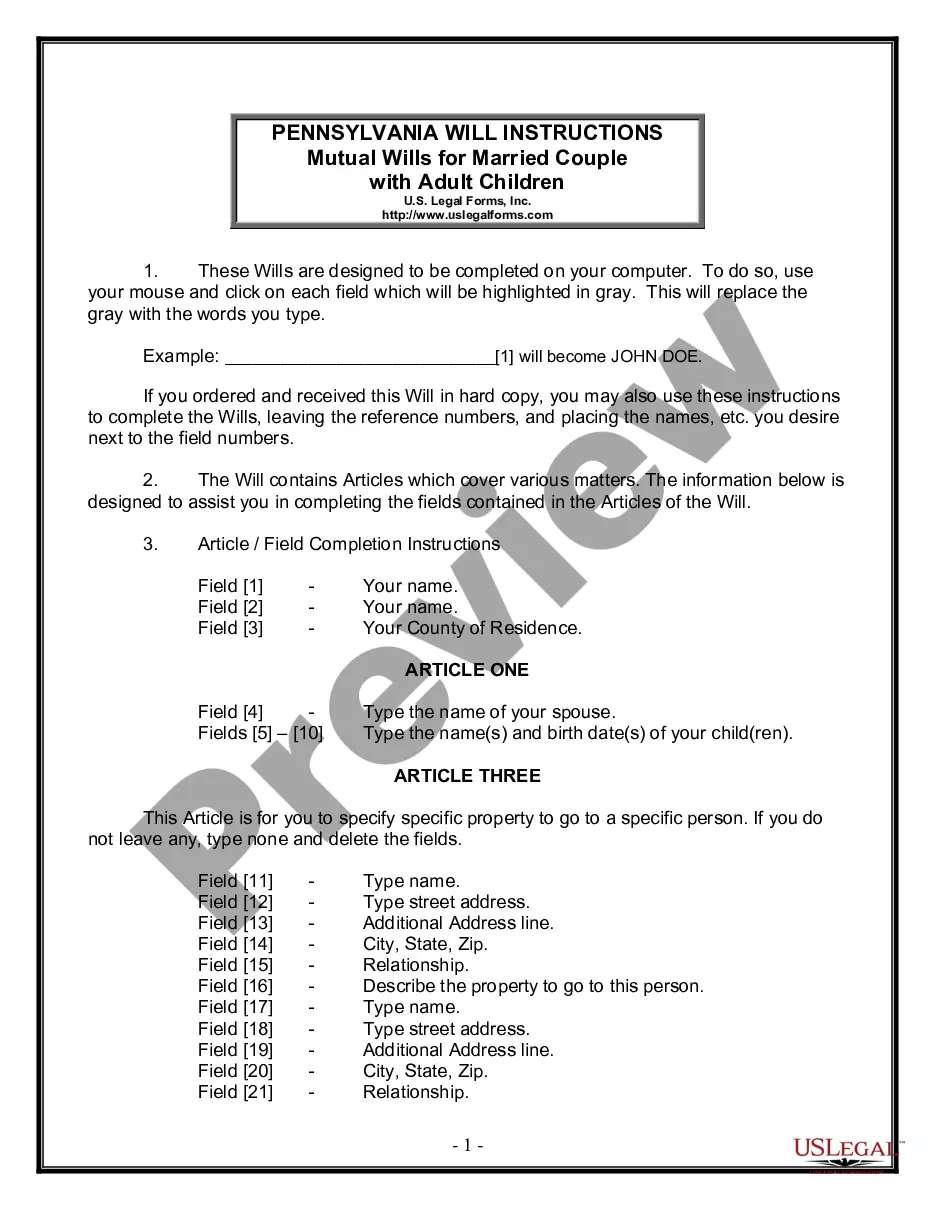
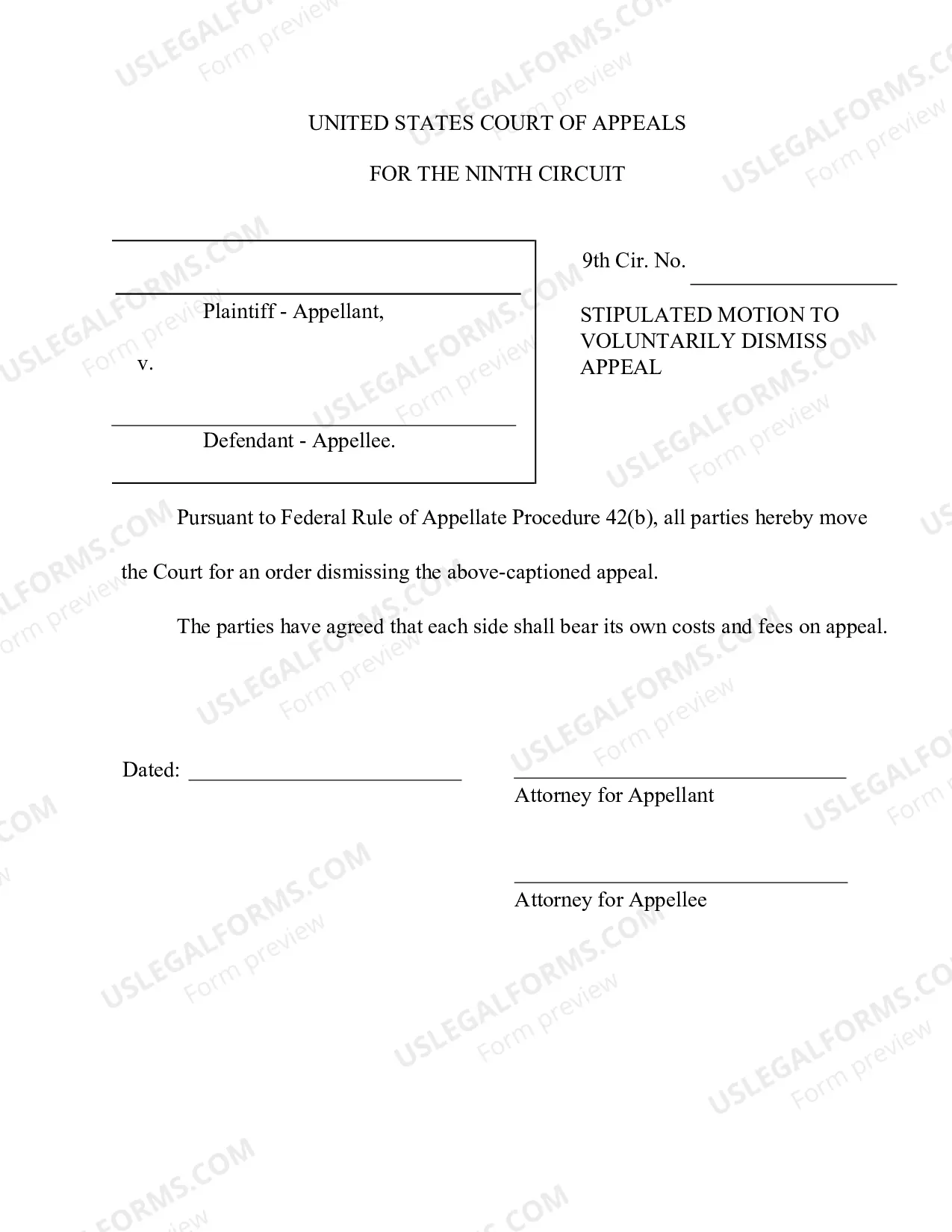

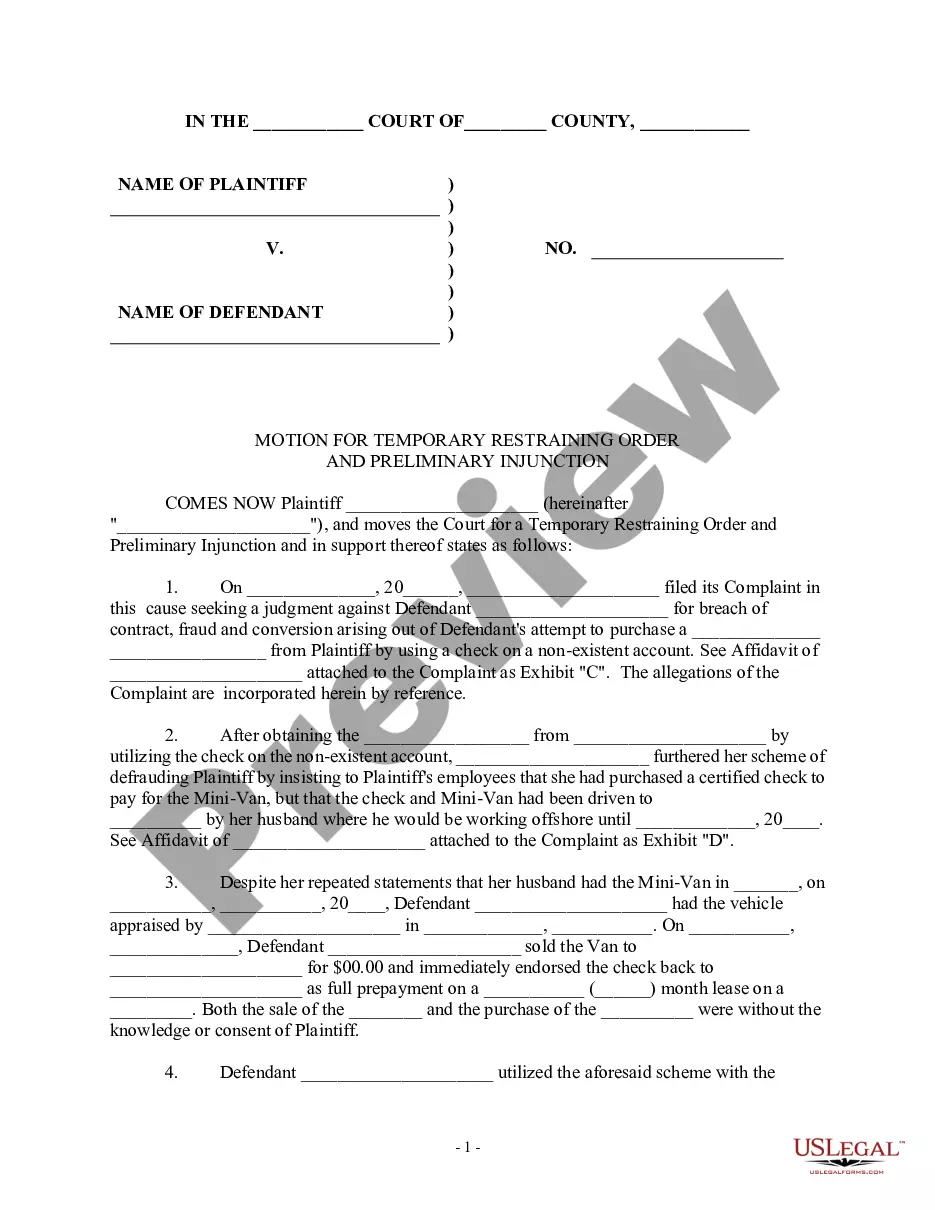
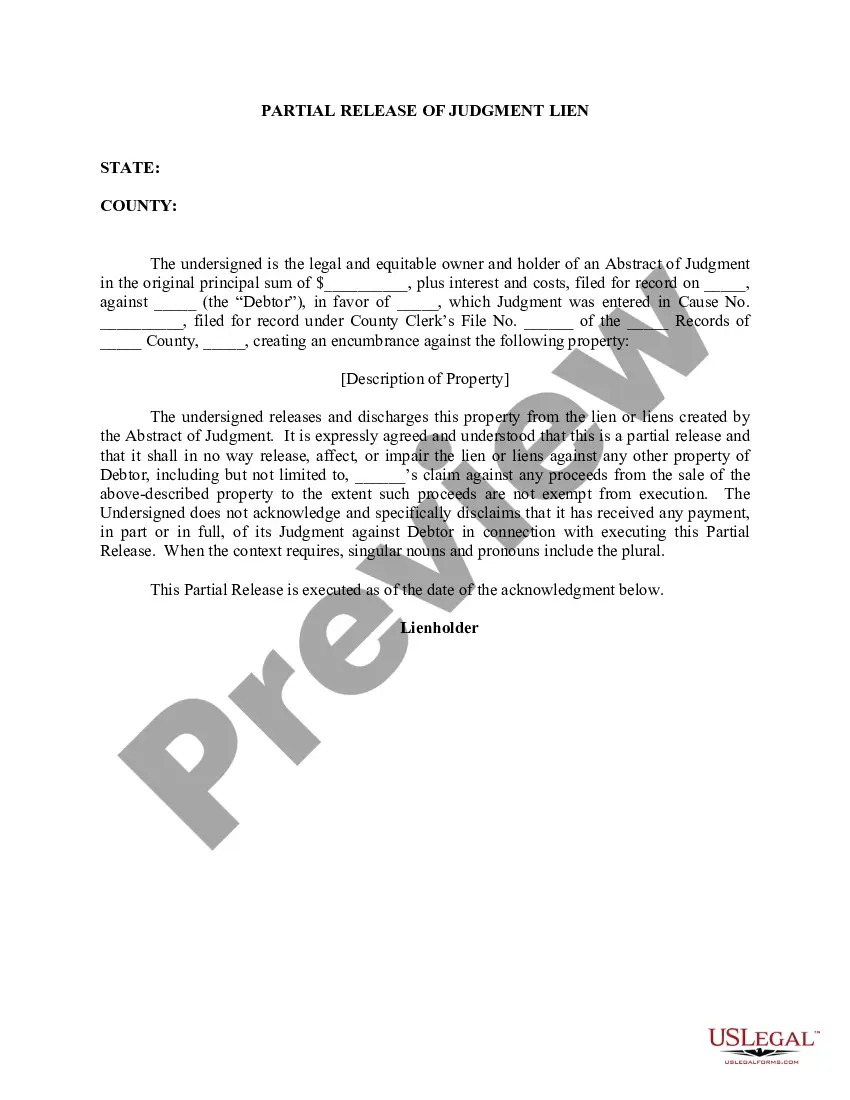
How to fill out Corporation - Transfer Of Stock?
Identifying a reliable location to obtain the most up-to-date and pertinent legal templates is a significant part of navigating bureaucracy.
Finding the appropriate legal documents demands accuracy and meticulousness, which is why it is crucial to take samples of Shareholder Transfer Stock With Sto exclusively from credible sources, like US Legal Forms. An inaccurate template will squander your time and delay the issue you are facing. With US Legal Forms, you have minimal concerns to contend with. You can explore and view all the specifics regarding the document’s applicability and relevance for your situation and in your state or county.
Eliminate the complications associated with your legal documentation. Explore the extensive US Legal Forms library where you can discover legal templates, assess their relevance to your situation, and download them immediately.
- Utilize the library navigation or search bar to find your template.
- Access the form’s description to confirm if it meets the criteria of your state and county.
- Open the form preview, if available, to verify that the form is indeed the one you want.
- Return to the search and seek the appropriate document if the Shareholder Transfer Stock With Sto does not meet your requirements.
- If you are certain about the form’s applicability, download it.
- If you are a registered user, click Log in to verify and access your selected templates in My documents.
- If you have not created an account yet, click Buy now to acquire the template.
- Select the pricing option that aligns with your preferences.
- Proceed with the registration to complete your transaction.
- Finalize your purchase by choosing a payment method (credit card or PayPal).
- Choose the document format for downloading Shareholder Transfer Stock With Sto.
- After you have the form on your device, you can modify it using the editor or print it out and fill it out manually.
Form popularity
FAQ
The person responsible for initiating a Shareholder transfer stock with STO during IST deliveries typically involves the current shareholder or their authorized representative. It is crucial that they fully understand the details of the stock transfer process to ensure compliance with legal requirements. Additionally, the designated party should utilize legal resources, such as the US Legal Forms platform, to streamline the creation of the stock transfer order. This ensures a seamless transition and safeguards both parties involved in the transfer.
Transfer postings differ from stock transfers, in that transfer postings are not connected with a physical goods movement. They usually involve a change in stock type, batch number, or material number.
STO is the intracompany process to transfer materials, between one plant to another within the same company with the same company code. Customizings for STO. You have to register the supplying plant as a supplier and the receiving plant as a customer. The supplying plant can be customized on the vendor master data.
Stock Transport Order (STO) Process In SAP ? Purchasing in entering the order. ? Shipping in making the delivery from the issuing plant. ? Inventory Management at goods receipt in the receiving plant. ? ... ? If you use the one-step procedure (movement type 647 and 101), no goods.
How to Create Stock Transfer Order in SAP? Please follow the steps below to create a stock transfer order in SAP: Execute ME21N in the SAP Command Field and press enters to Execute . Now to trigger the STO process select document type STO Plant to Plant as shown in the image below.
Inter-company transfers can face added complexity due to the different identification codes used by each company. One-step process: With this process, you create the receipt and the issue in the same step. You issue the goods to their intended location through just one Stock Transfer Order (STO).
