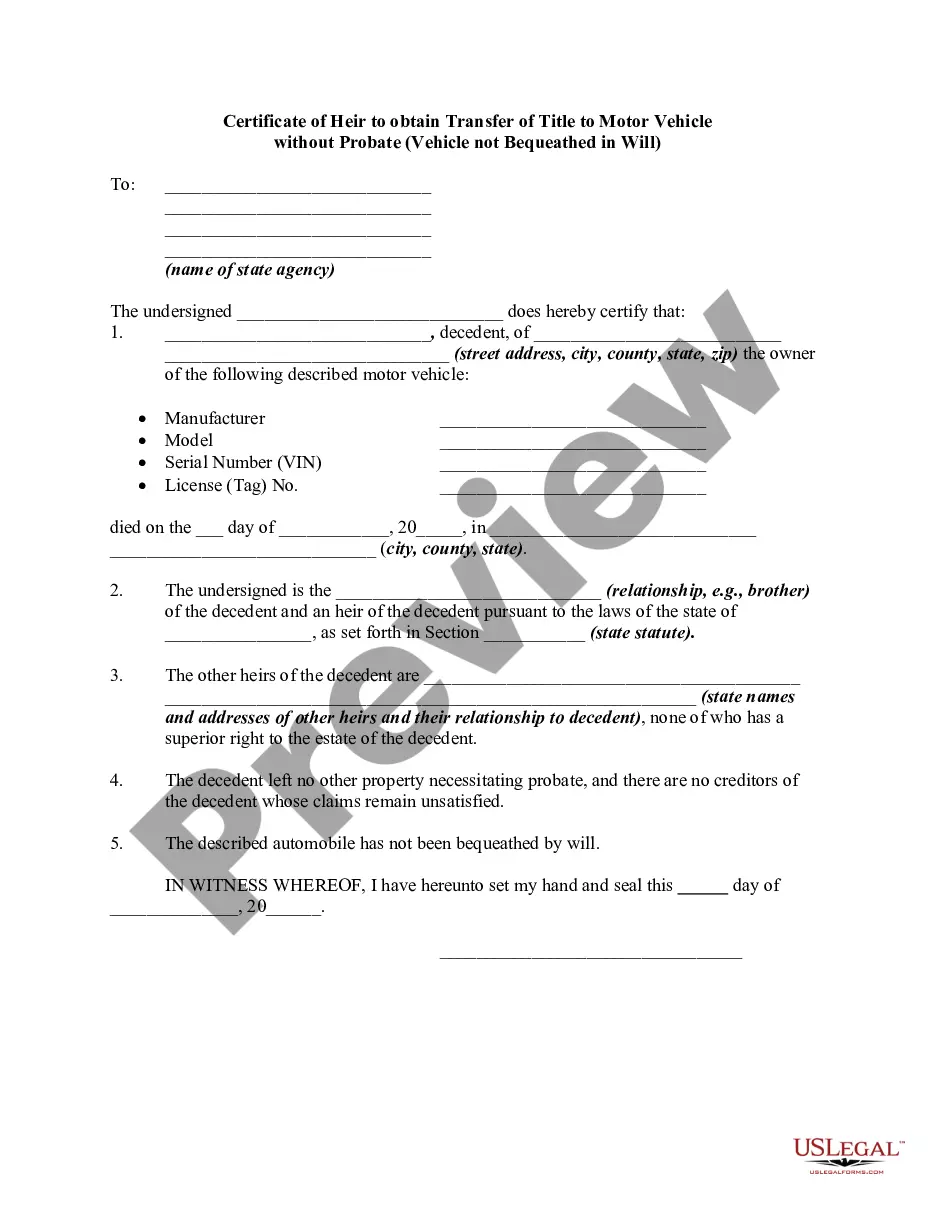
Blank Car Title Template California With Signature
Description
Get your form ready online
Our built-in tools help you complete, sign, share, and store your documents in one place.
Make edits, fill in missing information, and update formatting in US Legal Forms—just like you would in MS Word.
Download a copy, print it, send it by email, or mail it via USPS—whatever works best for your next step.
Sign and collect signatures with our SignNow integration. Send to multiple recipients, set reminders, and more. Go Premium to unlock E-Sign.
If this form requires notarization, complete it online through a secure video call—no need to meet a notary in person or wait for an appointment.
We protect your documents and personal data by following strict security and privacy standards.

Make edits, fill in missing information, and update formatting in US Legal Forms—just like you would in MS Word.

Download a copy, print it, send it by email, or mail it via USPS—whatever works best for your next step.

Sign and collect signatures with our SignNow integration. Send to multiple recipients, set reminders, and more. Go Premium to unlock E-Sign.

If this form requires notarization, complete it online through a secure video call—no need to meet a notary in person or wait for an appointment.

We protect your documents and personal data by following strict security and privacy standards.
Looking for another form?

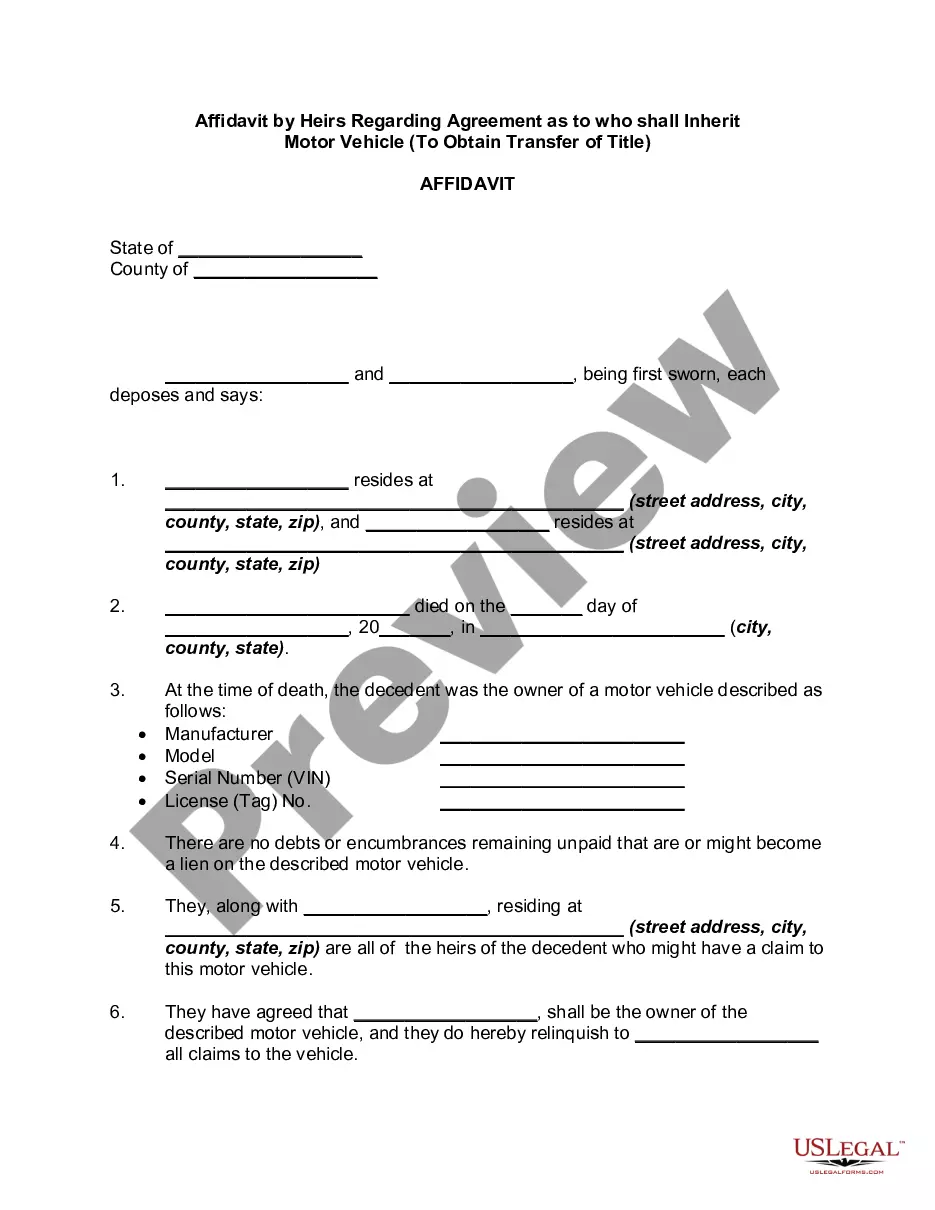
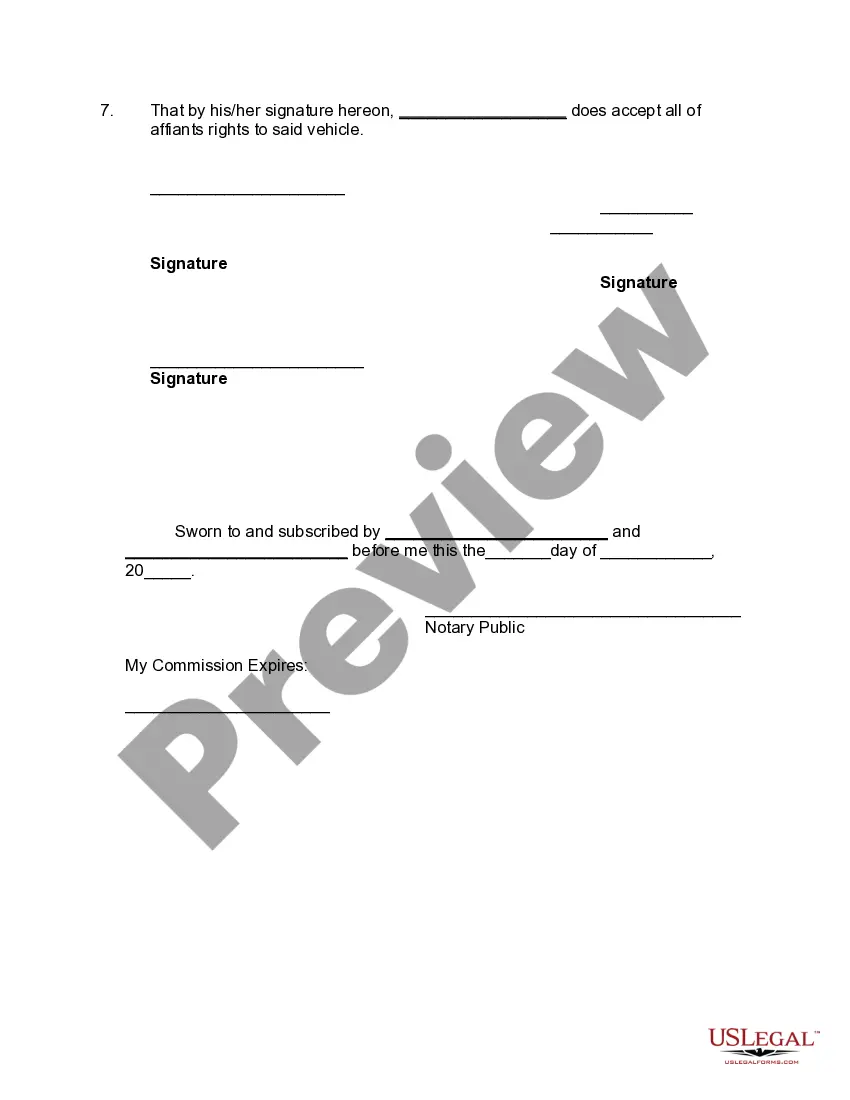
How to fill out Affidavit By Heirs Regarding Agreement As To Who Shall Inherit Motor Vehicle - To Obtain Transfer Of Title?
Getting a go-to place to take the most recent and appropriate legal samples is half the struggle of dealing with bureaucracy. Discovering the right legal papers calls for precision and attention to detail, which explains why it is crucial to take samples of Blank Car Title Template California With Signature only from reputable sources, like US Legal Forms. An improper template will waste your time and delay the situation you are in. With US Legal Forms, you have very little to worry about. You may access and check all the information about the document’s use and relevance for the circumstances and in your state or region.
Consider the following steps to finish your Blank Car Title Template California With Signature:
- Utilize the library navigation or search field to find your sample.
- Open the form’s description to see if it fits the requirements of your state and region.
- Open the form preview, if there is one, to make sure the form is the one you are interested in.
- Return to the search and locate the proper document if the Blank Car Title Template California With Signature does not fit your needs.
- When you are positive regarding the form’s relevance, download it.
- When you are an authorized user, click Log in to authenticate and gain access to your picked forms in My Forms.
- If you do not have a profile yet, click Buy now to get the template.
- Choose the pricing plan that fits your preferences.
- Proceed to the registration to finalize your purchase.
- Finalize your purchase by choosing a transaction method (credit card or PayPal).
- Choose the document format for downloading Blank Car Title Template California With Signature.
- When you have the form on your device, you may alter it using the editor or print it and finish it manually.
Get rid of the hassle that comes with your legal documentation. Discover the extensive US Legal Forms catalog to find legal samples, check their relevance to your circumstances, and download them immediately.
Form popularity
FAQ
California Certificate of Title Transfer - Seller Instructions - YouTube YouTube Start of suggested clip End of suggested clip Then both of those people are going to have to sign. It. There's an or and are between the two namesMoreThen both of those people are going to have to sign. It. There's an or and are between the two names. Then either of the people listed as registered owners can sign the title to sell the vehicle.
Sign the title on line 1a, "Signature of Registered Owner." If the vehicle is less than 20 years old, also sign below the odometer section, "Transferor/ Seller Signature(s)." (If the vehicle is older than 20 years, do not sign the odometer section.)
Sacramento ? The California Department of Motor Vehicles now accepts digital signatures for vehicle purchases, allowing Californians to have a completely paperless car buying experience from their computer or smartphone.
The owner does not sign release there, it is for a bank or finance company to sign when they release interest after the lien has been satisfied. If the vehicle was originally financed, the lien holder's release will be indicated by a stamp and signature of the lien holder.
To transfer a title, you will always need: The signature(s) of seller(s) and lienholder (if any). The signature(s) of buyer(s).