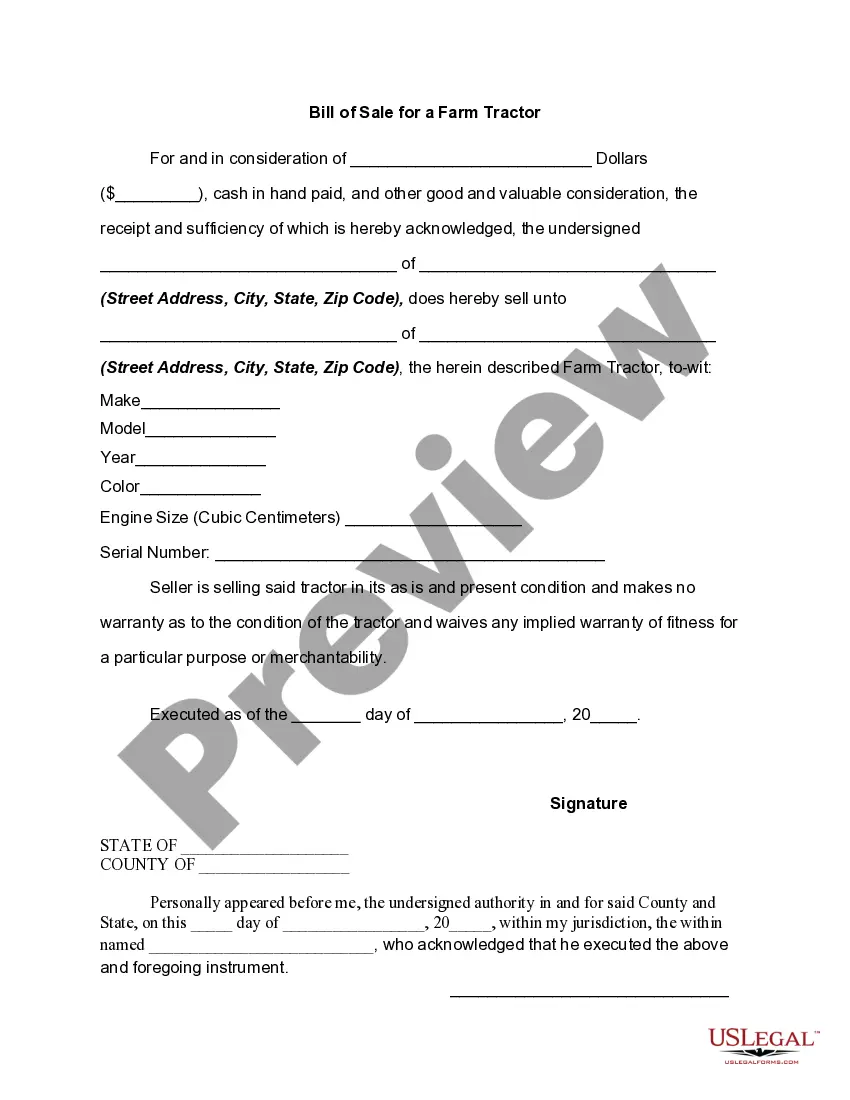
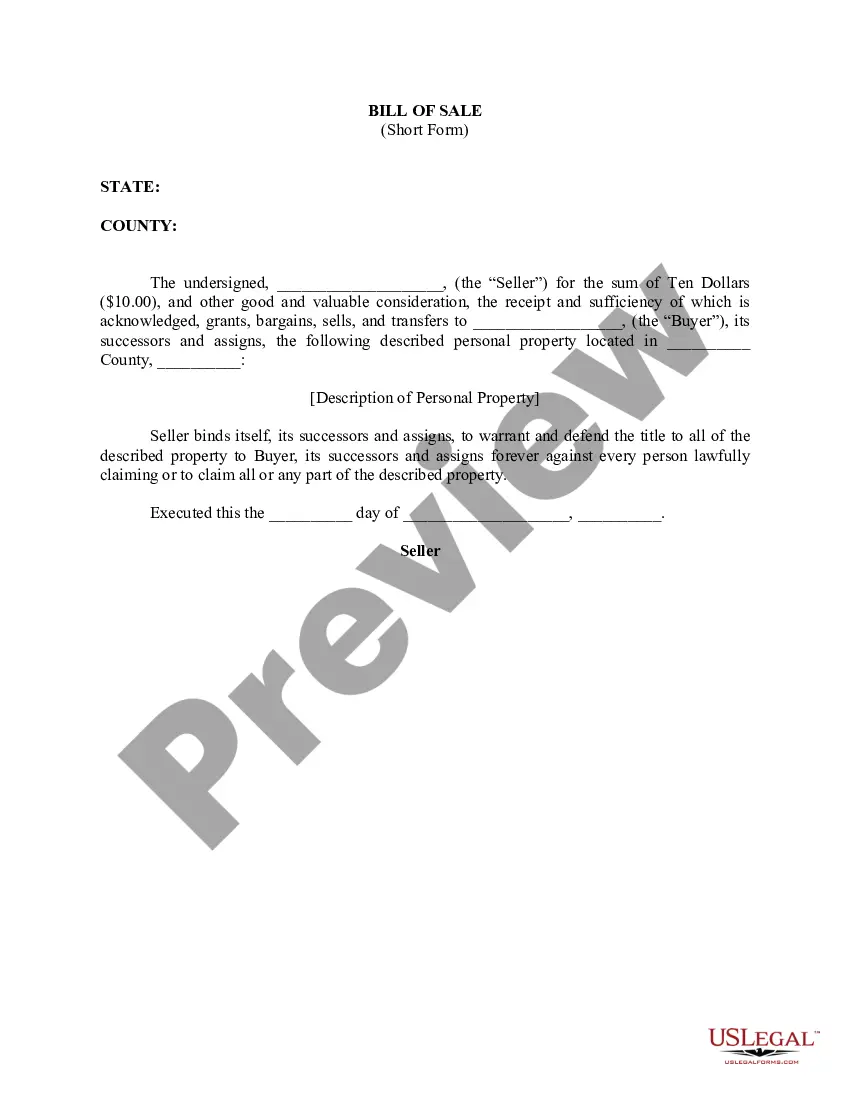
Sc Bill Of Sale For Tractor
Description
Get your form ready online
Our built-in tools help you complete, sign, share, and store your documents in one place.
Make edits, fill in missing information, and update formatting in US Legal Forms—just like you would in MS Word.
Download a copy, print it, send it by email, or mail it via USPS—whatever works best for your next step.
Sign and collect signatures with our SignNow integration. Send to multiple recipients, set reminders, and more. Go Premium to unlock E-Sign.
If this form requires notarization, complete it online through a secure video call—no need to meet a notary in person or wait for an appointment.
We protect your documents and personal data by following strict security and privacy standards.

Make edits, fill in missing information, and update formatting in US Legal Forms—just like you would in MS Word.

Download a copy, print it, send it by email, or mail it via USPS—whatever works best for your next step.

Sign and collect signatures with our SignNow integration. Send to multiple recipients, set reminders, and more. Go Premium to unlock E-Sign.

If this form requires notarization, complete it online through a secure video call—no need to meet a notary in person or wait for an appointment.

We protect your documents and personal data by following strict security and privacy standards.
Looking for another form?
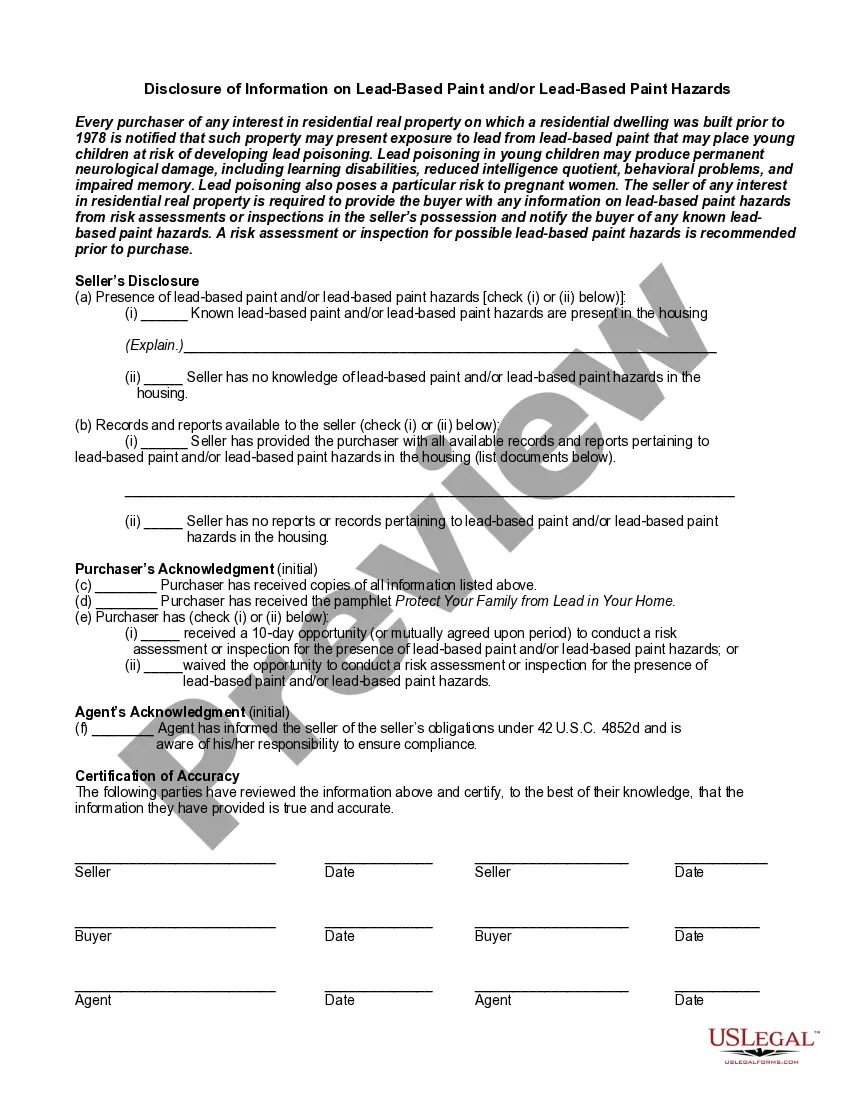
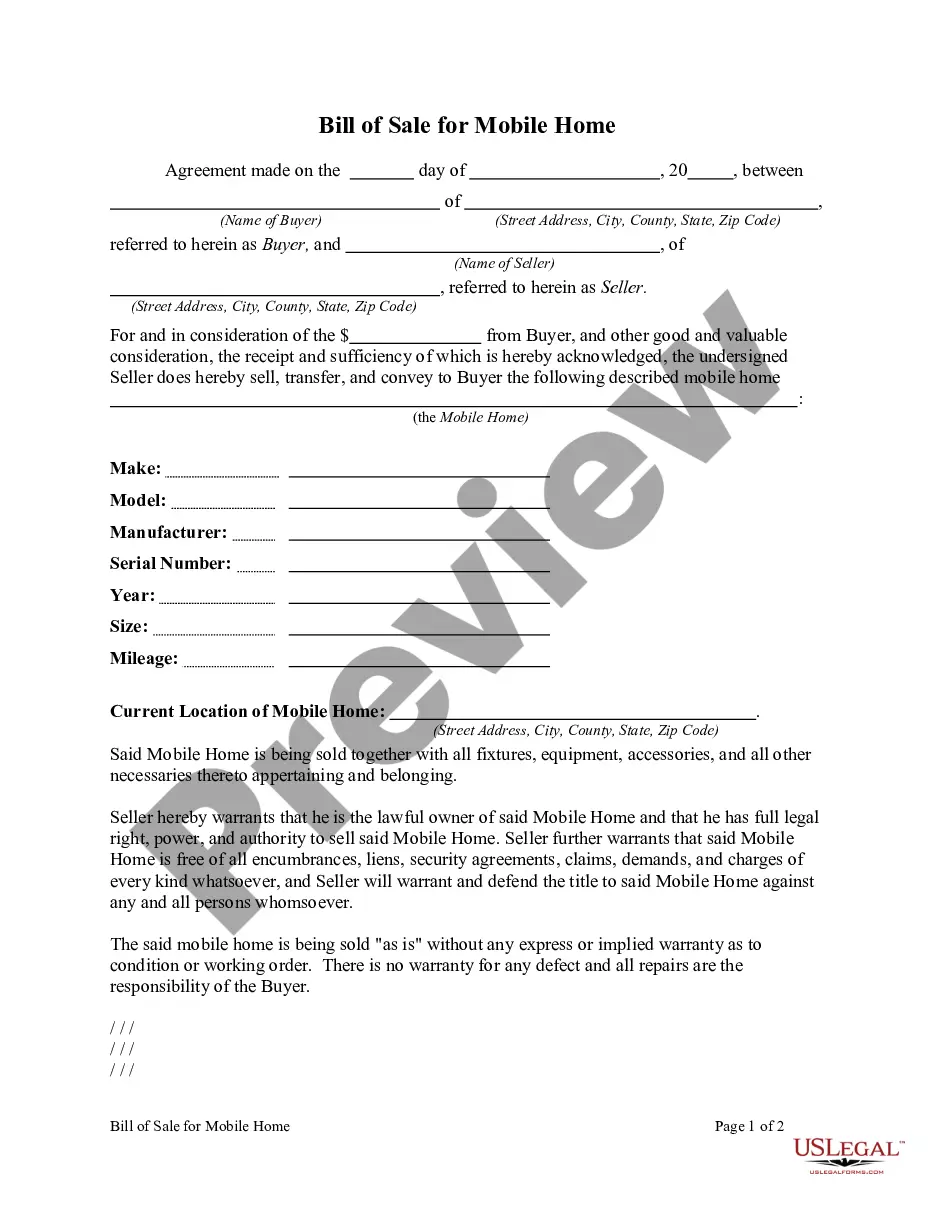
How to fill out Bill Of Sale For A Farm Tractor?
It’s clear that you cannot transform into a legal expert instantly, nor can you master how to swiftly create a Sc Bill Of Sale For Tractor without the necessity of a specialized education.
Assembling legal documents is an extensive undertaking that demands specific training and abilities. Therefore, why not delegate the creation of the Sc Bill Of Sale For Tractor to the professionals.
With US Legal Forms, one of the most extensive legal document databases, you can locate everything from court documents to templates for in-office correspondence. We understand how crucial compliance and adherence to federal and state statutes and regulations are. That’s why, on our website, all templates are location specific and current.
You can regain access to your documents from the My documents section at any time. If you’re an existing client, you can simply Log In, and locate and download the template from the same section.
Regardless of the objective of your documentation-whether it’s financial, legal, or personal-our platform has you covered. Give US Legal Forms a try today!
- Find the form you require by utilizing the search bar situated at the top of the page.
- View a preview (if this option is available) and examine the accompanying description to determine if the Sc Bill Of Sale For Tractor meets your needs.
- Begin your search anew if you require a different document.
- Create a free account and select a subscription plan to purchase the document.
- Click Buy now. Once the payment is processed, you can download the Sc Bill Of Sale For Tractor, fill it out, print it, and send or mail it to the specified individuals or organizations.
Form popularity
FAQ
AOC FORM VS-300: CERTIFICATE OF DIVORCE OR ANNULMENT INSTRUCTIONS This form must be completed on a computer. Complete ALL person.
You may file in Circuit Court in the county where either you or your spouse resides. The most simple procedure is an uncontested divorce. This is where you and your spouse can reach an agreement about the division of your property, and, if you have any children, what arrangements will be made for them.
How to File for Divorce in Kentucky Petition for the Dissolution of Marriage. Civil Summons or an entry of Appearance and Waiver. Case Data Information Sheet. Vital Statistics form.
Welcome to the Divorce web form (VS-300). This web form will be used to generate and print a CERTIFICATE OF DIVORCE OR ANNULMENT (VS-300). A completed VS-300 must include all required fields for party one, party two, and the attorney or pro se.
In order to file for divorce in Kentucky, you must submit the required paperwork to the court in the county where you or your spouse live. You can find the appropriate county court on the Kentucky Court of Justice website. You must pay a filing fee when you file for divorce.
Divorce Filing Fees and Typical Attorney Fees by State StateAverage Filing FeesOther Divorce Costs and Attorney FeesKentucky$148 (without an attorney), $153 (with an attorney)Average fees: $8,000+Louisiana$150 to $250Average fees: $10,000Maine$120Average fees: $8,000+Maryland$165Average fees: $11,00048 more rows ?
If the marriage is just breaking down and both parties need to move on with their life, it doesn't matter who files first. In Kentucky, there are options on how to approach the handling of a divorce. One way is by collaboration in mediation.
Kentucky Divorce With No Children (Packet) Step 1: Form 1A is a petition for dissolution of marriage, in which you provide information about both parties and your wishes regarding the division of assets, debts and property.