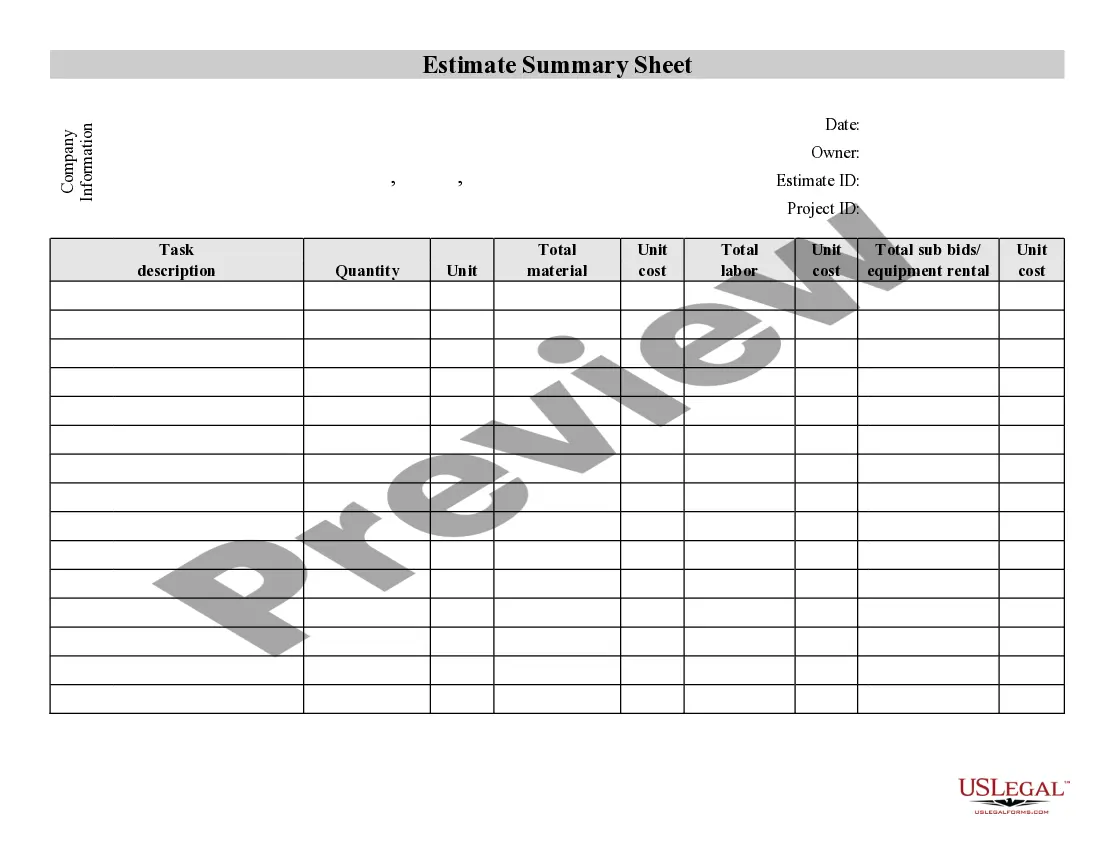
Contractor Bid Template For Excel
Description



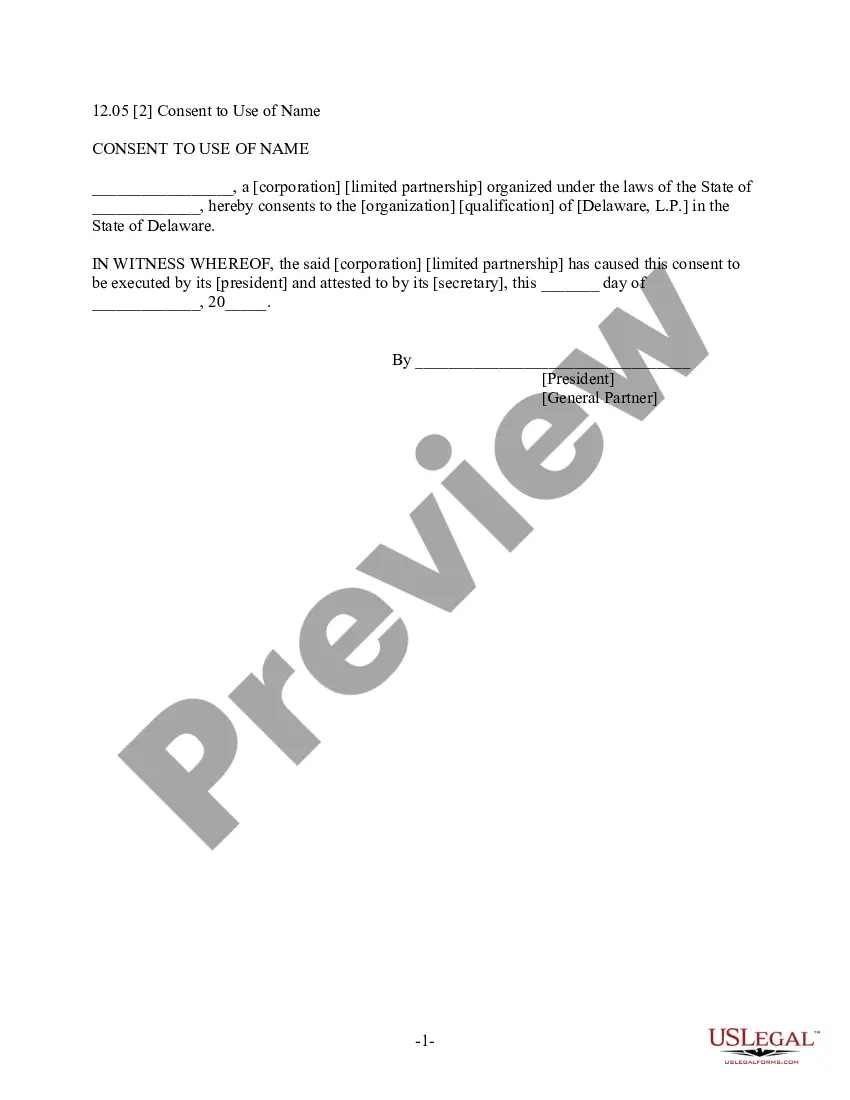
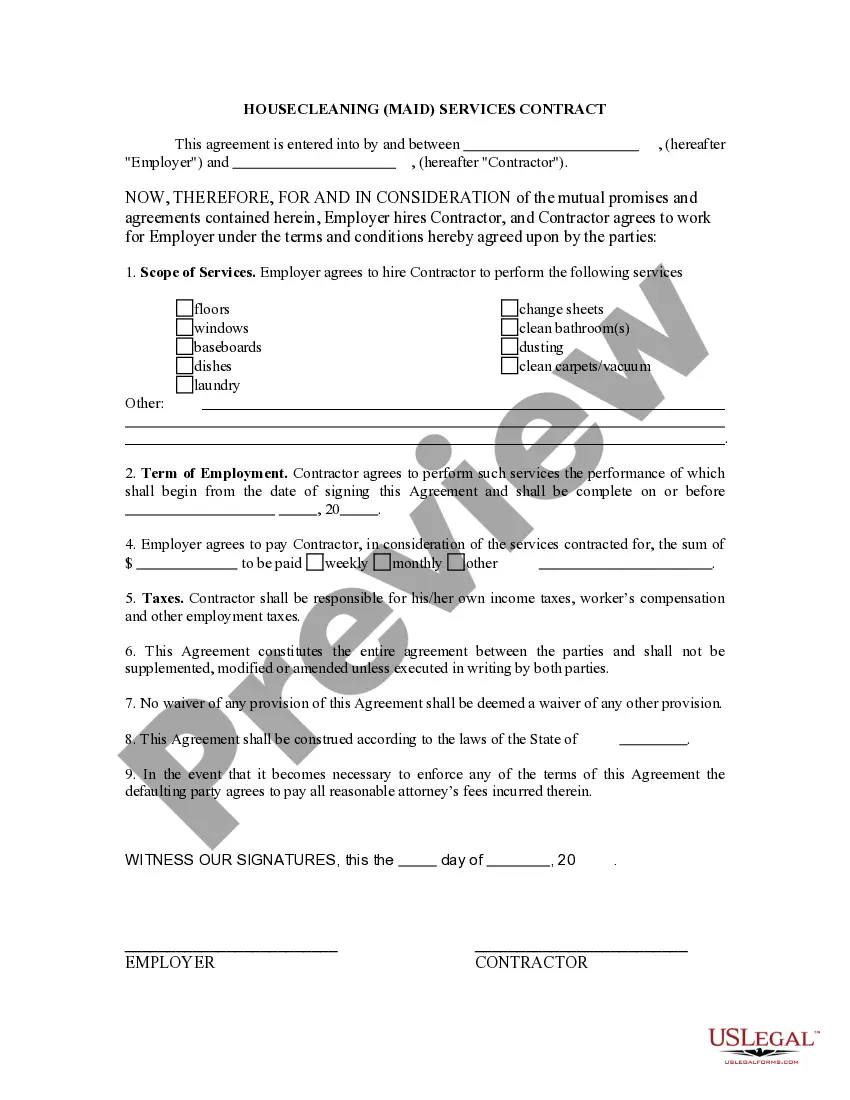
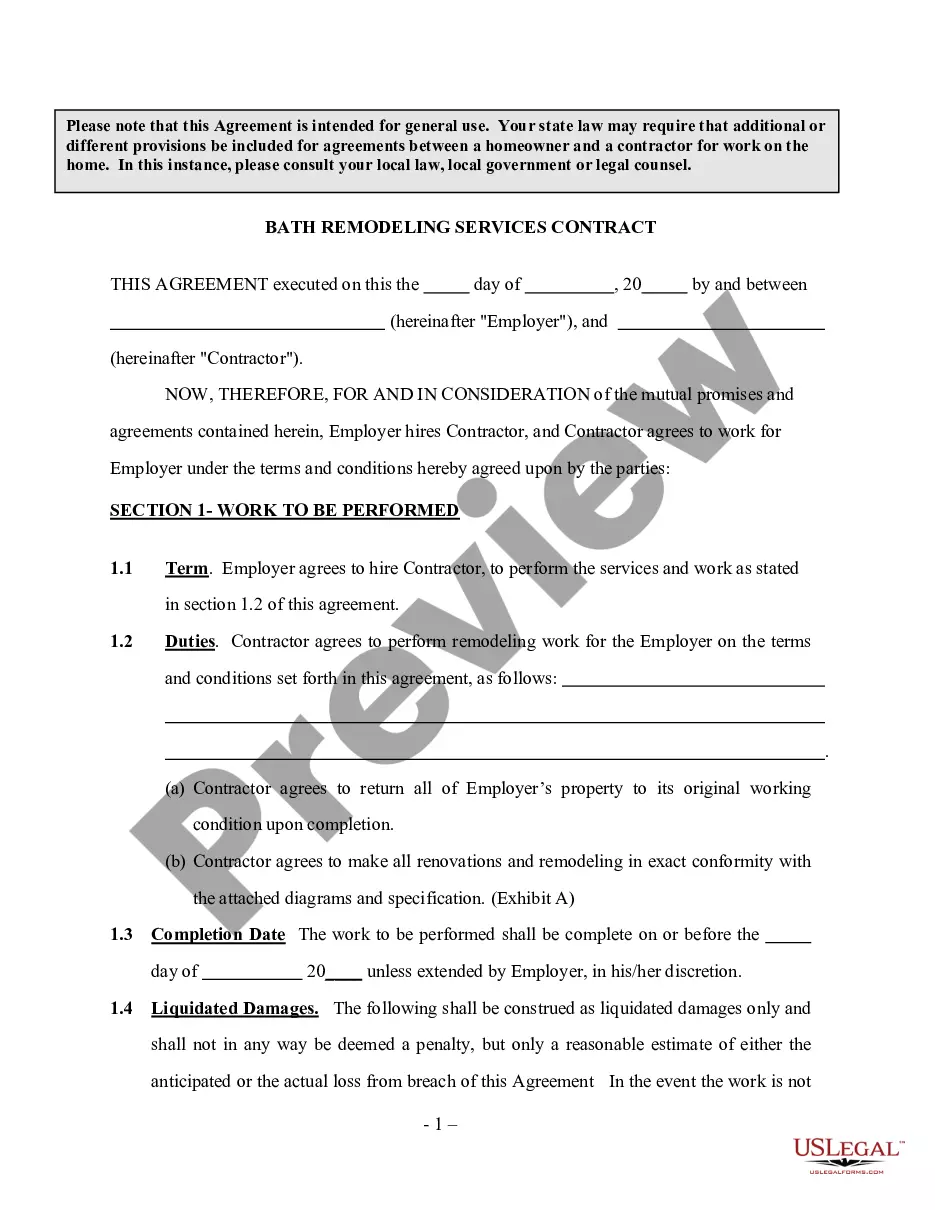
How to fill out Contractor's Summary Of An Estimate?
The Contractor Bid Template For Excel that appears on this site is a versatile legal template created by qualified attorneys in compliance with national and local regulations.
For over 25 years, US Legal Forms has offered individuals, companies, and legal practitioners more than 85,000 authenticated, state-specific documents for any business and personal circumstance. It’s the quickest, simplest, and most dependable way to acquire the forms you require, as the service assures the highest level of data protection and malware defense.
Choose the format you desire for your Contractor Bid Template For Excel (PDF, DOCX, RTF) and save the document on your device. Print the template to fill it out manually. Alternatively, utilize an online multifunctional PDF editor to efficiently and accurately complete and sign your form with an eSignature.
- Search for the document you require and verify it.
- Browse the sample you looked for and view it or examine the form description to confirm it meets your needs. If it doesn't, utilize the search function to find the correct one. Click Buy Now once you have located the template you need.
- Sign up and Log In.
- Select the pricing option that works for you and create an account. Use PayPal or a credit card to make a swift payment. If you already hold an account, Log In and check your subscription to proceed.
- Obtain the editable template.
Form popularity
FAQ
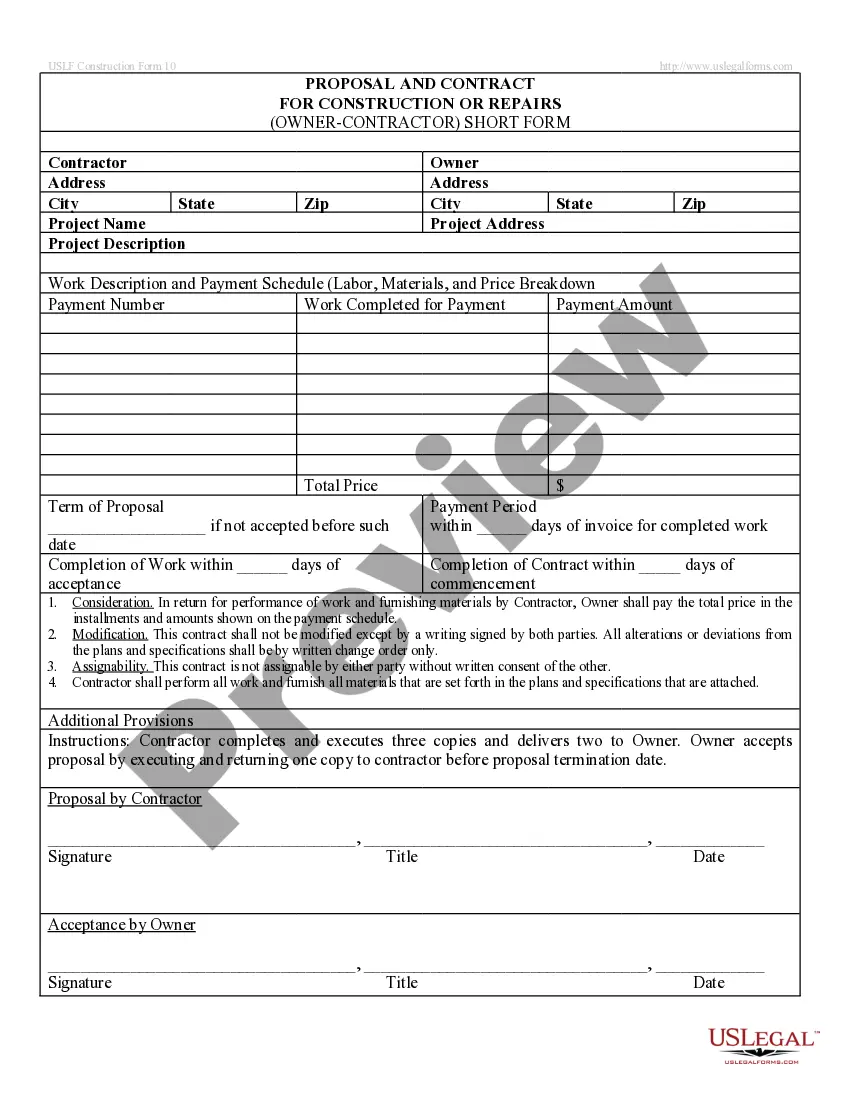
Creating an Excel template file is straightforward. Open Excel, and begin a new workbook where you can establish the layout for your Contractor bid template for Excel. Include headers for each section relevant to your bids, such as contractor information and project costs. Save the file as a template, so you can reuse it for future bids without starting from scratch.
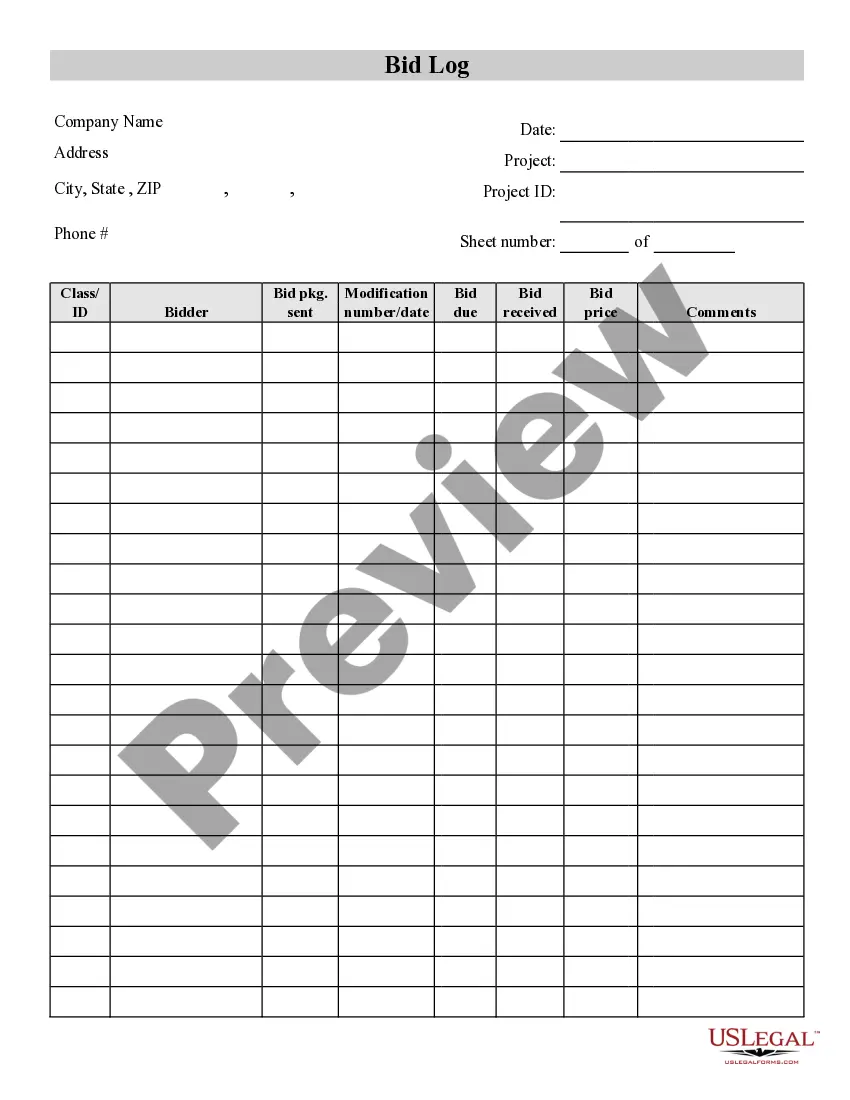
Structuring a bid involves organizing your information into logical sections. Start with an introduction, followed by a description of the work, a breakdown of costs, and your qualifications. A contractor bid template for Excel can help you maintain a clear structure and present your bid in a professional manner, making it easier for clients to review.
To make a contractor bid, start by clearly defining the project scope and requirements. Gather all relevant costs, such as materials and labor, and organize this information into a structured format. Leveraging a contractor bid template for Excel can facilitate this process, ensuring you cover all necessary details and present a polished proposal.
Yes, Excel offers various templates for estimates, including those tailored for construction projects. You can easily find a contractor bid template for Excel that suits your needs or customize one to fit your specific requirements. These templates provide a solid foundation for creating professional estimates that can enhance your bidding process.
Formatting a construction bid involves organizing your information clearly and logically. Begin with a title page, then provide a table of contents, followed by sections detailing project specifications, costs, and terms. Utilizing a contractor bid template for Excel can help you ensure that all necessary components are included and easily readable.
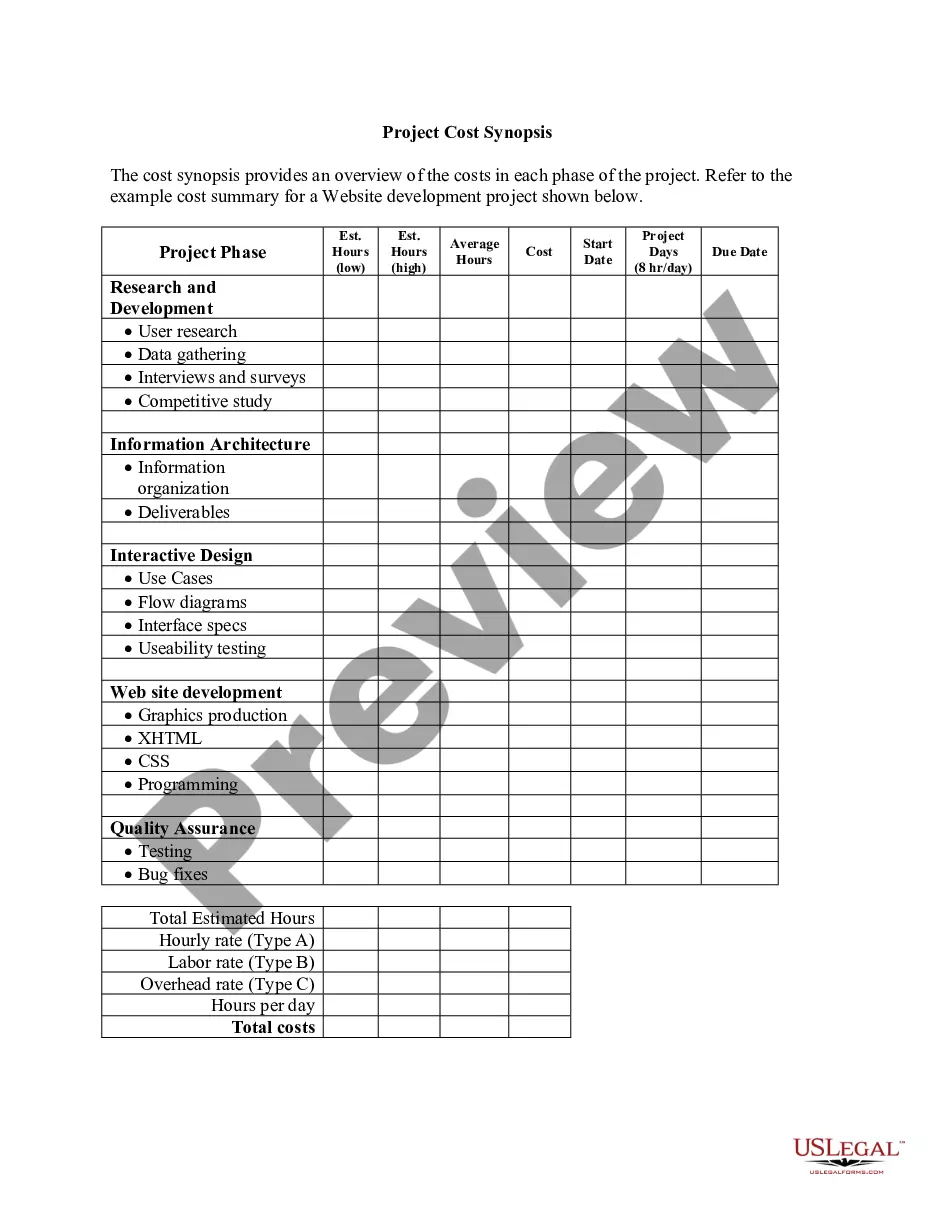
To create a Bill of Quantities (BOQ) format in Excel, start by outlining the project details and items required. Use a clear table structure with columns for item description, unit, quantity, rate, and total. You can easily customize a contractor bid template for Excel to include all necessary calculations and maintain organization. This setup will help streamline your bidding process.
Here are the key elements every bid proposal should include: Client's name and contact information. Your business name and contact information. A detailed project description. Services or products provided. Pricing estimate. Terms and conditions. Estimated timeline.
Elements of a bid proposal Client's contact information. Contractor's contact information. Job name. Purpose of the proposal and project. Services or products that would be provided. Pricing information. Additional terms and conditions of the agreement. Estimated project timeline.
In conclusion, the three essential elements of a government bid proposal, past performance, pricing, and technical approach, are critical components that build upon each other to create a comprehensive and competitive proposal.
The key components of a bid proposal Client and Contractor details. The top of the bid needs to contain the names and addresses of the client, contractor, and project name and address. Project scope. ... Existing conditions. ... Cost. ... Relevant documentation. ... Work schedule. ... Formal signatures. ... Seek to understand the project in depth.