Consignment Form Template With Drop Down List In California
Description

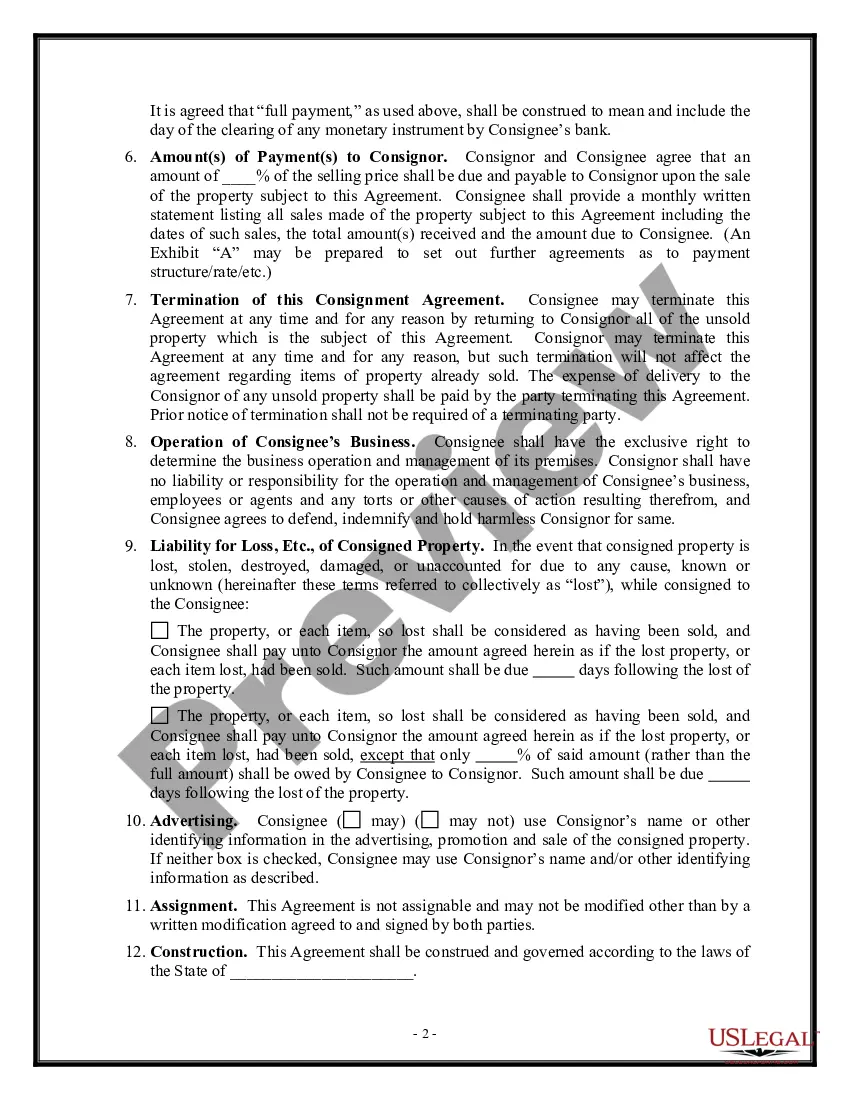
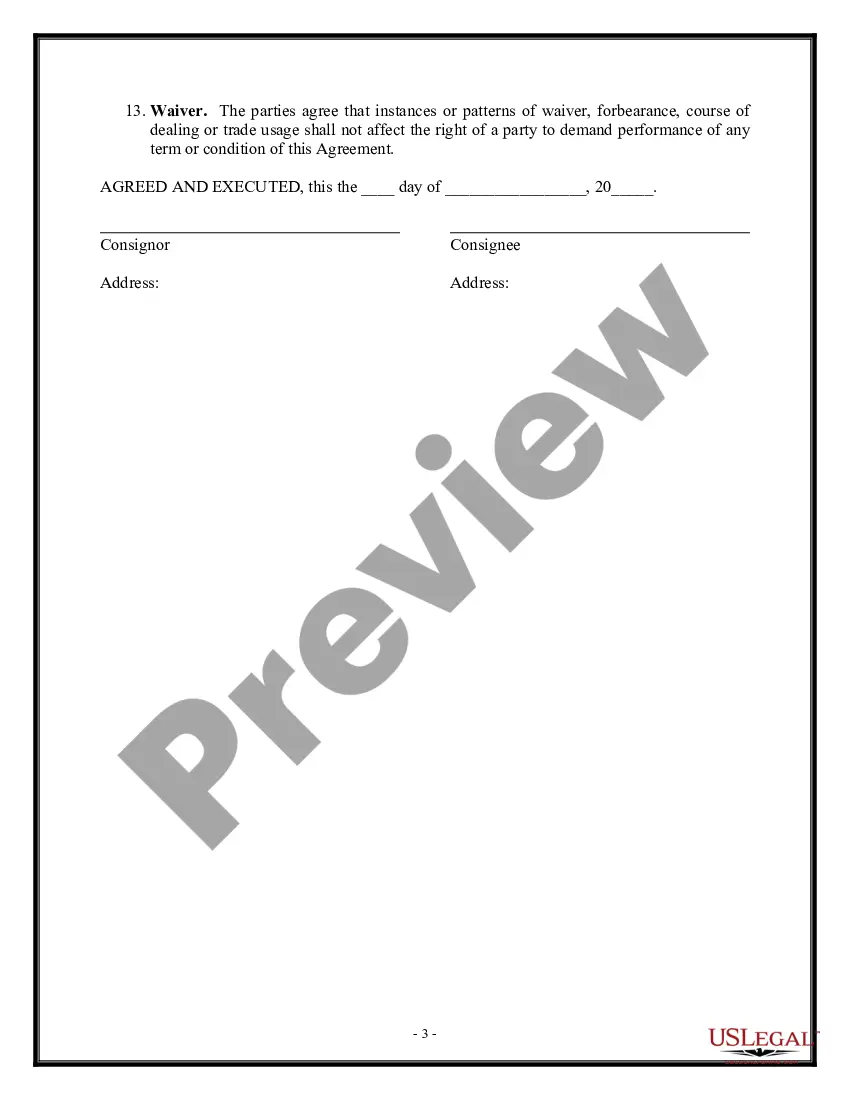
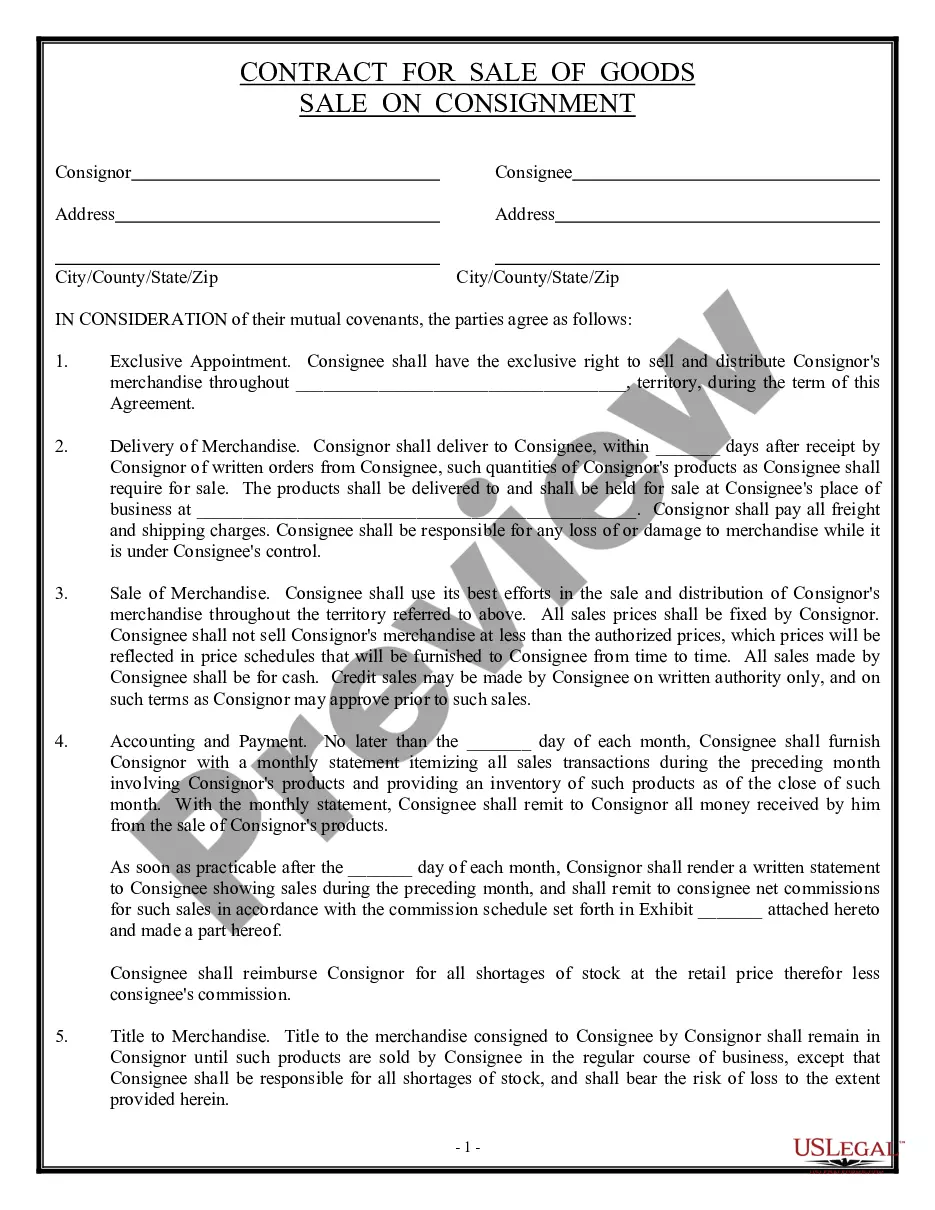
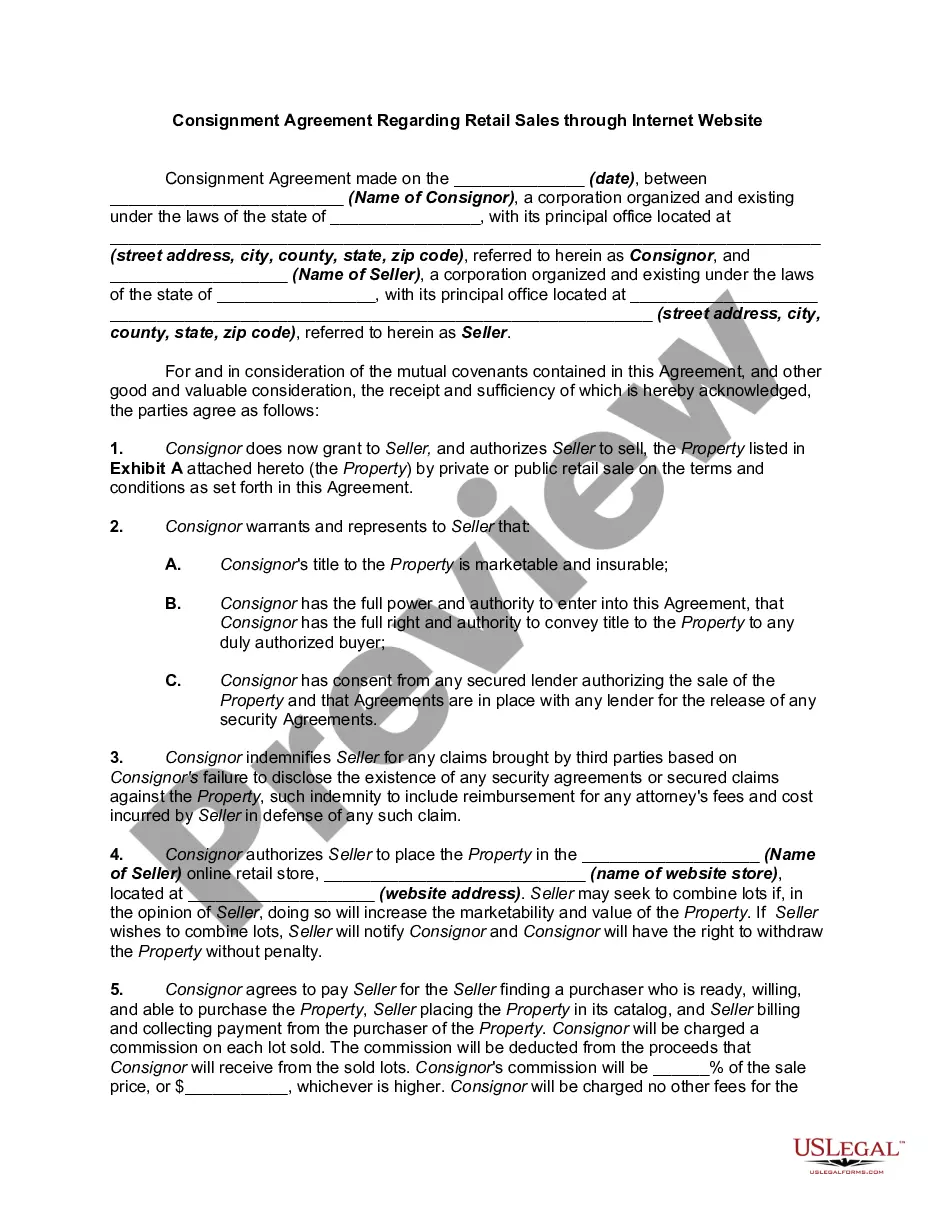
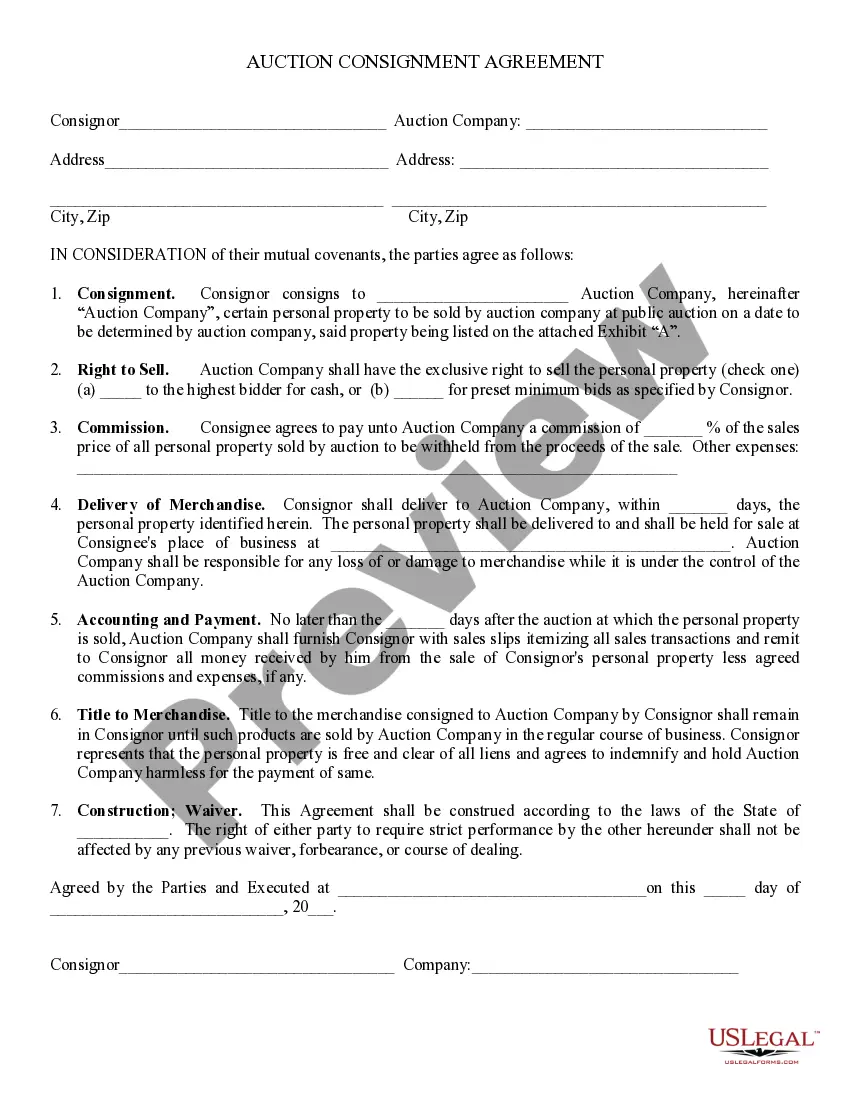
Get your form ready online
Our built-in tools help you complete, sign, share, and store your documents in one place.
Make edits, fill in missing information, and update formatting in US Legal Forms—just like you would in MS Word.
Download a copy, print it, send it by email, or mail it via USPS—whatever works best for your next step.
Sign and collect signatures with our SignNow integration. Send to multiple recipients, set reminders, and more. Go Premium to unlock E-Sign.
If this form requires notarization, complete it online through a secure video call—no need to meet a notary in person or wait for an appointment.
We protect your documents and personal data by following strict security and privacy standards.

Make edits, fill in missing information, and update formatting in US Legal Forms—just like you would in MS Word.

Download a copy, print it, send it by email, or mail it via USPS—whatever works best for your next step.

Sign and collect signatures with our SignNow integration. Send to multiple recipients, set reminders, and more. Go Premium to unlock E-Sign.

If this form requires notarization, complete it online through a secure video call—no need to meet a notary in person or wait for an appointment.

We protect your documents and personal data by following strict security and privacy standards.
Looking for another form?


Form popularity
FAQ
How to Write a Consignment Agreement Parties Involved: Names and contact information of the consignor and the consignee. Consigned Goods: Detailed description of the goods being consigned, including quantities and specifications. Consignment Period: Duration of the consignment arrangement.
The following instructions will help you understand the terms of your consignment agreement. Introduction of parties. Recitals. Consigned property. Delivery of goods. Consignment period. Efforts to sell. Title to products. Payment terms and commission.
2. Set up consignment income accounts Go to Settings ⚙ and select Chart of accounts. Select New. In the Account dialog, select Income from the Account Type dropdown list. From the Detail Type dropdown list, select Sales of Product Income. In the Name field, enter Consignment Sales. Select Save and Close. Select New.
