Company For Status
Description

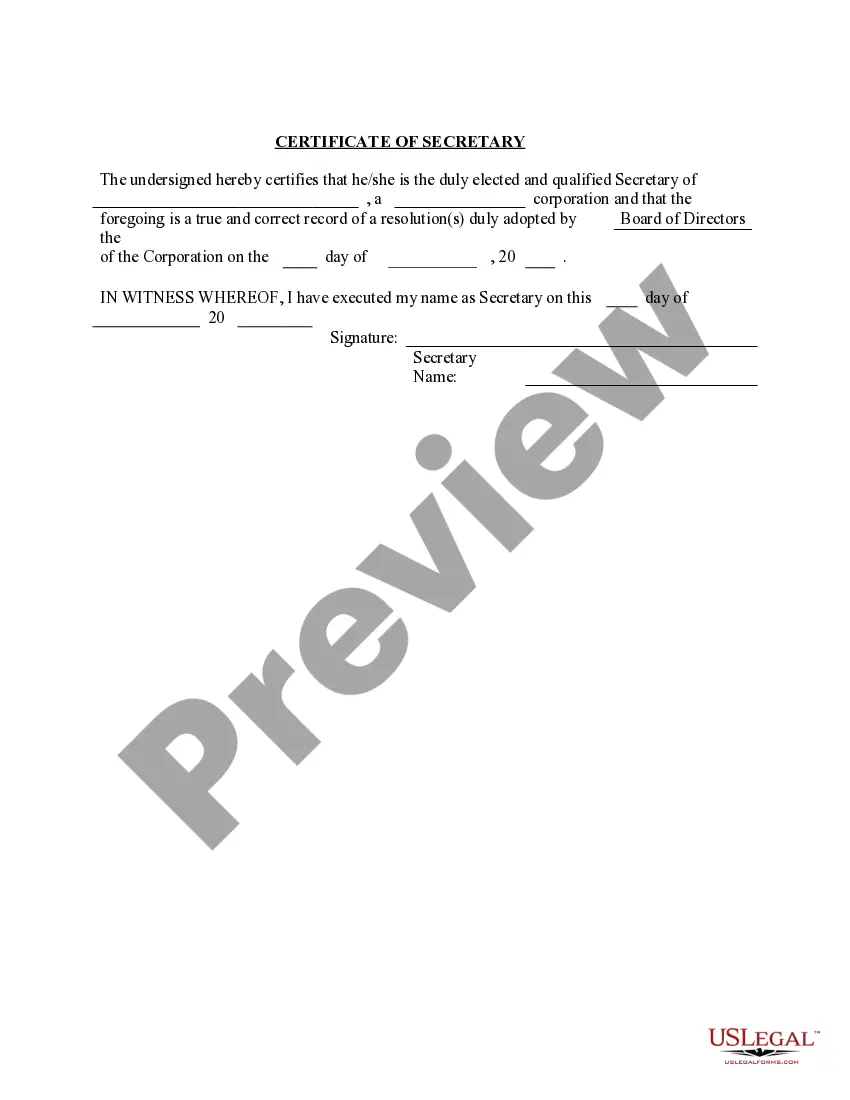


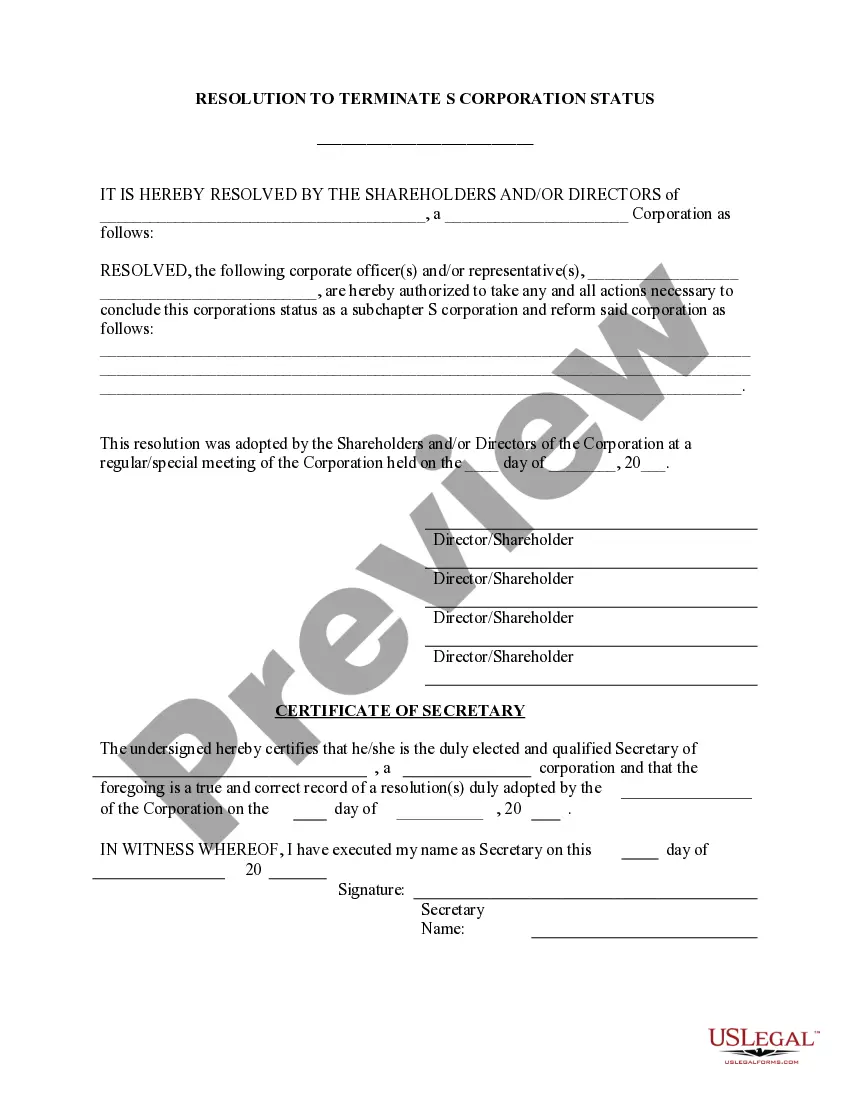

Get your form ready online
Our built-in tools help you complete, sign, share, and store your documents in one place.
Make edits, fill in missing information, and update formatting in US Legal Forms—just like you would in MS Word.
Download a copy, print it, send it by email, or mail it via USPS—whatever works best for your next step.
Sign and collect signatures with our SignNow integration. Send to multiple recipients, set reminders, and more. Go Premium to unlock E-Sign.
If this form requires notarization, complete it online through a secure video call—no need to meet a notary in person or wait for an appointment.
We protect your documents and personal data by following strict security and privacy standards.

Make edits, fill in missing information, and update formatting in US Legal Forms—just like you would in MS Word.

Download a copy, print it, send it by email, or mail it via USPS—whatever works best for your next step.

Sign and collect signatures with our SignNow integration. Send to multiple recipients, set reminders, and more. Go Premium to unlock E-Sign.

If this form requires notarization, complete it online through a secure video call—no need to meet a notary in person or wait for an appointment.

We protect your documents and personal data by following strict security and privacy standards.
Looking for another form?








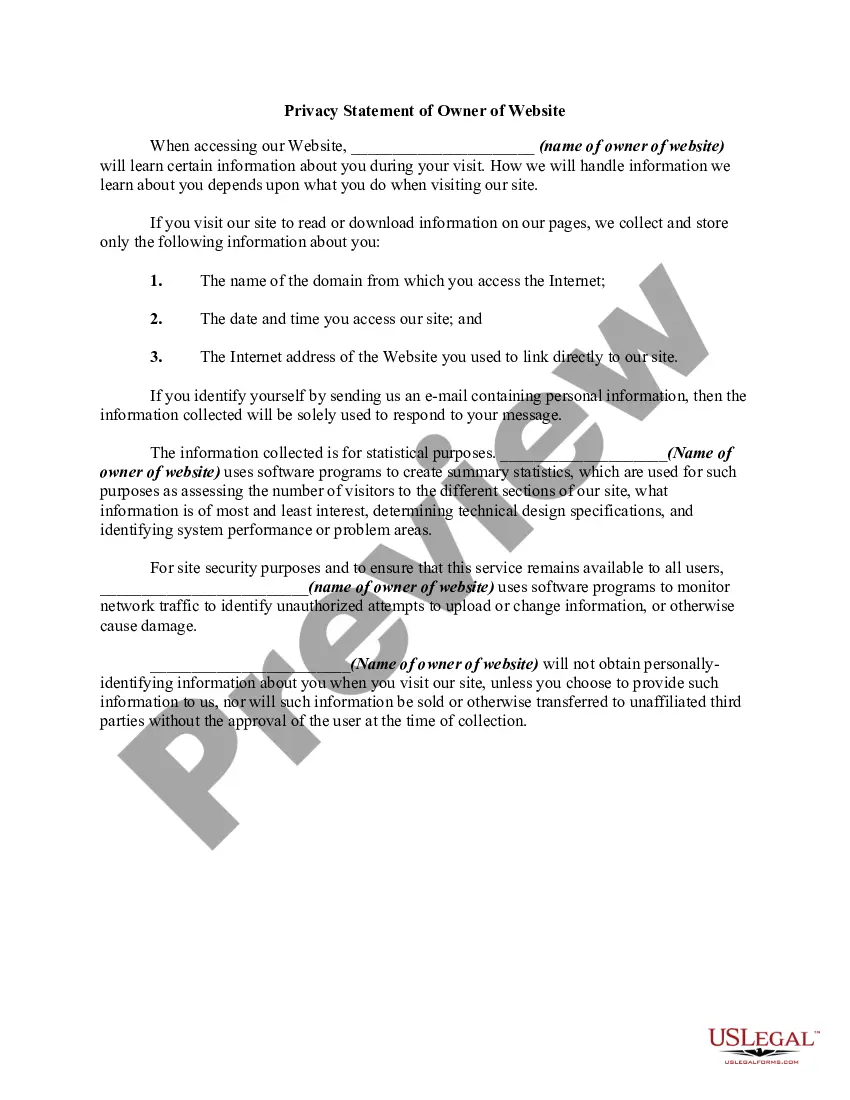

How to fill out Obtain S Corporation Status - Corporate Resolutions Forms?
The Company For Status you see on this page is a multi-usable formal template drafted by professional lawyers in compliance with federal and local regulations. For more than 25 years, US Legal Forms has provided individuals, businesses, and legal professionals with more than 85,000 verified, state-specific forms for any business and personal occasion. It’s the fastest, easiest and most trustworthy way to obtain the documents you need, as the service guarantees bank-level data security and anti-malware protection.
Getting this Company For Status will take you just a few simple steps:
- Look for the document you need and check it. Look through the sample you searched and preview it or review the form description to confirm it satisfies your needs. If it does not, use the search bar to get the right one. Click Buy Now when you have located the template you need.
- Sign up and log in. Opt for the pricing plan that suits you and create an account. Use PayPal or a credit card to make a prompt payment. If you already have an account, log in and check your subscription to continue.
- Acquire the fillable template. Select the format you want for your Company For Status (PDF, DOCX, RTF) and save the sample on your device.
- Complete and sign the paperwork. Print out the template to complete it manually. Alternatively, use an online multi-functional PDF editor to rapidly and precisely fill out and sign your form with a legally-binding] {electronic signature.
- Download your paperwork again. Utilize the same document again whenever needed. Open the My Forms tab in your profile to redownload any previously downloaded forms.
Subscribe to US Legal Forms to have verified legal templates for all of life’s scenarios at your disposal.
Form popularity
FAQ
Employer: An employer is the authority which employs and pays employees for their labor. It may be an individual person or it may be a company representing many people.
Typically, it relates to the name of an organization or company where you've previously worked. However, the employer name in a sentence may also pertain to the current employer you're working for at the time of application. It doesn't refer to your supervisor or boss.
Dear [Hiring Manager/Recruiter's Name], I hope this email finds you well. I am writing to follow up on my recent application for the [Position] at [Company]. I am very excited about the opportunity to join your team and wanted to inquire about the status of my application.
Job status means members' status as full-time classified, regular-part time classified, flexible part-time, full-time fixed term, part-time fixed term, seasonal or student workers.
In the Applications area, applications can have four different statuses. These include: Accepted - The company has accepted the application and wants to continue with the screening process. Not Accepted - The company has decided not to include you in the screening process. Pending - The company has not made a decision.