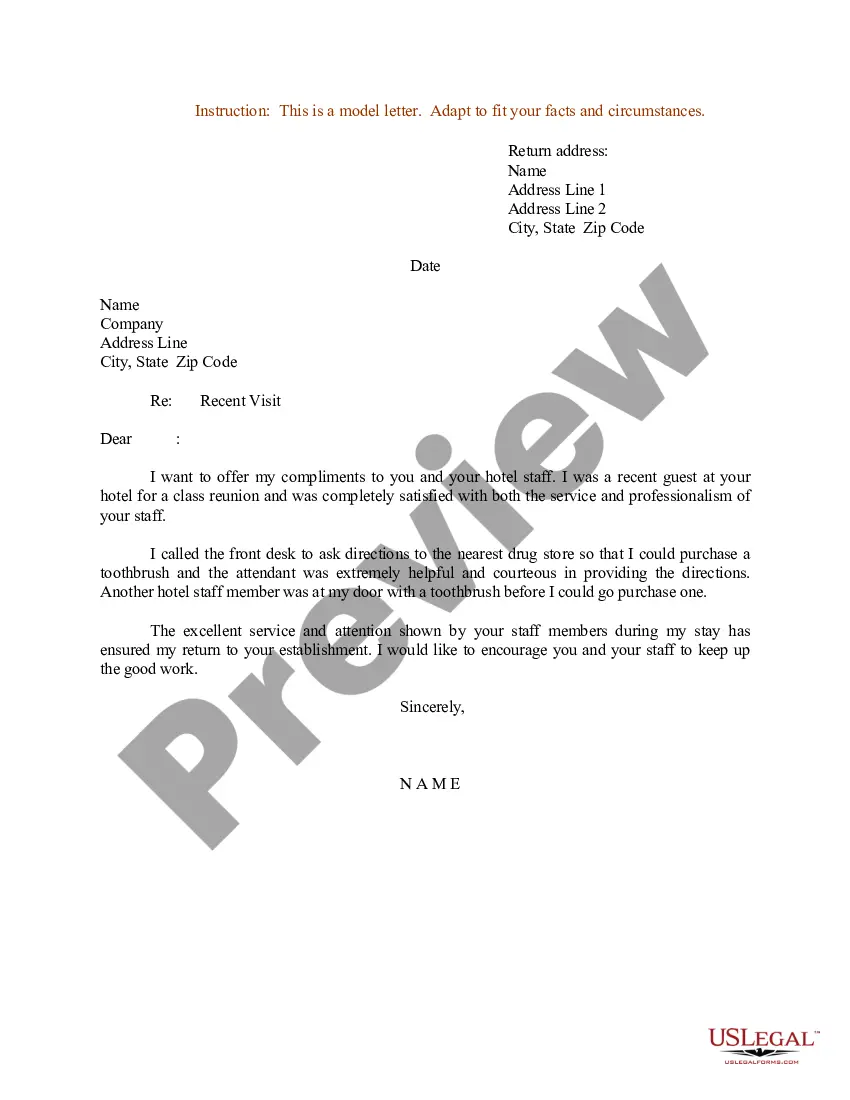
Complimentary Hotel Stay Voucher Template In Ohio
Description
Get your form ready online
Our built-in tools help you complete, sign, share, and store your documents in one place.
Make edits, fill in missing information, and update formatting in US Legal Forms—just like you would in MS Word.
Download a copy, print it, send it by email, or mail it via USPS—whatever works best for your next step.
Sign and collect signatures with our SignNow integration. Send to multiple recipients, set reminders, and more. Go Premium to unlock E-Sign.
If this form requires notarization, complete it online through a secure video call—no need to meet a notary in person or wait for an appointment.
We protect your documents and personal data by following strict security and privacy standards.

Make edits, fill in missing information, and update formatting in US Legal Forms—just like you would in MS Word.

Download a copy, print it, send it by email, or mail it via USPS—whatever works best for your next step.

Sign and collect signatures with our SignNow integration. Send to multiple recipients, set reminders, and more. Go Premium to unlock E-Sign.

If this form requires notarization, complete it online through a secure video call—no need to meet a notary in person or wait for an appointment.

We protect your documents and personal data by following strict security and privacy standards.
Looking for another form?





Form popularity
FAQ
Steps to create a business voucher Select the suitable template and update the company logo on the same. Update the supplier details on the same. Enter the invoice details, payment details, description of goods and amount. The voucher is then authorised by the respective accounts payable head.
Creating a Coupon Booklet Using Word Create the front cover of your coupon book. Design each page of your coupon book. Print your coupons from Microsoft Word. Fold the pages in half. Cut along the fold in the middle of the page. Use a hole puncher to put holes in each coupon.
A voucher is a document that contains all of the information about your reservation. This is used to provide the hotel, tour operator or transportation service all of the relevant information in one place to ensure everything runs smoothly on the day of service.
How to create a voucher within a booking 1) Voucher value. Enter the amount you want the voucher to be for. 2) Voucher Priority. There are different option how to apply the voucher. 3) Type of discount. 4) Valid for. 5) Minimum nights. 6) Start date / Expiry date. 7) Properties. 8) Do not apply if the prices are discounted.
How to create a voucher within a booking 1) Voucher value. Enter the amount you want the voucher to be for. 2) Voucher Priority. There are different option how to apply the voucher. 3) Type of discount. 4) Valid for. 5) Minimum nights. 6) Start date / Expiry date. 7) Properties. 8) Do not apply if the prices are discounted.
| For your hotel : most of the time your name and booking reference will be only be needed. However if you are sent a hotel voucher you will need to print it.
Printing paperwork is optional. We suggest keeping all your travel information, such as flights, hotels, and transfers, on your phone for convenience.