Caregiver Form Template With Drop Down List In Santa Clara
Description

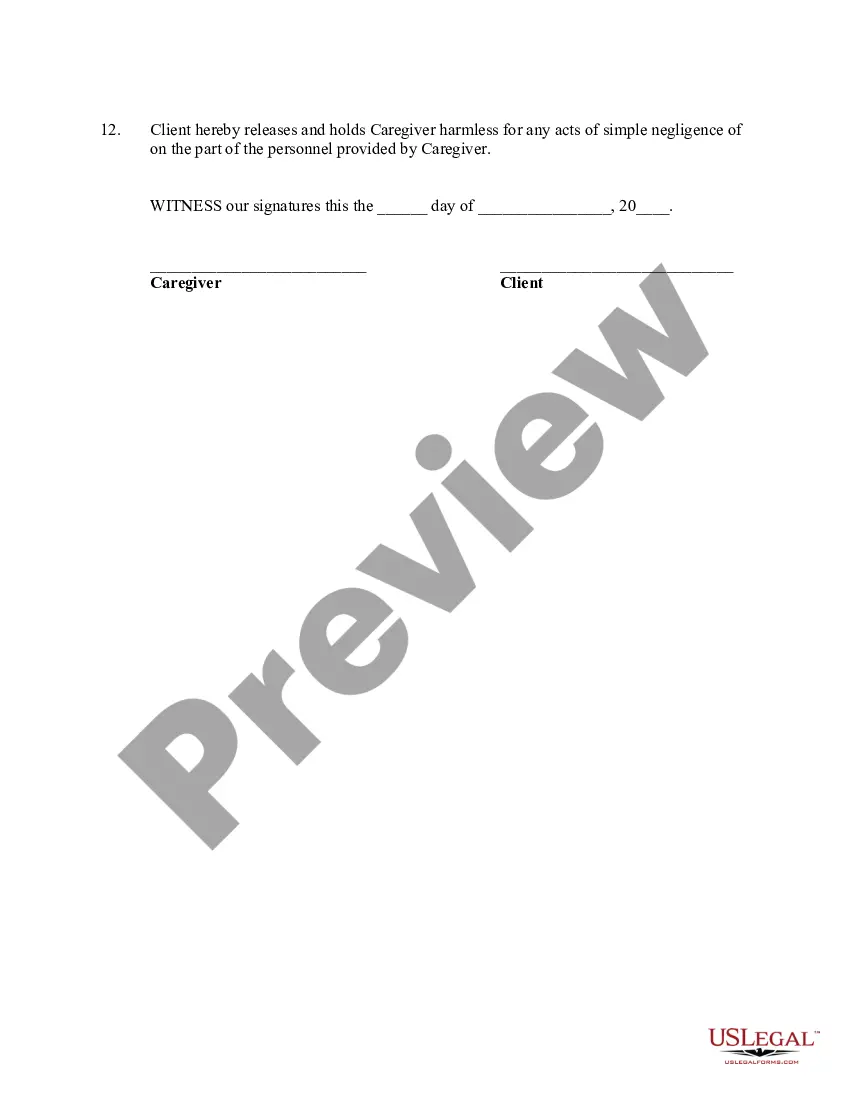
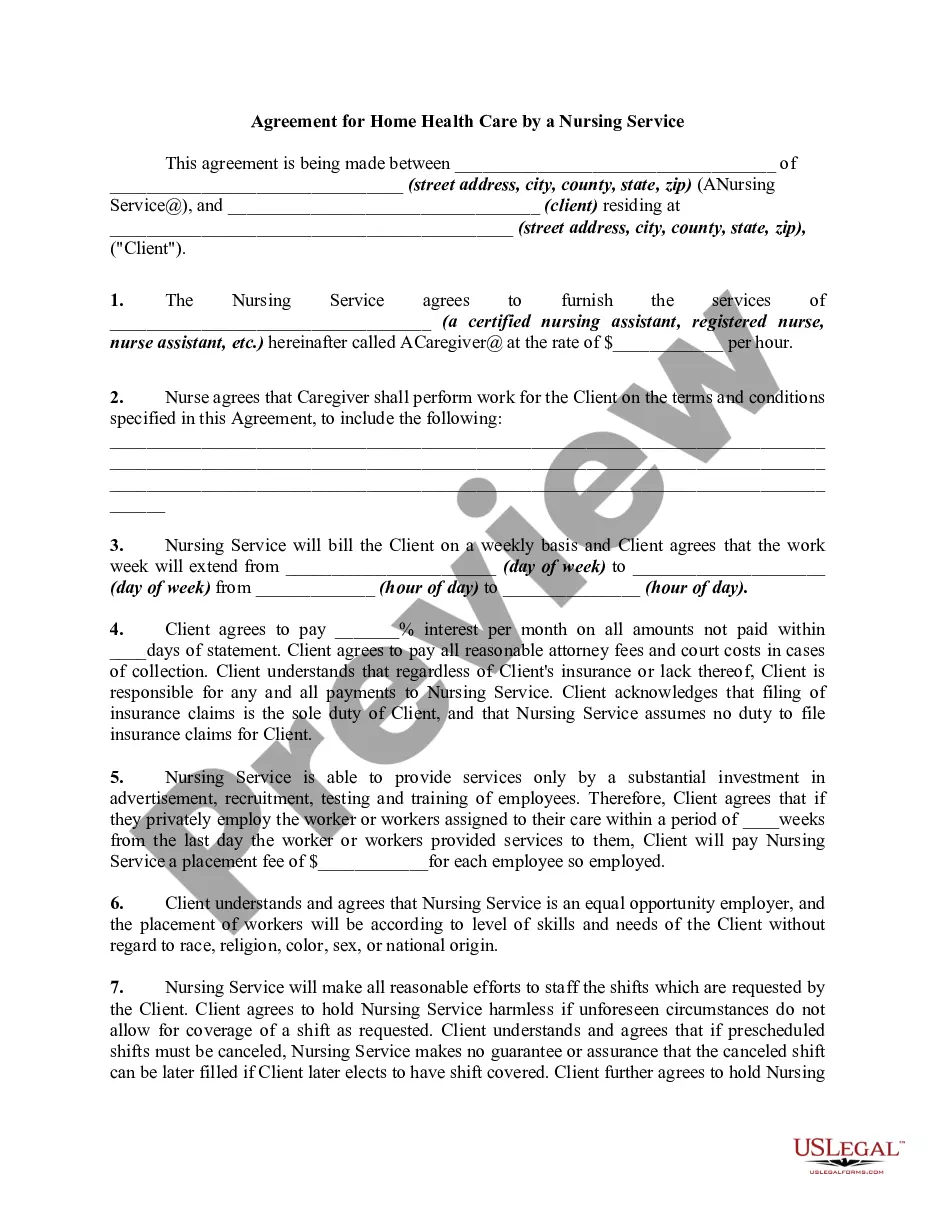
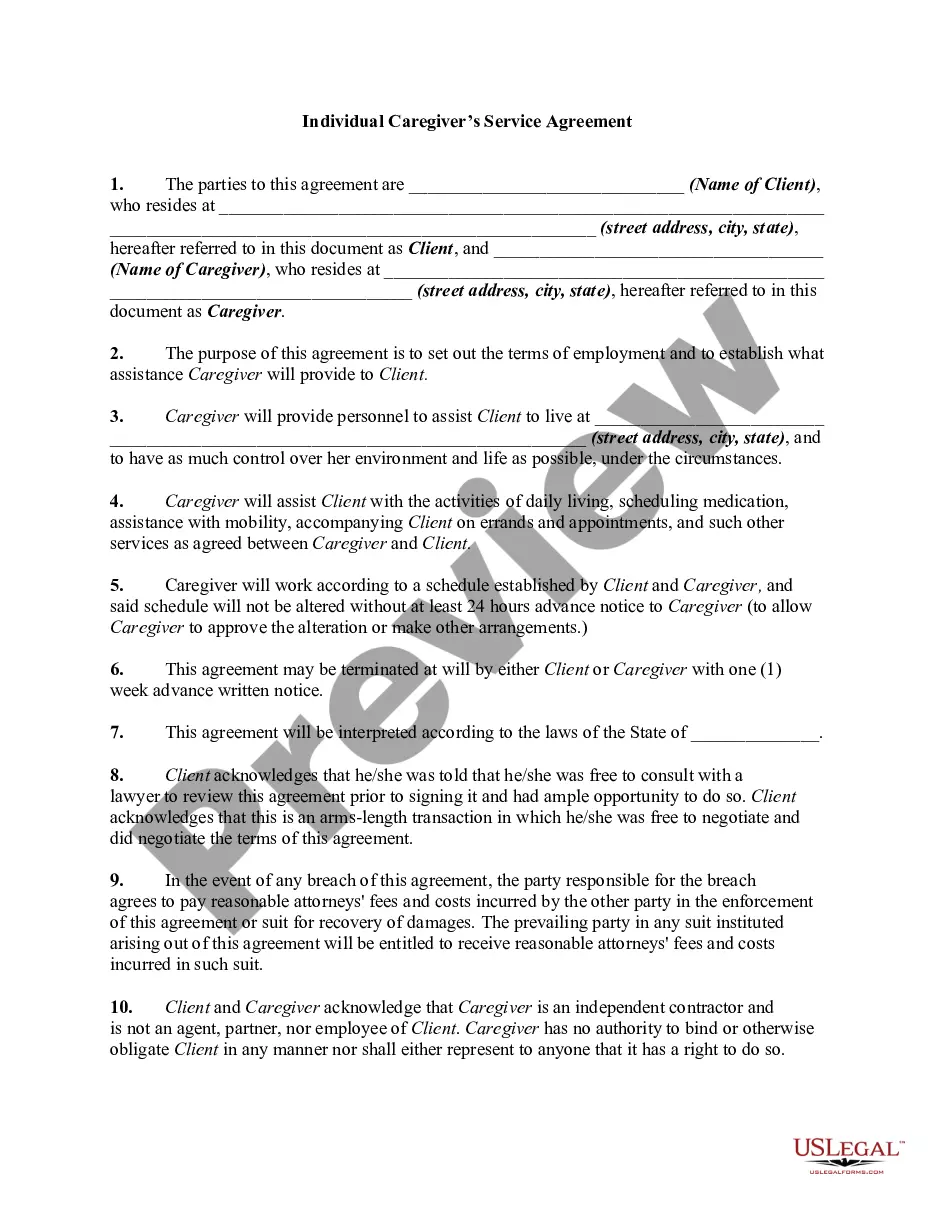
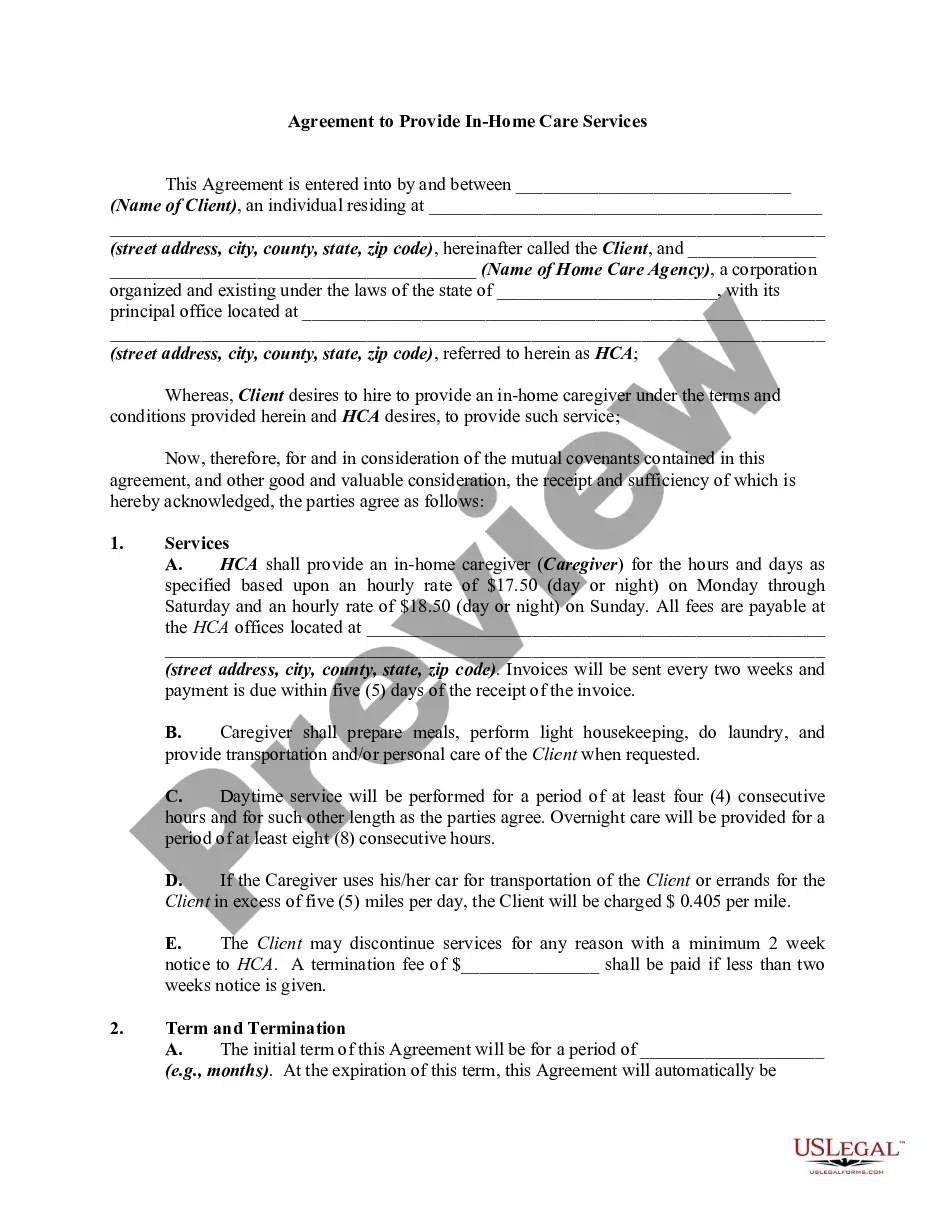
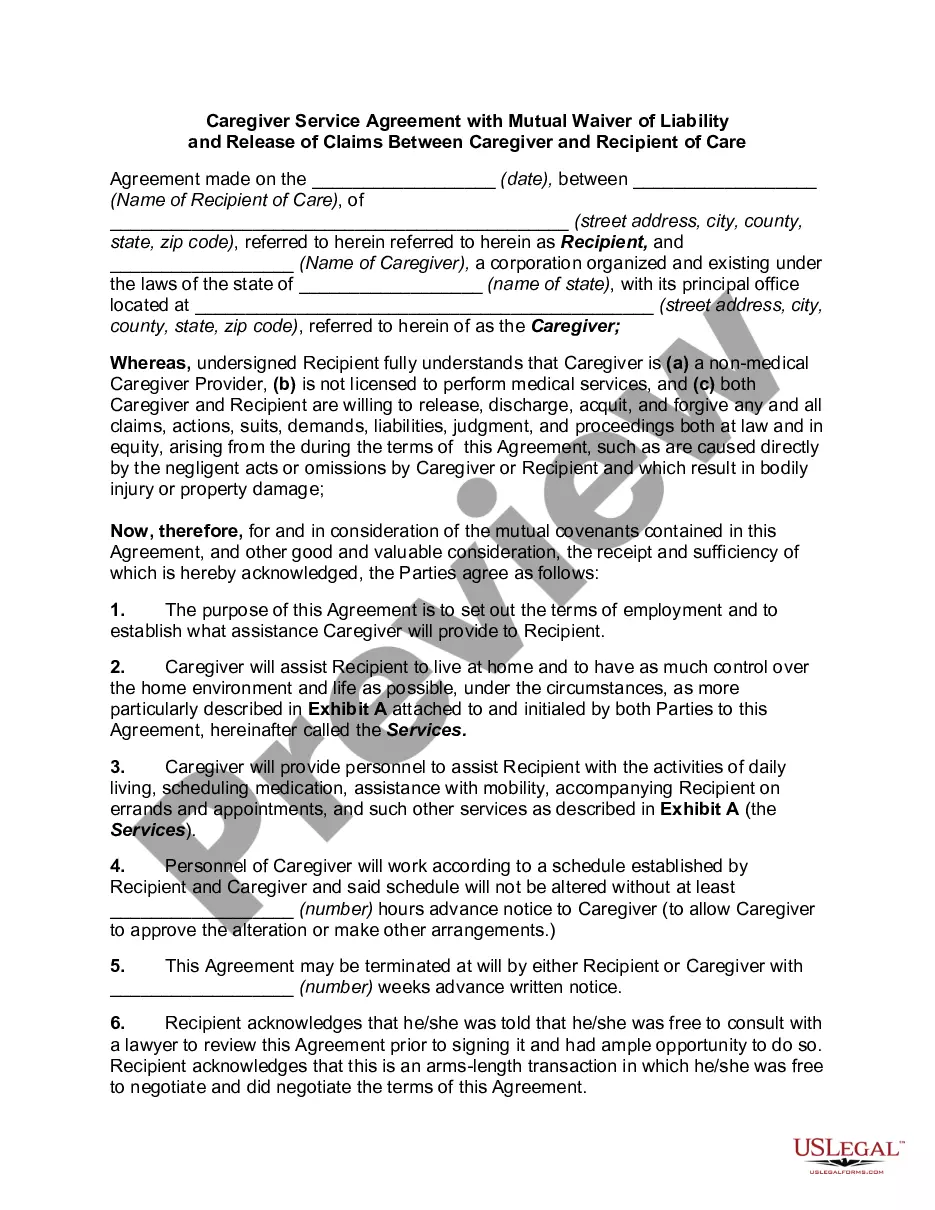
Get your form ready online
Our built-in tools help you complete, sign, share, and store your documents in one place.
Make edits, fill in missing information, and update formatting in US Legal Forms—just like you would in MS Word.
Download a copy, print it, send it by email, or mail it via USPS—whatever works best for your next step.
Sign and collect signatures with our SignNow integration. Send to multiple recipients, set reminders, and more. Go Premium to unlock E-Sign.
If this form requires notarization, complete it online through a secure video call—no need to meet a notary in person or wait for an appointment.
We protect your documents and personal data by following strict security and privacy standards.

Make edits, fill in missing information, and update formatting in US Legal Forms—just like you would in MS Word.

Download a copy, print it, send it by email, or mail it via USPS—whatever works best for your next step.

Sign and collect signatures with our SignNow integration. Send to multiple recipients, set reminders, and more. Go Premium to unlock E-Sign.

If this form requires notarization, complete it online through a secure video call—no need to meet a notary in person or wait for an appointment.

We protect your documents and personal data by following strict security and privacy standards.
Looking for another form?

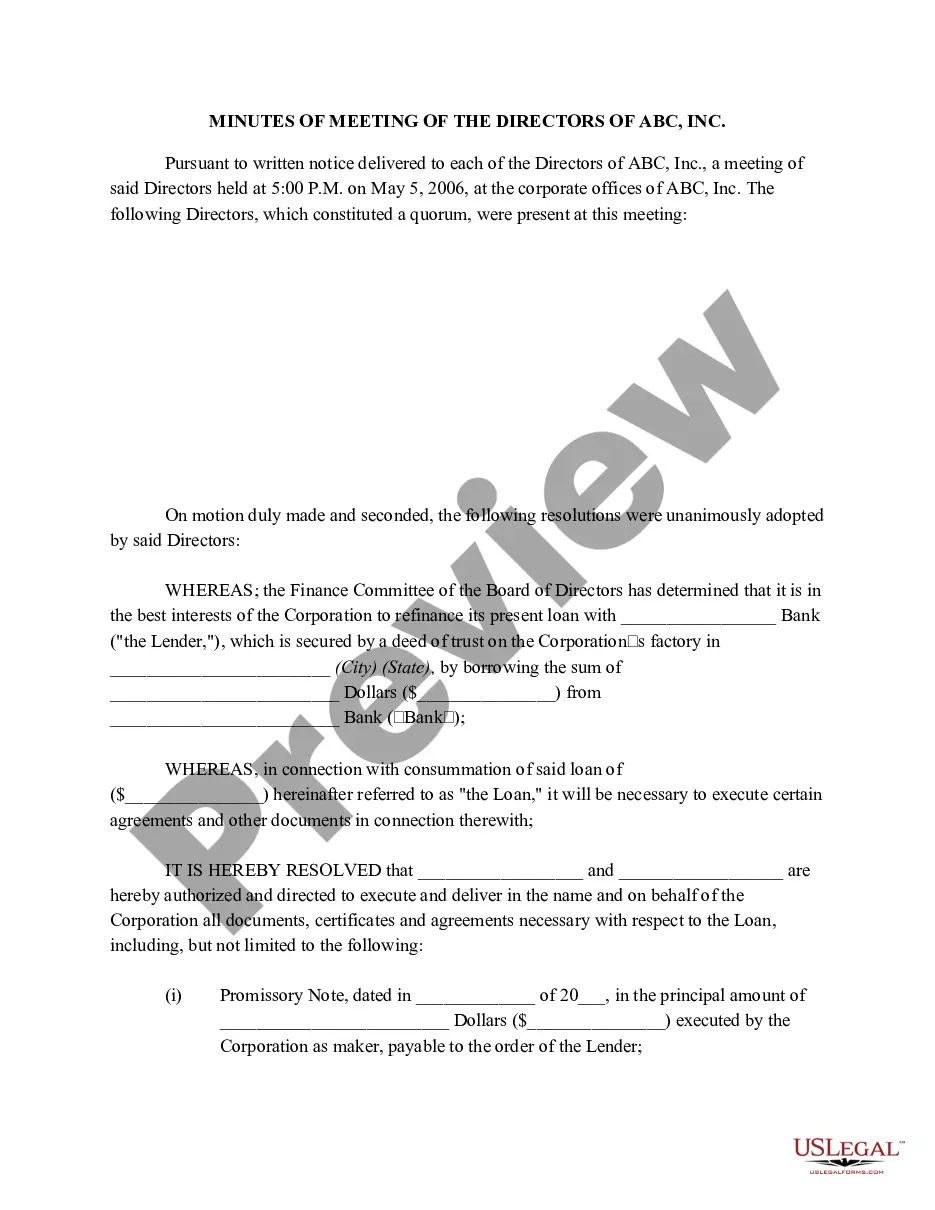





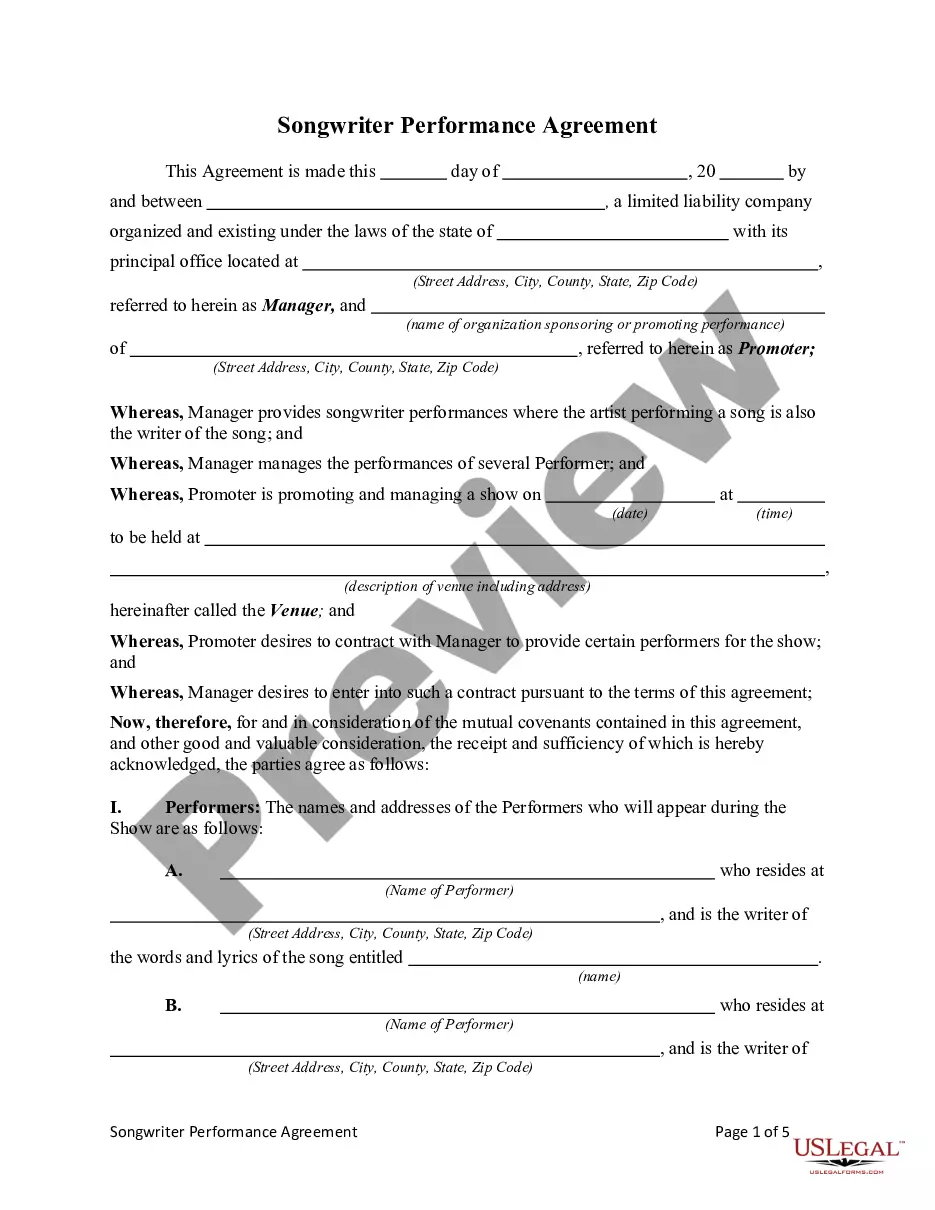
Form popularity
FAQ
Postal service: IHSS, PO Box 11018 San Jose, CA 95103-1018. Fax: (408) 792-1601. In-person: 353 W. Julian Street, San Jose.
Applying for IHSS If you already have Medi-Cal or once you are approved for it, call or visit your county In-Home Supportive Services (IHSS) office to complete an IHSS application. Once IHSS gets the application, a caseworker will contact you and schedule a time to visit your home and understand your needs.
Under the law, you are ineligible to work in the IHSS program ONLY if you have been convicted within the last 10 years of: 1) fraud against a government health care or supportive services program; 2) child abuse; or 3) abuse of an elder or dependent adult.
How to Become an IHSS Provider Go to an IHSS Provider Orientation given by the county. Complete, sign and return the IHSS Program Provider Enrollment Form (SOC 426) directly to the County IHSS Office or IHSS Public Authority. Complete and sign the IHSS Provider Enrollment Agreement (SOC 846) .
IHSS program at-a-glance A Provider can be a family member, a friend or anyone who has completed the enrollment process through the Public Authority. You are blind, live with a disability or are 65 years of age or older. You must live at home in Santa Clara County. You must have Medi-Cal.
You are blind, live with a disability or are 65 years of age or older. You must live at home in Santa Clara County. You must have Medi-Cal. Apply for Medi-Cal.
First, navigate to “File” and select “Options.” In the Word Options dialog, choose “Customize Ribbon.” Check “Developer” in the right pane and click “OK.” With the Developer tab visible, users can access form controls, enabling the addition of textboxes, checkboxes, and dropdown lists.
Insert a drop-down list box On the form template, place the cursor where you want to insert the control. If the Controls task pane is not visible, click More Controls on the Insert menu, or press ALT+I, C. In the Controls task pane, do one of the following. Under Insert controls, click Drop-Down List Box.
How to add a drop-down list in Word in 5 simple steps Enable the Developer tab (if not already enabled) ... Navigate to the Developer tab. Insert a Dropdown Control. Customize the Word drop-down list. Save and use the Microsoft Word drop-down list:
Yes, you can add a dropdown in Microsoft Forms. All you need to do is select the Choice question when adding a new question, then click on the three horizontal dots at the lower right corner of the question. Afterward, simply click the Drop-down option to make your question into a dropdown selection.
