Caregiver Form Template With Time In Philadelphia
Description

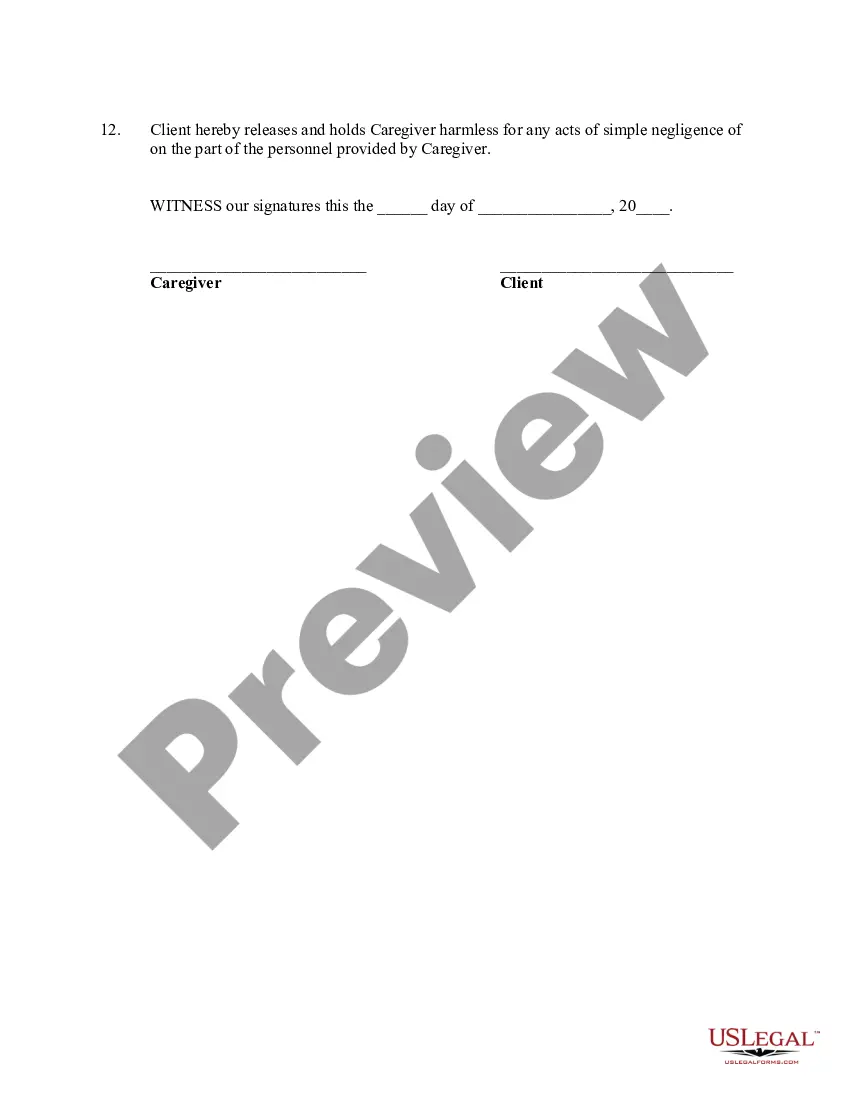
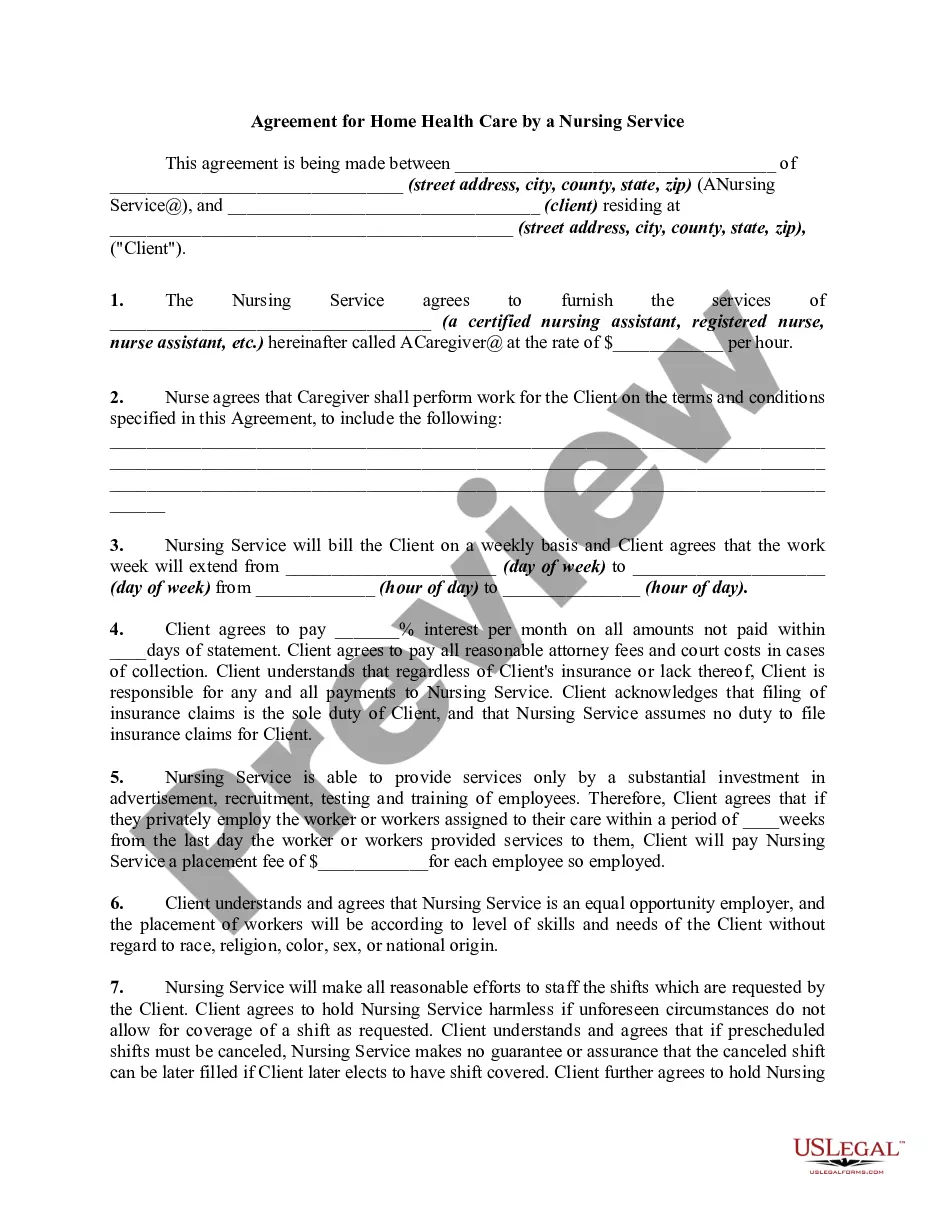
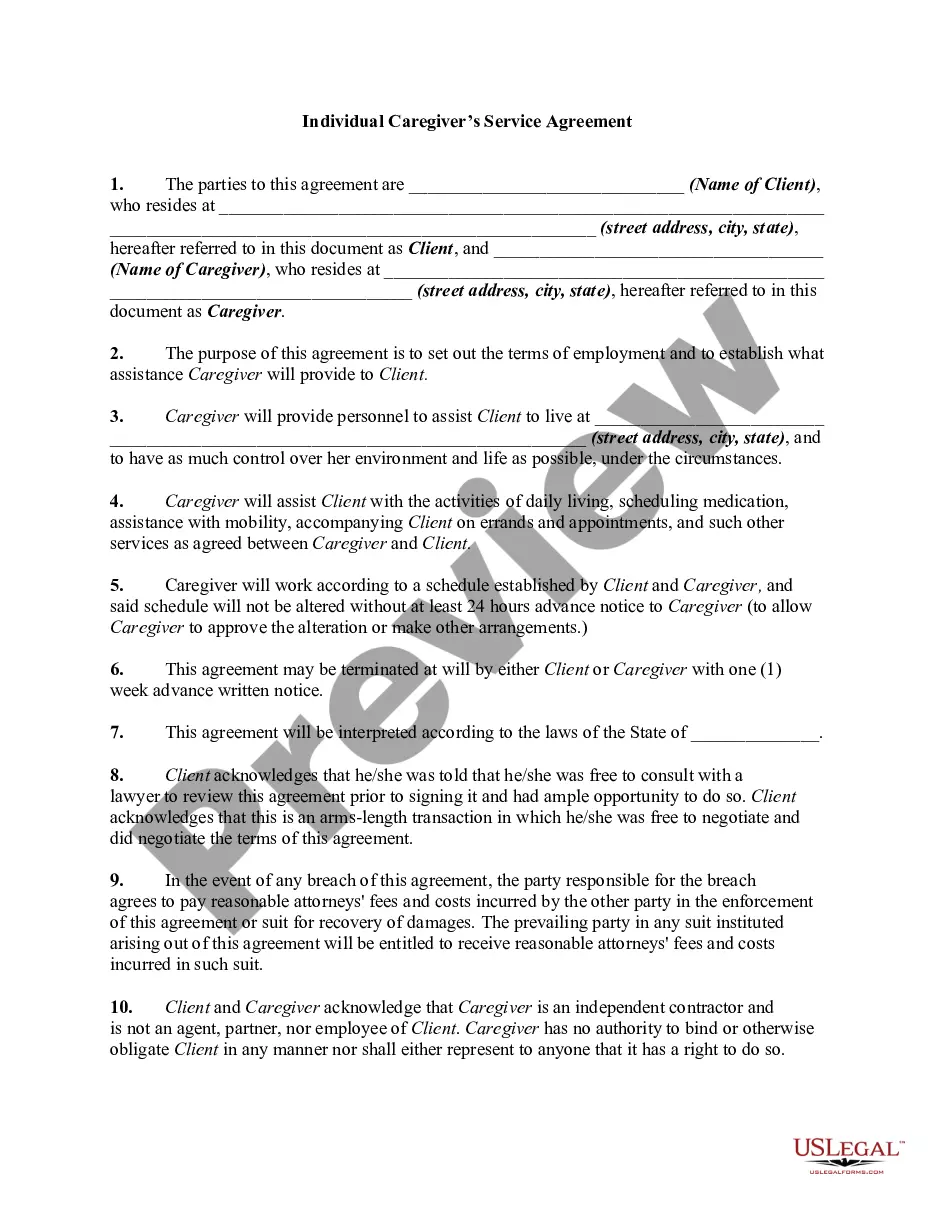
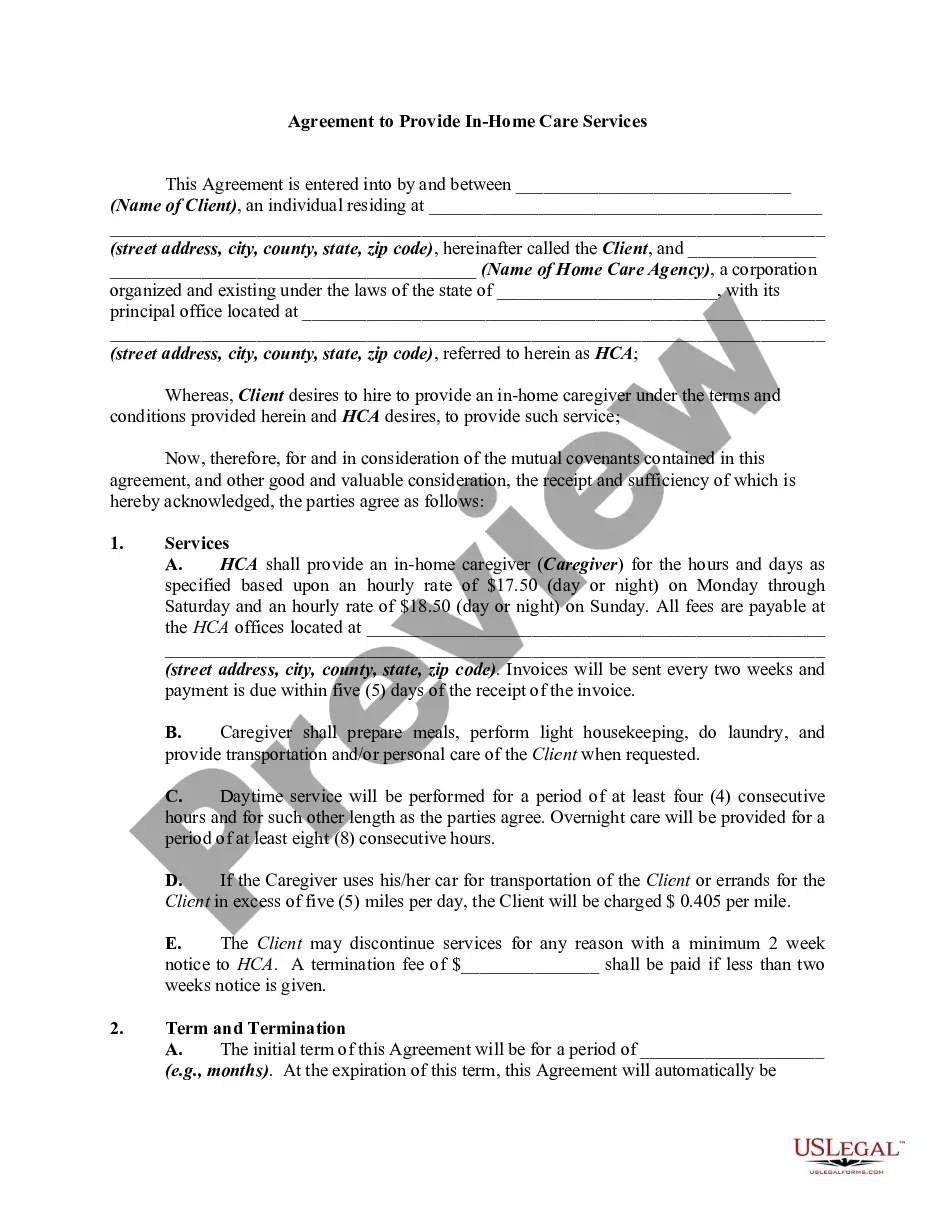
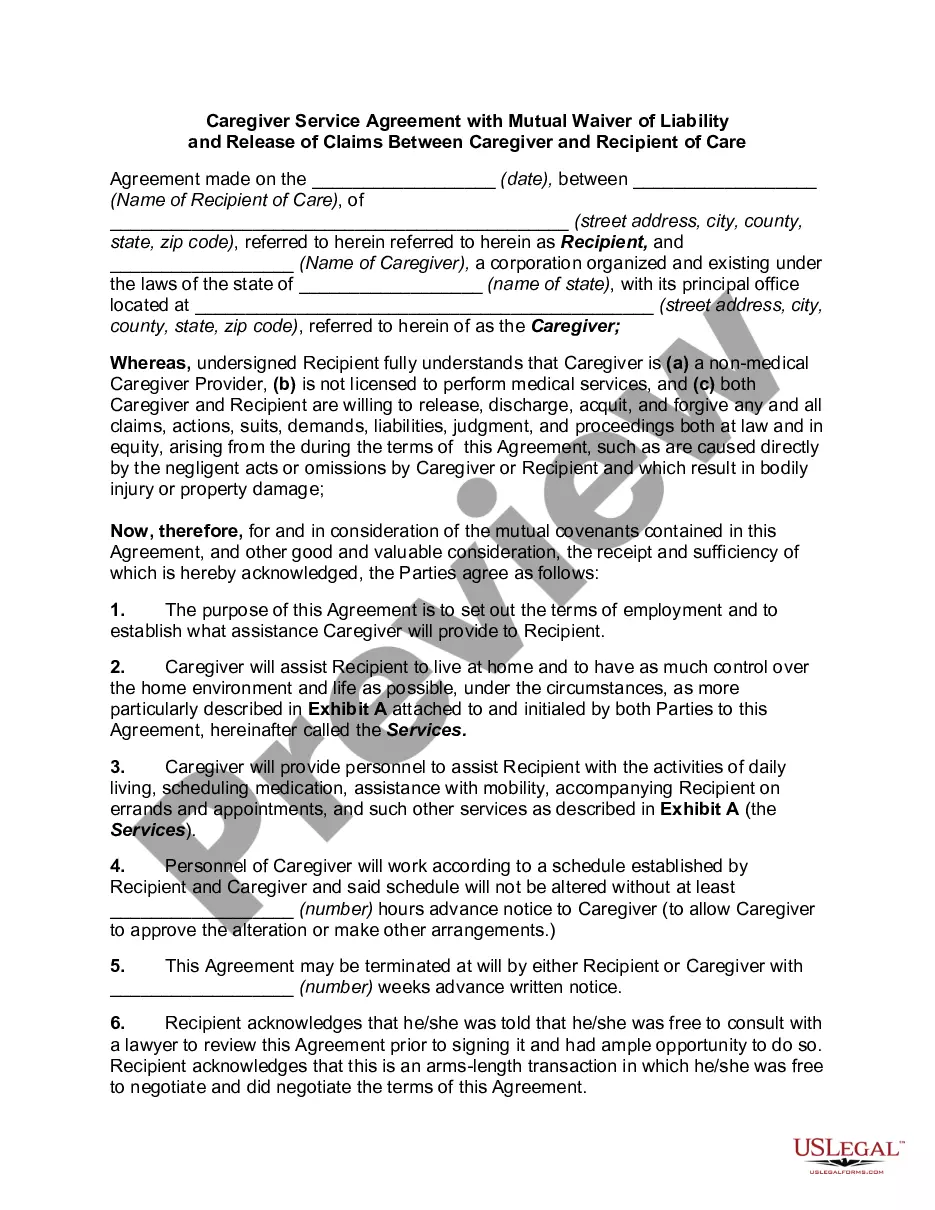
Get your form ready online
Our built-in tools help you complete, sign, share, and store your documents in one place.
Make edits, fill in missing information, and update formatting in US Legal Forms—just like you would in MS Word.
Download a copy, print it, send it by email, or mail it via USPS—whatever works best for your next step.
Sign and collect signatures with our SignNow integration. Send to multiple recipients, set reminders, and more. Go Premium to unlock E-Sign.
If this form requires notarization, complete it online through a secure video call—no need to meet a notary in person or wait for an appointment.
We protect your documents and personal data by following strict security and privacy standards.

Make edits, fill in missing information, and update formatting in US Legal Forms—just like you would in MS Word.

Download a copy, print it, send it by email, or mail it via USPS—whatever works best for your next step.

Sign and collect signatures with our SignNow integration. Send to multiple recipients, set reminders, and more. Go Premium to unlock E-Sign.

If this form requires notarization, complete it online through a secure video call—no need to meet a notary in person or wait for an appointment.

We protect your documents and personal data by following strict security and privacy standards.
Looking for another form?






Form popularity
FAQ
On December 15, 1791, the United States Congress was assembled at Congress Hall in Philadelphia when the first ten amendments to the Constitution of the United States were ratified.
The Act provides for the protection of domestic workers against abuse, debt bondage, and worst forms of child labor.
Act 102 will not prevent an employee from working more than an 8-hour shift if the this shift is agreed to and regularly scheduled.
Filling Out a Weekly, Biweekly, or Monthly Time Sheet Step 1: Write down your name and the date range. Step 2: Record your start time. Step 3: Record your break. Step 4: Record your shift end time. Step 5: Repeat Steps 2-4. Step 6: Total up the hours. Step 1: Write down your name and basic project info.
The basics of filling out timesheets remain the same for both paper timesheets and timesheet software. Step 1 - Name and Surname. Step 2 - Date. Step 3 - Project Details. Step 4 - Add Working Hours. Step 5 - Calculate the Hours. Step 6 - Notes. Step 7 - Approval.
How to Fill Out A Timesheet Step 1: Enter the Employee's Name. Step 2: Add the Date Range. Step 3: Add Project Details. Step 4: Add Work Hours for Each Workday. Step 5: Determine Total Work Hours. Step 6: Add Notes, if Required. Step 7: Submit the Timesheet for Approval.
Each column should have important information about the activity, like the description of the activity, its start and end time values, the relative importance of the activity, and the total duration of the activity. Including all of this information can help you to analyze your time log once you've finished.
These are some common elements of a work log: Date and Time: All work logs should include a date and time for each entry. Task Description: Clearly describe the task or activity you are working on. Duration: Note the amount of time you spent on each task or activity.
To start off, managers can fill in basic details and then share them with employees to complete their work hours. Step 1: Enter the Employee's Name. Step 2: Add the Date Range. Step 3: Add Project Details. Step 4: Add Work Hours for Each Workday. Step 5: Determine Total Work Hours. Step 6: Add Notes, if Required.
