Caregiver Form Printable With Answers In Cook
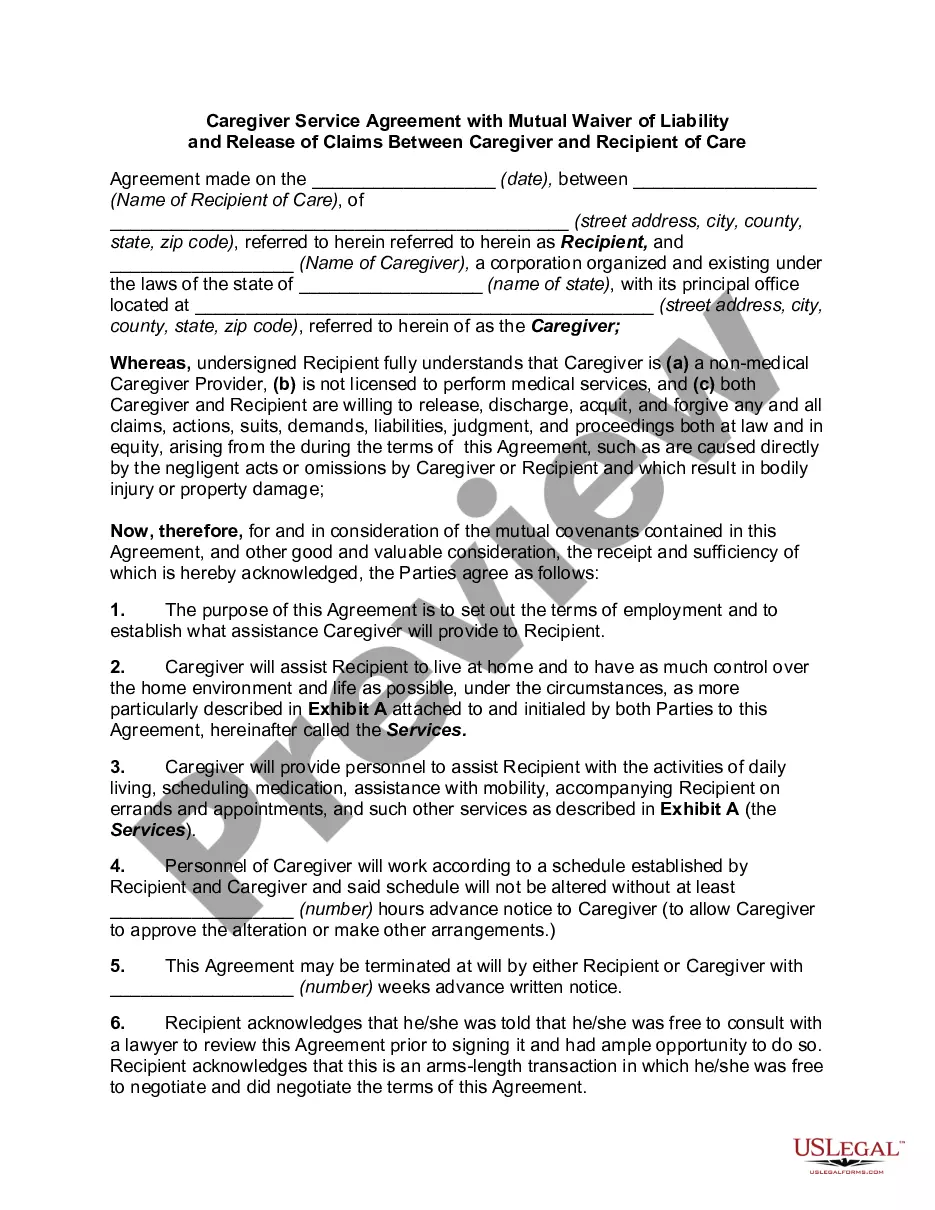
Description

Get your form ready online
Our built-in tools help you complete, sign, share, and store your documents in one place.
Make edits, fill in missing information, and update formatting in US Legal Forms—just like you would in MS Word.
Download a copy, print it, send it by email, or mail it via USPS—whatever works best for your next step.
Sign and collect signatures with our SignNow integration. Send to multiple recipients, set reminders, and more. Go Premium to unlock E-Sign.
If this form requires notarization, complete it online through a secure video call—no need to meet a notary in person or wait for an appointment.
We protect your documents and personal data by following strict security and privacy standards.

Make edits, fill in missing information, and update formatting in US Legal Forms—just like you would in MS Word.

Download a copy, print it, send it by email, or mail it via USPS—whatever works best for your next step.

Sign and collect signatures with our SignNow integration. Send to multiple recipients, set reminders, and more. Go Premium to unlock E-Sign.

If this form requires notarization, complete it online through a secure video call—no need to meet a notary in person or wait for an appointment.

We protect your documents and personal data by following strict security and privacy standards.
Looking for another form?


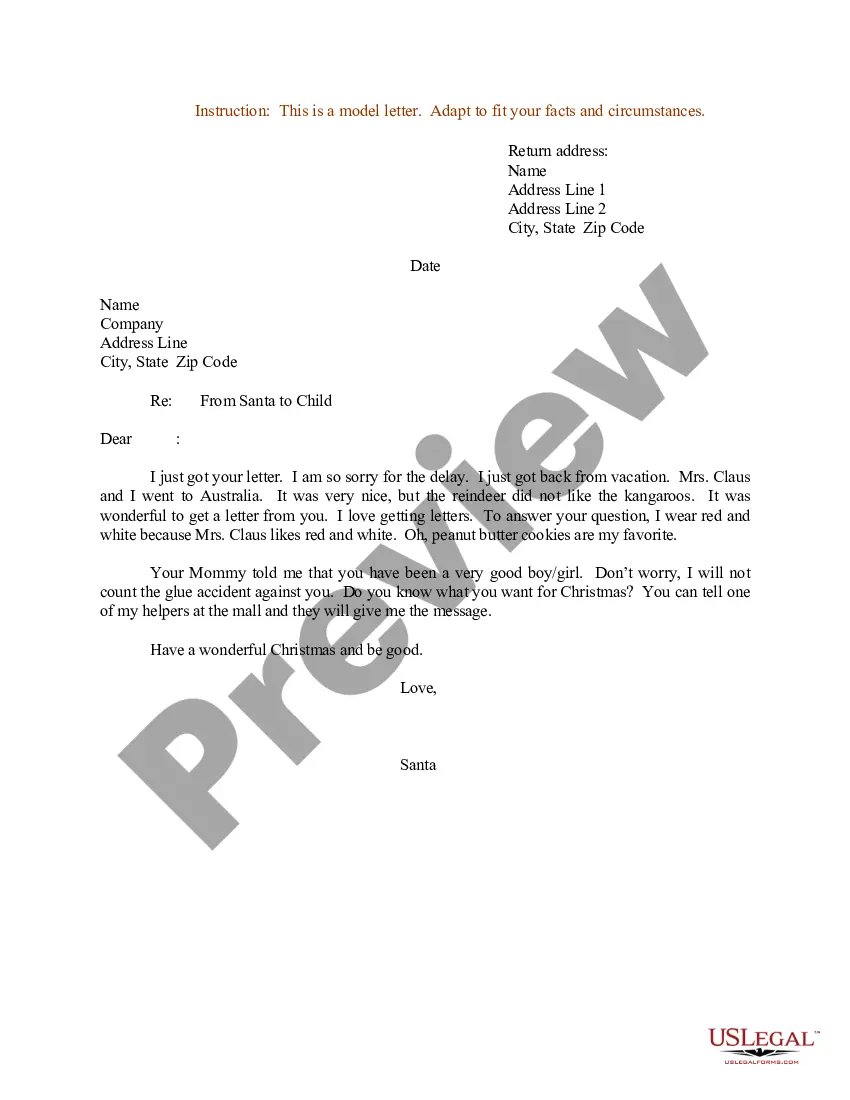




Form popularity
FAQ
What to Include in a Checklist for Caregivers Name of caregiver on duty. Date the checklist is being used. Name of patients. Patient's morning, afternoon, and evening routines, such as: Taking medication and vital signs. Eating food and drinking water. Housekeeping tasks to do. Changes in patient's condition, if any.
How do I write a Carer / Impact Statement? their disability and how it impacts their day to day functioning. what they need support with, and what their carer does to support them. your own needs and goals as a carer, and how the caring role affects you. whether you can keep caring for them in the same way into the future.
Best Practices for Caregiver Notes Use Standardized Formats. Document Observations & Actions Clearly. Maintain Objectivity & Avoid Personal Bias. Include Specifics for Follow-Up Actions. Regularly Review & Update Notes. Ensure Compliance With Regulations. Use Digital Tools for Efficient Data Management.
Avoid providing diagnoses for someone; instead, describe the observed behaviors. Avoid exaggerating or embellishing. Write as if the individual may read the report.
Question Overview: The caregiver candidate's answer should focus on the positive aspects of the job. The candidate should also demonstrate knowledge of the job duties and responsibilities. A good answer will also include a description of how the candidate's previous experience makes them a good fit for the position.
General Tips for Writing a Caregiver Job Description Emphasize the Role's Impact on Clients' Lives. Use Clear and Inclusive Language. Showcase Professional Development Opportunities. Tailor the Job Description to Your Setting. Include Details About Work-Life Balance. Provide a Strong Call to Action.
Caregiver encouragement messages You're taking such good care of our dad. Sometimes it can feel like the work you do goes unnoticed. I see everything you're doing and want you to know what a good, kind person you are. Your love and sacrifices lighten the load of our family.
Best Practices for Caregiver Notes Use Standardized Formats. Document Observations & Actions Clearly. Maintain Objectivity & Avoid Personal Bias. Include Specifics for Follow-Up Actions. Regularly Review & Update Notes. Ensure Compliance With Regulations. Use Digital Tools for Efficient Data Management.
Question Overview: A caregiver candidate's answer should focus on the positive aspects of working with elderly people. The candidate should demonstrate that they are compassionate and empathetic. Answers that include a focus on the elderly person's needs, such as a need for companionship, are best.
Best Practices for Caregiver Notes Use Standardized Formats. Document Observations & Actions Clearly. Maintain Objectivity & Avoid Personal Bias. Include Specifics for Follow-Up Actions. Regularly Review & Update Notes. Ensure Compliance With Regulations. Use Digital Tools for Efficient Data Management.
