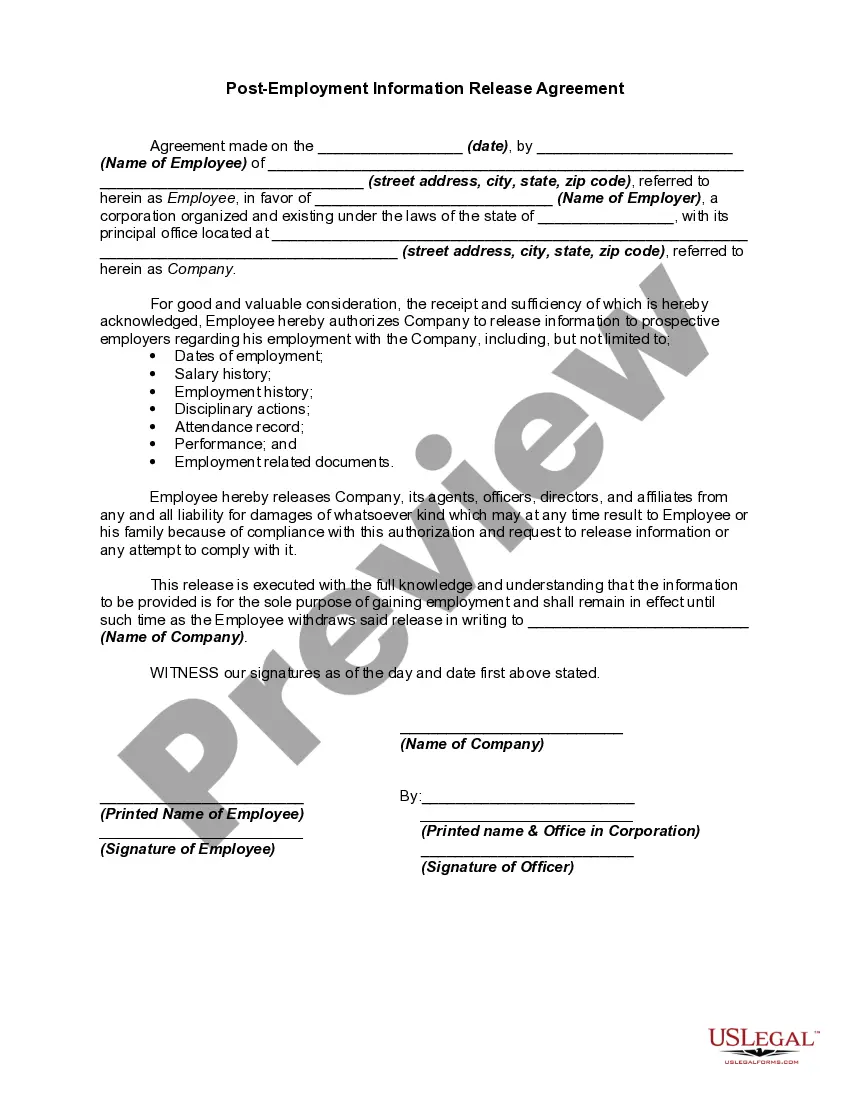
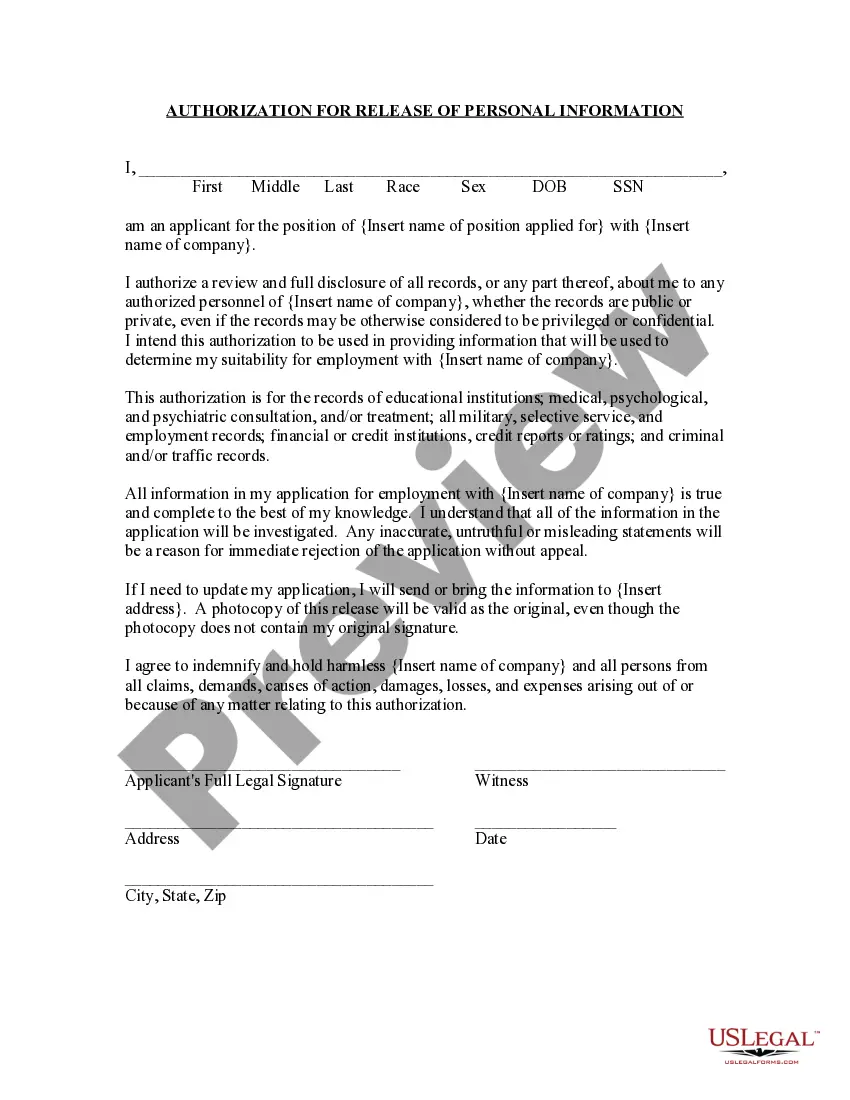
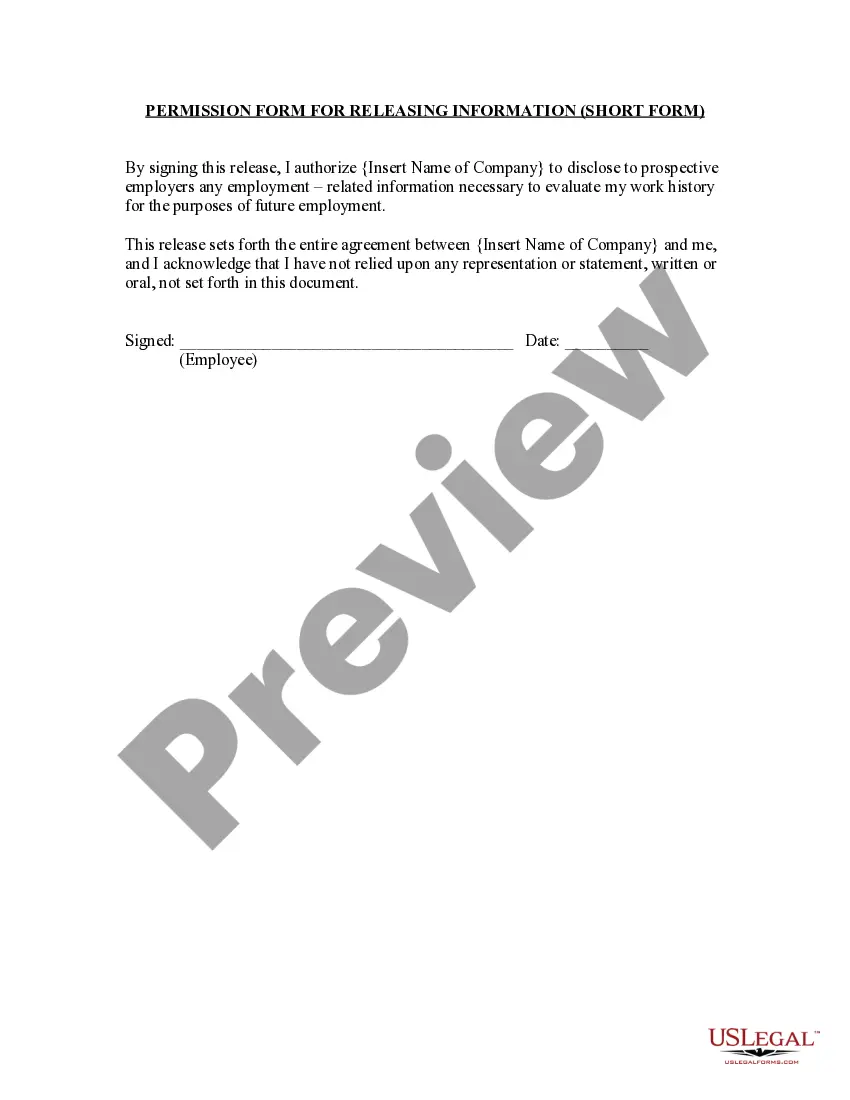
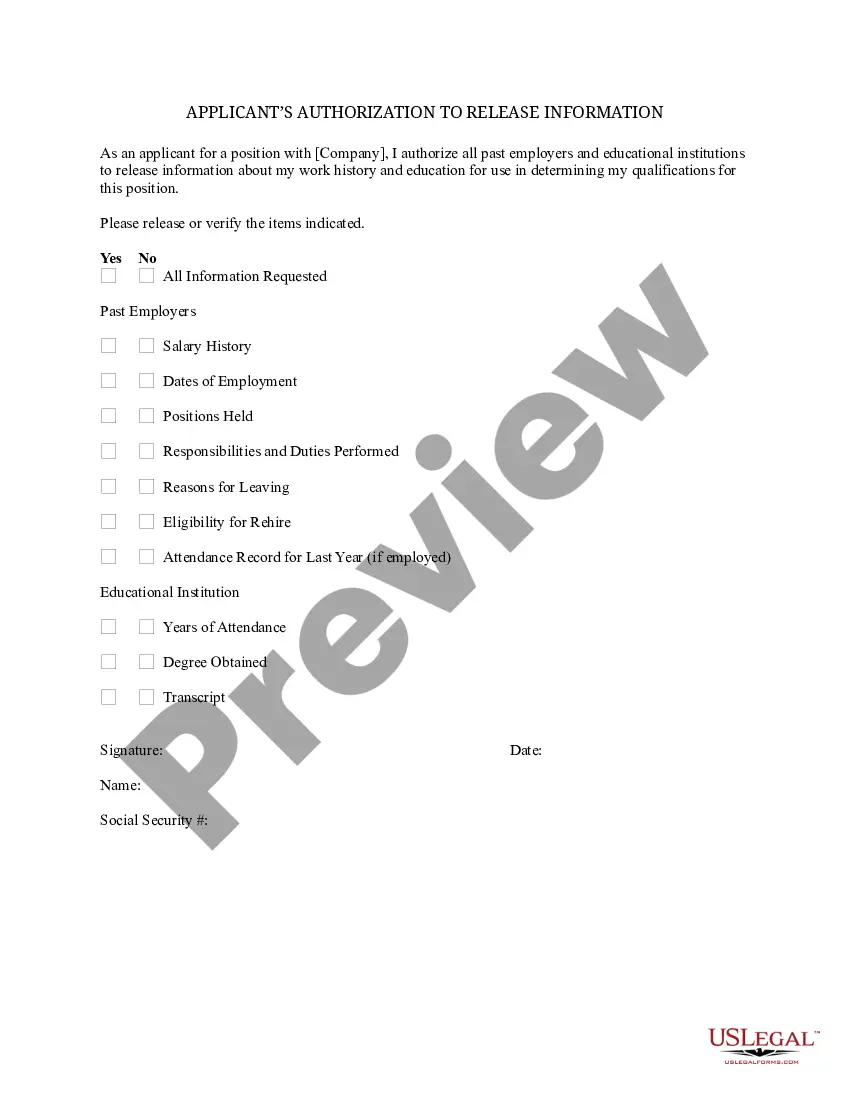
Employee Consent Form Template In Ohio
Description
Get your form ready online
Our built-in tools help you complete, sign, share, and store your documents in one place.
Make edits, fill in missing information, and update formatting in US Legal Forms—just like you would in MS Word.
Download a copy, print it, send it by email, or mail it via USPS—whatever works best for your next step.
Sign and collect signatures with our SignNow integration. Send to multiple recipients, set reminders, and more. Go Premium to unlock E-Sign.
If this form requires notarization, complete it online through a secure video call—no need to meet a notary in person or wait for an appointment.
We protect your documents and personal data by following strict security and privacy standards.

Make edits, fill in missing information, and update formatting in US Legal Forms—just like you would in MS Word.

Download a copy, print it, send it by email, or mail it via USPS—whatever works best for your next step.

Sign and collect signatures with our SignNow integration. Send to multiple recipients, set reminders, and more. Go Premium to unlock E-Sign.

If this form requires notarization, complete it online through a secure video call—no need to meet a notary in person or wait for an appointment.

We protect your documents and personal data by following strict security and privacy standards.
Looking for another form?








Form popularity
FAQ
If you prefer to write your own consent document, you may do so, but be sure to include all required elements of informed consent.
To be valid, consent must be voluntary, informed, specific, current, and given by a person with capacity. Unless otherwise indicated, consent can be express or implied, written or verbal.
Yes, you can build consent forms in Google Forms. It provides a user-friendly form builder, making it easy to add different form elements, customize questions, and set up required fields.
More than just a document, the informed consent process must: provide all of the required information (known as “elements of consent”) allow the potential research subject adequate opportunity to review the information and time to make a decision. afford them the opportunity to ask questions.
All sections of the consent form, except the "Consent" section, should be written in second person ("You are invited..."). Headers should include “Informed Consent” followed by the title of the study (e.g., the header in this document). Footers should include page numbers.
To create a consent form, you need to list the consenting parties and specify the activities or data covered by the consent. It should also state the parties' rights and responsibilities and include dates, contact information, and other necessary details.
How to write a consent form: A step-by-step guide Step 1: Title and introduction. Step 2: Description of the activity. Step 3: Risks and benefits. Step 4: Confidentiality and data handling. Step 5: Voluntary participation and withdrawal. Step 6: Consent statement. Step 7: Signature and date. Step 8: Contact information.
Contained in a consent form are the contact information for the creator of the form, details of the services to be provided (or a summary of the research), a voluntary participation statement, and a statement for privacy and liability. At the end should always include a place for the participant to sign.
Basic Elements of Informed Consent Purpose of the Research. Description of the Research. Risks. Benefits. Alternatives to Participation.
Instructions for Developing an Informed Consent Document General Information. Describe the purpose(s) of this research study in lay terms. Purpose of the Study. Procedures. Risks. Benefits. Compensation, Costs and Reimbursement. Withdrawal or Termination from Study. Confidentiality.

