Non Disclosure Agreement Format For It Company In Pennsylvania
Description

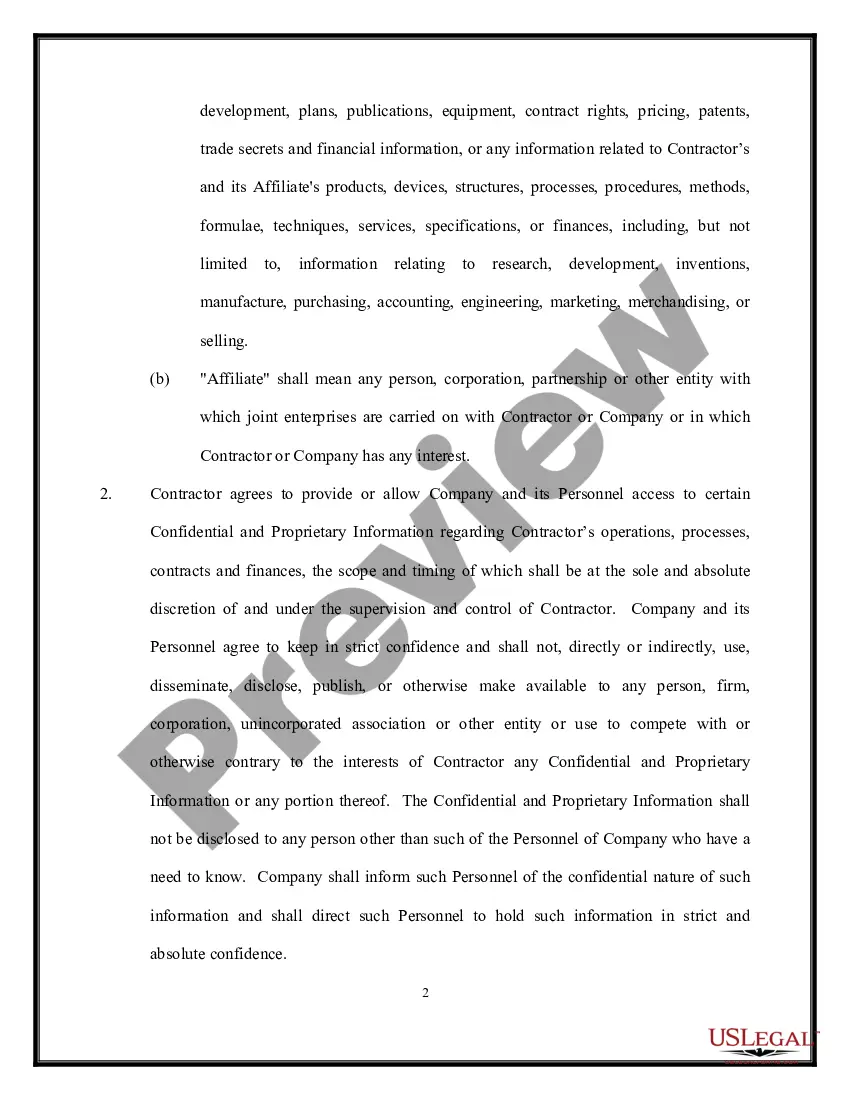
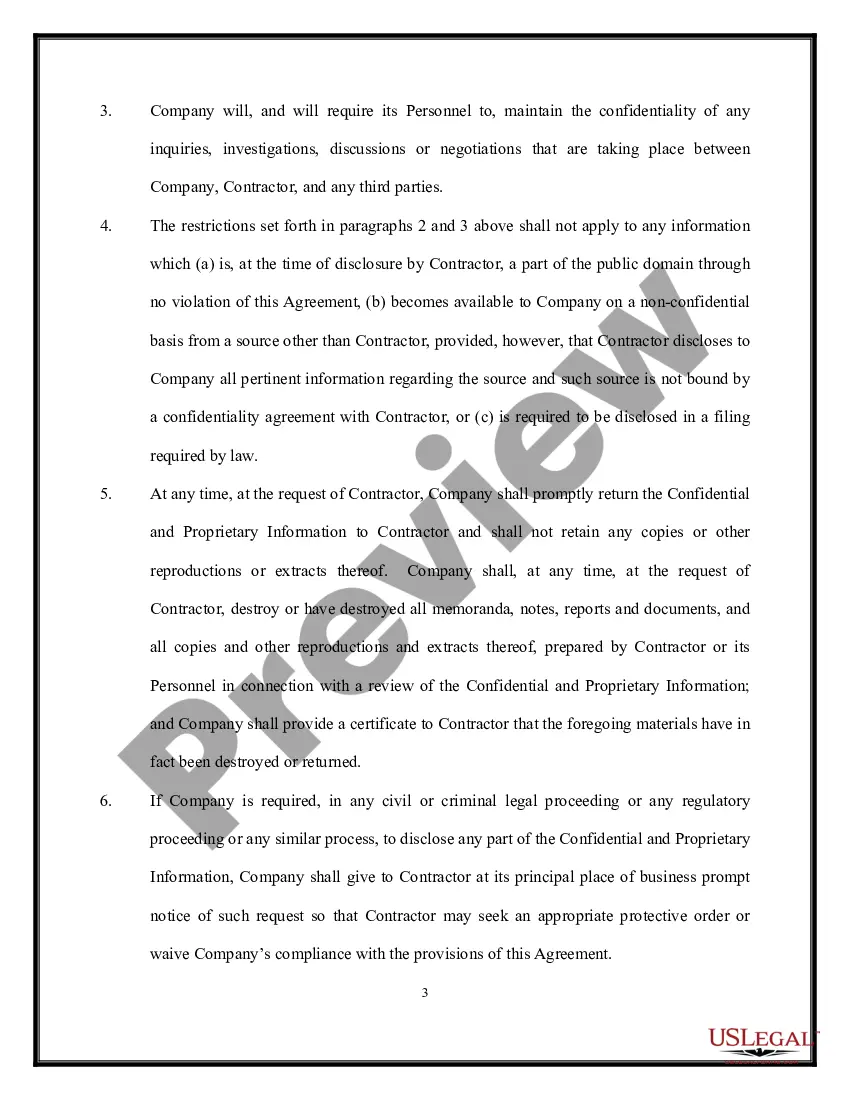
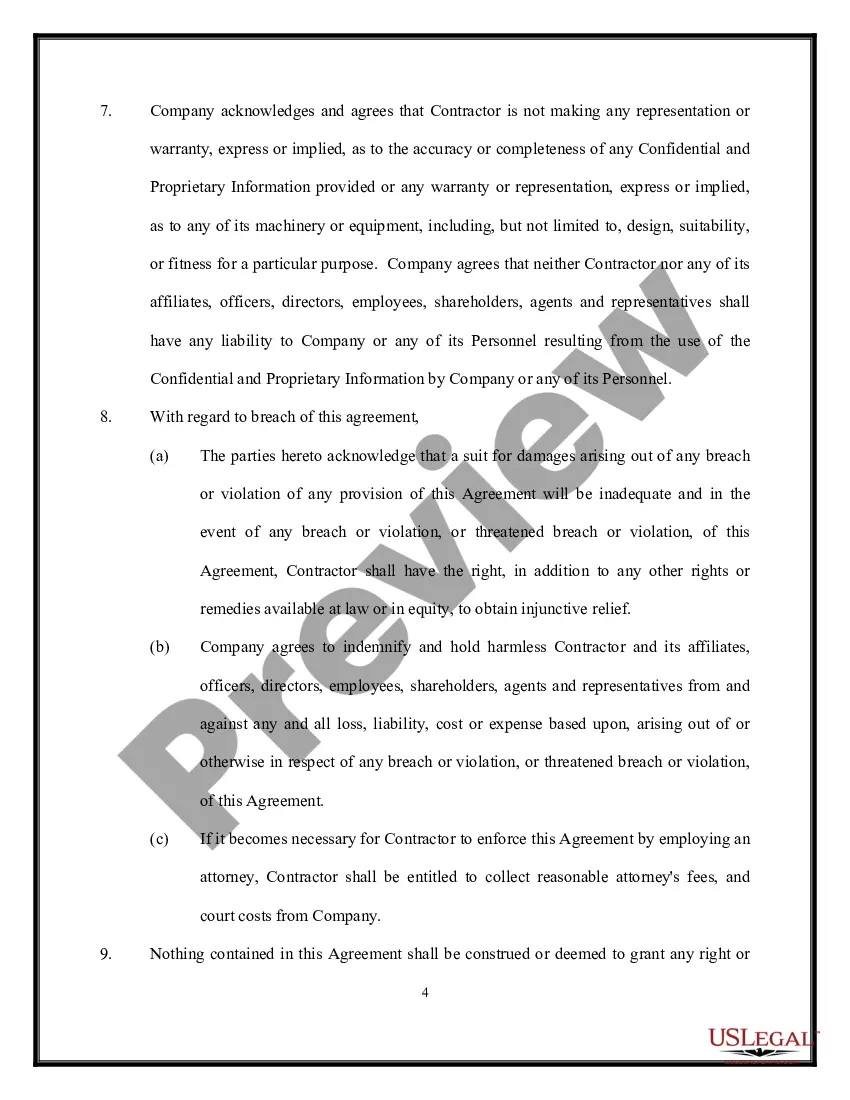
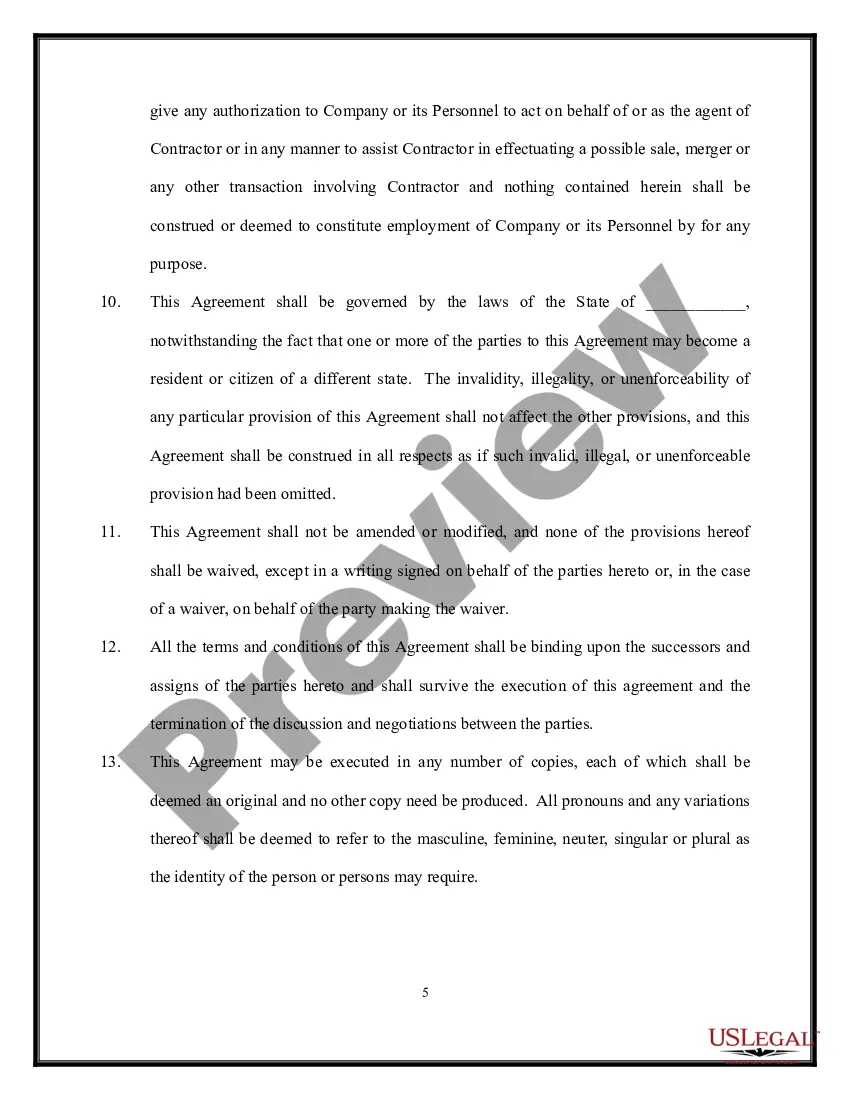
Get your form ready online
Our built-in tools help you complete, sign, share, and store your documents in one place.
Make edits, fill in missing information, and update formatting in US Legal Forms—just like you would in MS Word.
Download a copy, print it, send it by email, or mail it via USPS—whatever works best for your next step.
Sign and collect signatures with our SignNow integration. Send to multiple recipients, set reminders, and more. Go Premium to unlock E-Sign.
If this form requires notarization, complete it online through a secure video call—no need to meet a notary in person or wait for an appointment.
We protect your documents and personal data by following strict security and privacy standards.

Make edits, fill in missing information, and update formatting in US Legal Forms—just like you would in MS Word.

Download a copy, print it, send it by email, or mail it via USPS—whatever works best for your next step.

Sign and collect signatures with our SignNow integration. Send to multiple recipients, set reminders, and more. Go Premium to unlock E-Sign.

If this form requires notarization, complete it online through a secure video call—no need to meet a notary in person or wait for an appointment.

We protect your documents and personal data by following strict security and privacy standards.
Looking for another form?







Form popularity
FAQ
To create an NDA simply and quickly, use a pre-existing non-disclosure agreement template like the pre-approved templates from . You should simply: Log in to and choose the NDA Template. Edit the template to include a description of the confidential information and the scope of the agreement.
Starting at $1,500.00 for basic Non Disclosure Agreement. More complex matters may range from $5,000.00-$10,000.00. An NDA is a contract by which one or more parties agree not to disclose confidential information that they have shared with each other as a necessary part of doing business together.
You do not need a lawyer to create and sign a non-disclosure agreement. However, if the information you are trying to protect is important enough to warrant an NDA, you may want to have the document reviewed by someone with legal expertise.
Non-disclosure agreements help employers by protecting valuable, sensitive business information. Workers may need access to such information to do their jobs, and NDAs make it clear that they can use such information for work purposes but cannot share it outside the organization.
Typically, a legal professional writing the NDA will complete these steps: Step 1 - Describe the scope. Which information is considered confidential? ... Step 2 - Detail party obligations. Step 3 - Note potential exclusions. Step 4 - Set the term. Step 5 - Spell out consequences.
Upload your NDA document from your local computer, Google Drive, or Dropbox account. Click on the option, Request Signatures. Add your Signer's name and email address. If more than one person needs to sign the document, click on Add Receiver.
Pennsylvania law will enforce an NDA provided it is reasonable in scope and duration and protects a legitimate business interest. Courts will generally consider the agreement's reasonableness in terms of what it seeks to protect, for how long, and whether it is overly restrictive in light of the interests at stake.
To create a Non-Disclosure Agreement, include the following information: The parties' names and contact information. The length of the non-disclosure period. The scope and definition of the confidential information. The obligations of the Non-Disclosure Agreement. The ownership and return information.
To create an NDA simply and quickly, use a pre-existing non-disclosure agreement template like the pre-approved templates from . You should simply: Log in to and choose the NDA Template. Edit the template to include a description of the confidential information and the scope of the agreement.
