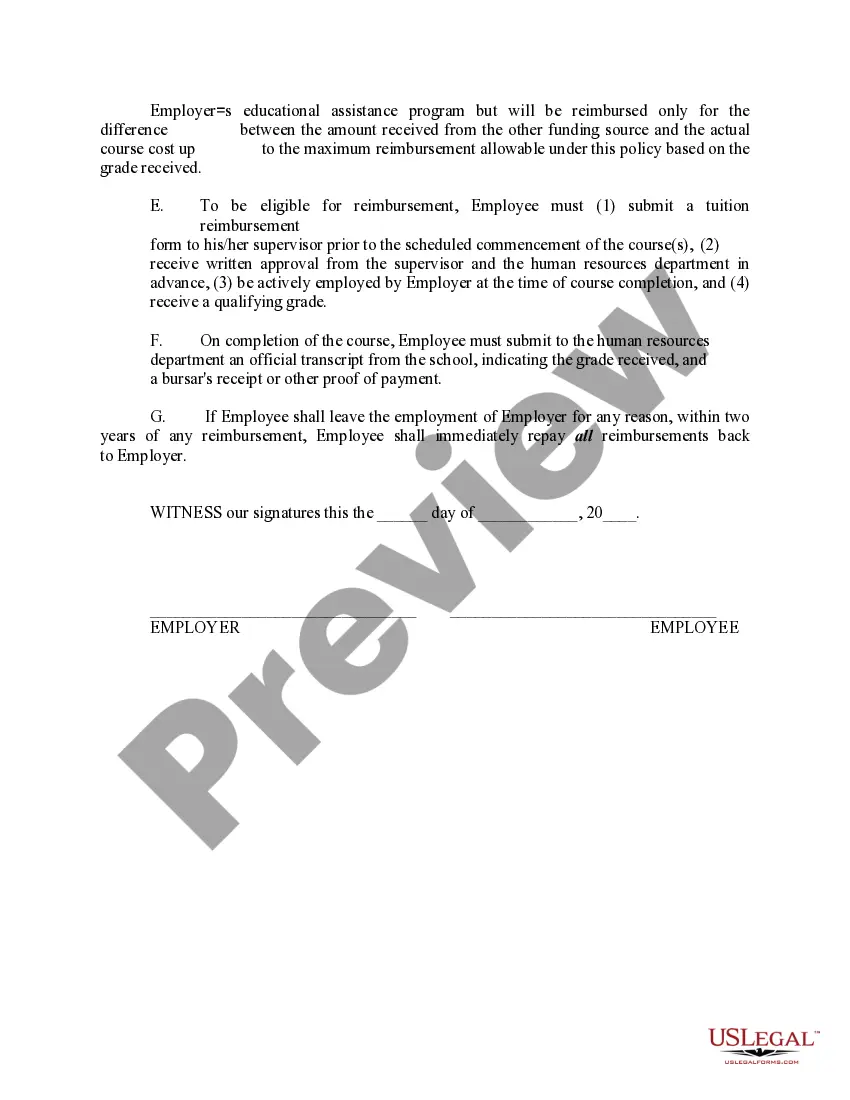
Educational Assistance Employees Form 109 In Cook
Description

Get your form ready online
Our built-in tools help you complete, sign, share, and store your documents in one place.
Make edits, fill in missing information, and update formatting in US Legal Forms—just like you would in MS Word.
Download a copy, print it, send it by email, or mail it via USPS—whatever works best for your next step.
Sign and collect signatures with our SignNow integration. Send to multiple recipients, set reminders, and more. Go Premium to unlock E-Sign.
If this form requires notarization, complete it online through a secure video call—no need to meet a notary in person or wait for an appointment.
We protect your documents and personal data by following strict security and privacy standards.

Make edits, fill in missing information, and update formatting in US Legal Forms—just like you would in MS Word.

Download a copy, print it, send it by email, or mail it via USPS—whatever works best for your next step.

Sign and collect signatures with our SignNow integration. Send to multiple recipients, set reminders, and more. Go Premium to unlock E-Sign.

If this form requires notarization, complete it online through a secure video call—no need to meet a notary in person or wait for an appointment.

We protect your documents and personal data by following strict security and privacy standards.
Looking for another form?








Form popularity
FAQ
How do I retrieve my IR8A Form? Login to mytax.iras.sg with your SingPass. Select Account. Select View Account Summary. Click on View Details. Scroll to the Statement of Account, click on Download.
Go to IRAS Submission -> IR8A, IR8S, A8A, A8B -> Browse/ Print, click on hyperlink of the desired batch no. All checkbox and click on the Select Button. generated forms for the selected employees.
How to Apply for a Certificate of Residence. All Certificate of Residence (COR) applications have to be filed via mytax.iras.sg, except for specific circumstances. You can apply for a COR via mytax.iras.sg for: The current calendar year.
Form IR8A is necessary to report employee income to the Inland Revenue Authority of Singapore (IRAS). Every employer in Singapore must complete this mandatory document for each employee of that company. The IR8A form is then submitted to the IRAS each year along with supporting documentation if applicable.
You can view or print copies of documents issued by IRAS via mytax.iras.sg. These documents include: Notices of Assessment.
