Credit Card Form Statement With Bill In San Diego
Description
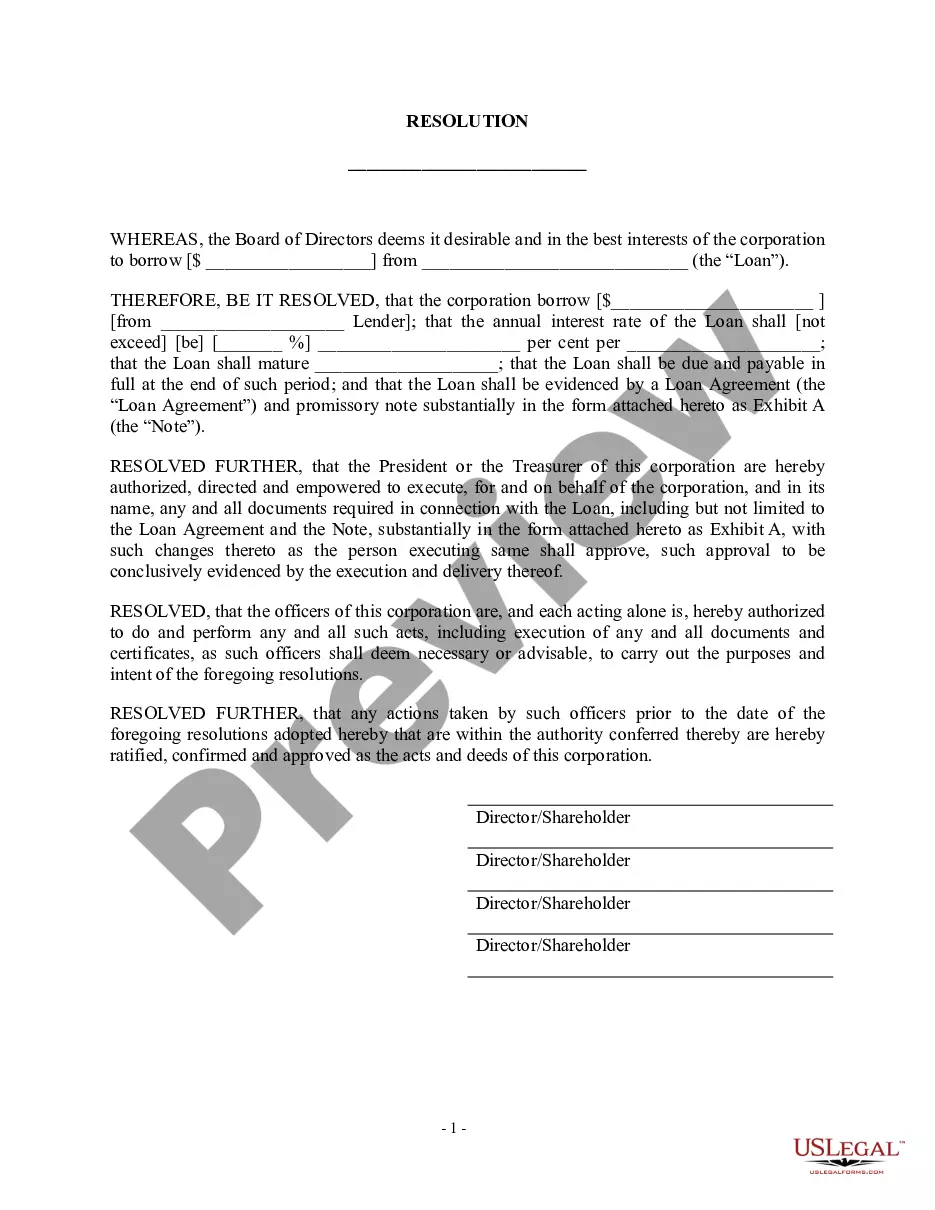
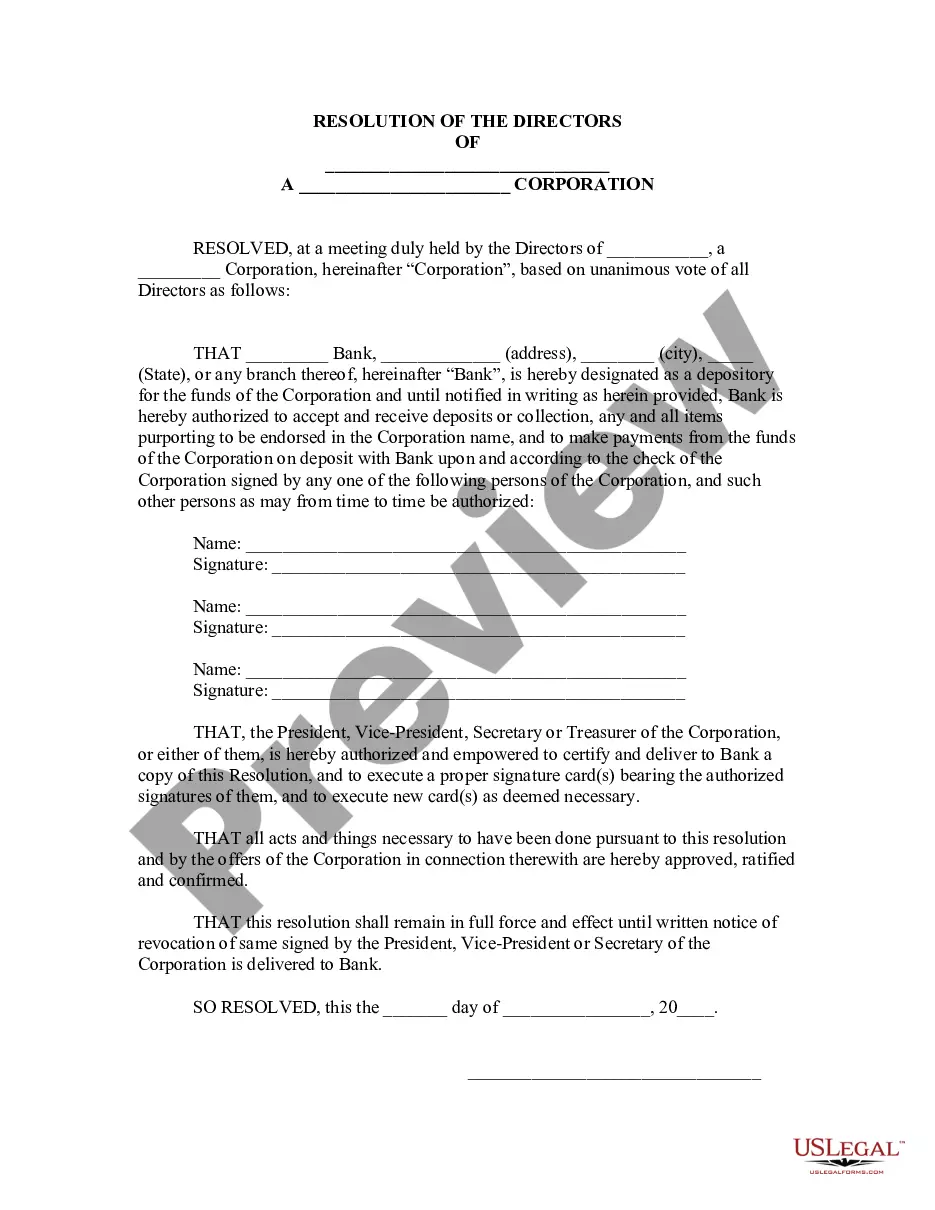
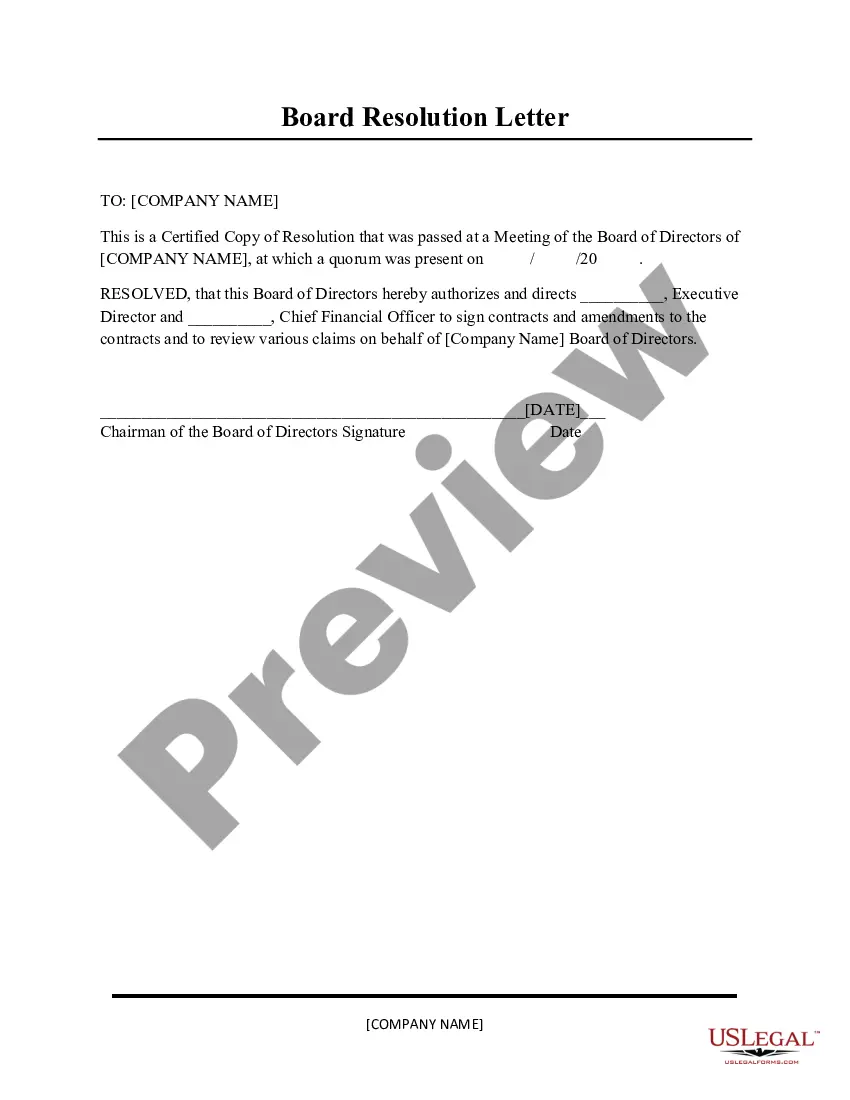
Get your form ready online
Our built-in tools help you complete, sign, share, and store your documents in one place.
Make edits, fill in missing information, and update formatting in US Legal Forms—just like you would in MS Word.
Download a copy, print it, send it by email, or mail it via USPS—whatever works best for your next step.
Sign and collect signatures with our SignNow integration. Send to multiple recipients, set reminders, and more. Go Premium to unlock E-Sign.
If this form requires notarization, complete it online through a secure video call—no need to meet a notary in person or wait for an appointment.
We protect your documents and personal data by following strict security and privacy standards.

Make edits, fill in missing information, and update formatting in US Legal Forms—just like you would in MS Word.

Download a copy, print it, send it by email, or mail it via USPS—whatever works best for your next step.

Sign and collect signatures with our SignNow integration. Send to multiple recipients, set reminders, and more. Go Premium to unlock E-Sign.

If this form requires notarization, complete it online through a secure video call—no need to meet a notary in person or wait for an appointment.

We protect your documents and personal data by following strict security and privacy standards.
Looking for another form?






Form popularity
FAQ
PCI DSS requirement 4.2 states that credit card information must not be captured, transmitted, or stored via email.
Physical credit authorization forms have many security issues: They may get lost, stolen, or mishandled by employees. Having to type data manually may lead to errors and financial discrepancies. Physical forms are not encrypted, meaning anyone can read and understand the information.
It's simple: A credit card authorization form typically includes the following general information to ensure a smooth transaction process: Cardholder's name. Card number. Card network. Credit card expiration date. Billing address. Contact information. Authorized amount. Cardholder's signature.
Verbal communication can foil many common hacking tactics. If you cannot call, send the information via text. Although phone calls and texts are less secure forms of communications, your CVV and expiration date are useless to a cybercriminal without your credit card number.
Your credit card authorization form ought to include the following details: The credit card information like card type, the cardholder's name, the card number, and the card expiry date. The merchant's business information – like name, address and contact number/mail ID. A billing address for the cardholder.
A billing statement is a monthly report that credit card companies issue to credit card customers showing their recent transactions, minimum payment due, and other relevant information. Billing statements are typically issued at the end of each monthly billing cycle, and cardholders can receive them by mail or online.
It's simple: A credit card authorization form typically includes the following general information to ensure a smooth transaction process: Cardholder's name. Card number. Card network. Credit card expiration date. Billing address. Contact information. Authorized amount. Cardholder's signature.
Cardholder's details: Name, billing address, contact information. Credit card details: Card number, expiration date, CVV code (in some cases). Amount authorized: Confirm the amount to be pre-authorized. Signature: The cardholder must sign the form to authorize the transaction.
Physical credit authorization forms have many security issues: They may get lost, stolen, or mishandled by employees. Having to type data manually may lead to errors and financial discrepancies. Physical forms are not encrypted, meaning anyone can read and understand the information.
You can download your credit card statement by logging in to the card issuer's Net Banking portal. Additionally, you can also download the statement, when received on your registered mail address, by saving it as a pdf.

