Completion Report Of Building Construction In Wayne
Description
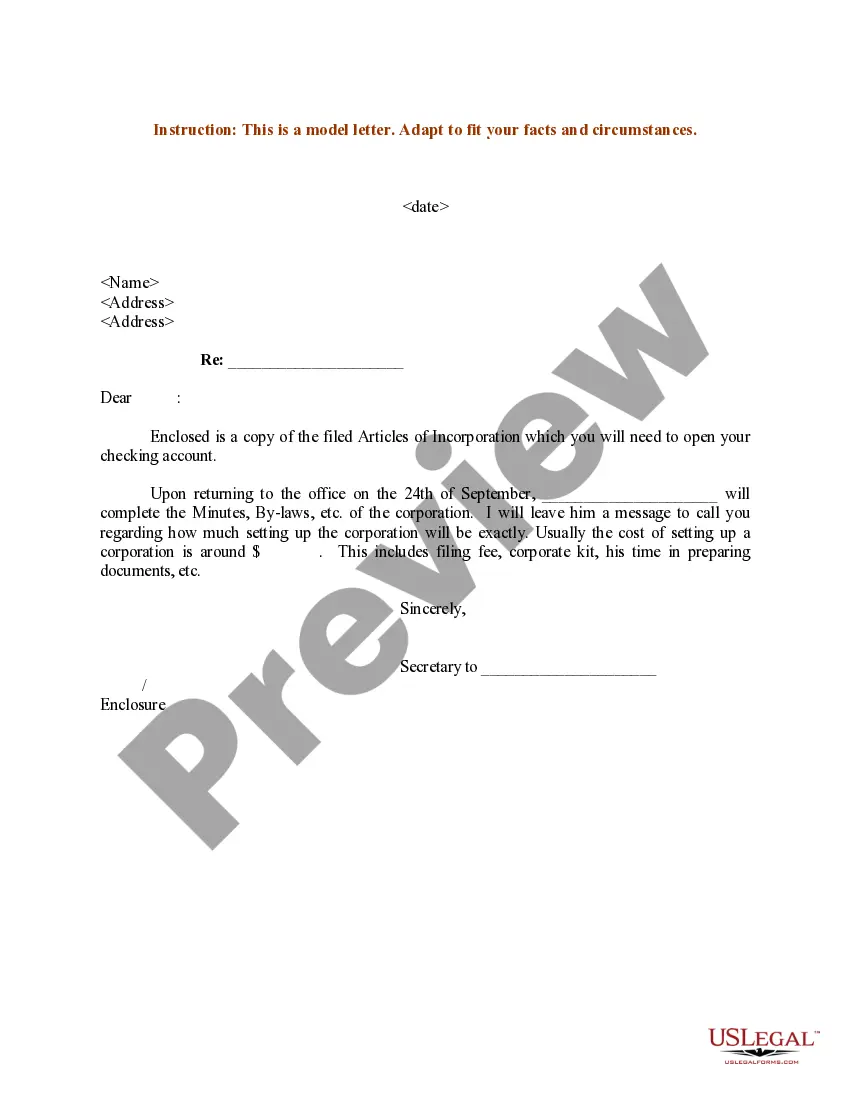
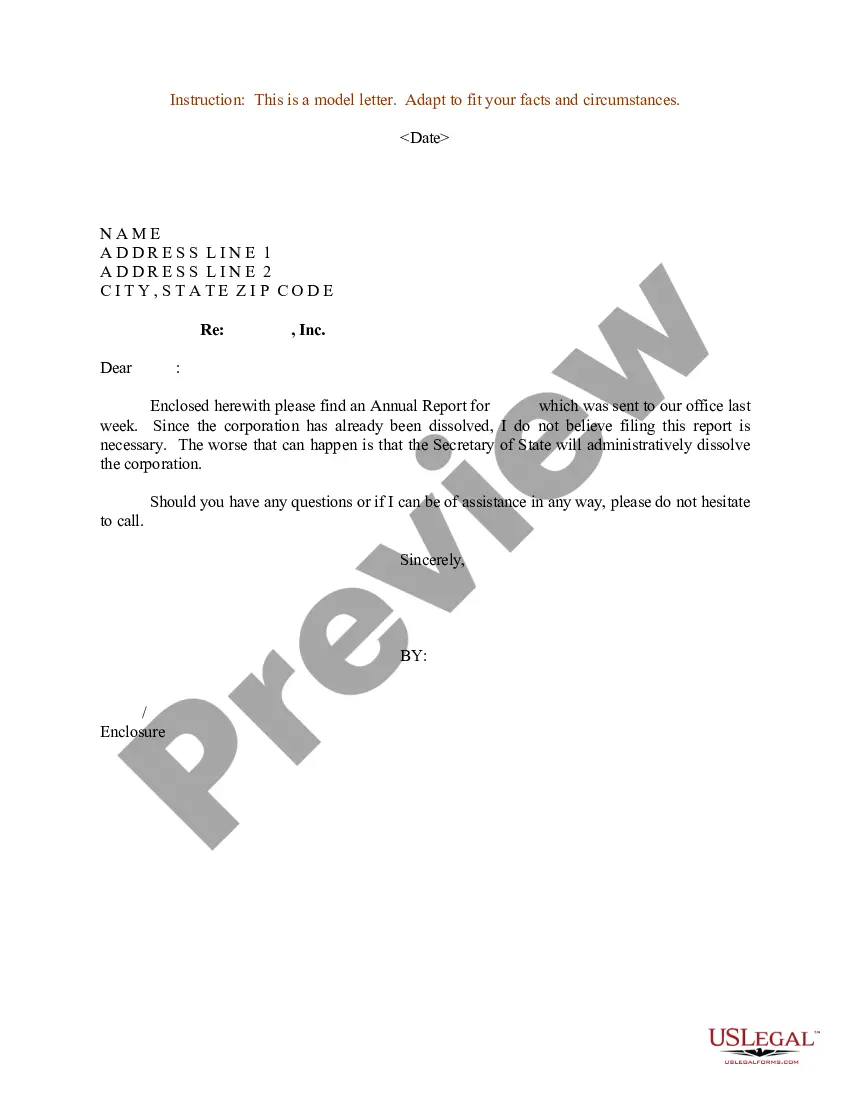
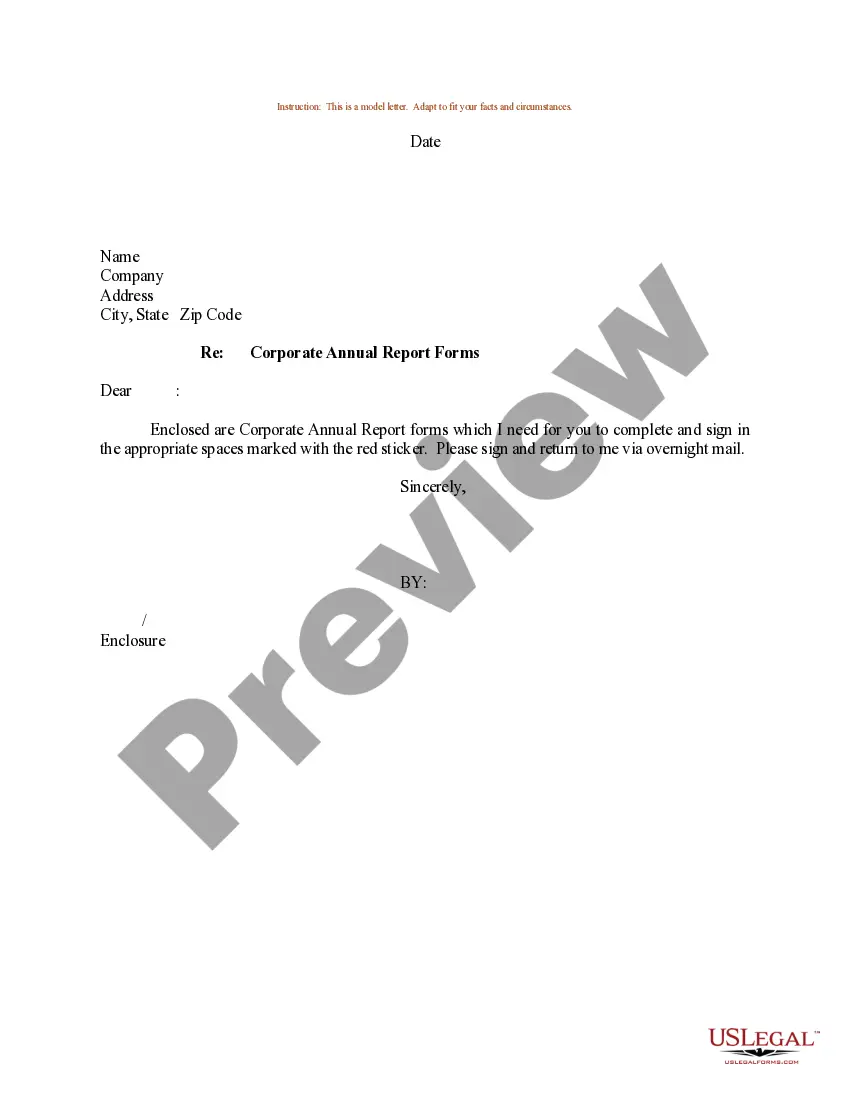
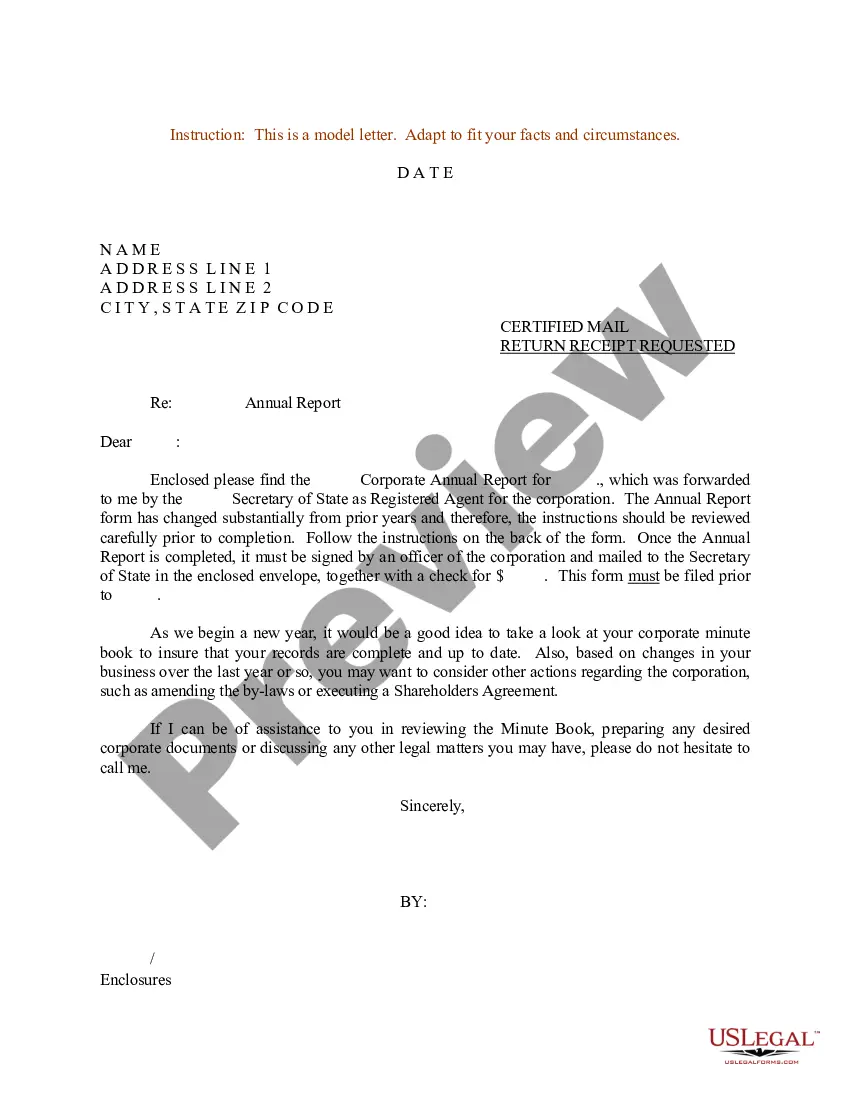
Get your form ready online
Our built-in tools help you complete, sign, share, and store your documents in one place.
Make edits, fill in missing information, and update formatting in US Legal Forms—just like you would in MS Word.
Download a copy, print it, send it by email, or mail it via USPS—whatever works best for your next step.
Sign and collect signatures with our SignNow integration. Send to multiple recipients, set reminders, and more. Go Premium to unlock E-Sign.
If this form requires notarization, complete it online through a secure video call—no need to meet a notary in person or wait for an appointment.
We protect your documents and personal data by following strict security and privacy standards.

Make edits, fill in missing information, and update formatting in US Legal Forms—just like you would in MS Word.

Download a copy, print it, send it by email, or mail it via USPS—whatever works best for your next step.

Sign and collect signatures with our SignNow integration. Send to multiple recipients, set reminders, and more. Go Premium to unlock E-Sign.

If this form requires notarization, complete it online through a secure video call—no need to meet a notary in person or wait for an appointment.

We protect your documents and personal data by following strict security and privacy standards.
Looking for another form?








Form popularity
FAQ
How to Write a Report? Finding a suitable topic. Conducting a research. Gathering all the information. Writing a thesis statement. Preparing an outline. Writing the final report. Reviewing and revising. Editing and proofreading.
How to create a construction work in progress report List work details. Determine weather. Include completed tasks. List hours worked and employees involved in the construction. List equipment and usage. Include materials and usage. Identify potential delays. Add a safety report.
Include an overview of the observations and open items, along with details such as photos, text, date, assignee, location pointers on a floor plan, status and more. This way, everyone gets a clear view of the agreements made, and the contractors involved have all the input they need to know which items need work.
How To Write a Construction Daily Report Step 1: List Project Info & Time Stamps. Step 2: Record Weather Conditions. Step 3: Add Work Logs. Step 4: Snap Photos of the Jobsite. Step 5: Add Notes, Issues, and Concerns. Step 6: Record Site Safety Observations. Step 7: Complete a Daily Survey.
These reports capture the daily activities on the construction site, including: Work Performed: A summary of the tasks completed each day. Labor and Equipment Usage: Details of the workforce and machinery utilized. Weather Conditions: Impact of weather on the day's activities.
How do you write a closure report? Arrange a project post-mortem. Briefly summarize the project and its objectives. Describe what the team accomplished during the project. Discuss any lessons learned during the project. Make recommendations for future projects. Thank your team and sponsors.
The Project Completion Report (PCR) is a tool for accountability and learning. The accountability purpose addresses the need for the Bank to ensure that the project resources were used for the purposes for which the project was granted, with due attention to effectiveness and efficiency.
A final report is prepared by the contract administrator at the end at the end of the defects liability period once all defects have been rectified. The final report should provide a summary of activities during the construction phase, describing: The works that have been completed.
How to Write a Project Report in 7 Steps Decide the Objective. Take some time during the project management initiation phase to think about the purpose of the report. Understand Your Audience. Report Format and Type. Structure the Report. Readability. Edit.

