Completion Report For Construction Project In Hillsborough
Description
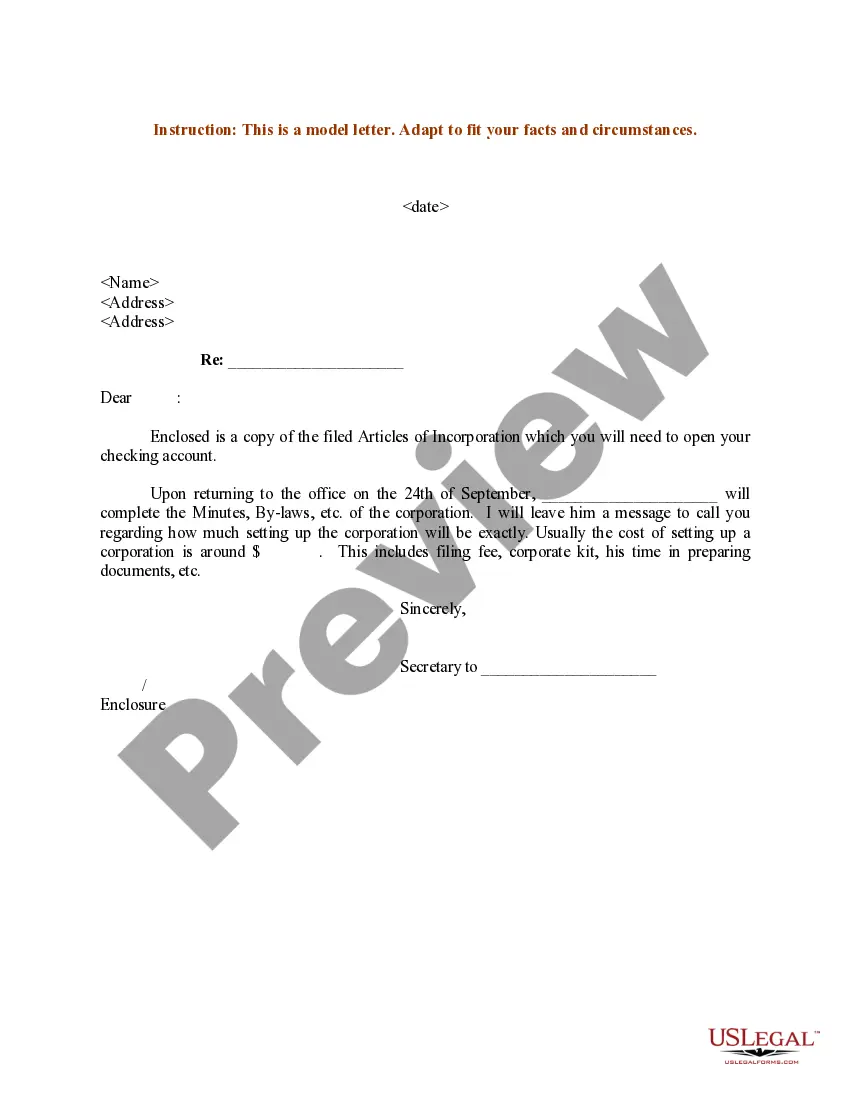
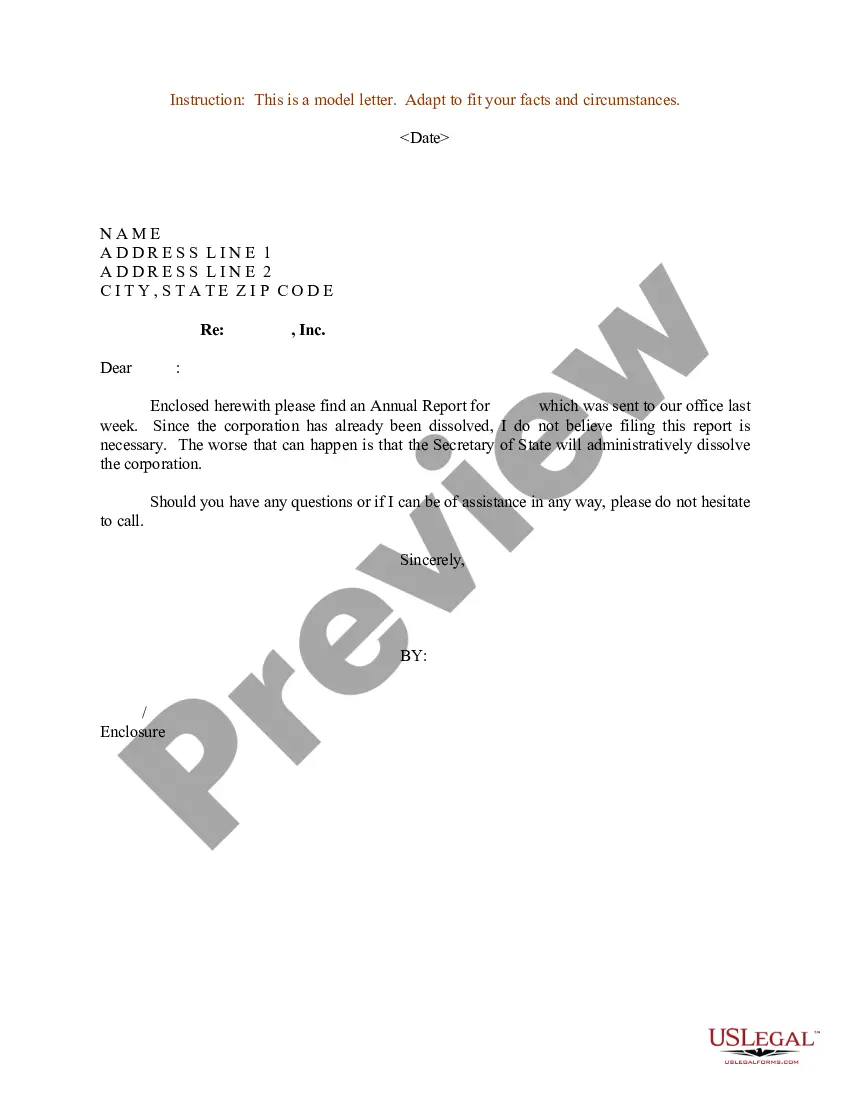
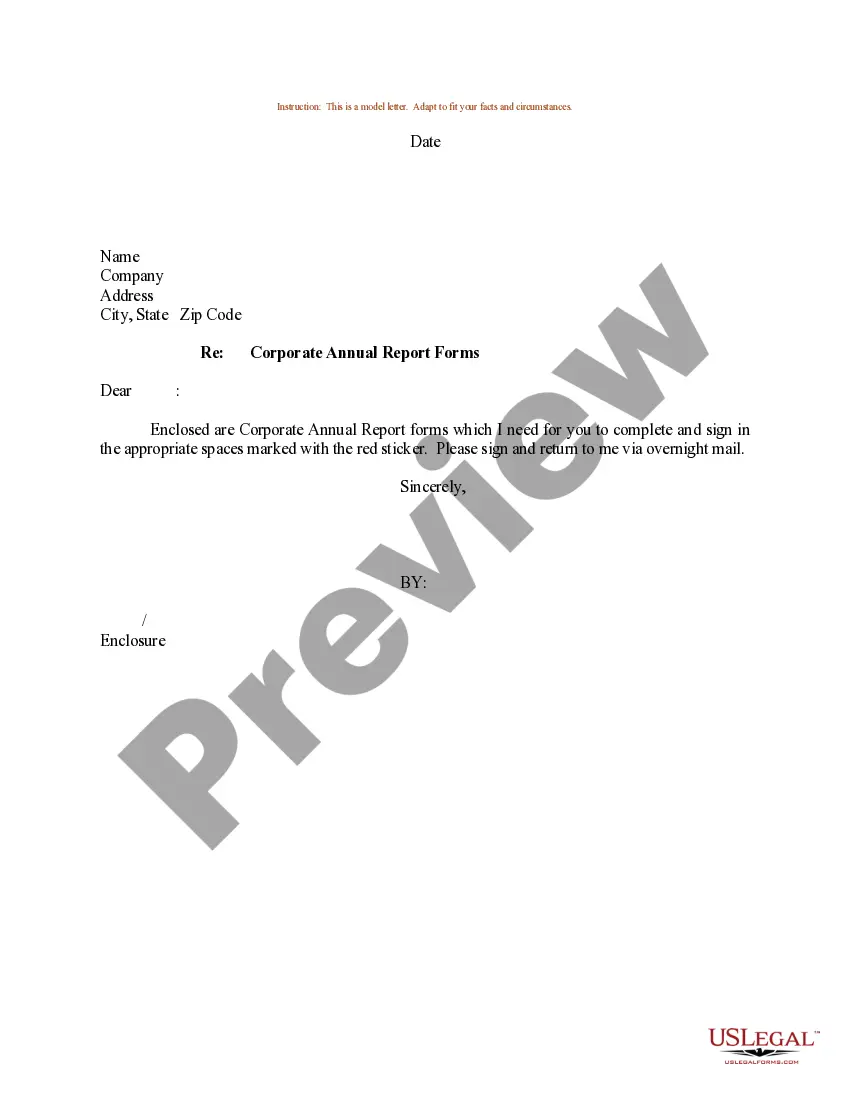
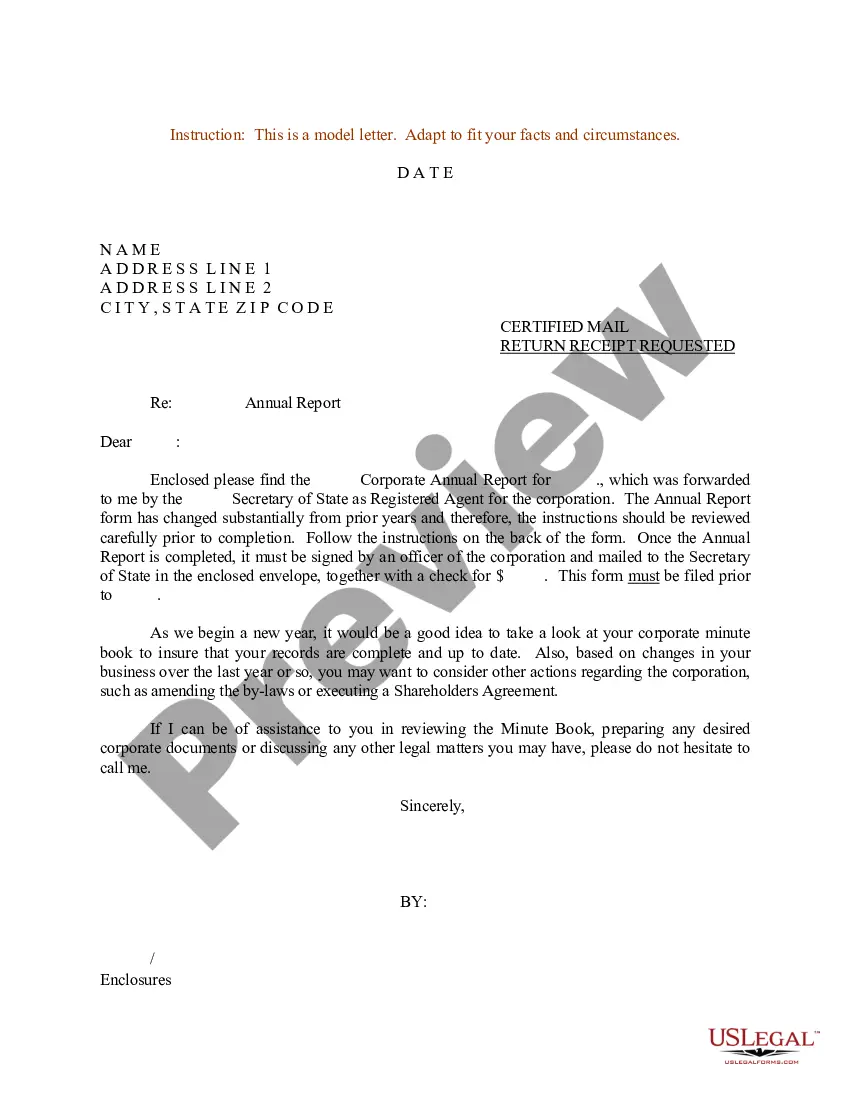
Get your form ready online
Our built-in tools help you complete, sign, share, and store your documents in one place.
Make edits, fill in missing information, and update formatting in US Legal Forms—just like you would in MS Word.
Download a copy, print it, send it by email, or mail it via USPS—whatever works best for your next step.
Sign and collect signatures with our SignNow integration. Send to multiple recipients, set reminders, and more. Go Premium to unlock E-Sign.
If this form requires notarization, complete it online through a secure video call—no need to meet a notary in person or wait for an appointment.
We protect your documents and personal data by following strict security and privacy standards.

Make edits, fill in missing information, and update formatting in US Legal Forms—just like you would in MS Word.

Download a copy, print it, send it by email, or mail it via USPS—whatever works best for your next step.

Sign and collect signatures with our SignNow integration. Send to multiple recipients, set reminders, and more. Go Premium to unlock E-Sign.

If this form requires notarization, complete it online through a secure video call—no need to meet a notary in person or wait for an appointment.

We protect your documents and personal data by following strict security and privacy standards.
Looking for another form?









Form popularity
FAQ
Format of a Progress Report Memo: a short, semi-formal report to someone within your organization (can range in length from 1-4 pages) Letter: a short, semi-formal report sent to someone outside your organization. Formal report: a long, formal report sent to someone within or outside of your organization.
Questions? Email Permitting@HCFL, call (813) 272-5600, or contact your inspector.
How to create a construction work in progress report List work details. Determine weather. Include completed tasks. List hours worked and employees involved in the construction. List equipment and usage. Include materials and usage. Identify potential delays. Add a safety report.
How To Write A Project Progress Report Begin with the project overview. Define your target audience. Include an executive summary. Describe the project progress and health. Specify milestones. Flag current and potential obstacles. Use templates to create progress reports.
Building and subtrade permits are done on the HillsGovHub online system. If you do not see the permit type you are looking for on this page, visit the HillsGovHub section for links and information on logging into the system to apply for a permit, checking a permit status, and contractor licensing.
Follow these steps to make a construction daily report: Format the report. Fill in site information. Fill in work progress. Fill in workers and visitors present at the site. Include equipment and material updates. Add information about events. Check and affirm the information. Send daily reports to stakeholders.
Follow these steps to transfer an existing permit to a new contractor Sign in to HillsGovHub. Complete the appropriate form. Return to HillsGovHub. Upload the documents. Select 'Add' in the Attachment section to add required documents.
The property owner or property owner's agent is the one who must file the Notice of Commencement. Florida law states that a Notice of Commencement must be submitted to the clerk's office in order to apply for a building permit with contracts having a value greater than $2,500.

