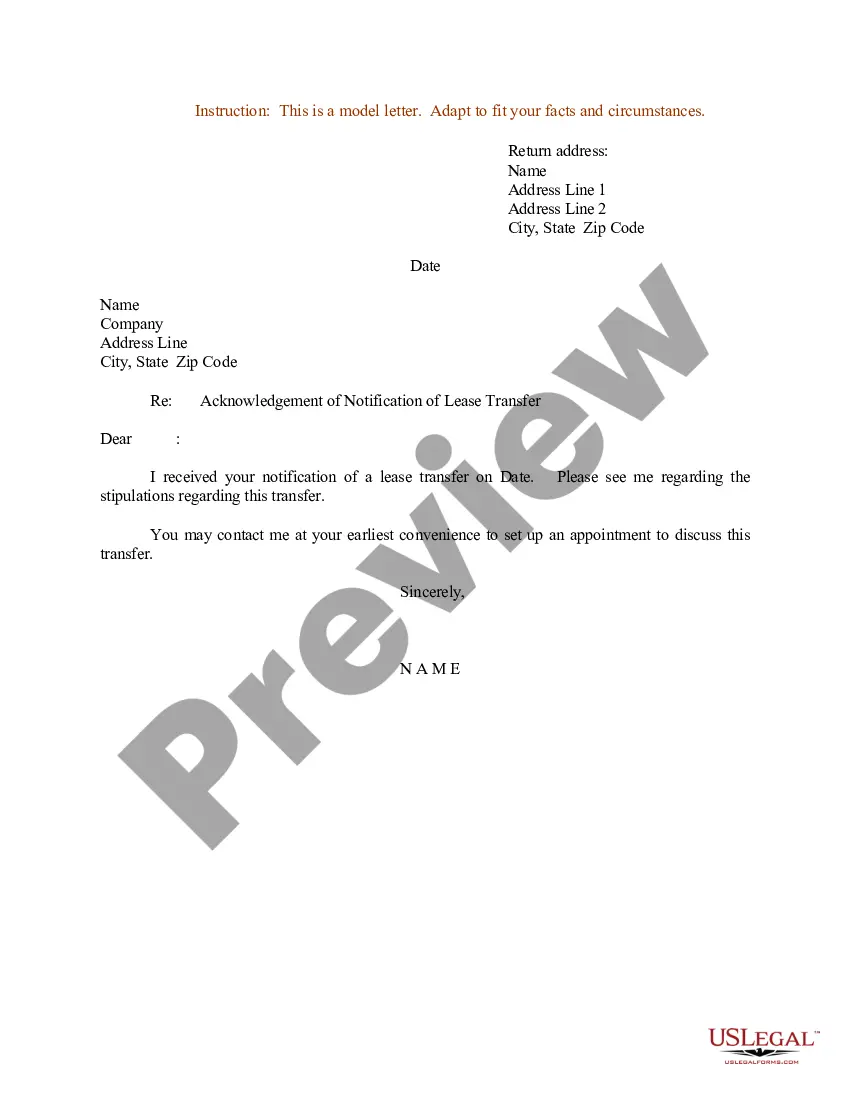
Letter Speaking Engagement With Client In Sacramento
Description




Get your form ready online
Our built-in tools help you complete, sign, share, and store your documents in one place.
Make edits, fill in missing information, and update formatting in US Legal Forms—just like you would in MS Word.
Download a copy, print it, send it by email, or mail it via USPS—whatever works best for your next step.
Sign and collect signatures with our SignNow integration. Send to multiple recipients, set reminders, and more. Go Premium to unlock E-Sign.
If this form requires notarization, complete it online through a secure video call—no need to meet a notary in person or wait for an appointment.
We protect your documents and personal data by following strict security and privacy standards.

Make edits, fill in missing information, and update formatting in US Legal Forms—just like you would in MS Word.

Download a copy, print it, send it by email, or mail it via USPS—whatever works best for your next step.

Sign and collect signatures with our SignNow integration. Send to multiple recipients, set reminders, and more. Go Premium to unlock E-Sign.

If this form requires notarization, complete it online through a secure video call—no need to meet a notary in person or wait for an appointment.

We protect your documents and personal data by following strict security and privacy standards.
Looking for another form?





Form popularity
FAQ
Under Work Experience, you can put “Speaker,” as a category and include the different speaking engagements you have spoken at including the name of the event, group, or organization. You may also want to include the location of the event.
You can list a conference presentation in the "Experience" or "Featured" section of your LinkedIn profile. Include the title of your presentation, the event name, date, and a brief description of its content and relevance. This adds depth to your profile and showcases your public speaking skills.
Then tap on the add section button. And then tap on the additional. Option. Now you'll see an optionMoreThen tap on the add section button. And then tap on the additional. Option. Now you'll see an option to add languages. So go ahead and tap on it. Then tap here. And add a language then tap here.
Reach Out to Contacts: Inform colleagues, friends, and professional contacts that you are available for speaking engagements. Ask for Referrals: Encourage your network to recommend you to event organizers. Create a Compelling Pitch: Outline your speaking topics, what attendees will learn, and your unique perspective.
How Can I Create an Effective LinkedIn Event Post? Start With A Hook. To captivate potential attendees, you should “open” your post with an attention-grabbing headline. Include Visual Elements. Give The Unique Value To Your Event. Provide A Brief Event Description. Encourage Engagement With a Clear CTA.
How do you add talks about in a LinkedIn profile? It will show up when Creator Mode is turned on. The Creator Mode option is located on your profile in the “Resources” Section. When it's toggled on you will then be asked which keywords should be displayed in the “Talks about” section.
1 Know your audience. Before you send out any pitch, you need to do some research on your target audience. 2 Craft your hook. The first impression is crucial when it comes to pitching yourself for speaking opportunities. 3 Showcase your value. 4 Provide evidence. 5 Include a call to action. 6 Here's what else to consider.
How to get speaking engagements Get clear on why you want to speak. Listen to a lot of talks from speakers that you admire. Come up with 3-5 talk ideas. Prepare an outline for each talk idea. Build your event list. Slide into event organizers' DMs. Email your pitch. Turn your outline into a speaker proposal.
How to get speaking engagements Get clear on why you want to speak. Listen to a lot of talks from speakers that you admire. Come up with 3-5 talk ideas. Prepare an outline for each talk idea. Build your event list. Slide into event organizers' DMs. Email your pitch. Turn your outline into a speaker proposal.