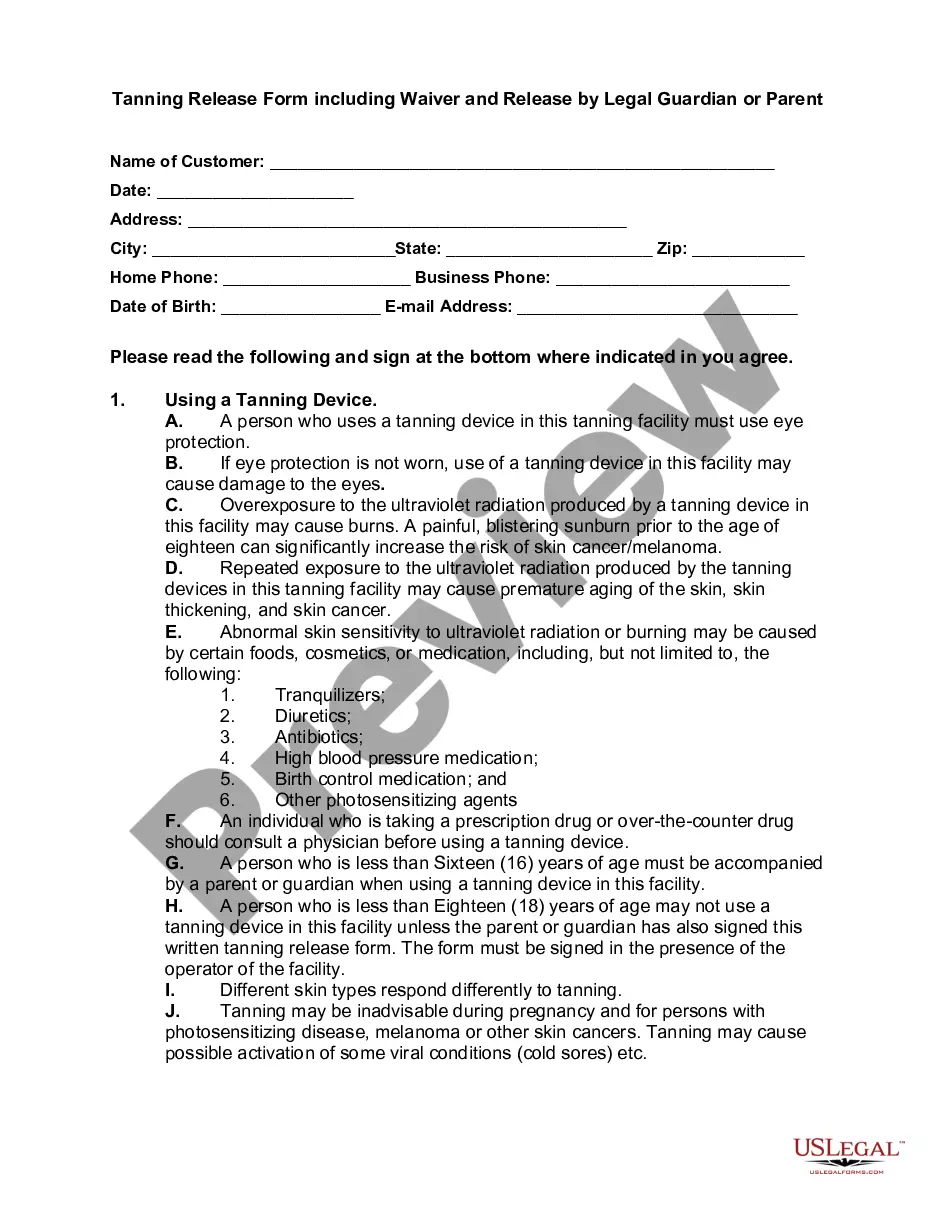
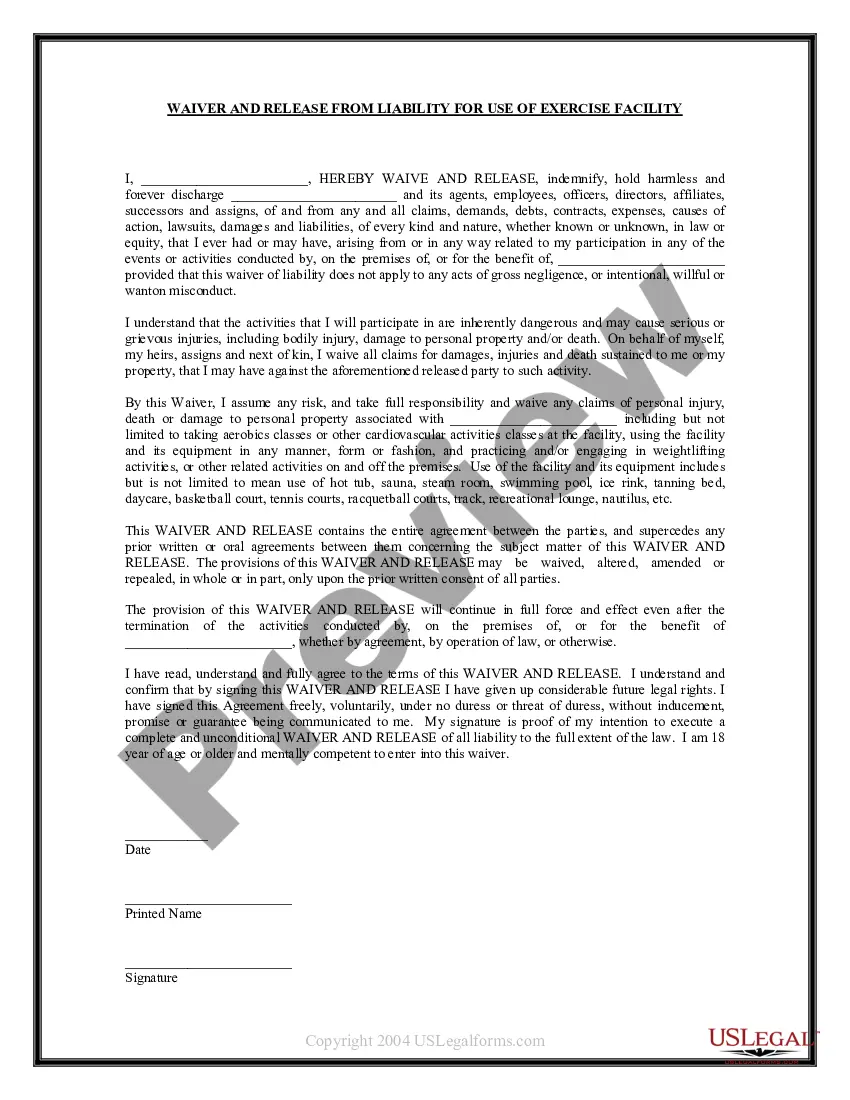
Personal Injury Waiver Form Canada In Wayne
Description

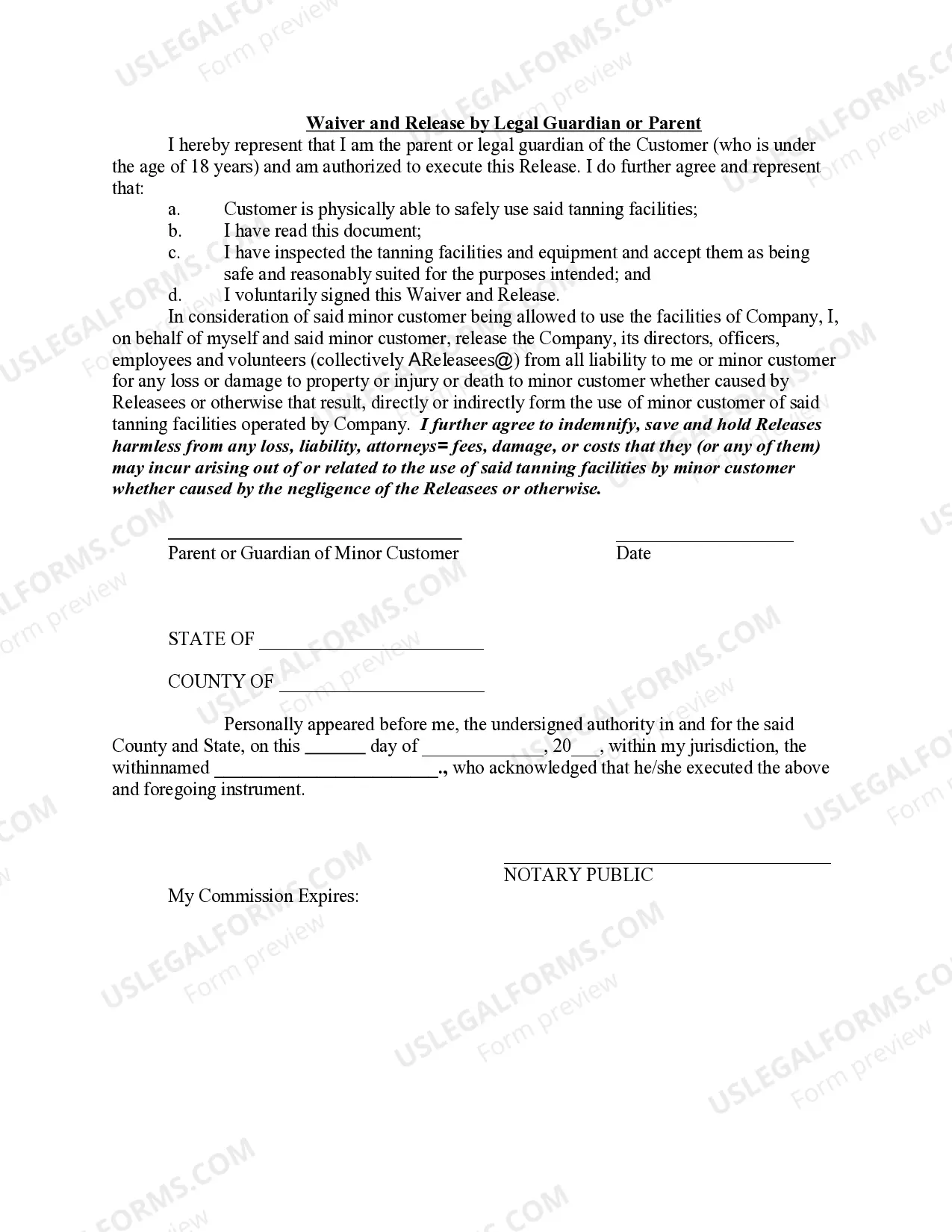
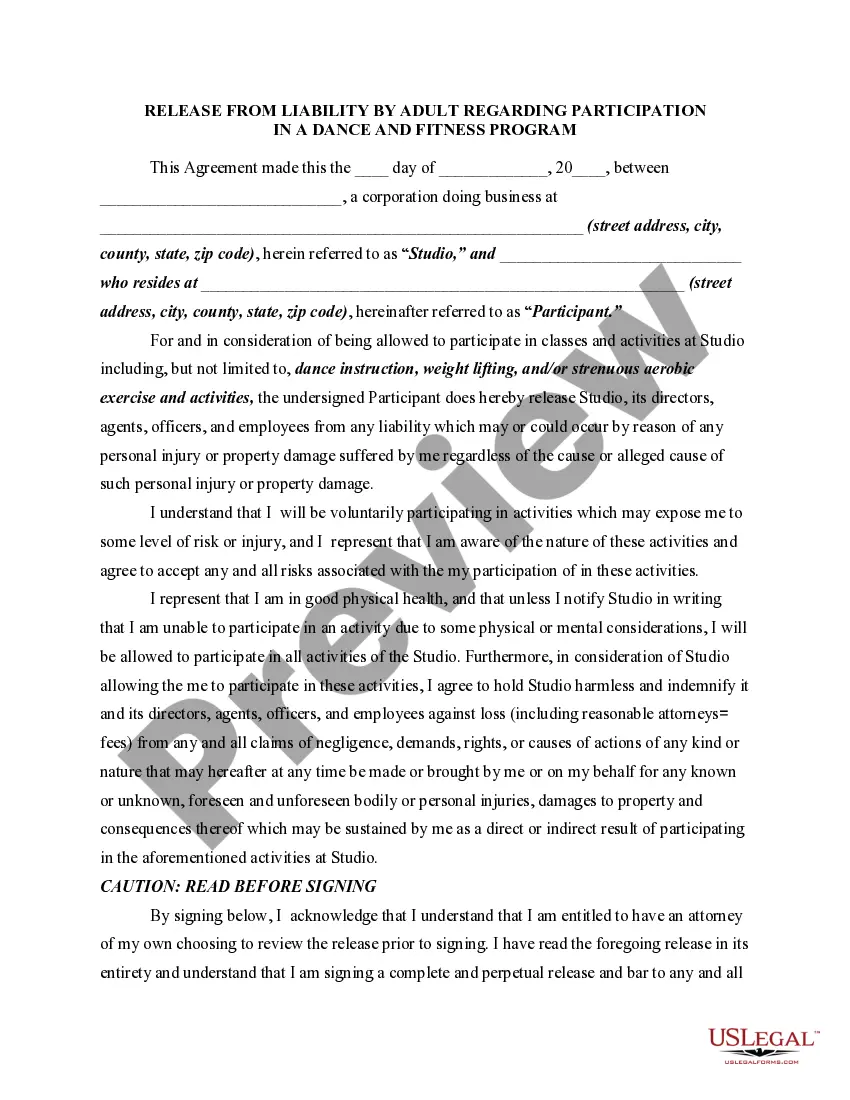
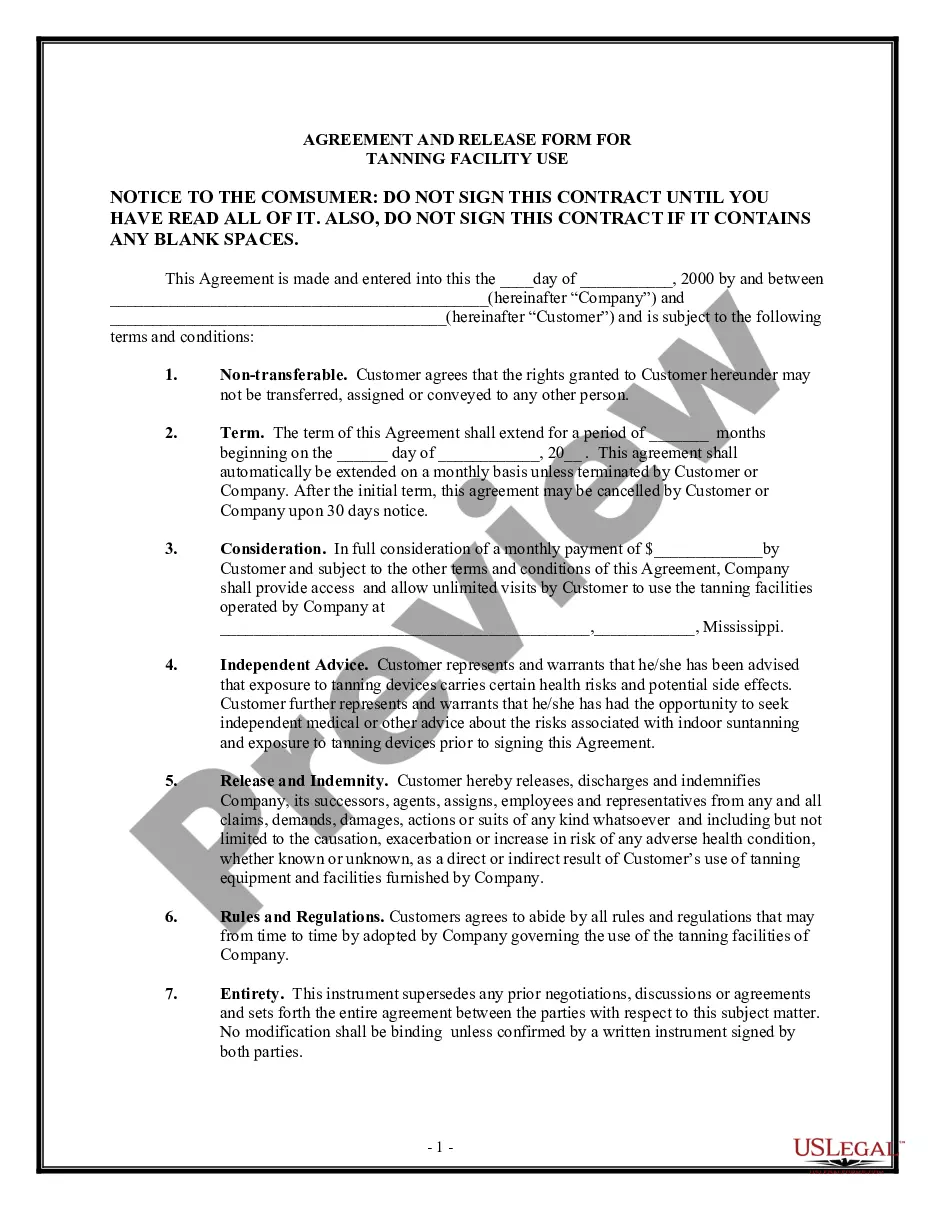
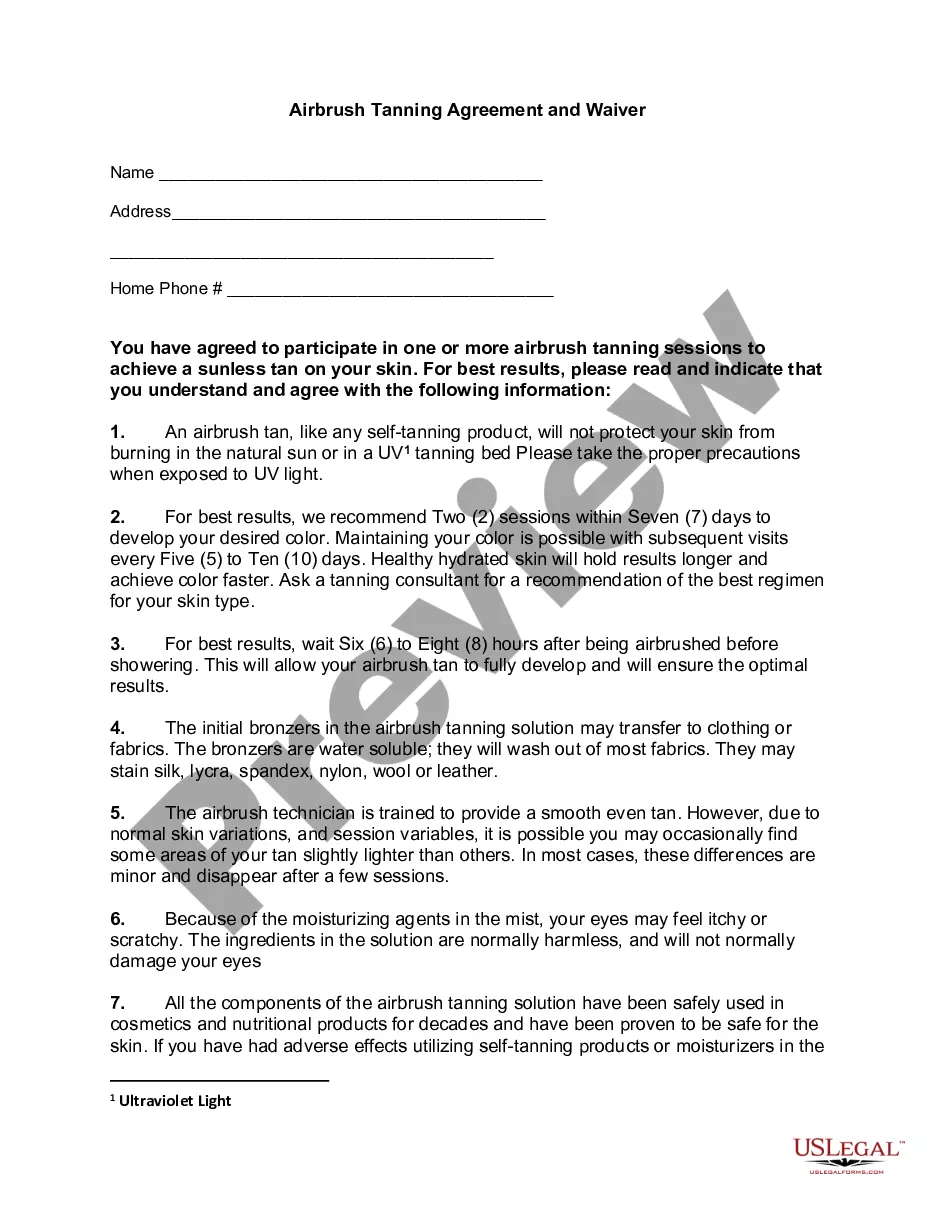
Get your form ready online
Our built-in tools help you complete, sign, share, and store your documents in one place.
Make edits, fill in missing information, and update formatting in US Legal Forms—just like you would in MS Word.
Download a copy, print it, send it by email, or mail it via USPS—whatever works best for your next step.
Sign and collect signatures with our SignNow integration. Send to multiple recipients, set reminders, and more. Go Premium to unlock E-Sign.
If this form requires notarization, complete it online through a secure video call—no need to meet a notary in person or wait for an appointment.
We protect your documents and personal data by following strict security and privacy standards.

Make edits, fill in missing information, and update formatting in US Legal Forms—just like you would in MS Word.

Download a copy, print it, send it by email, or mail it via USPS—whatever works best for your next step.

Sign and collect signatures with our SignNow integration. Send to multiple recipients, set reminders, and more. Go Premium to unlock E-Sign.

If this form requires notarization, complete it online through a secure video call—no need to meet a notary in person or wait for an appointment.

We protect your documents and personal data by following strict security and privacy standards.
Looking for another form?







Form popularity
FAQ
You can file an I-601 Waiver application by yourself. However, you are very strongly advised against doing so. You should hire an experienced immigration lawyer to assist and represent you in the preparation and filing of your application for an I-601 Waiver.
A waiver is a legally binding contract, in which the participant in an activity agrees not to hold the organization responsible or liable for any injuries that they might receive as a result of participating in the organizations programs.
When you write a letter of waiver, make sure: You use formal language. You choose your words wisely. Clearly lay out the reasons for your waiver. Your reasons for the waiver are valid. Acknowledge the reader and thank them for their time. Proofread your letter before submitting it. You stick only to the facts.
Creating a liability waiver in Google Forms is a good starting point for small businesses. Google Forms makes it easy to organize waiver content and collect participant responses quickly. However, adding a digital signature is crucial for ensuring legal enforceability and professionalism.
If you go on a school trip, your mom might sign a waiver saying that the school is not responsible if you get hurt on the trip. When you sign a waiver, you're voluntarily giving up a privilege or legal right. A waiver is often required before you participate in something dangerous.
A liability waiver form is a legal contract that educates one party about the risks associated with an activity. Once signed, it prevents the participant from opening a lawsuit against the company in the event of damage or loss, effectively shifting responsibility for injuries from the company to the customer.
Key Takeaways On How To Write A Waiver Choose a waiver template. Determine the type of activity or service. State the purpose of the waiver. Identify the risks. Include a title. Include customer information. Include waiver terms. Include a statement of understanding.
To build a waiver of liability: Choose a waiver template. Determine the type of activity or service. State the purpose of the waiver. Identify the risks. Include a title. Include customer information. Include waiver terms. Include a statement of understanding.
If the signatory can show in court that they did not understand a waiver (reasonably) before signing, due to weaknesses inherent to the waiver document, it may not hold up. It is thus critical that your waiver is easy to understand.
How strong is my waiver? A waiver (renunciation) may be expressed or implied. The latter is inferred from conduct, but in either case the waiver must be unequivocal. The person waiving the right must have a clear understanding of the nature and consequences of the waiver.
