Personal Injury Release Form Template In Dallas
Description

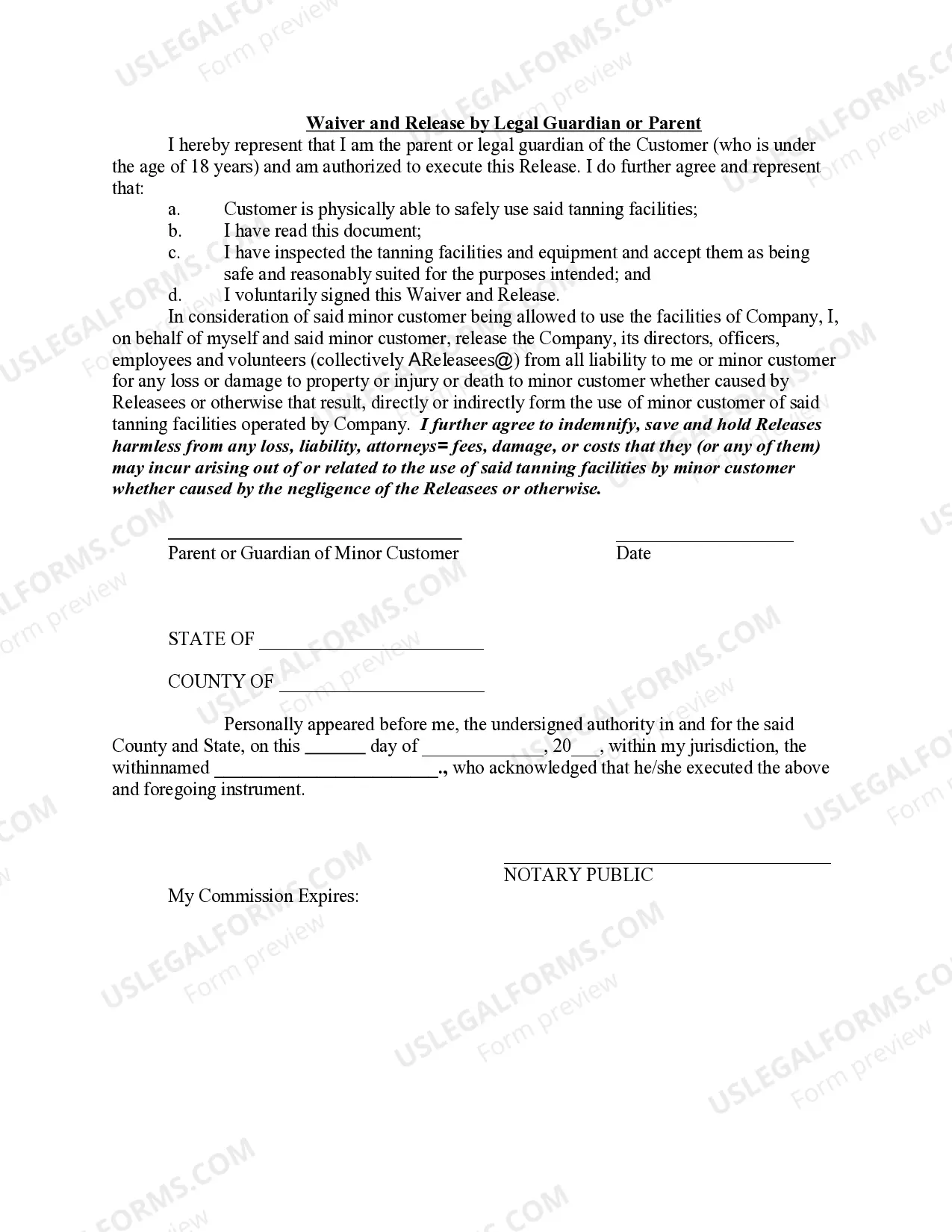
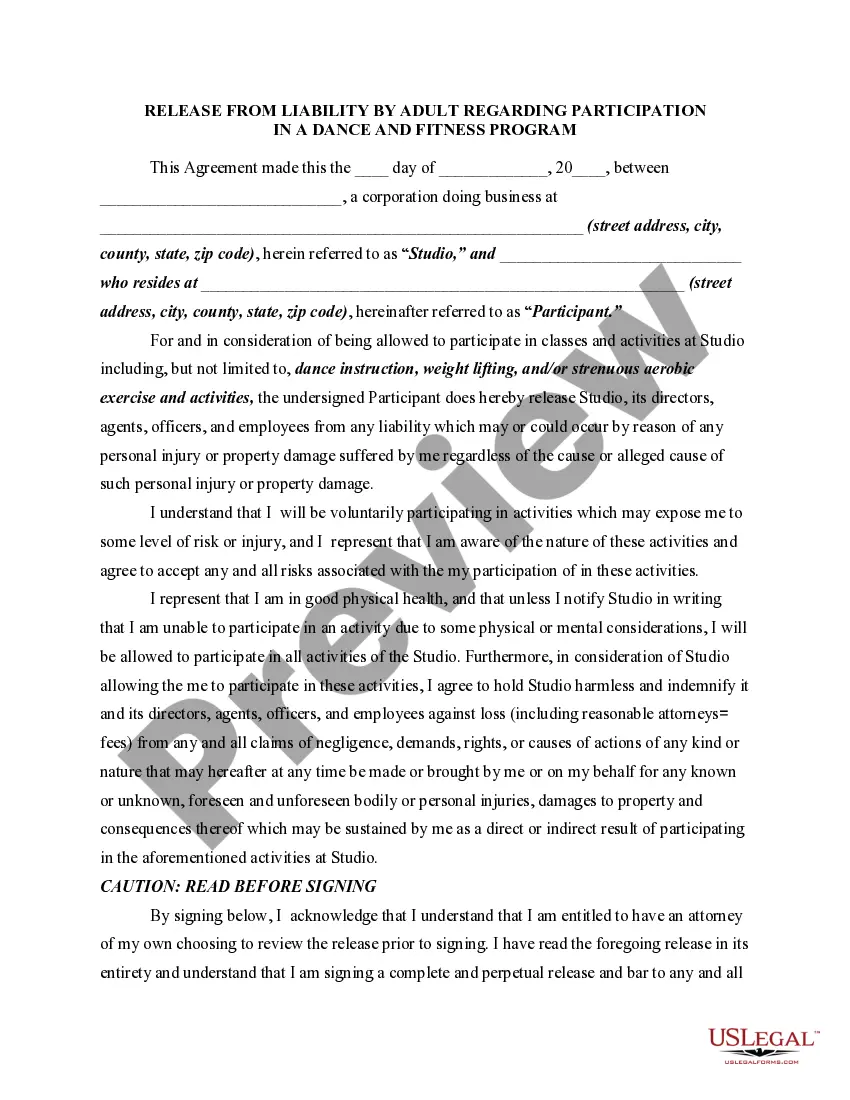
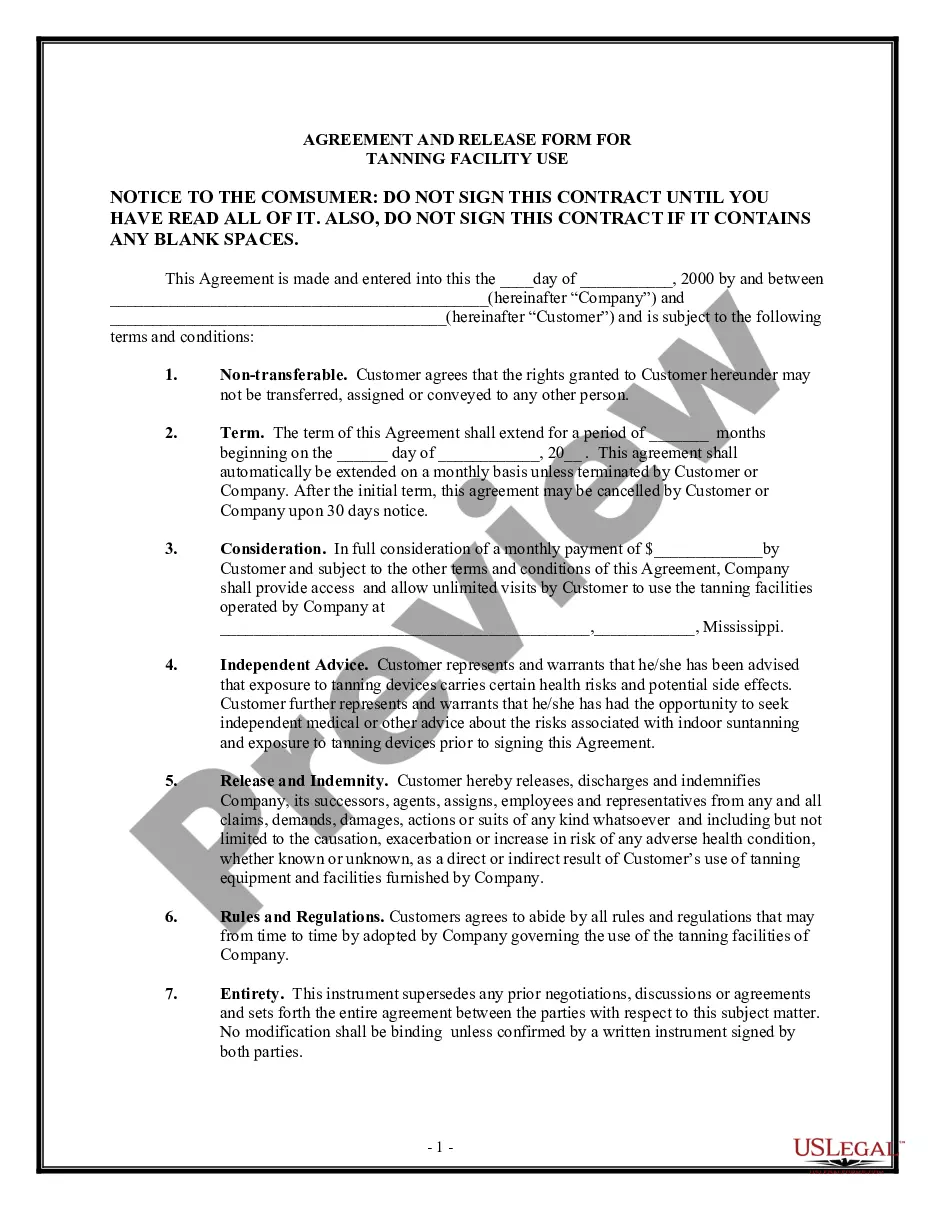
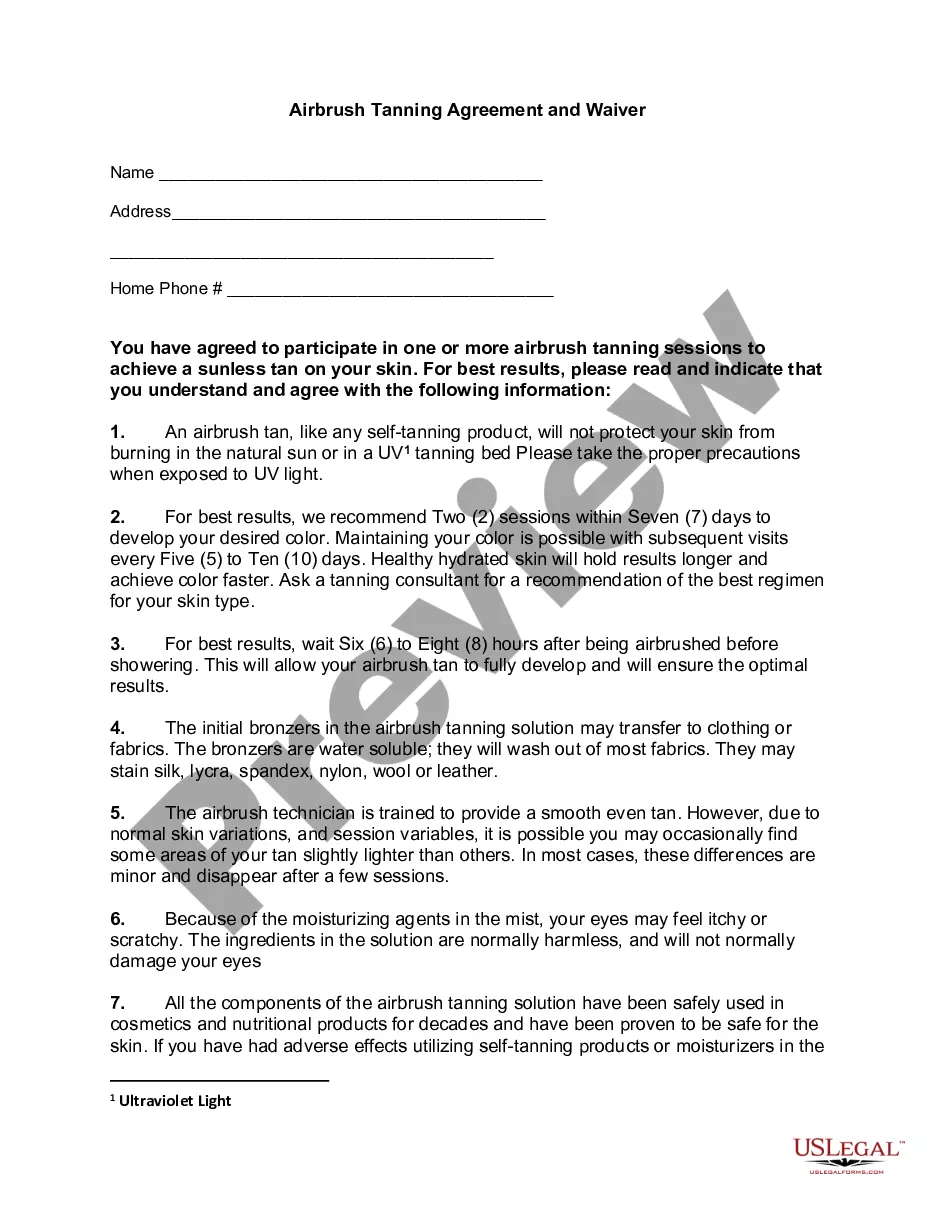
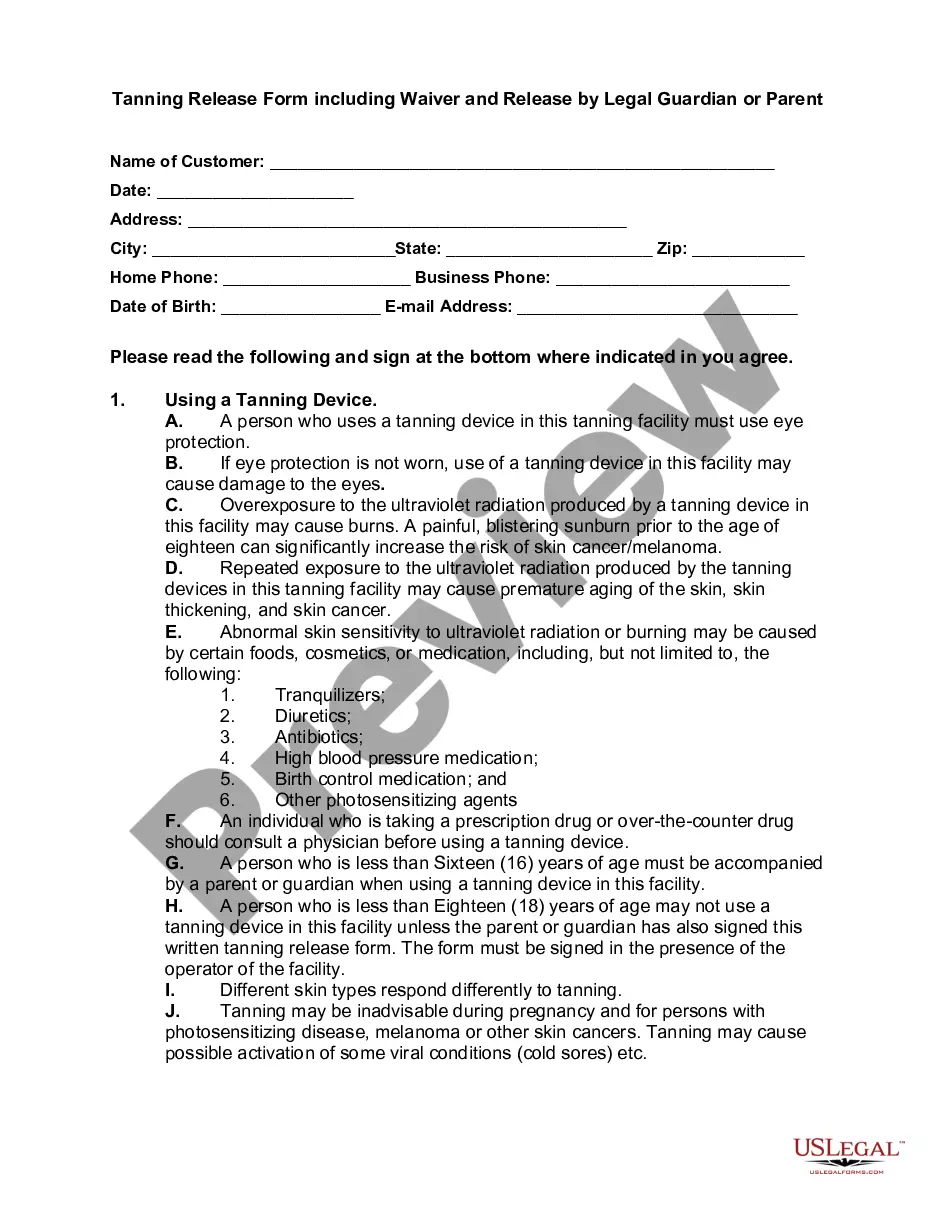
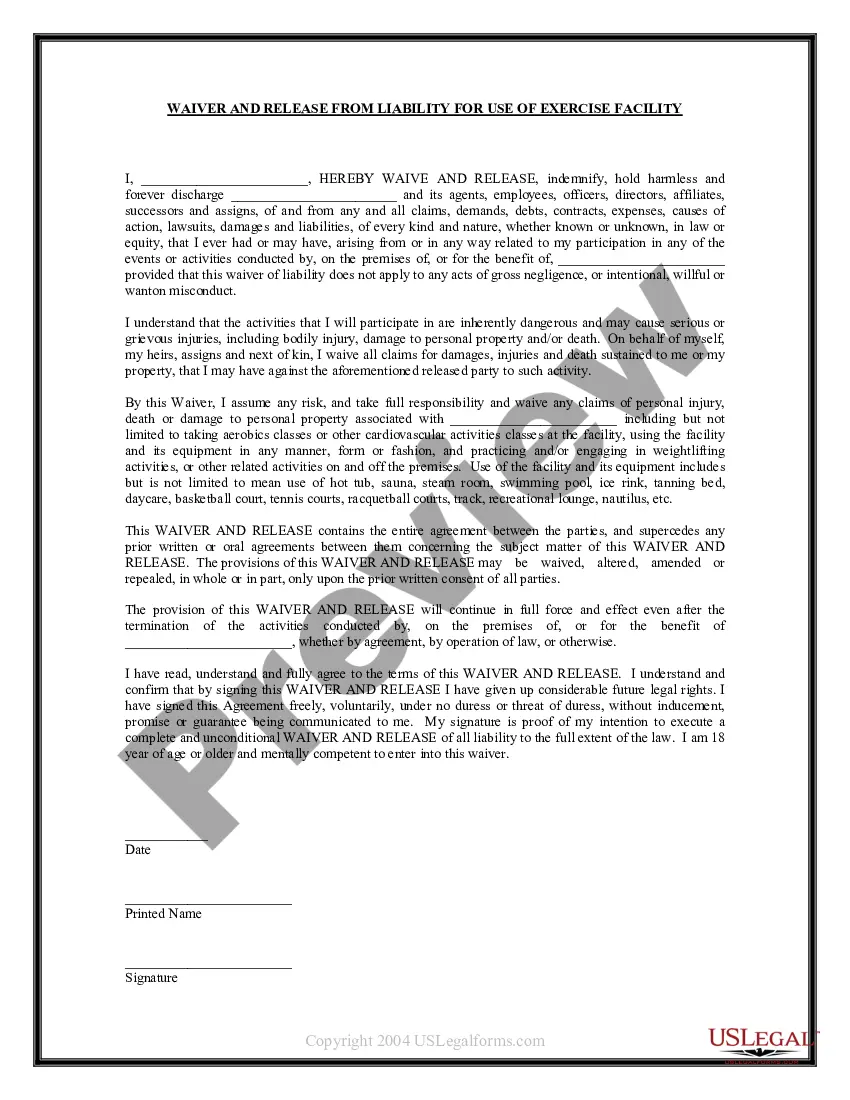
Get your form ready online
Our built-in tools help you complete, sign, share, and store your documents in one place.
Make edits, fill in missing information, and update formatting in US Legal Forms—just like you would in MS Word.
Download a copy, print it, send it by email, or mail it via USPS—whatever works best for your next step.
Sign and collect signatures with our SignNow integration. Send to multiple recipients, set reminders, and more. Go Premium to unlock E-Sign.
If this form requires notarization, complete it online through a secure video call—no need to meet a notary in person or wait for an appointment.
We protect your documents and personal data by following strict security and privacy standards.

Make edits, fill in missing information, and update formatting in US Legal Forms—just like you would in MS Word.

Download a copy, print it, send it by email, or mail it via USPS—whatever works best for your next step.

Sign and collect signatures with our SignNow integration. Send to multiple recipients, set reminders, and more. Go Premium to unlock E-Sign.

If this form requires notarization, complete it online through a secure video call—no need to meet a notary in person or wait for an appointment.

We protect your documents and personal data by following strict security and privacy standards.
Looking for another form?





Form popularity
FAQ
The process of creating a waiver should be taken seriously. Waivers are legal documents that list specific terms for your participants to agree to, so it's crucial that they are complete and legally sound. Professional help from a lawyer is strongly recommended any time you are working with legal documents.
WHAT ARE WAIVERS AND RELEASES? Waivers and/or releases of liability (“releases”) are legal agreements designed to transfer responsibility for injuries and property damage from one party to another.
How to Create a Liability Waiver Form Using Google Forms Step 1: Create a new Google Form. Step 2: Describe in detail the activity and its location. Step 3: List the possible injuries and risks. Step 4: Include fields to enter name and accept risks. Step 5: Collect e-signatures and autocomplete documents with Form Publisher.
The process of creating a waiver should be taken seriously. Waivers are legal documents that list specific terms for your participants to agree to, so it's crucial that they are complete and legally sound. Professional help from a lawyer is strongly recommended any time you are working with legal documents.
How Do You Write a Media Release Form? Name of the parties involved, i.e., releasor and releasee. Detailed information about the project. Explicit information of the permissions granted. Any special considerations, including payment obligations or credit, if any. A space for all parties to sign.
How to Create a Liability Waiver Form Using Google Forms Step 1: Create a new Google Form. Step 2: Describe in detail the activity and its location. Step 3: List the possible injuries and risks. Step 4: Include fields to enter name and accept risks. Step 5: Collect e-signatures and autocomplete documents with Form Publisher.
How to Write a Release of Liability Form Fill in the information of both parties, including each person's name and address. Include the details of the event. Add if there is a payment required by the releasee. Write a section for signatures, which will contain the names and dates of both parties.
Additionally, I agree to be held solely responsible if my negligence, willful misconduct, or disregard for the rules of Activity.Name leads to damage to others or to Sender. Company property. Any legal manners arising from this release of liability shall take place in the state of Sender. State as agreed.
A release of liability or waiver is a legal document that a person signs to acknowledge the risks involved in a particular activity and to not hold the organization or individual for any harm that might arise.
In some cases, you may learn that you do not need to sign the waiver to participate. If that is the case, do not sign anything. Never sign a waiver after an accident. If you do sign a waiver, always keep a copy of the waiver in safe place where you can access it now or in the future if needed.
