Document With Bylaws In Palm Beach
Description

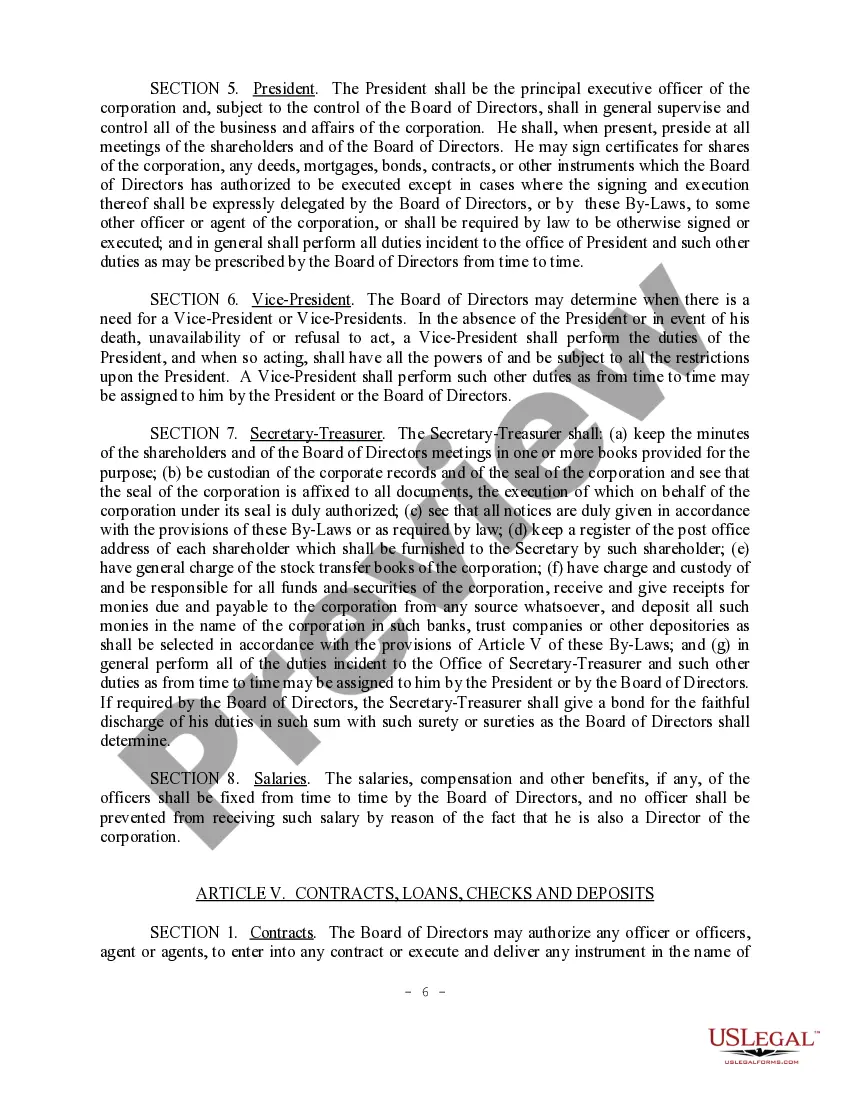
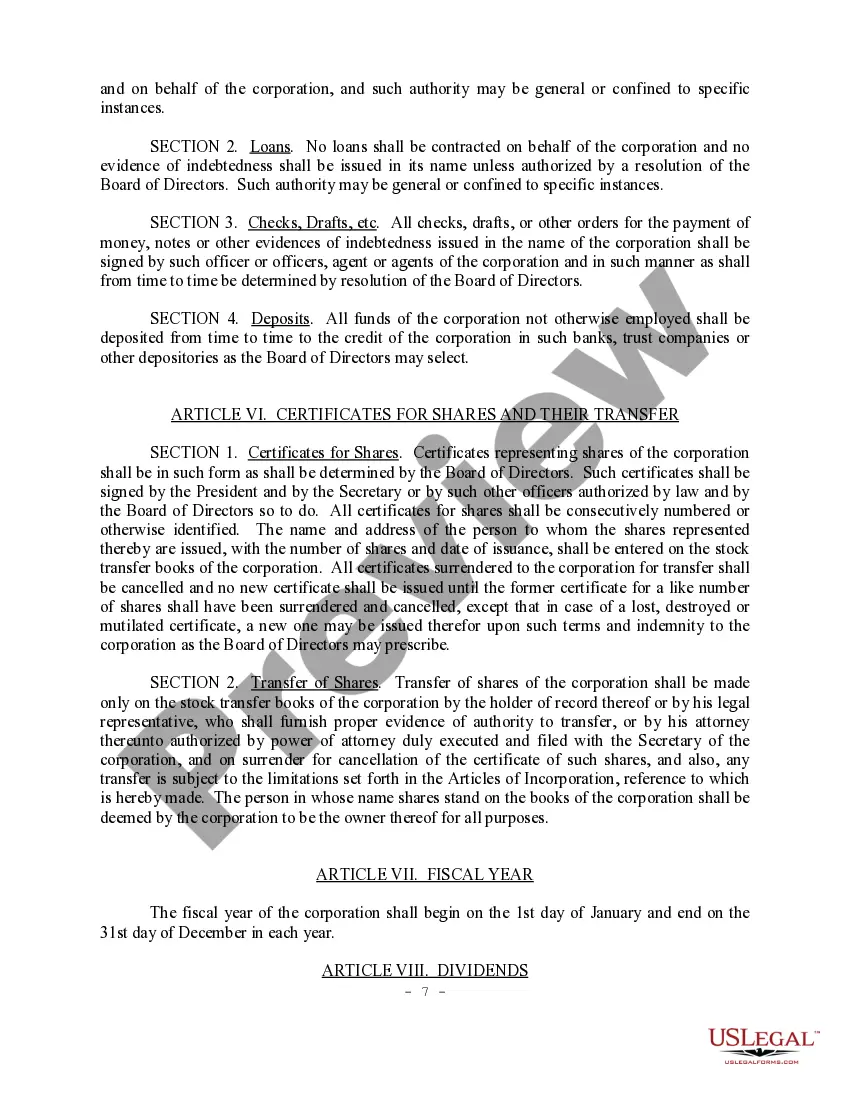
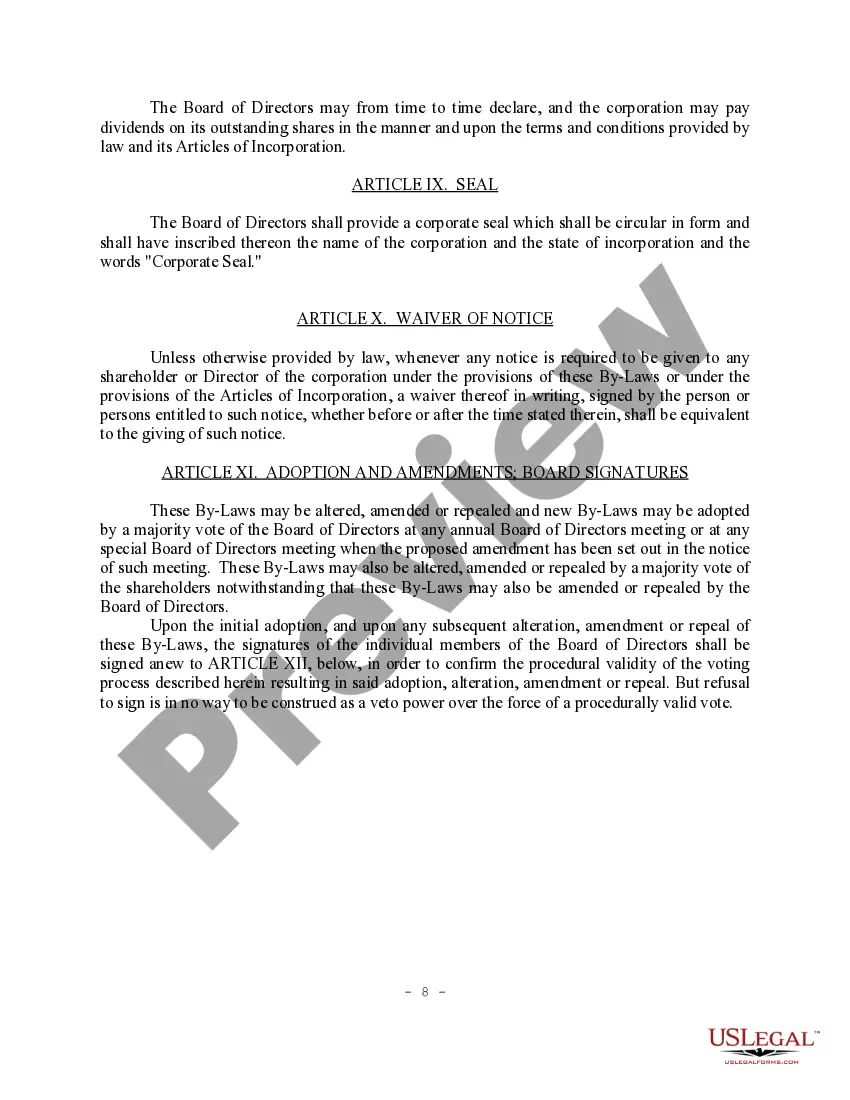
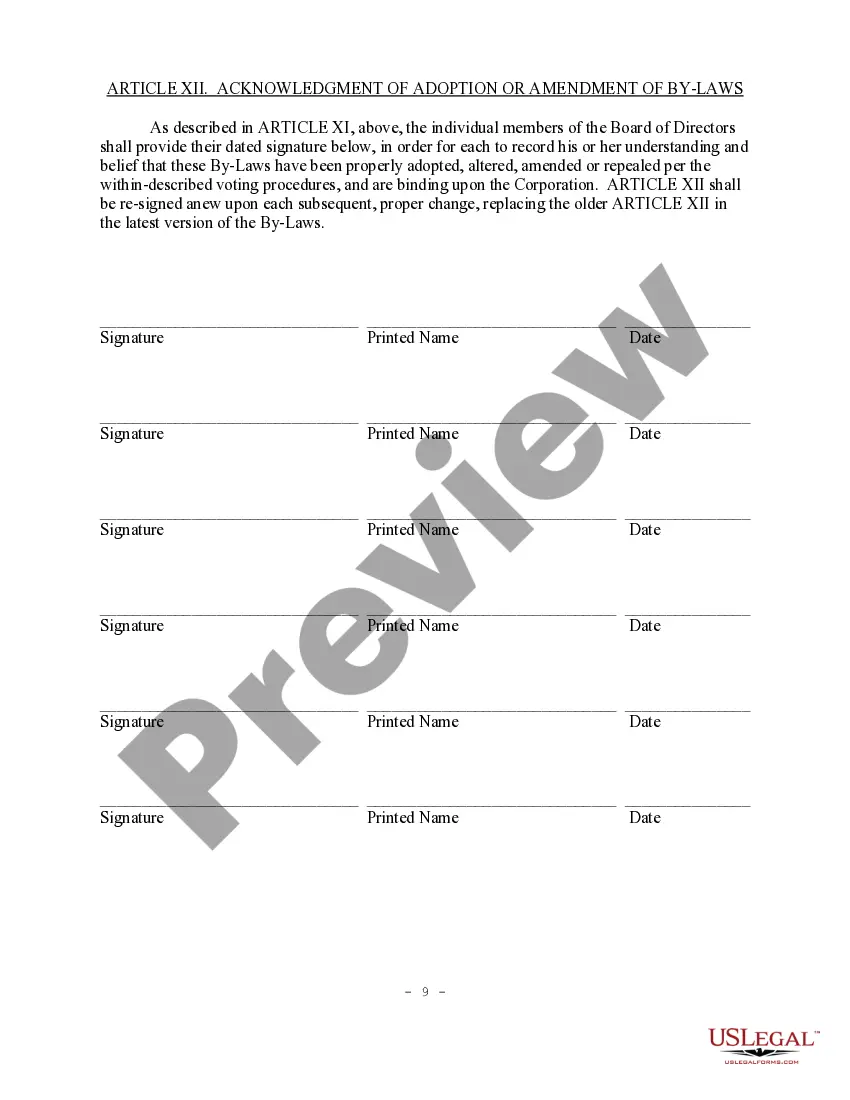
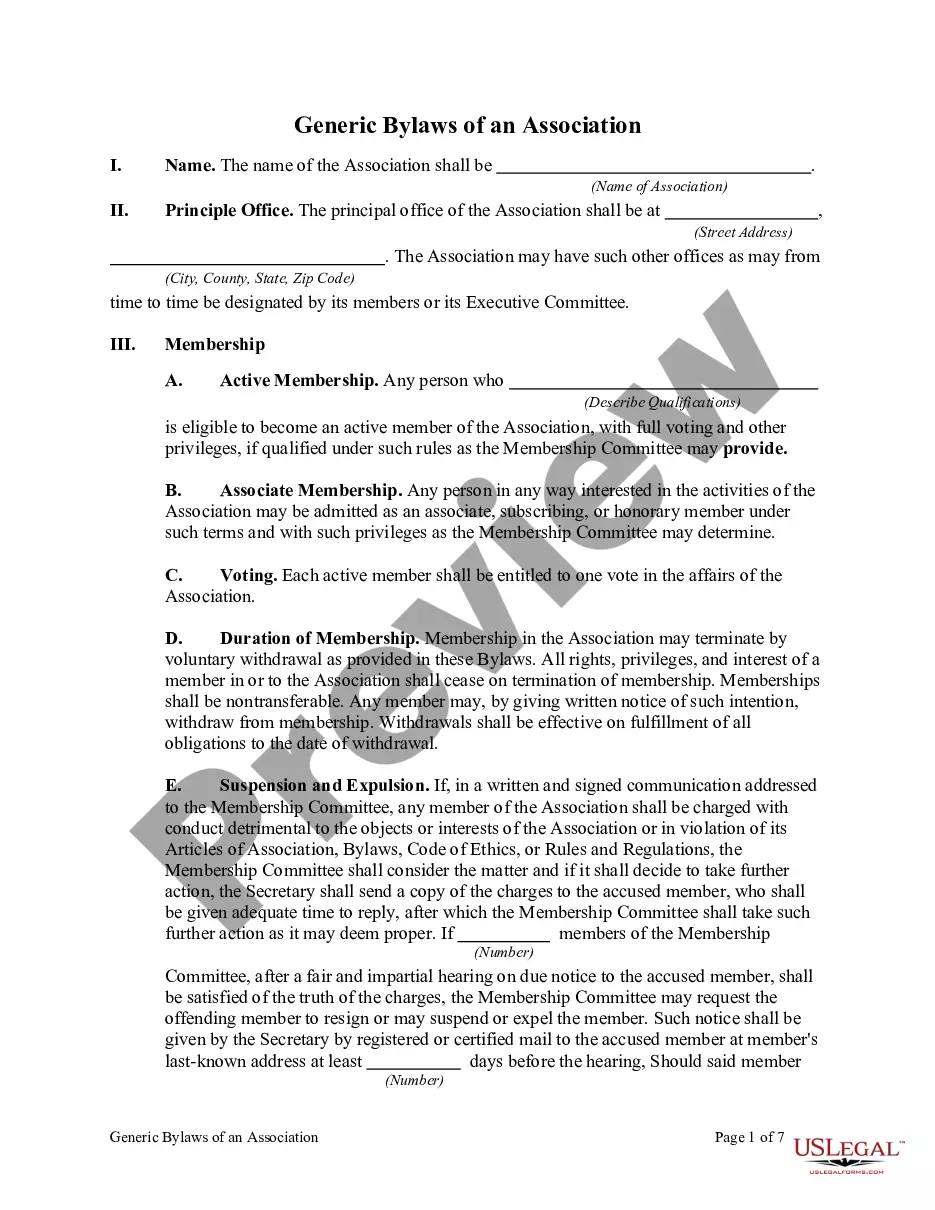
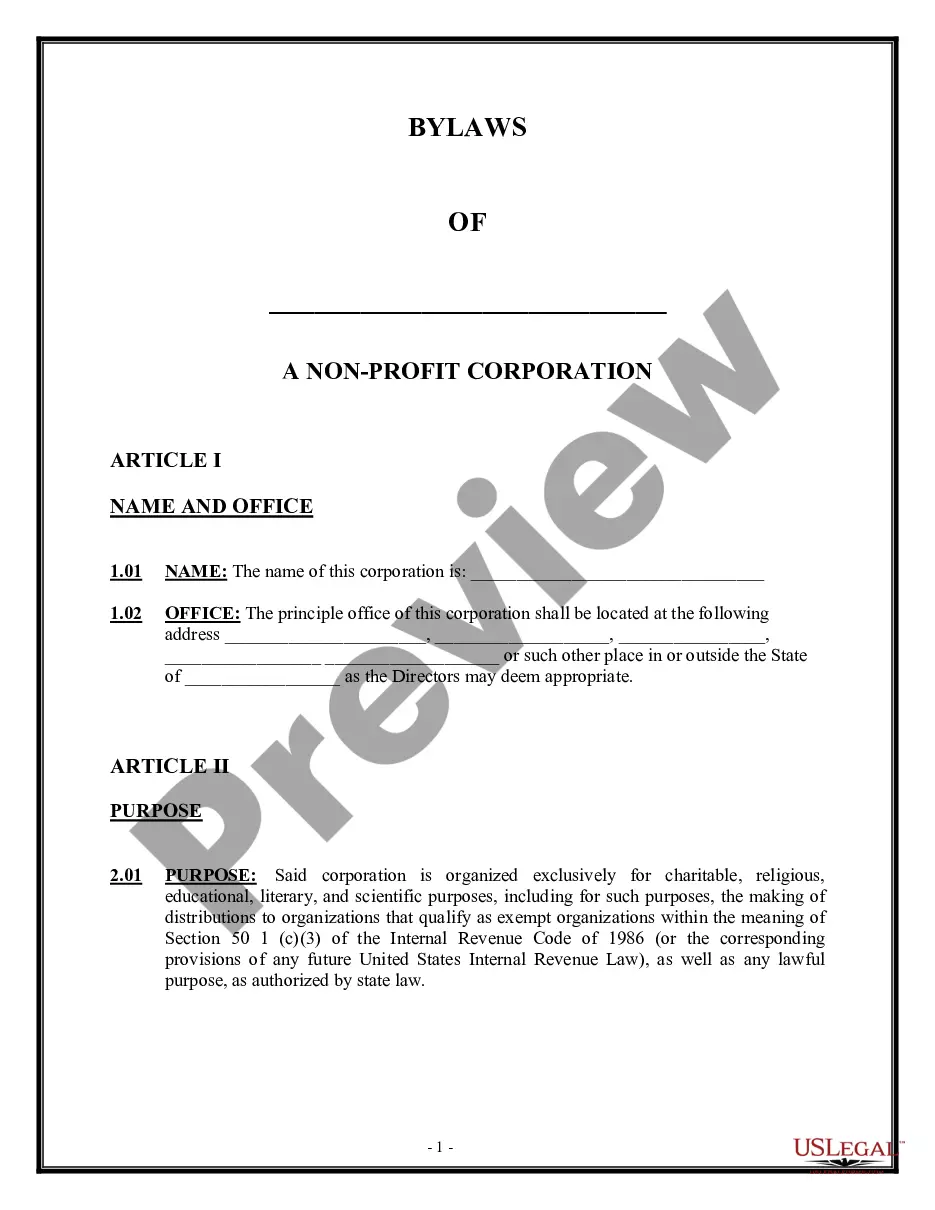
Get your form ready online
Our built-in tools help you complete, sign, share, and store your documents in one place.
Make edits, fill in missing information, and update formatting in US Legal Forms—just like you would in MS Word.
Download a copy, print it, send it by email, or mail it via USPS—whatever works best for your next step.
Sign and collect signatures with our SignNow integration. Send to multiple recipients, set reminders, and more. Go Premium to unlock E-Sign.
If this form requires notarization, complete it online through a secure video call—no need to meet a notary in person or wait for an appointment.
We protect your documents and personal data by following strict security and privacy standards.

Make edits, fill in missing information, and update formatting in US Legal Forms—just like you would in MS Word.

Download a copy, print it, send it by email, or mail it via USPS—whatever works best for your next step.

Sign and collect signatures with our SignNow integration. Send to multiple recipients, set reminders, and more. Go Premium to unlock E-Sign.

If this form requires notarization, complete it online through a secure video call—no need to meet a notary in person or wait for an appointment.

We protect your documents and personal data by following strict security and privacy standards.
Looking for another form?








Form popularity
FAQ
If you wish to file a complaint, you may send an email to pzbcode@pbcgov. Please provide the complaint address with an explanation of the potential code violations, along with your first and last name, and full address.
The qualifier and/or the property owner for your permit must write a letter to the Planning, Zoning and Building Department indicating that he/she wishes to cancel the permit. The letter should include the permit number, the job site address, and the reason for the cancellation.
The Notice of Commencement shall be recorded in the office of the Clerk where the real property is located.
You may download a domicile form or obtain one at any Clerk of the Circuit Court & Comptroller location. Bring or mail the form to a Clerk's office location to be recorded. You must bring some form of legal identification if you need your document notarized.
Proposed orders for all Civil Court case types must be submitted directly to the court through the 15th Judicial Circuit's Online Scheduling System (OLS). Proposed orders cannot be submitted in person, by mail, by fax or by email to the court or to the Clerk's office.
You can electronically record documents online (eRecording) or you can bring your original documents to the Main Courthouse, South County Courthouse, North County Courthouse, West County Courthouse, Royal Palm Beach branch or mail your documents.
Contact the Zoning Public Information Planner at 561-233-5200, or email pzb-zonepoc@pbcgov, for specific responses related to uses.
Email: publicrecords@mypalmbeachclerk. Phone: (561) 355-2983. In person: 301 N. Olive Avenue, 9th Floor, West Palm Beach, FL 33401.
Email: publicrecords@mypalmbeachclerk. Phone: (561) 355-2983. In person: 301 N. Olive Avenue, 9th Floor, West Palm Beach, FL 33401.
The Notice of Commencement shall be recorded in the office of the Clerk where the real property is located. A certified copy of the Notice of Commencement must be posted on the property. The property owner must sign the Notice of Commencement and no one else may be permitted to sign in his or her stead.
