Contingency Fee For Erc In Phoenix
Description



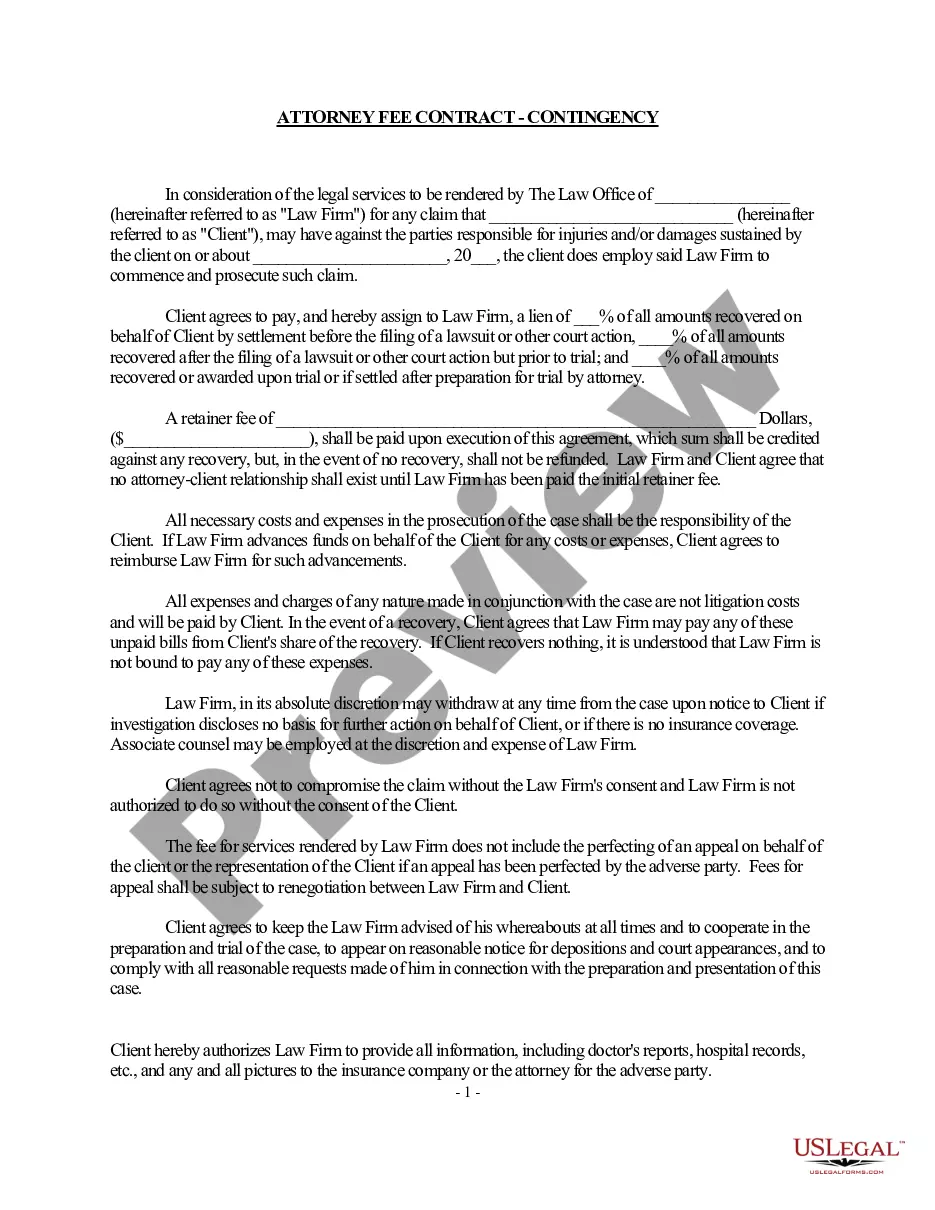

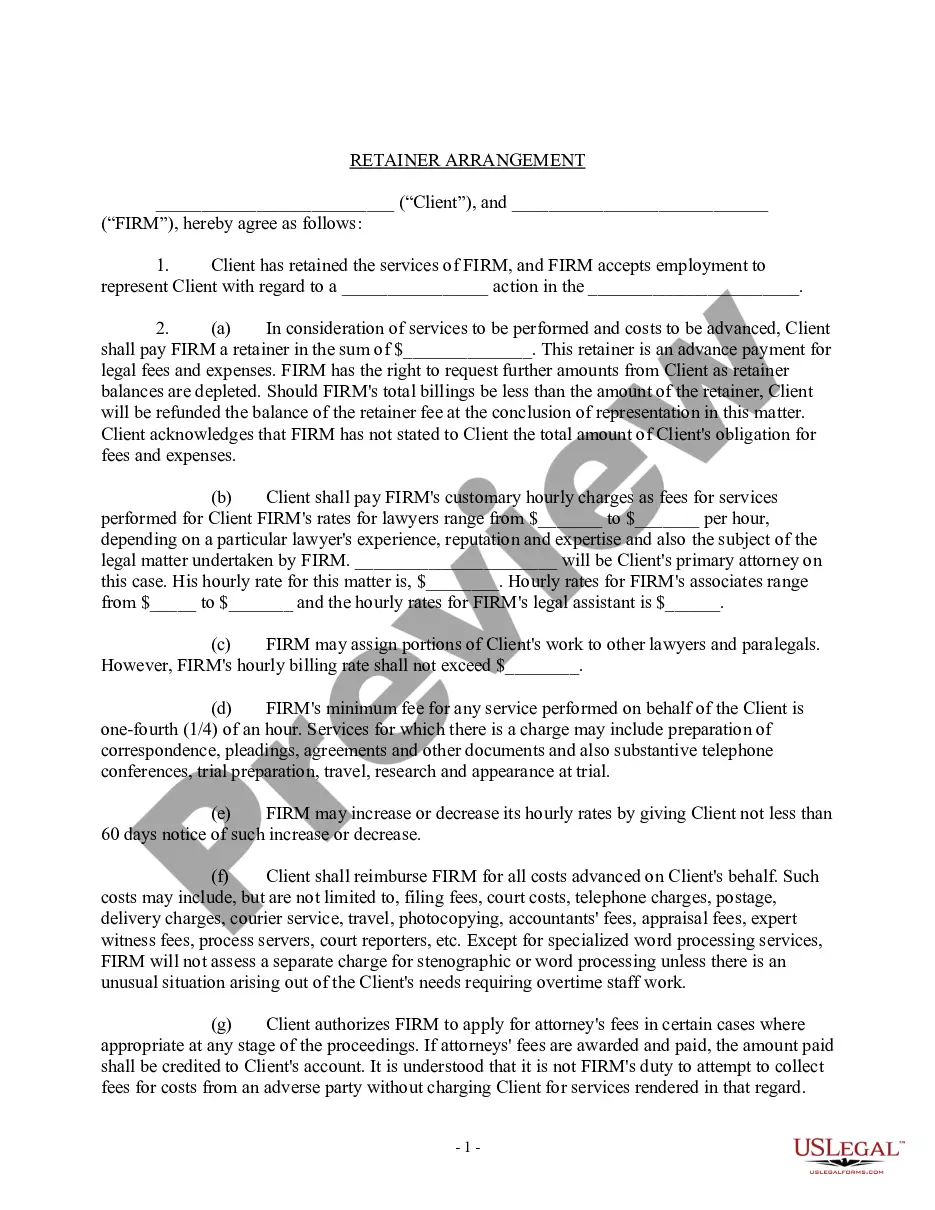

Get your form ready online
Our built-in tools help you complete, sign, share, and store your documents in one place.
Make edits, fill in missing information, and update formatting in US Legal Forms—just like you would in MS Word.
Download a copy, print it, send it by email, or mail it via USPS—whatever works best for your next step.
Sign and collect signatures with our SignNow integration. Send to multiple recipients, set reminders, and more. Go Premium to unlock E-Sign.
If this form requires notarization, complete it online through a secure video call—no need to meet a notary in person or wait for an appointment.
We protect your documents and personal data by following strict security and privacy standards.

Make edits, fill in missing information, and update formatting in US Legal Forms—just like you would in MS Word.

Download a copy, print it, send it by email, or mail it via USPS—whatever works best for your next step.

Sign and collect signatures with our SignNow integration. Send to multiple recipients, set reminders, and more. Go Premium to unlock E-Sign.

If this form requires notarization, complete it online through a secure video call—no need to meet a notary in person or wait for an appointment.

We protect your documents and personal data by following strict security and privacy standards.
Looking for another form?




Form popularity
FAQ
Contingent fees are also permitted for interest and penalty reviews and for services rendered in connection with a judicial proceeding arising under the Internal Revenue Code.
Because the ERC is considered an income-related grant under IAS 20, an entity may elect to present the income in one of two ways: (1) gross as a grant or other income item, or (2) net as a deduction from the expense category in which the reporting entity reports employment taxes (typically employee compensation).
Select "Make Deposits" and enter "IRS" in the "Received From" field. Select your newly created "Employee Retention Credit" account in the From Account column and enter the precise amount of your ERC refund. You may add any relevant memo for future reference before saving and closing the deposit entry.
Credit amount The total ERC benefit per employee can be up to $26,000 ($5,000 in 2020 and $7,000 per quarter in 2021).
Recording ERC received from the IRS Go to the “Banking” menu on QuickBooks and select “Make Deposits.” Choose the bank account where you received the ERC funds. Enter the date of the deposit and the amount received. Add a memo to specify that it's an ERC refund. Save the deposit.
Going forward, the only way to apply for the ERC is to file an amended Form 941X (Quarterly Federal Payroll Tax Return) for the quarters during which the company was an eligible employer.
You can show it as a separate credit, such as other income, or by netting it against the related payroll costs. In the latter case, you should include a disclosure explaining the presentation. The other side of your journal entry to record the ERC would be a debit to reduce your payroll tax liability.
The Employee Retention Credit (ERC) – sometimes called the Employee Retention Tax Credit or ERTC – is a refundable tax credit for certain eligible businesses and tax-exempt organizations.
The Employee Retention Credit (ERC) – sometimes called the Employee Retention Tax Credit or ERTC – is a refundable tax credit for certain eligible businesses and tax-exempt organizations.
Emergency risk communication (ERC) is the dynamic, interactive process of sharing information strategically and effectively about issues of high concern, to help people make informed decisions and understand risks.
