Claim Of Dependent In San Jose
Description
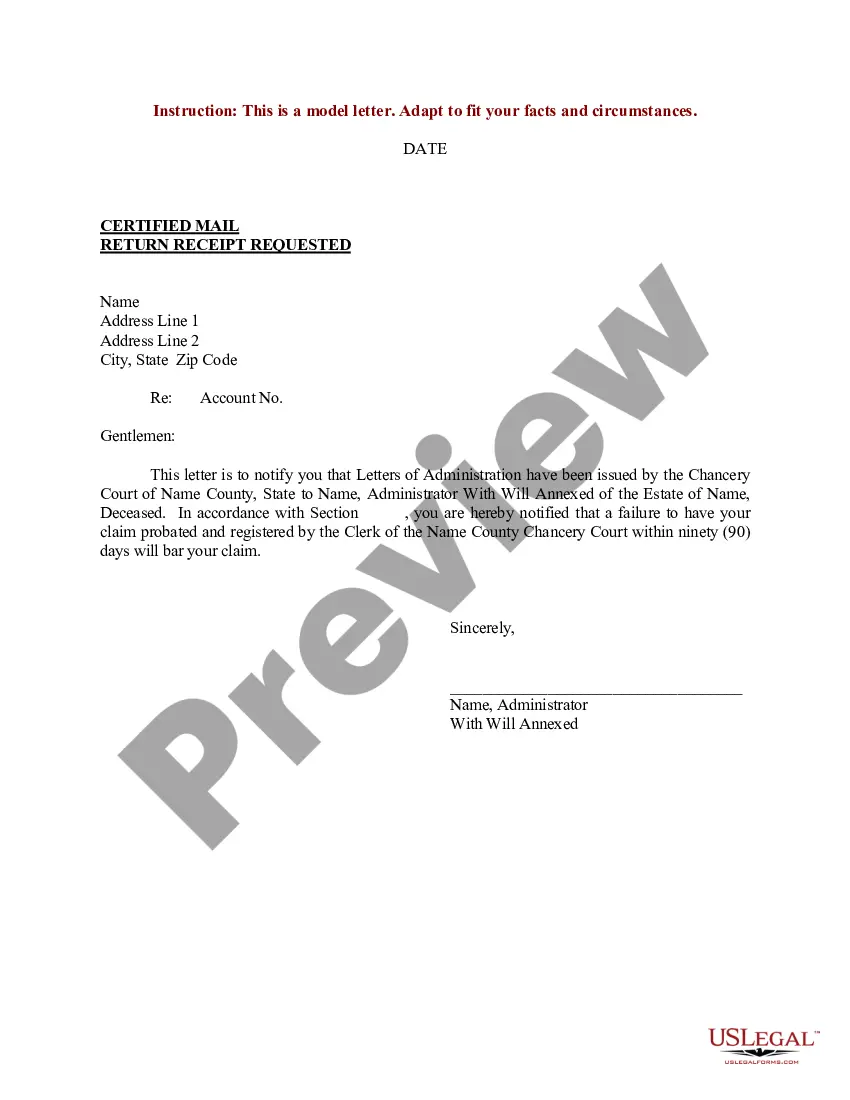
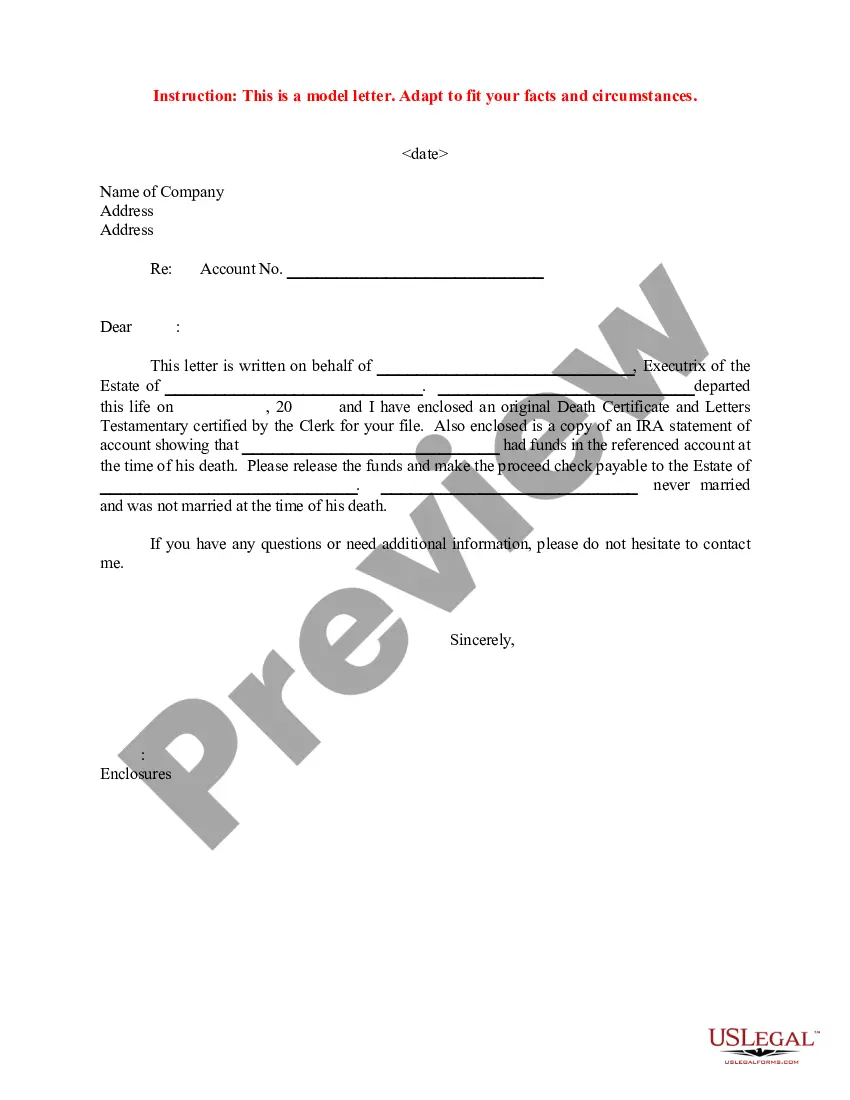
Get your form ready online
Our built-in tools help you complete, sign, share, and store your documents in one place.
Make edits, fill in missing information, and update formatting in US Legal Forms—just like you would in MS Word.
Download a copy, print it, send it by email, or mail it via USPS—whatever works best for your next step.
Sign and collect signatures with our SignNow integration. Send to multiple recipients, set reminders, and more. Go Premium to unlock E-Sign.
If this form requires notarization, complete it online through a secure video call—no need to meet a notary in person or wait for an appointment.
We protect your documents and personal data by following strict security and privacy standards.

Make edits, fill in missing information, and update formatting in US Legal Forms—just like you would in MS Word.

Download a copy, print it, send it by email, or mail it via USPS—whatever works best for your next step.

Sign and collect signatures with our SignNow integration. Send to multiple recipients, set reminders, and more. Go Premium to unlock E-Sign.

If this form requires notarization, complete it online through a secure video call—no need to meet a notary in person or wait for an appointment.

We protect your documents and personal data by following strict security and privacy standards.
Looking for another form?
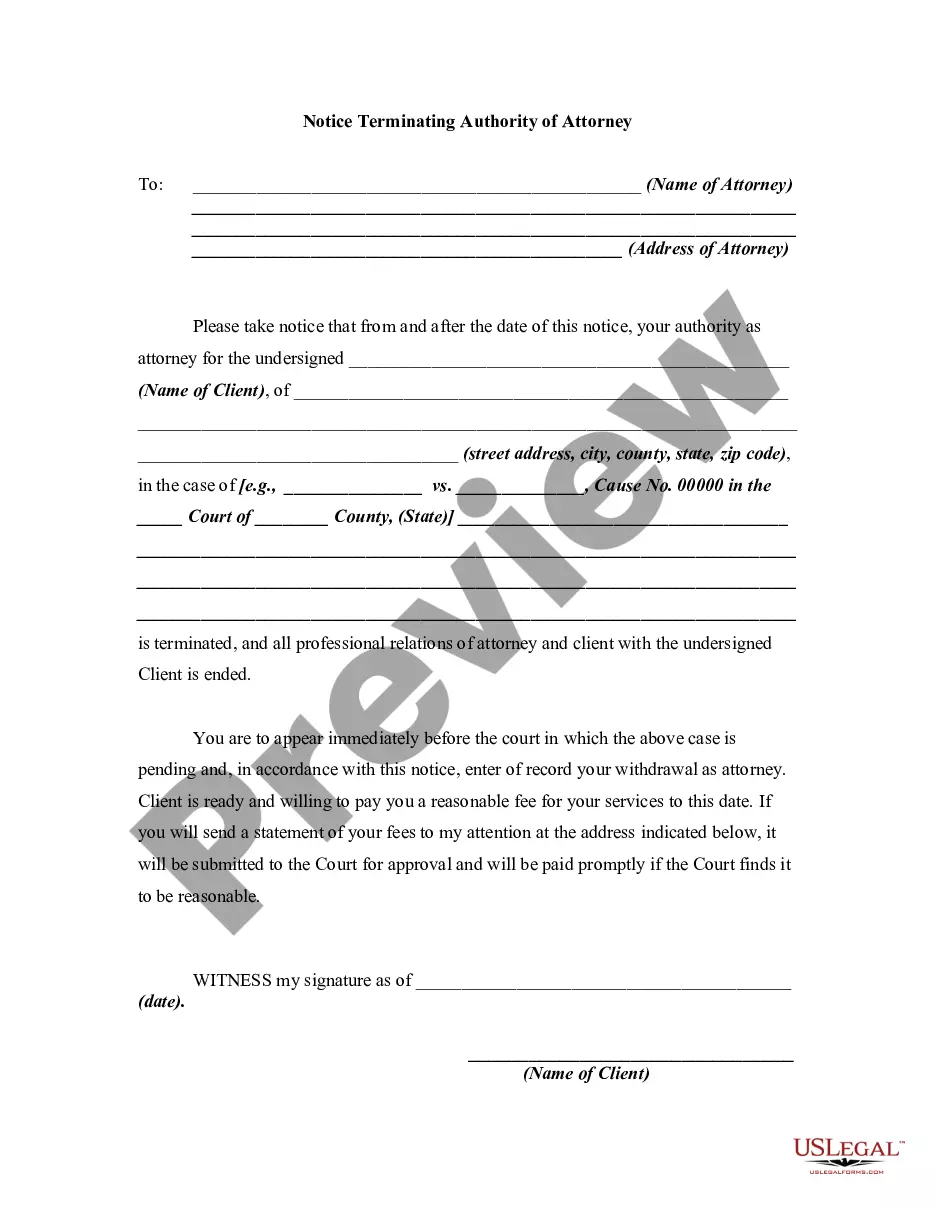
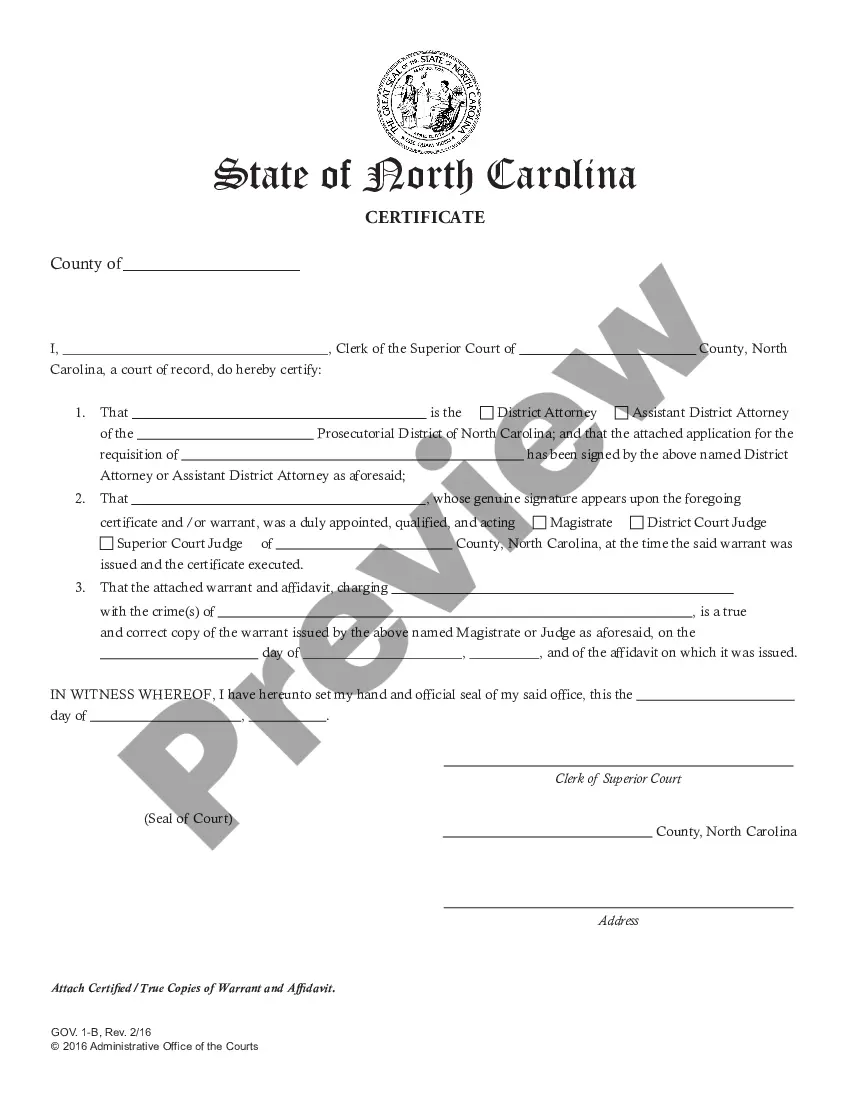


Form popularity
FAQ
Tenant Based Rental Assistance (TBRA) Program TBRA provides housing assistance in the form of deposits and rental subsidies for up to 12 months, along with case management services, to low-income homeless households, households at risk of homelessness, or those fleeing domestic violence.
What is AMI? Santa Clara County 2024 Area Median Income: $184,300 Number of People in Household15 Extremely Low $38,750 $59,750 Very Low Income $64,550 $99,550 Low Income $102,300 $157,8004 more rows
Live in California and plan to stay; Are a United States citizen or immigrant who has been given permission to live in the United States; Have an eligible child(ren) and/or you are pregnant and; One or both parents do not live in the home, are no longer living, or are disabled; or.
The SJSU Financial Aid Office phone number is (408) 283-7500 (Press #4). The SJSU Financial Aid office offers Live Chat on their website M – F: 12 – 4 pm Pacific.
Once the evaluation process is completed, students will receive an Award Notice in their MySJSU. To view the financial aid award, go to your MySJSU Student Center.
To see your aid, log in to your StudentAid account using your account username and password combination (also called your FSA ID). Select “View Details” in the My Aid section of your account Dashboard.
Access your Financial Aid Notification Your Financial Aid Notification is your official notice of eligibility. In GET, under the "View Financial Aid" link you can access your annual summary of eligibility. Select the correct aid year to view the academic year desired.
There are five easy ways to file a complaint: Online Complaint Form. Phone: (408) 794-6226. Email: ipa@sanjoseca. Mail: 96 N. Third St., Suite 150, San Jose, CA. In-Person: 96 N. Third St., Suite 150, San Jose, CA.
Filing a Claim The City of Oakland has a standard claim form that can be used for your convenience. You can file the form electronically at claims@oaklandcityattorney, or you can send the form by mail to: Oakland City Attorney's Office, 1 Frank H. Ogawa Plaza, 6th Floor, Oakland, CA 94612.
All claims of personal injury or property damage against the City of Sacramento must be filed in the Office of the City Clerk. The City Clerk's Office is the only office to which claims may be submitted. Claims received by the Office of the City Clerk are forwarded to the City's Liability Claims Administrator.

