Estate Claim Form For India In Riverside
Description
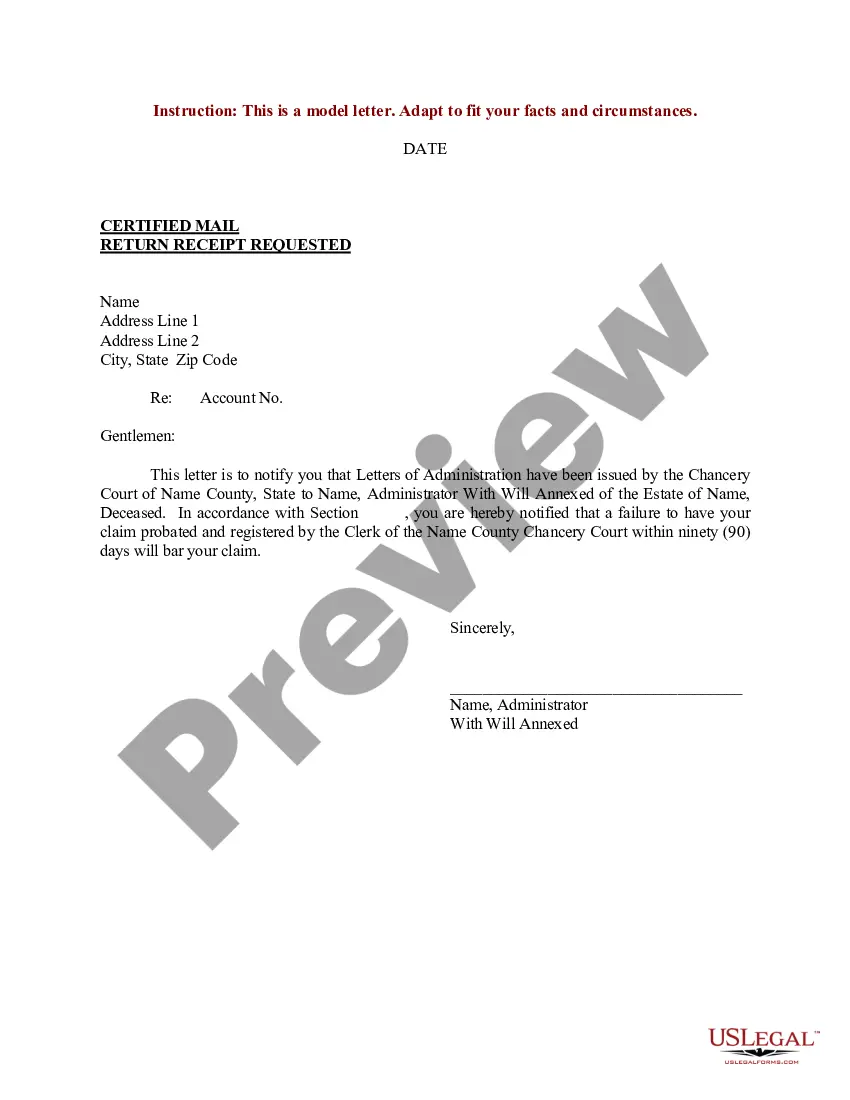
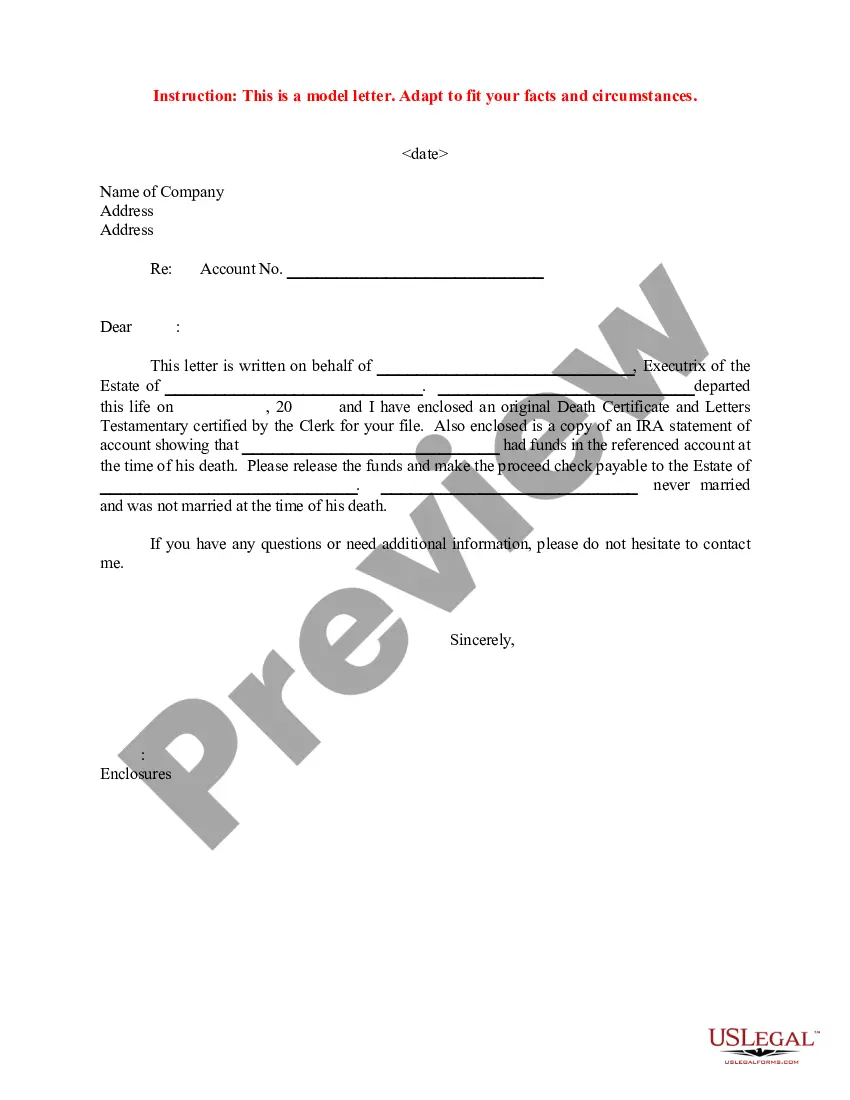
Get your form ready online
Our built-in tools help you complete, sign, share, and store your documents in one place.
Make edits, fill in missing information, and update formatting in US Legal Forms—just like you would in MS Word.
Download a copy, print it, send it by email, or mail it via USPS—whatever works best for your next step.
Sign and collect signatures with our SignNow integration. Send to multiple recipients, set reminders, and more. Go Premium to unlock E-Sign.
If this form requires notarization, complete it online through a secure video call—no need to meet a notary in person or wait for an appointment.
We protect your documents and personal data by following strict security and privacy standards.

Make edits, fill in missing information, and update formatting in US Legal Forms—just like you would in MS Word.

Download a copy, print it, send it by email, or mail it via USPS—whatever works best for your next step.

Sign and collect signatures with our SignNow integration. Send to multiple recipients, set reminders, and more. Go Premium to unlock E-Sign.

If this form requires notarization, complete it online through a secure video call—no need to meet a notary in person or wait for an appointment.

We protect your documents and personal data by following strict security and privacy standards.
Looking for another form?

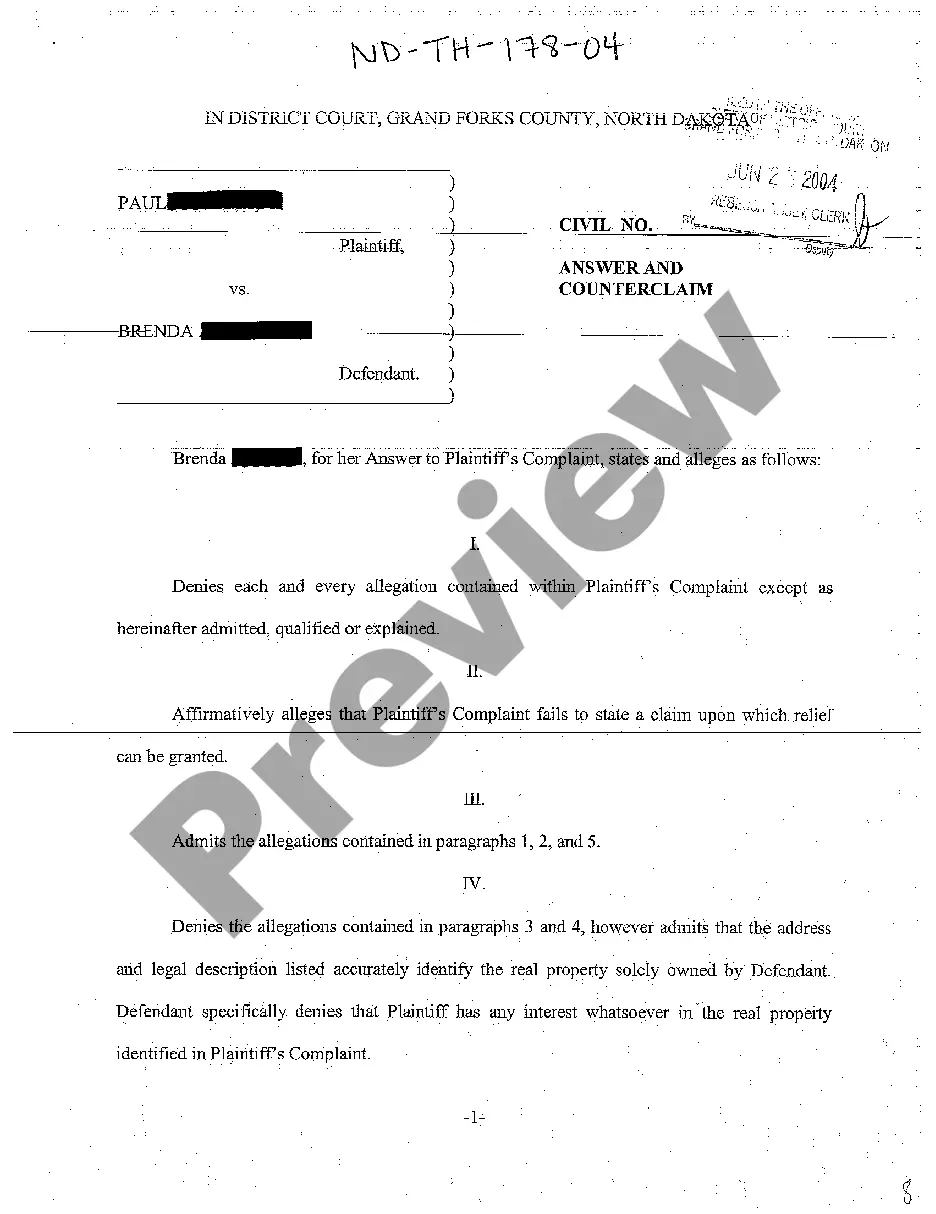
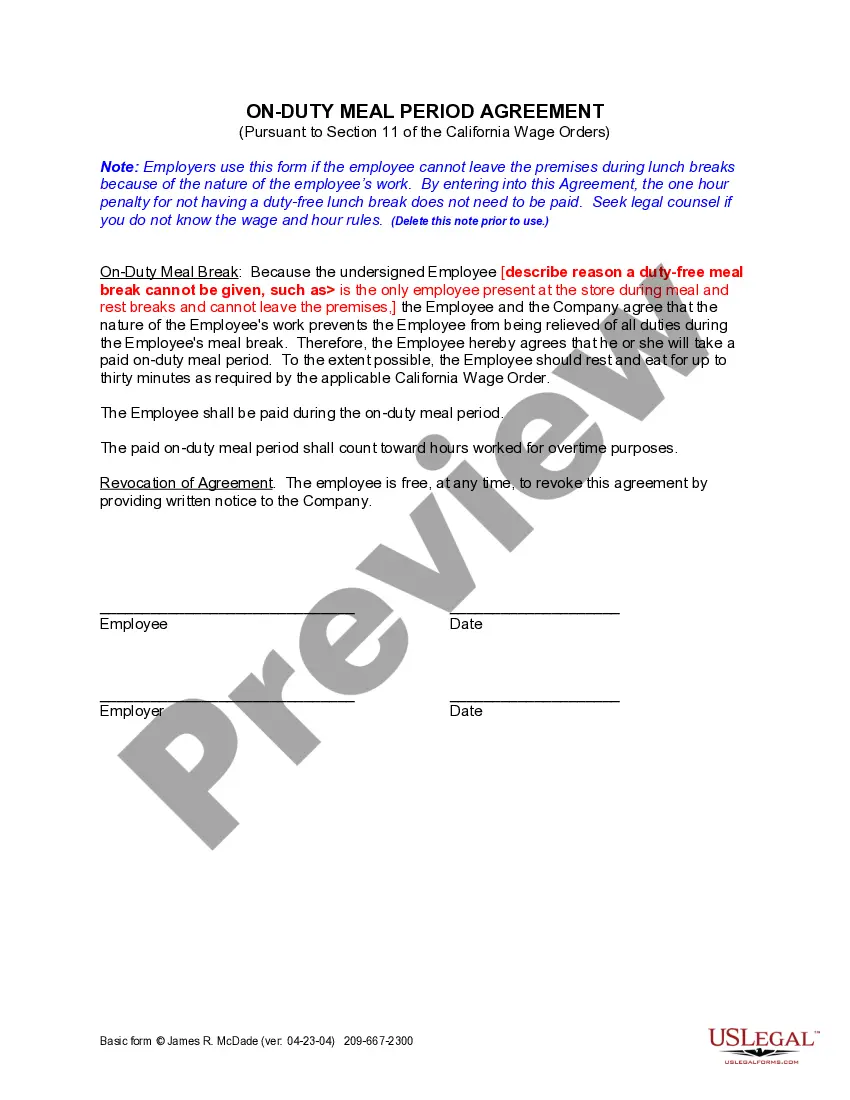




Form popularity
FAQ
How to Fill EPF Form 19 Online Login to your UAN account at the EPF Member Portal. Click on “Claim (Form – 31, 19, 10C & 10D)” in the “Online Services” section. Enter the last 4 digits of your linked bank account and click on “Verify” Click on “Yes” to sign the “Certificate of Undertaking”
Login to the member interface using your UAN. After login into your member account go to menu, click on Manage tab and under it click on Joint Declaration. An aadhaar based OTP would be generated. This OTP has to be entered to open the JD form Page 13 ID – Navigation Document 2.
How to fill out the Composite Claim Form for Death Cases Efficiently? Enter the name of the deceased member in capital letters. Fill in the claimant's details including relationship with the deceased. Indicate whether the deceased was a member of the Provident Fund. Provide bank account details for payment processing.
Dear Sir, Re: Deceased Account. Late Shri/Smt ………………………………………………………………..……………… Account No (s) …………………………………………………………………..……….… I/We advise the demise of Shri/Smt. ________________________________ on. _____________. He/She holds the above account(s) at your branch. Annexure-II. ESTATE CLAIM FORM. UNION BANK OF INDIA.
Log in to the EPF UAN portal using your Universal Account Number (UAN) and password. Go to the “Online Services” section and select “Claim (Form-31, 19 & 10C)” from the drop-down menu. Enter the required details and submit the claim form. Upload any supporting documents, if required.
Yes, the Employees' Provident Fund Organization (EPFO) provides an online platform called Unified Portal (EPF UAN portal) where you can submit your PF Claim Form online.
The claimants/nominees need to input the details of the deceased customer (any deposit account pertaining to the customer) at the Deceased Claim Settlement portal. They also need to upload their KYC documents and the Death Certificate of the deceased customer at the CRCF portal itself.
Fill out the required fields on the form, which may include the nominee's name, address, email, and other information. 3. Provide supporting documents. Depending on the organization, you may need to include documents such as references, letters of recommendation, or other information.
I ________________________ (Nominee) hereby declare that I am the Nominee / Appointed as Guardian on behalf of a Minor Nominee in the Account(s) of Late ____________________________ (Deceased) who has expired on ___/___/20____.

