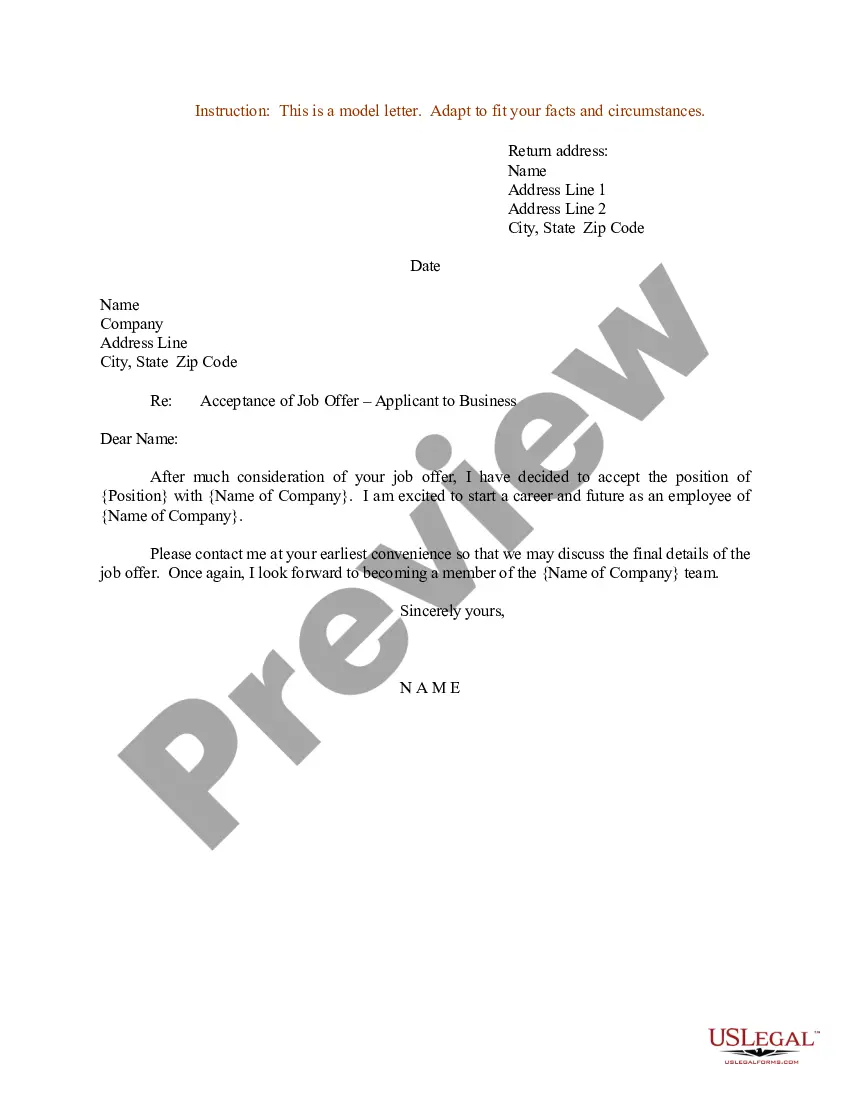
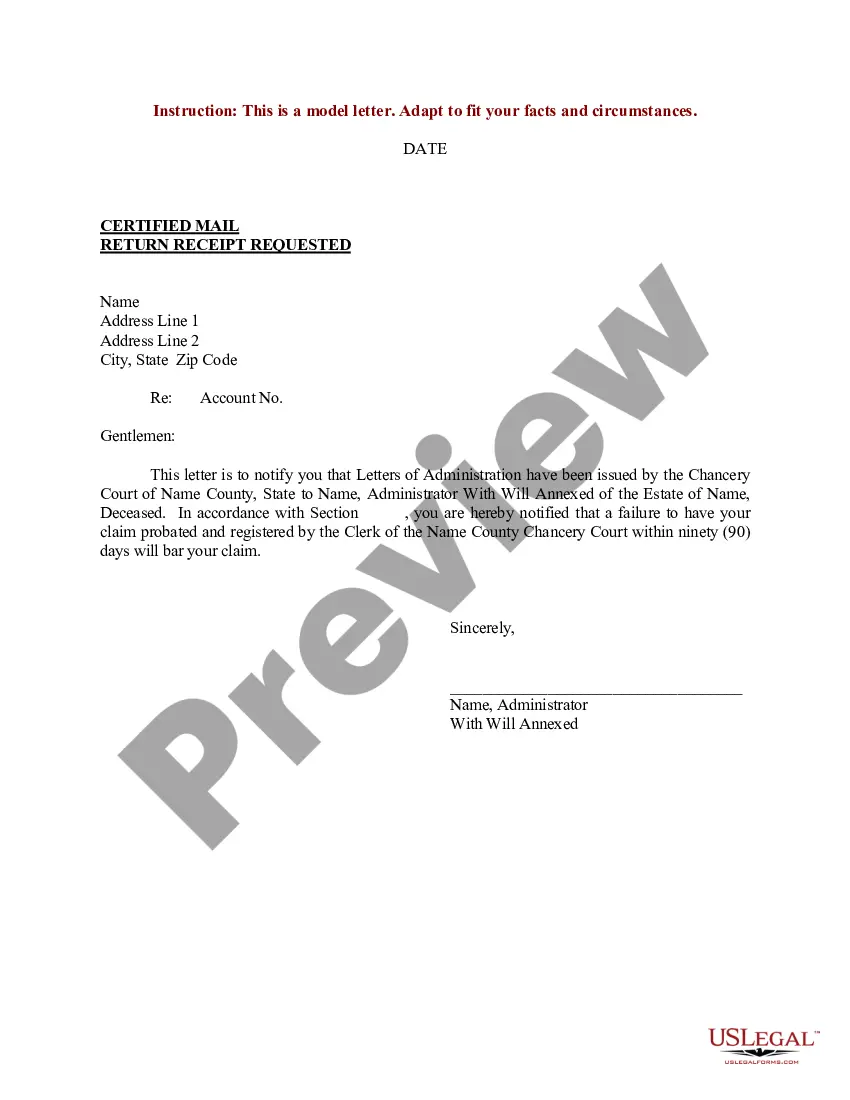
Sample Claim Statement With Job Application In Hennepin
Description
Get your form ready online
Our built-in tools help you complete, sign, share, and store your documents in one place.
Make edits, fill in missing information, and update formatting in US Legal Forms—just like you would in MS Word.
Download a copy, print it, send it by email, or mail it via USPS—whatever works best for your next step.
Sign and collect signatures with our SignNow integration. Send to multiple recipients, set reminders, and more. Go Premium to unlock E-Sign.
If this form requires notarization, complete it online through a secure video call—no need to meet a notary in person or wait for an appointment.
We protect your documents and personal data by following strict security and privacy standards.

Make edits, fill in missing information, and update formatting in US Legal Forms—just like you would in MS Word.

Download a copy, print it, send it by email, or mail it via USPS—whatever works best for your next step.

Sign and collect signatures with our SignNow integration. Send to multiple recipients, set reminders, and more. Go Premium to unlock E-Sign.

If this form requires notarization, complete it online through a secure video call—no need to meet a notary in person or wait for an appointment.

We protect your documents and personal data by following strict security and privacy standards.
Looking for another form?







Form popularity
FAQ
Acing the Online Application Form Know which sections matter. Many parts of the form are administrative and are only read by the HR department. Map your Skills and Experience. Write your CV first. Tailor your Career History section. Use Supporting Documents. Argue your Case. Get across your Enthusiasm.
Fill out your form completely and carefully, taking care to do one section at a time. Make sure it is clear and easy to read. Use blue or black ink to complete your form, or type in the information. Some forms allow you to fill in the information online and then print out the completed form.
Follow these steps to fill out your next job application properly: Read the application before filling it out. Take your time. Answer completely and truthfully. Include your resume . Fill out job information chronologically. Put in the extra effort. Research your salary.
How to fill out a job application Read the application before filling it out. Take your time. Answer completely and truthfully. Include your resume . Fill out job information chronologically. Put in the extra effort. Research your salary.
Tips for answering job application questions Use the job description and your research on the company to supplement your answer with relevant information. Use the STAR technique (AKA “show don't tell”) to answer where possible. Provide concrete examples, not just statements.
Keep your supporting statement brief Include your most relevant traits that fulfil the requirements in your first sentence, with an example of a related achievement in the second sentence. In your last sentence, describe how you plan to contribute to similar success for the organisation to which you're applying.
Including a well-written personal statement on your resumé might be just the thing that gets you an interview. This short introduction of your skills, experience and qualifications gives employers an at-a-glance summary of who you are and what value you'd bring to their organisation.
How to write a personal statement Write a personal introduction. Write an introduction that reflects you and your personality. Expand on relevant skills, interests and experiences. Write a strong conclusion. Proofread and edit.
You may want to write the facts down in separately numbered paragraphs, with each expressing a single idea. If you're writing a personal statement for a job or college application, the body of the letter should share details about your experiences, relevant skills, achievements and interests.
A personal statement is an account of your achievements, talents, interests and goals often included in job or university applications or on resumes. Personal statements for university and jobs have almost similar content, but university personal statements are usually longer and more detailed.