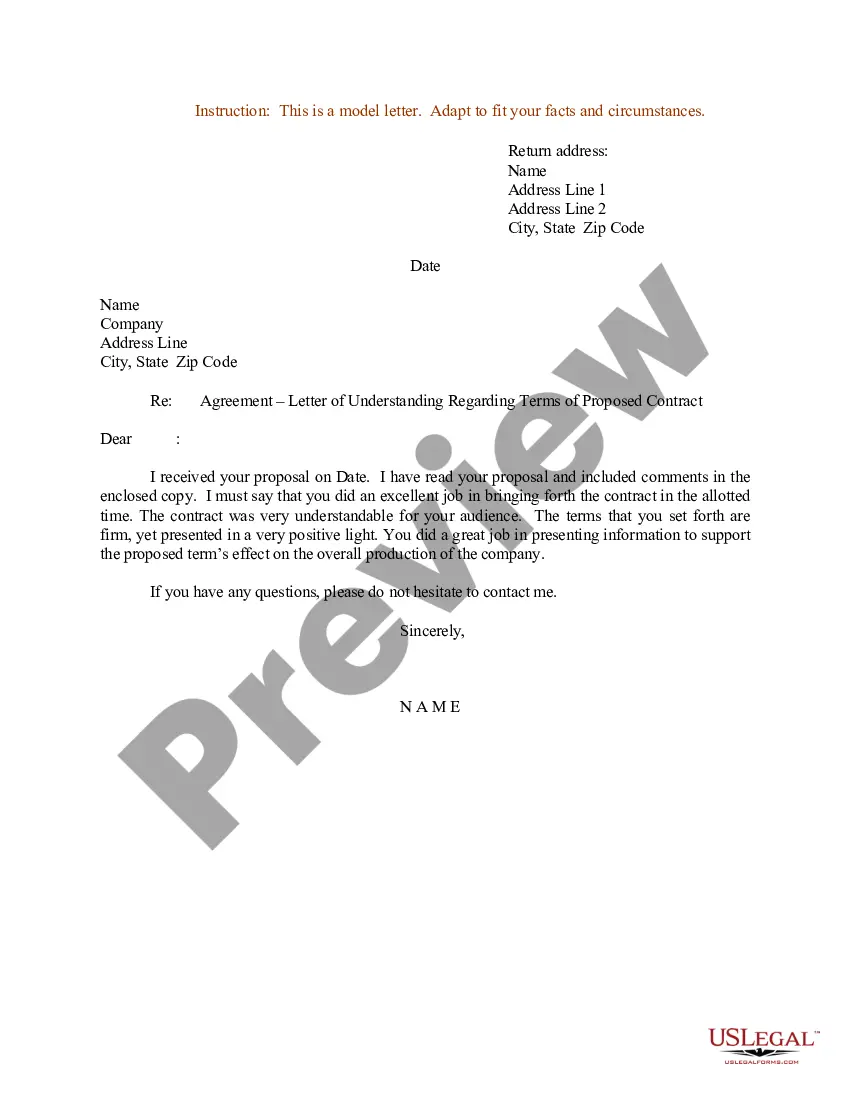
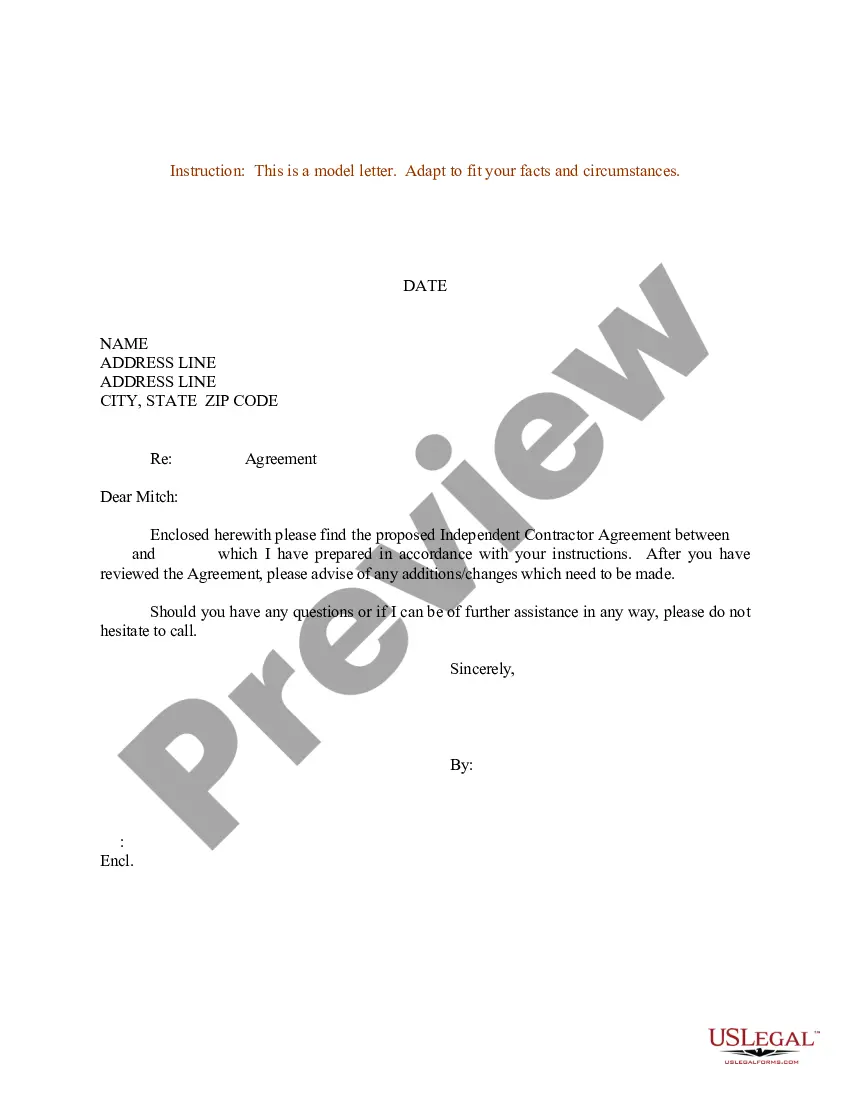
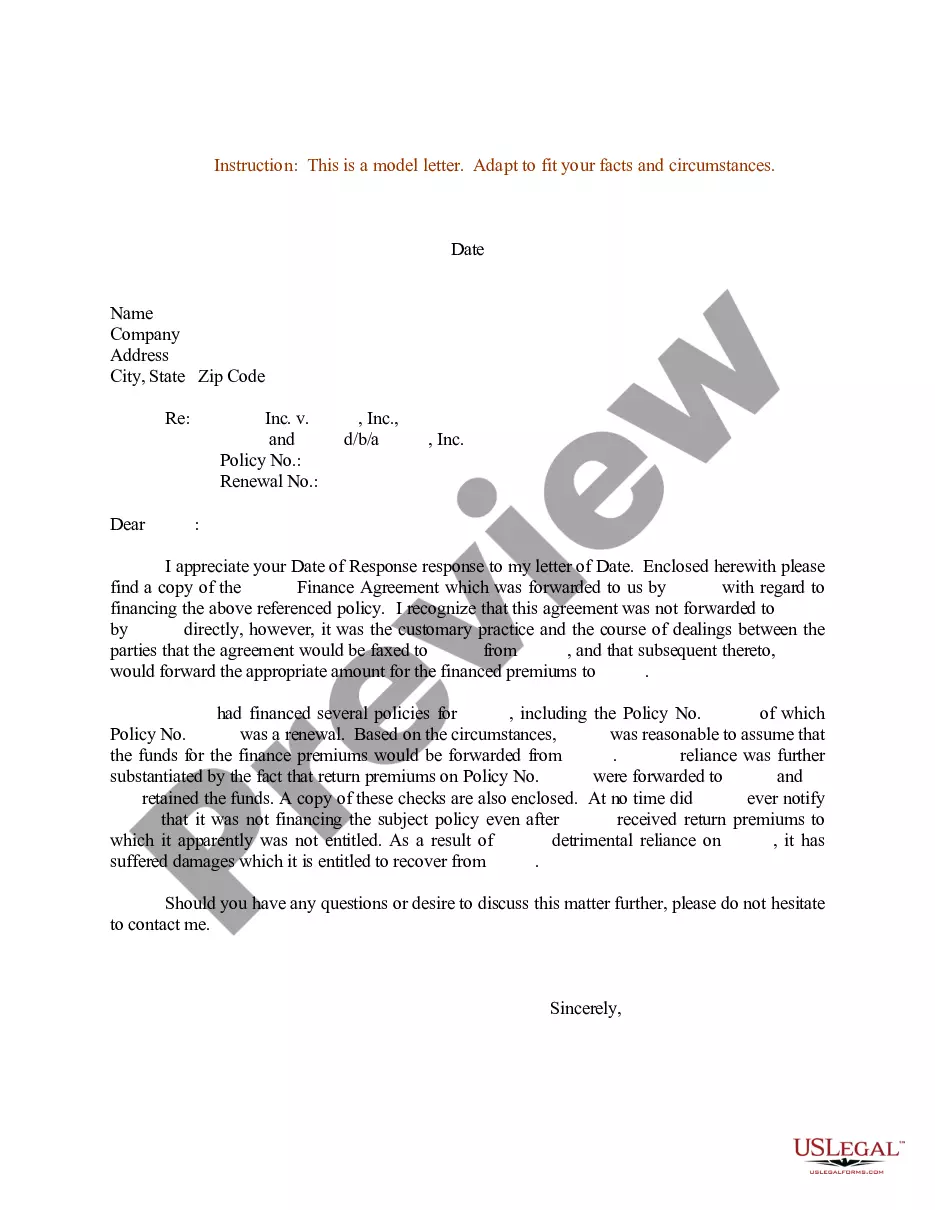
Agreement Letter For Payment Between Two Parties In Utah
Description


Get your form ready online
Our built-in tools help you complete, sign, share, and store your documents in one place.
Make edits, fill in missing information, and update formatting in US Legal Forms—just like you would in MS Word.
Download a copy, print it, send it by email, or mail it via USPS—whatever works best for your next step.
Sign and collect signatures with our SignNow integration. Send to multiple recipients, set reminders, and more. Go Premium to unlock E-Sign.
If this form requires notarization, complete it online through a secure video call—no need to meet a notary in person or wait for an appointment.
We protect your documents and personal data by following strict security and privacy standards.

Make edits, fill in missing information, and update formatting in US Legal Forms—just like you would in MS Word.

Download a copy, print it, send it by email, or mail it via USPS—whatever works best for your next step.

Sign and collect signatures with our SignNow integration. Send to multiple recipients, set reminders, and more. Go Premium to unlock E-Sign.

If this form requires notarization, complete it online through a secure video call—no need to meet a notary in person or wait for an appointment.

We protect your documents and personal data by following strict security and privacy standards.
Looking for another form?







Form popularity
FAQ
How to write an agreement letter Title your document. Provide your personal information and the date. Include the recipient's information. Address the recipient and write your introductory paragraph. Write a detailed body. Conclude your letter with a paragraph, closing remarks, and a signature. Sign your letter.
Include basic information, such as the date and names of the parties. Define the role of each party and refer to each by that role... Include information about the exchange of consideration, and write clearly as to which party delivers and what the other agrees in exchange.
How to write an agreement letter Title your document. Provide your personal information and the date. Include the recipient's information. Address the recipient and write your introductory paragraph. Write a detailed body. Conclude your letter with a paragraph, closing remarks, and a signature. Sign your letter.
NumberOrdering NumberTax Type TC-20S Instructions TC-0020S Instructions Corporate Income TC-40 Forms TC-0040 Individual Income TC-40 Instructions TC-0040 Instructions Individual Income TC-40 Mini Packet TC-0040 mini Individual Income46 more rows
If you need to change or amend an accepted Utah State Income Tax Return for the current or previous Tax Year you need to complete Form TC-40. Form TC-40 is a Form used for the Tax Return and Tax Amendment. You can prepare a 2024 tax year Utah Tax Amendment on eFile, however you can not submit it electronically.
Every C corporation incorporated in Utah (domestic), qualified in Utah (foreign), or doing business in Utah, whether qualified or not, must file a corporate franchise tax return. C corpora- tion returns are filed on form TC-20.
How to Amend a 2024 Return On the top of TC-40, page 1, on the “Amended Return” line, enter the code number from the list (below) that best describes your Reason for Amending. Enter the corrected figures on the return and/or schedules. Enter all other amounts as shown on your original return.
Utah does not require quarterly estimated tax payments. You can prepay at any time at tap.utah, or by mailing your payment with form TC-546, Individual Income Tax Prepayment Coupon.
To submit the TC-65 form, ensure all fields are accurately filled out and signed. You can submit electronically through the Utah Tax Commission's e-filing portal or mail the completed form to the provided address: Utah State Tax Commission, 210 North 1950 West, Salt Lake City, Utah 84134.
To submit the TC-65 form, ensure all fields are accurately filled out and signed. You can submit electronically through the Utah Tax Commission's e-filing portal or mail the completed form to the provided address: Utah State Tax Commission, 210 North 1950 West, Salt Lake City, Utah 84134.

