Agreement Letter Format In Orange
Description


Get your form ready online
Our built-in tools help you complete, sign, share, and store your documents in one place.
Make edits, fill in missing information, and update formatting in US Legal Forms—just like you would in MS Word.
Download a copy, print it, send it by email, or mail it via USPS—whatever works best for your next step.
Sign and collect signatures with our SignNow integration. Send to multiple recipients, set reminders, and more. Go Premium to unlock E-Sign.
If this form requires notarization, complete it online through a secure video call—no need to meet a notary in person or wait for an appointment.
We protect your documents and personal data by following strict security and privacy standards.

Make edits, fill in missing information, and update formatting in US Legal Forms—just like you would in MS Word.

Download a copy, print it, send it by email, or mail it via USPS—whatever works best for your next step.

Sign and collect signatures with our SignNow integration. Send to multiple recipients, set reminders, and more. Go Premium to unlock E-Sign.

If this form requires notarization, complete it online through a secure video call—no need to meet a notary in person or wait for an appointment.

We protect your documents and personal data by following strict security and privacy standards.
Looking for another form?







Form popularity
FAQ
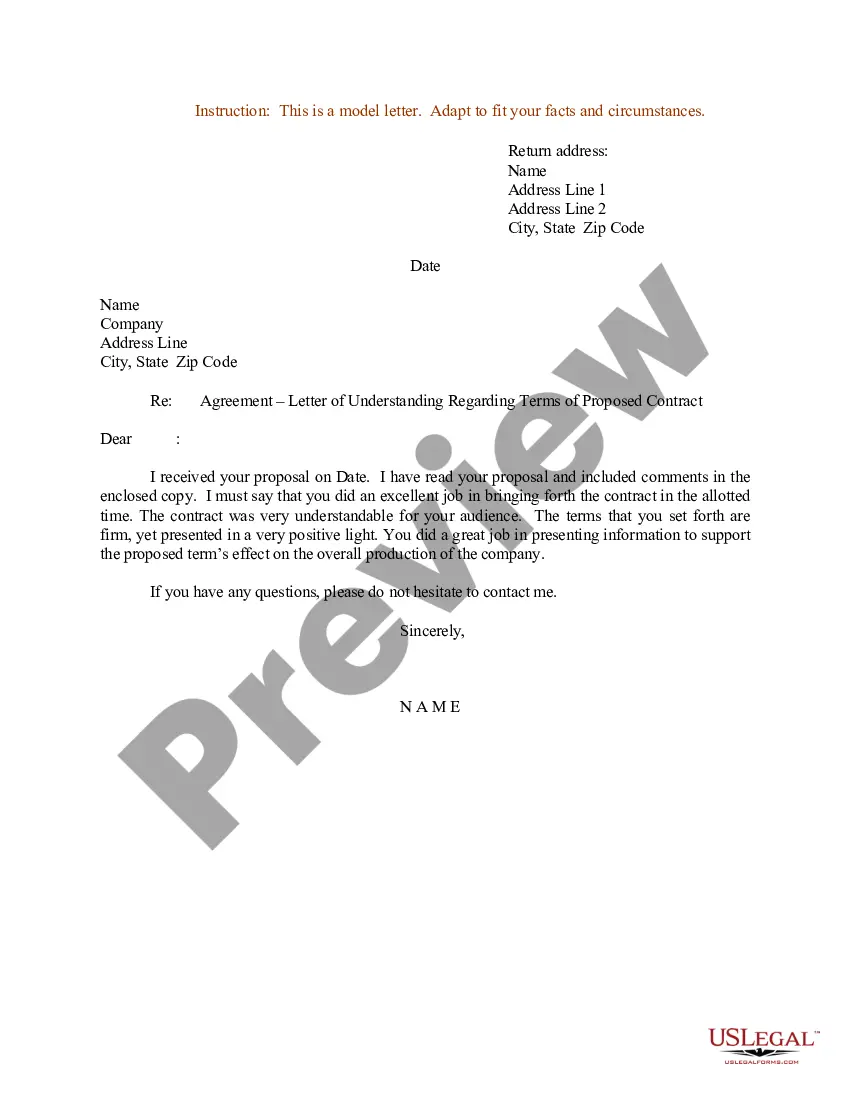
An agreement is a promise or arrangement between two or more parties to do, or not do, something. It's usually informal and sometimes unwritten (but not always). Some examples of agreements include a letter of intent, or a confidentiality agreement that precedes a commercial discussion.
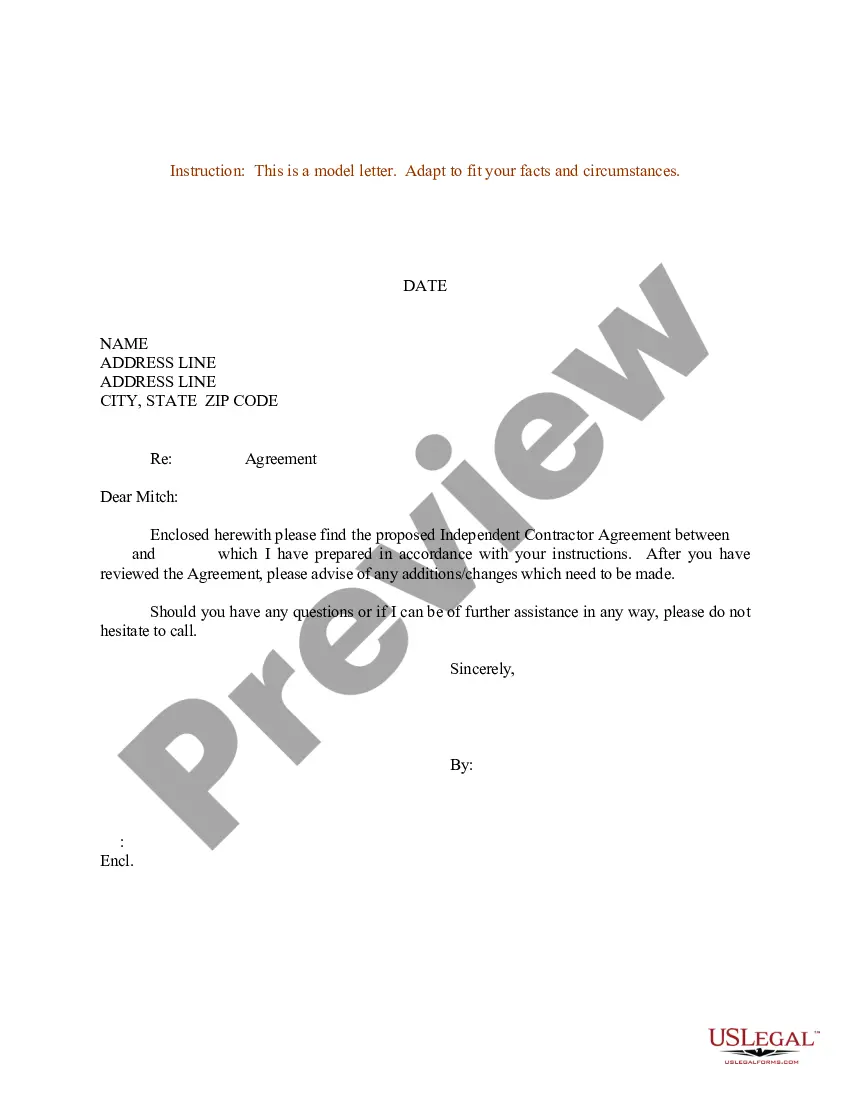
How to write an agreement letter Title your document. Provide your personal information and the date. Include the recipient's information. Address the recipient and write your introductory paragraph. Write a detailed body. Conclude your letter with a paragraph, closing remarks, and a signature. Sign your letter.
In terms of how to write an agreement letter for business, incorporate the following elements into your overall contract template design: The names and address of the parties involved. The terms and conditions upon which you agreement. How payments are made and invoicing is accomplished.
Write the contract in six steps Start with a contract template. Open with the basic information. Describe in detail what you have agreed to. Include a description of how the contract will be ended. Write into the contract which laws apply and how disputes will be resolved. Include space for signatures.
Write the contract in six steps Start with a contract template. Open with the basic information. Describe in detail what you have agreed to. Include a description of how the contract will be ended. Write into the contract which laws apply and how disputes will be resolved. Include space for signatures.
How to set up (structuring) an agreement Identification of (key) subject matters. Identifying and grouping the transaction or the main elements of the contract which need to be addressed. Splitting up. Use of definitions. Classification. Prioritisation and logical ordering.
How to Write an Agreement in Microsoft Word Draft Your Agreement in a Proper Layout. An agreement is a formal document for business purposes. State the Agreement's Involved Parties and Obligations. Use Suitable Formats for Different Sections. Add Signatures to Your Agreement Document.
How to write an agreement letter Title your document. Provide your personal information and the date. Include the recipient's information. Address the recipient and write your introductory paragraph. Write a detailed body. Conclude your letter with a paragraph, closing remarks, and a signature. Sign your letter.
A: A Letter of Agreement is a legally binding document exactly like a contract. LoAs tend to be shorter, with less provisions and clauses. With less detail than a huge 50+ page contract, parties could be more exposed to risk when using a Letter of Agreement.
Both involve the meeting of minds and exchange of promises, but a contract typically entails a more formalized arrangement, often documented in writing, and carries legal enforceability. Conversely, an agreement can be informal and may not always be legally binding.

