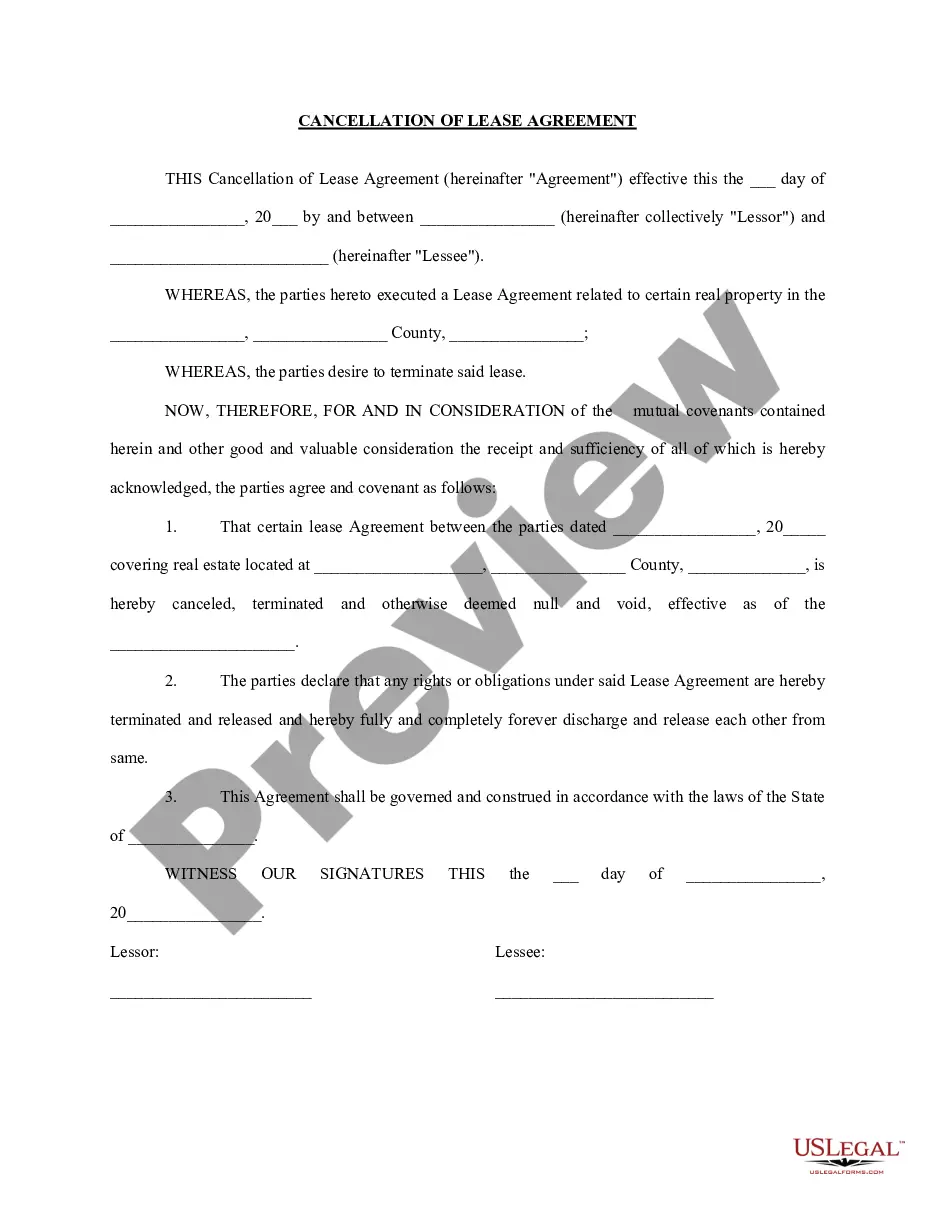
Agreement Letter Format In Mecklenburg
Description


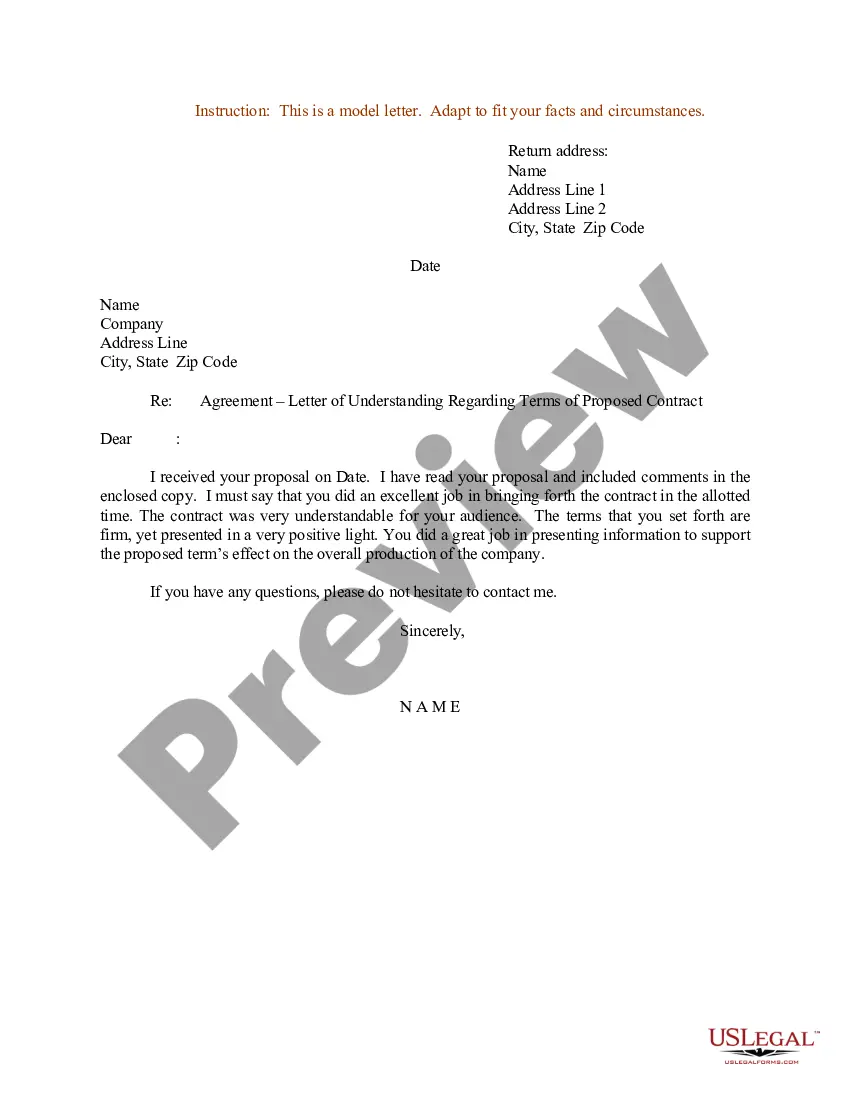
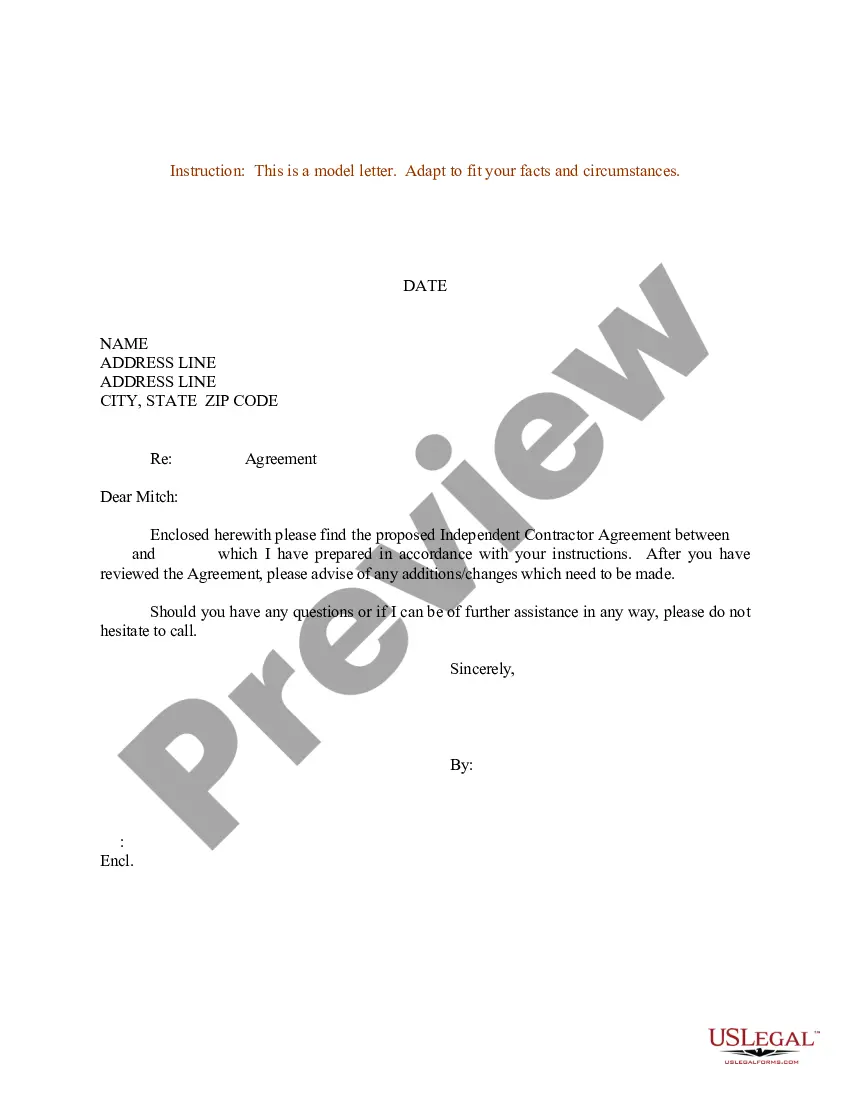
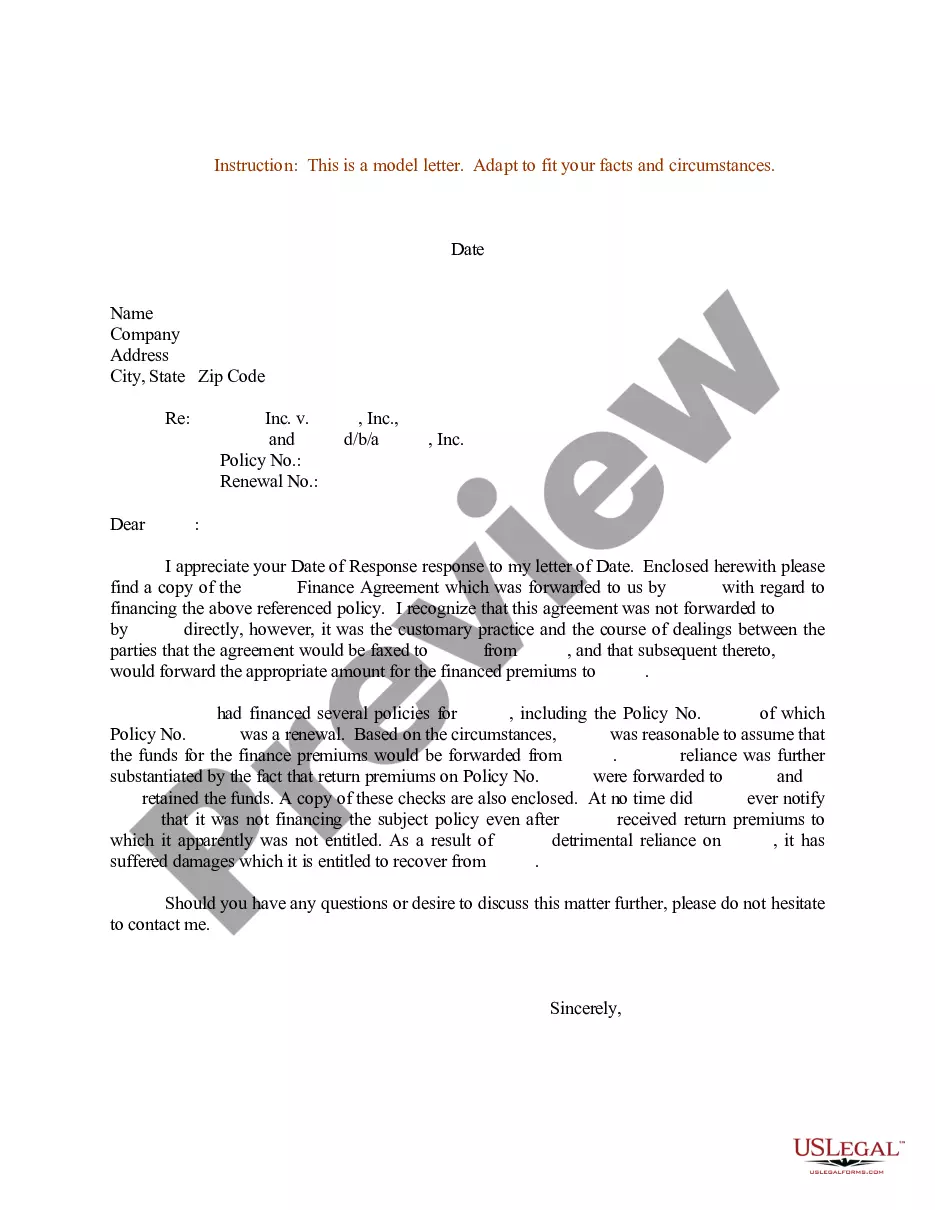
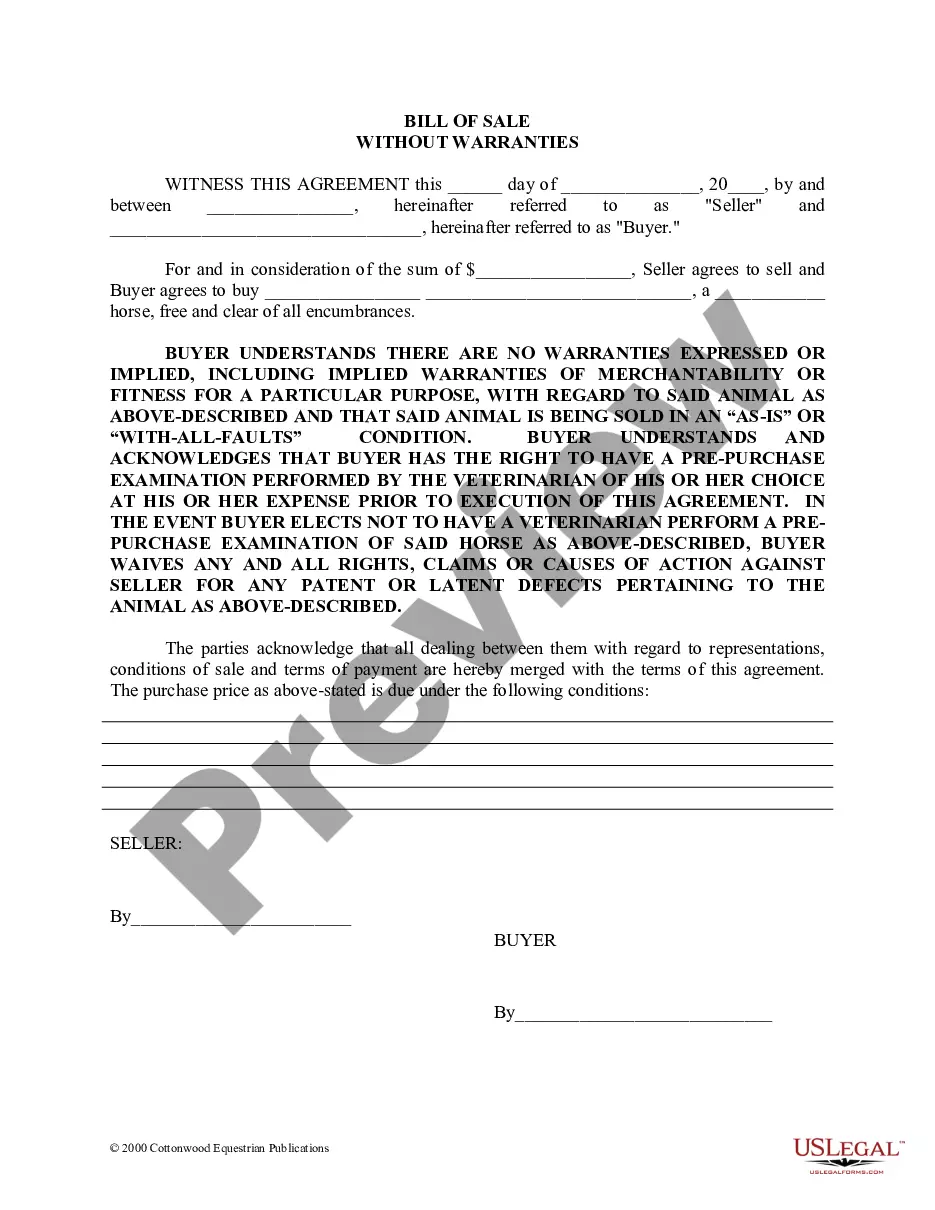
Get your form ready online
Our built-in tools help you complete, sign, share, and store your documents in one place.
Make edits, fill in missing information, and update formatting in US Legal Forms—just like you would in MS Word.
Download a copy, print it, send it by email, or mail it via USPS—whatever works best for your next step.
Sign and collect signatures with our SignNow integration. Send to multiple recipients, set reminders, and more. Go Premium to unlock E-Sign.
If this form requires notarization, complete it online through a secure video call—no need to meet a notary in person or wait for an appointment.
We protect your documents and personal data by following strict security and privacy standards.

Make edits, fill in missing information, and update formatting in US Legal Forms—just like you would in MS Word.

Download a copy, print it, send it by email, or mail it via USPS—whatever works best for your next step.

Sign and collect signatures with our SignNow integration. Send to multiple recipients, set reminders, and more. Go Premium to unlock E-Sign.

If this form requires notarization, complete it online through a secure video call—no need to meet a notary in person or wait for an appointment.

We protect your documents and personal data by following strict security and privacy standards.
Looking for another form?







Form popularity
FAQ
How to Write an Agreement in Microsoft Word Draft Your Agreement in a Proper Layout. An agreement is a formal document for business purposes. State the Agreement's Involved Parties and Obligations. Use Suitable Formats for Different Sections. Add Signatures to Your Agreement Document.
How to set up (structuring) an agreement Identification of (key) subject matters. Identifying and grouping the transaction or the main elements of the contract which need to be addressed. Splitting up. Use of definitions. Classification. Prioritisation and logical ordering.
In terms of how to write an agreement letter for business, incorporate the following elements into your overall contract template design: The names and address of the parties involved. The terms and conditions upon which you agreement. How payments are made and invoicing is accomplished.
Write the contract in six steps Start with a contract template. Open with the basic information. Describe in detail what you have agreed to. Include a description of how the contract will be ended. Write into the contract which laws apply and how disputes will be resolved. Include space for signatures.
How to write an agreement letter Title your document. Provide your personal information and the date. Include the recipient's information. Address the recipient and write your introductory paragraph. Write a detailed body. Conclude your letter with a paragraph, closing remarks, and a signature. Sign your letter.
At the outset of settlement negotiations, list all individuals and entities—both for the plaintiff and the defendant—that the agreement will cover. ✔ List all legal issues to be settled. List all claims your adversary may legally release via settlement. Verify the agreement covers these claims.
Mecklenburg County Overview Mecklenburg County is comprised of seven municipalities including the City of Charlotte and the towns of Cornelius, Davidson, Huntersville, Matthews, Mint Hill, and Pineville.
Mecklenburg County Charlotte / County
The city of Charlotte, the largest urban area in the Carolinas, is located in the center of Mecklenburg County.
Marriage records can be requested from the Register of Deeds, while divorce records can be obtained from the County Clerk of Superior Court.

