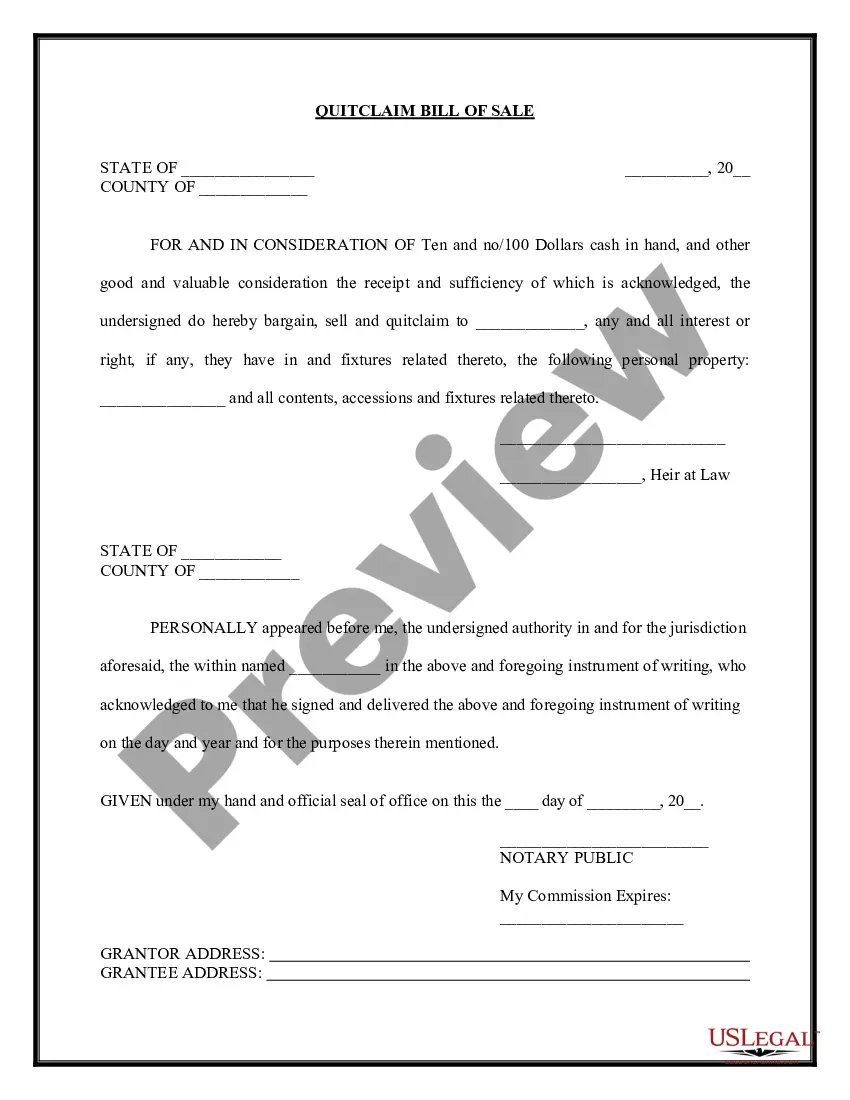
Quitclaim Bill Of Sale Form In Suffolk

State:
Multi-State
County:
Suffolk
Control #:
US-00433
Format:
Word; 
Rich Text
162 downloads

Description

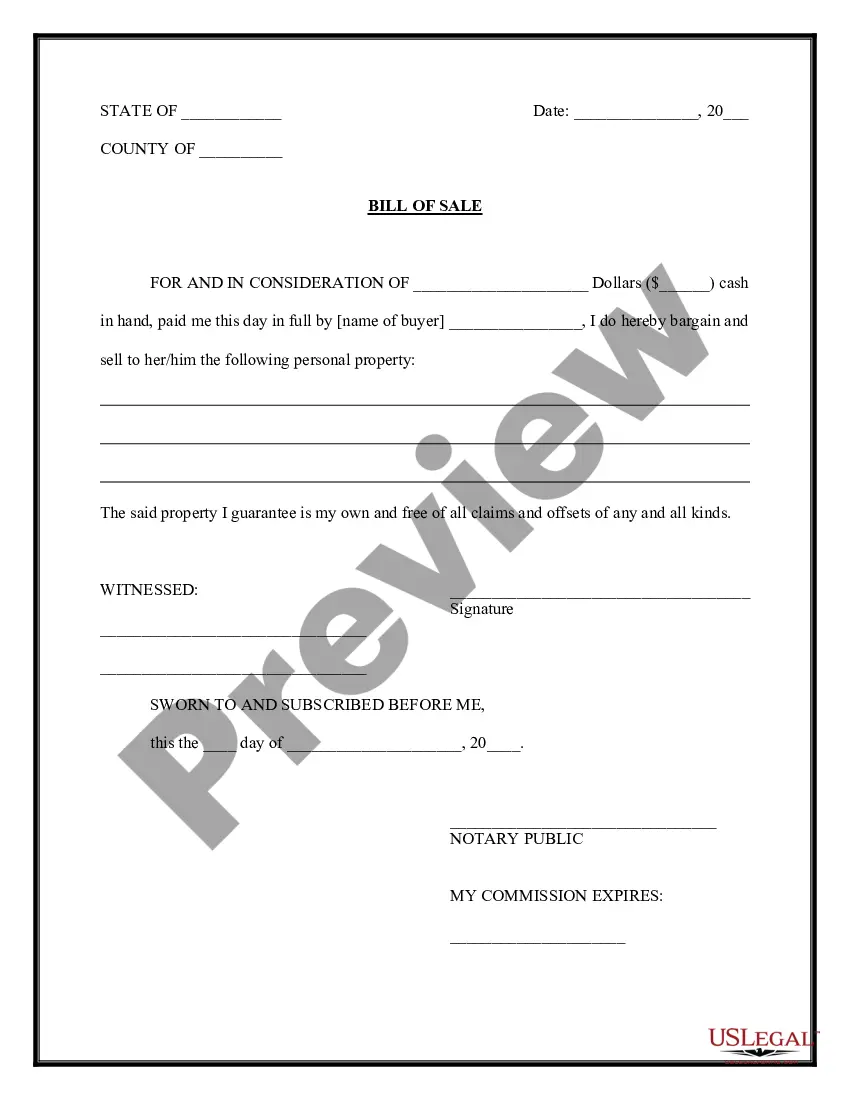
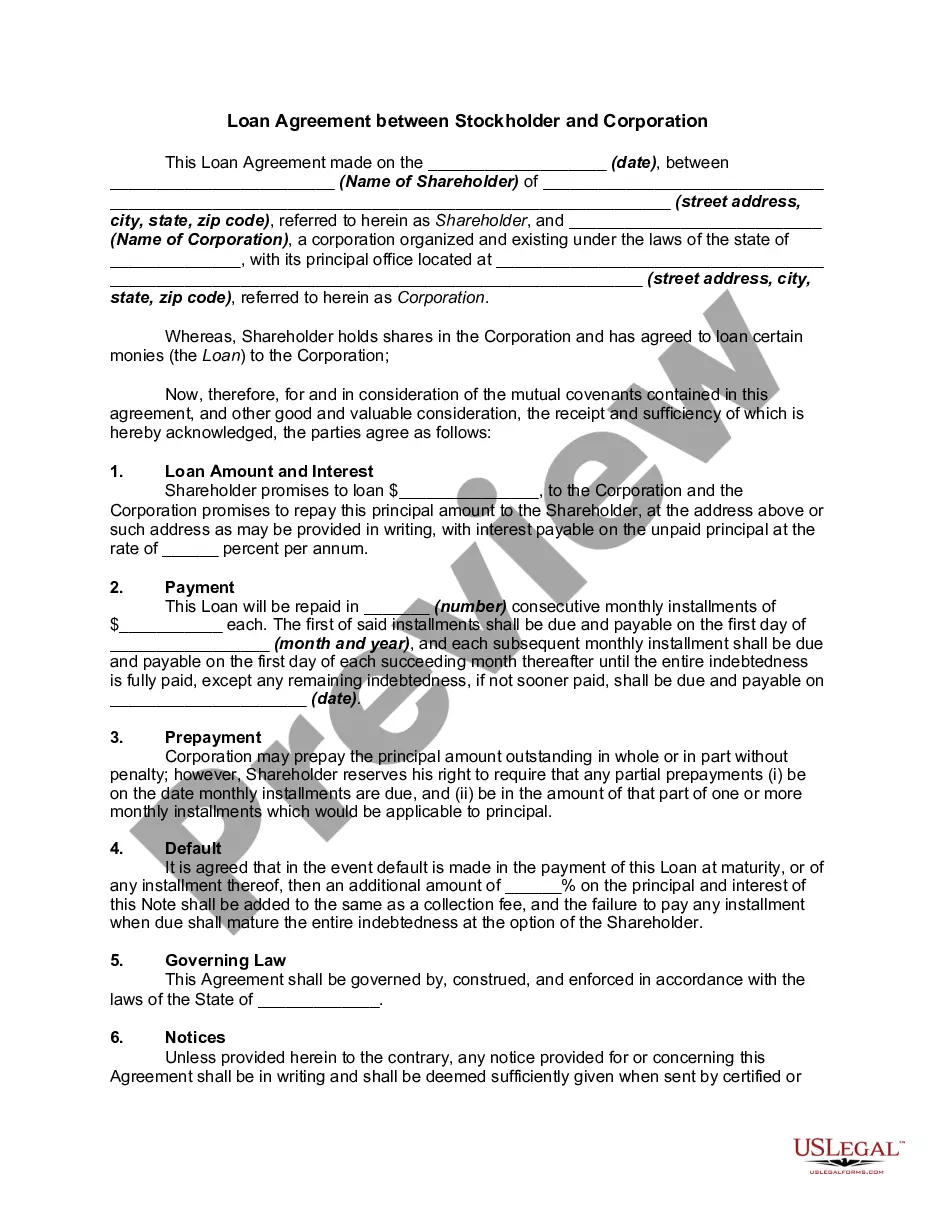
The Quitclaim Bill of Sale Form in Suffolk is a legal document utilized to transfer ownership of personal property without guaranteeing clear title. It specifies the parties involved, the property being sold, and the consideration paid. Key features include sections for the grantor and grantee information, a legal acknowledgment by a notary public, and details about the property, including any fixtures and contents. Users should complete the form by filling in the relevant details clearly and accurately, ensuring both parties sign in the presence of a notary. The target audience, including attorneys, partners, owners, associates, paralegals, and legal assistants, can employ this form for various use cases such as simplifying property transfers, ensuring legal compliance, or facilitating sales between parties without title guarantees. This form is particularly useful for transactions where the seller cannot guarantee the title, providing a straightforward means to document the transfer of rights in personal property.

Get your form ready online

Our built-in tools help you complete, sign, share, and store your documents in one place.

Built-in online Word editor

Make edits, fill in missing information, and update formatting in US Legal Forms—just like you would in MS Word.

Export easily

Download a copy, print it, send it by email, or mail it via USPS—whatever works best for your next step.

E-sign your document

Sign and collect signatures with our SignNow integration. Send to multiple recipients, set reminders, and more. Go Premium to unlock E-Sign.

Notarize online 24/7

If this form requires notarization, complete it online through a secure video call—no need to meet a notary in person or wait for an appointment.

Store your document securely

We protect your documents and personal data by following strict security and privacy standards.

Form selector

Make edits, fill in missing information, and update formatting in US Legal Forms—just like you would in MS Word.

Form selector

Download a copy, print it, send it by email, or mail it via USPS—whatever works best for your next step.

Form selector

Sign and collect signatures with our SignNow integration. Send to multiple recipients, set reminders, and more. Go Premium to unlock E-Sign.

Form selector

If this form requires notarization, complete it online through a secure video call—no need to meet a notary in person or wait for an appointment.

Form selector

We protect your documents and personal data by following strict security and privacy standards.
Looking for another form?

This field is required
Ohio
Select state

Form popularity

Trusted and secure by over 3 million people of the world’s leading companies

Quitclaim Bill Of Sale Form In Suffolk