Overpayment Form Sss
Description
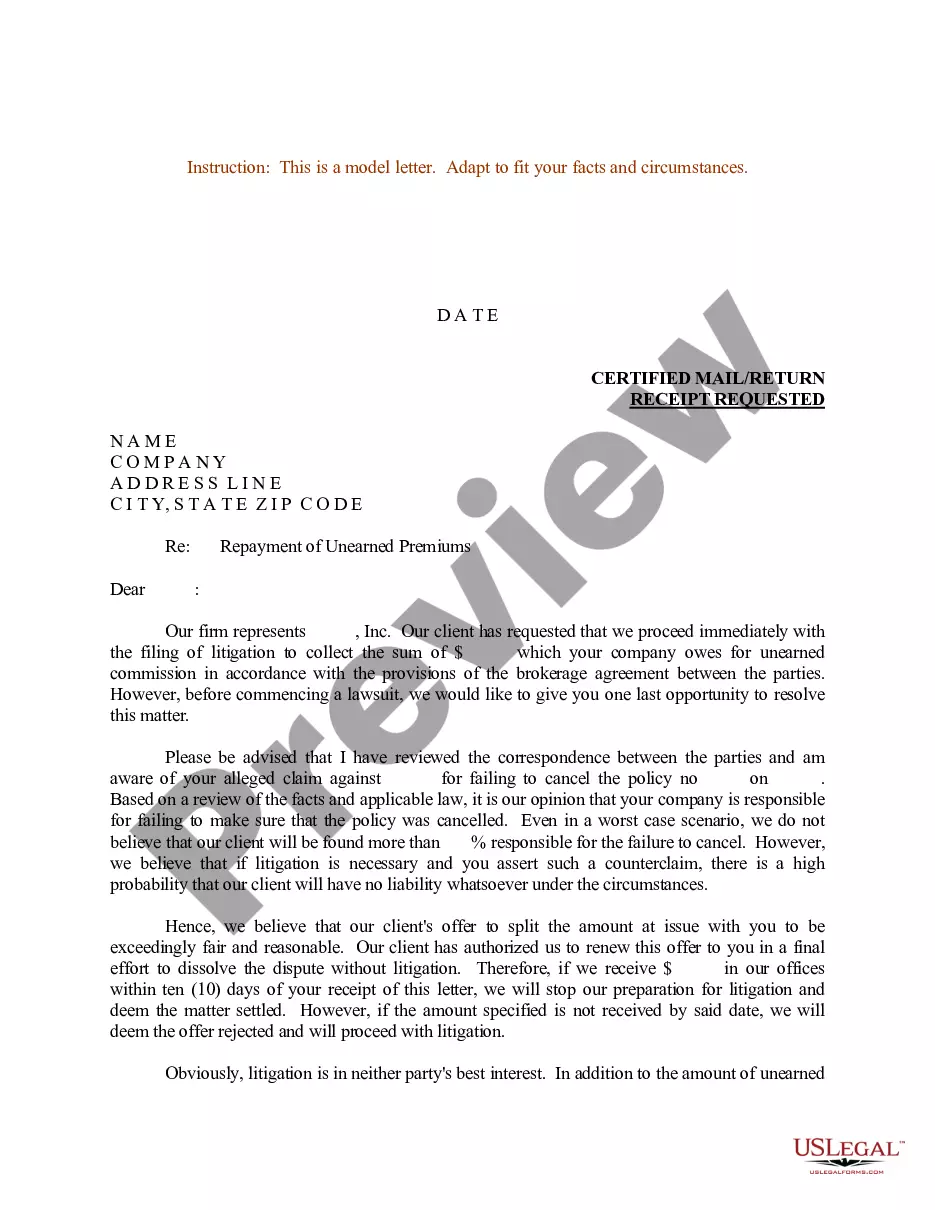
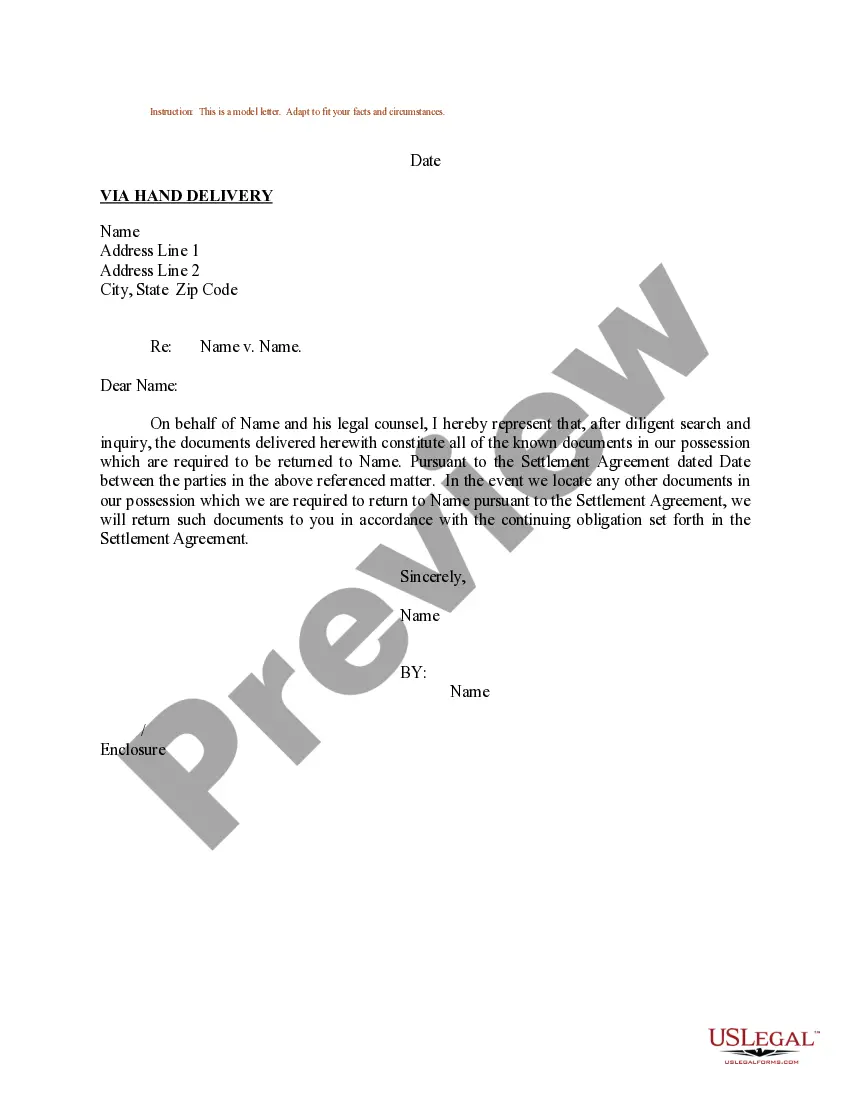
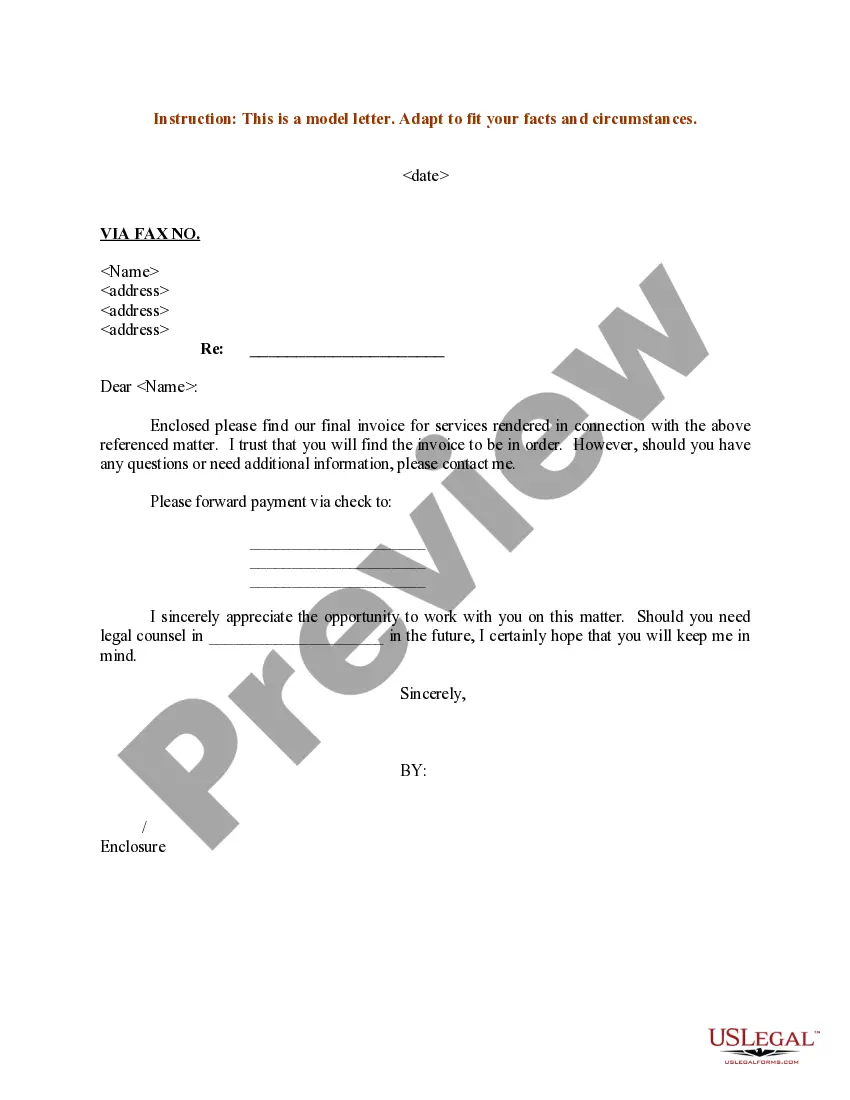
Get your form ready online
Our built-in tools help you complete, sign, share, and store your documents in one place.
Make edits, fill in missing information, and update formatting in US Legal Forms—just like you would in MS Word.
Download a copy, print it, send it by email, or mail it via USPS—whatever works best for your next step.
Sign and collect signatures with our SignNow integration. Send to multiple recipients, set reminders, and more. Go Premium to unlock E-Sign.
If this form requires notarization, complete it online through a secure video call—no need to meet a notary in person or wait for an appointment.
We protect your documents and personal data by following strict security and privacy standards.

Make edits, fill in missing information, and update formatting in US Legal Forms—just like you would in MS Word.

Download a copy, print it, send it by email, or mail it via USPS—whatever works best for your next step.

Sign and collect signatures with our SignNow integration. Send to multiple recipients, set reminders, and more. Go Premium to unlock E-Sign.

If this form requires notarization, complete it online through a secure video call—no need to meet a notary in person or wait for an appointment.

We protect your documents and personal data by following strict security and privacy standards.
Looking for another form?
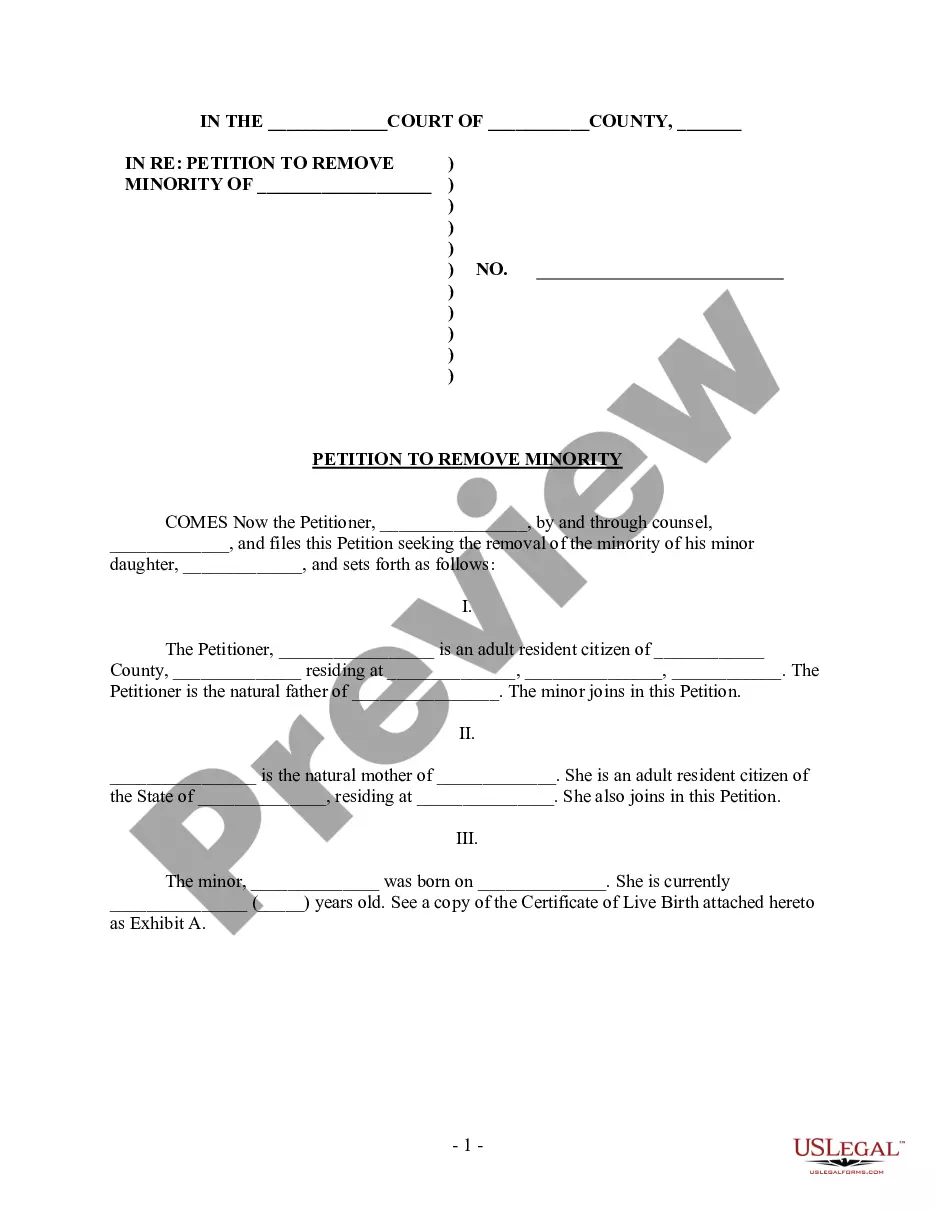
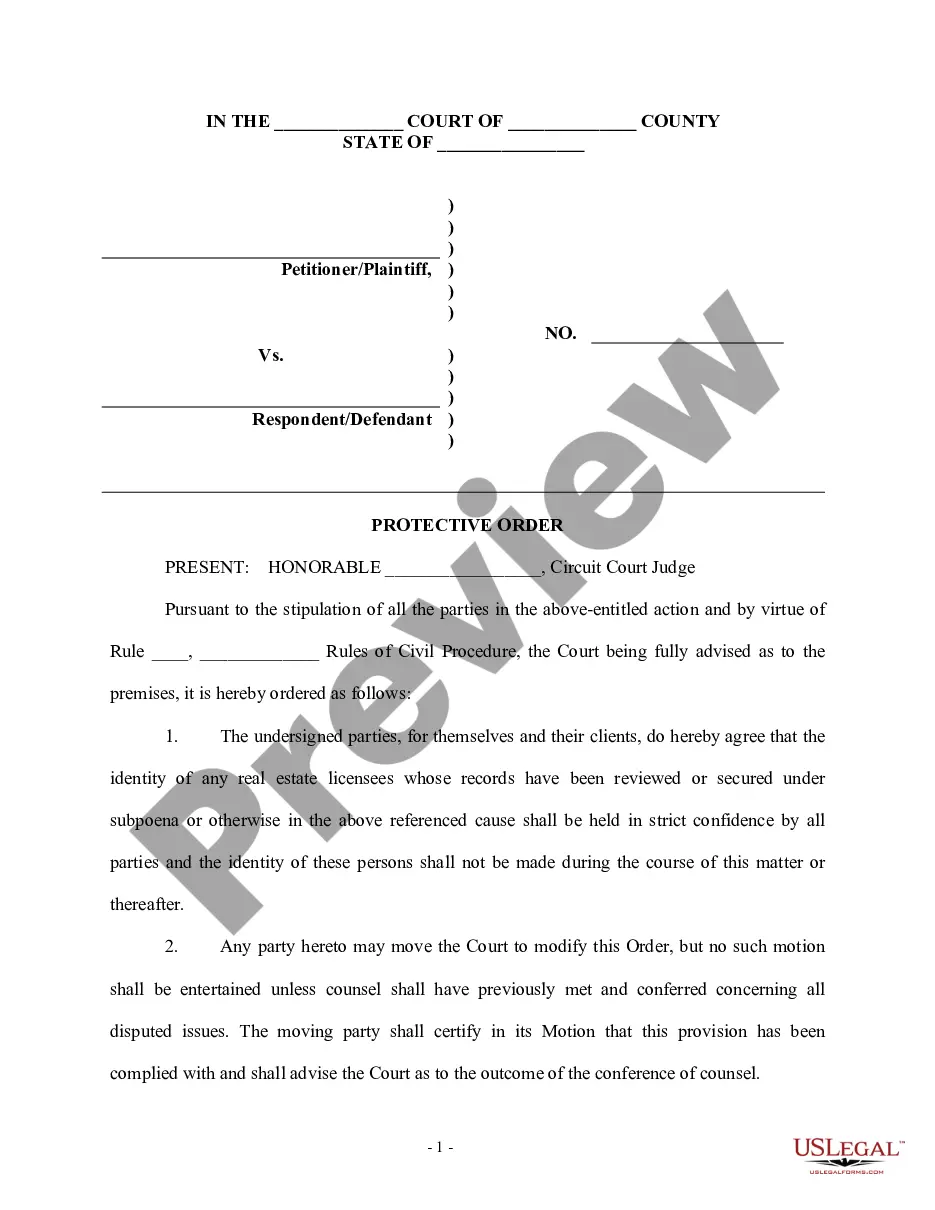

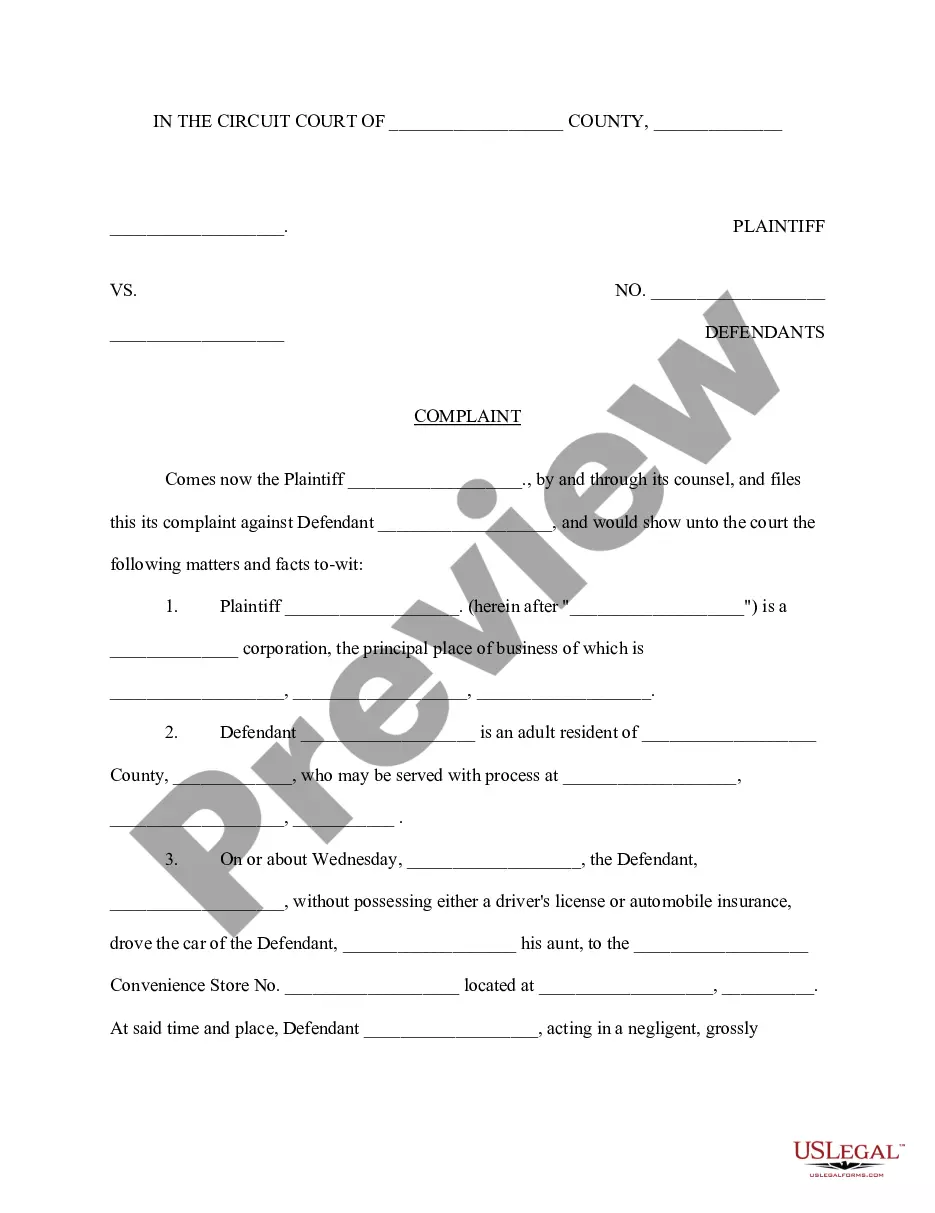


How to fill out Sample Letter For Return Of Overpayment To Client?
Whether for commercial reasons or for personal matters, everyone must contend with legal scenarios at some point in their life.
Filling out legal documents requires meticulous attention, starting from selecting the suitable form template.
Once it is saved, you can fill out the form using editing software or print it and complete it by hand. With an extensive database of US Legal Forms at your disposal, you never have to waste time searching for the appropriate template online. Utilize the library’s user-friendly navigation to find the correct template for any circumstance.
- For instance, if you choose an incorrect version of the Overpayment Form Sss, it will be rejected when you submit it.
- Thus, it is crucial to find a reliable provider of legal documents like US Legal Forms.
- If you need to acquire an Overpayment Form Sss template, follow these straightforward steps.
- Use the search box or browse the catalog to find the template you require.
- Examine the form’s description to confirm it aligns with your situation, state, and county.
- Click on the form’s preview to review it.
- If it is not the correct document, return to the search option to locate the Overpayment Form Sss template you need.
- Download the template if it satisfies your needs.
- If you have a US Legal Forms account, simply click Log in to retrieve previously stored documents in My documents.
- If you do not have an account yet, you may download the form by clicking Buy now.
- Choose the appropriate pricing plan.
- Complete the account registration form.
- Select your payment option: use a credit card or PayPal account.
- Choose the file format you prefer and download the Overpayment Form Sss.
Form popularity
FAQ
You can easily get the SSS e1 form by visiting the SSS official website. Here, you will find options to download the form directly. Alternatively, if you need guidance, the overpayment form SSS is also available through the customer service at the SSS branch. They can provide you with assistance to complete the form as needed.
Unpaid SSS contributions will accumulate penalties and will not disappear if you cease payments. This accumulation could lead to substantial debt and complications with your benefits. To handle unpaid contributions effectively, consider utilizing the Overpayment form SSS. Securing your financial future requires addressing these concerns as soon as possible.
If you fail to make SSS contributions on time, you may incur penalties. The penalties can lead to added fees, which accumulate over time. It is critical to address any missed payments to avoid complications with your Overpayment form SSS. Staying compliant helps you secure your benefits efficiently.
If you accidentally overpay into Social Security, you may end up facing some complications. However, the good news is that you can resolve this by using the Overpayment form sss. Once you submit the form, Social Security reviews your case, and they may provide a refund or adjust your future benefits accordingly. Addressing the issue promptly will help you avoid any unnecessary stress.
Reporting a repayment of Social Security benefits is essential to keep your records accurate. You should complete the Overpayment form sss to document your repayment. Once you fill out the form, send it to Social Security along with proof of repayment, such as a bank statement or receipt. Doing this helps maintain accurate records and prevents future confusion.
To return an overpayment to Social Security, you first need to fill out the Overpayment form sss. You can access this form through the official Social Security website or by visiting your local office. After completing the form, submit it to the appropriate office along with any required payment. This process is straightforward, and taking these steps ensures that you resolve the overpayment effectively.
What are required form fields? To put it simply, a required form field must contain an answer before the respondent can submit the form. These are fields that absolutely must be answered in order for the form to be useful. It's possible for a form to be useful without having any required fields.
The required attribute is a boolean attribute. When present, it specifies that an input field must be filled out before submitting the form. Note: The required attribute works with the following input types: text, search, url, tel, email, password, date pickers, number, checkbox, radio, and file.
You can use it when you need to ask someone to provide the necessary information to complete a form or process. For example, "Please fill out the required fields in the form to complete your registration.". similar ( 60 ) Please fill out the form below.
Fields marked with * are mandatory Using an asterisk (*) symbol content authors notify mandatory field. This is said to be one of the accessible modes of identifying a mandatory field, however this method also will be a problem with screen readers in certain times.
