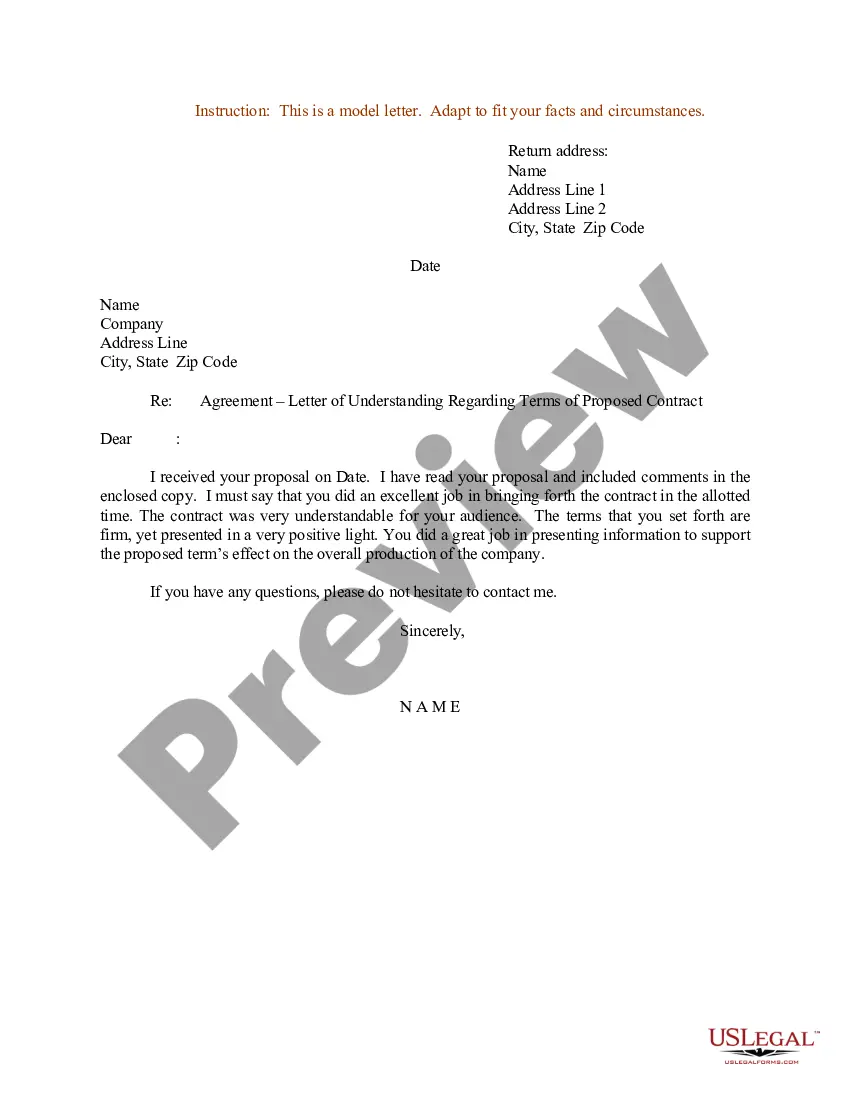
Agreement Confidentiality Between For Hr Employees
Description


Get your form ready online
Our built-in tools help you complete, sign, share, and store your documents in one place.
Make edits, fill in missing information, and update formatting in US Legal Forms—just like you would in MS Word.
Download a copy, print it, send it by email, or mail it via USPS—whatever works best for your next step.
Sign and collect signatures with our SignNow integration. Send to multiple recipients, set reminders, and more. Go Premium to unlock E-Sign.
If this form requires notarization, complete it online through a secure video call—no need to meet a notary in person or wait for an appointment.
We protect your documents and personal data by following strict security and privacy standards.

Make edits, fill in missing information, and update formatting in US Legal Forms—just like you would in MS Word.

Download a copy, print it, send it by email, or mail it via USPS—whatever works best for your next step.

Sign and collect signatures with our SignNow integration. Send to multiple recipients, set reminders, and more. Go Premium to unlock E-Sign.

If this form requires notarization, complete it online through a secure video call—no need to meet a notary in person or wait for an appointment.

We protect your documents and personal data by following strict security and privacy standards.
Looking for another form?




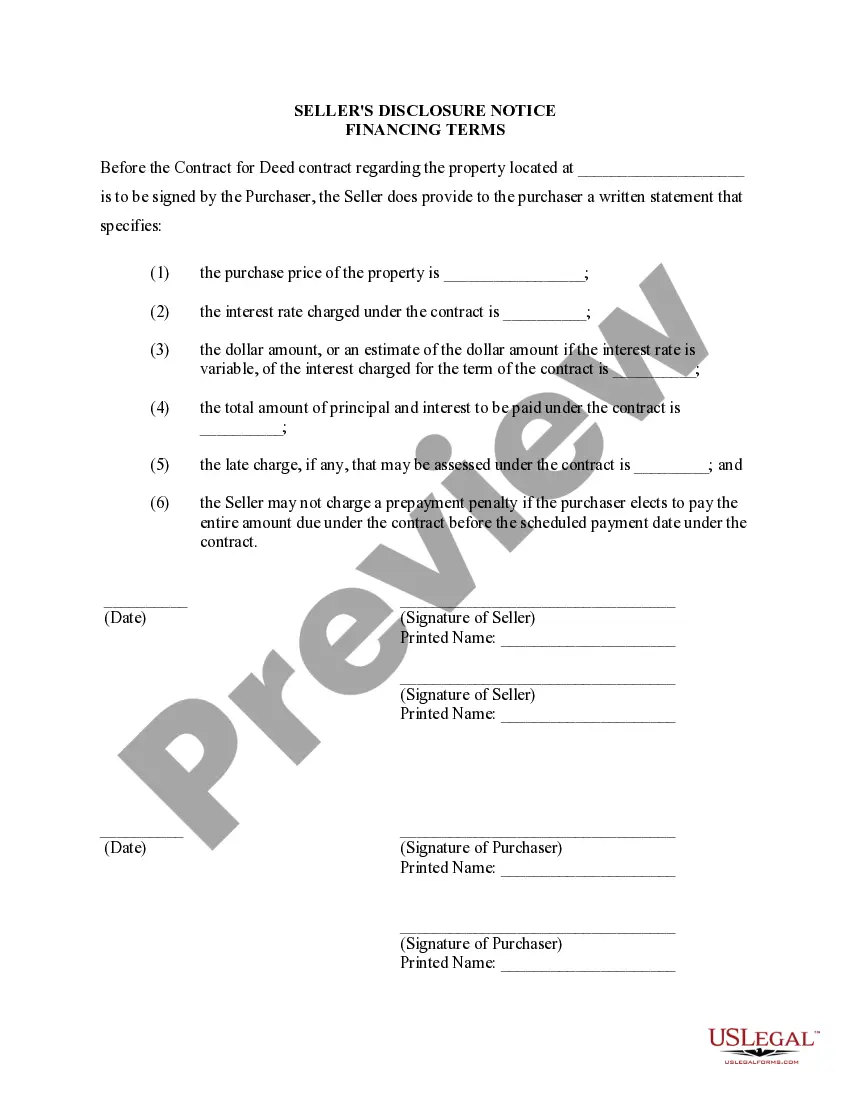





How to fill out Sample Letter For Agreement Of Confidentiality Between Firms?
Individuals often link legal documentation with something intricate that solely an expert can manage.
In a certain respect, this is accurate, as creating Agreement Confidentiality Between For Hr Employees necessitates considerable knowledge in subject matters, encompassing state and local laws.
However, with the US Legal Forms, everything has turned into a simpler task: pre-prepared legal templates for every personal and business situation tailored to state legislation are gathered in a single digital library and are now accessible to everyone.
All templates in our collection are reusable: once obtained, they remain stored in your account. You can access them anytime needed through the My documents tab. Discover all the benefits of utilizing the US Legal Forms platform. Subscribe now!
- US Legal Forms offers over 85k current forms organized by state and purpose, making it only a matter of minutes to search for Agreement Confidentiality Between For Hr Employees or any other specific template.
- Previously registered members with an active subscription need to Log In to their account and select Download to obtain the form.
- New users to the platform will need to create an account and subscribe before being able to download any documents.
- Here is a detailed guide on how to obtain the Agreement Confidentiality Between For Hr Employees.
- Carefully review the content page to confirm it aligns with your requirements.
- Read the form description or view it through the Preview option.
- If the previous template does not meet your needs, search for another option using the Search bar in the header.
- Once you identify the appropriate Agreement Confidentiality Between For Hr Employees, click Buy Now.
- Select a pricing plan that meets your preferences and budget.
- Proceed to the payment page by registering for an account or logging in.
- Complete your subscription payment via PayPal or with your credit card.
- Select the format for your document and click Download.
- Print your file or use an online editor for a faster completion.
Form popularity
FAQ
Although HR professionalsunlike medical professionals, religious functionaries or attorneysare not subject to any overarching legally mandated duty of confidentiality, they are required by laws regulating the workplace to ensure and maintain the confidentiality of some types of employee information.
Tips for managing confidentiality in HRLocked cabinets to store paper copies of documents containing any sensitive information.High security, password-protected databases for digital files.A thorough orientation process for new HR staff on confidentiality procedures.More items...?
A confidential disclosure agreement, also called a confidentiality agreement or CDA, is a legal agreement which prohibits employees from disclosing certain information about a company. It is a permanent agreement, which means a signed confidentiality agreement remains valid after employment has ended.
Typically, a legal professional writing the NDA will complete these steps:Step 1 - Describe the scope. Which information is considered confidential?Step 2 - Detail party obligations.Step 3 - Note potential exclusions.Step 4 - Set the term.Step 5 - Spell out consequences.
Confidentiality in the workplace is rule number one in the book of business etiquette. Not only are you showing your customers, clients and employees a level of common courtesy by protecting their data, but you're also fulfilling your legal responsibility to prevent sensitive information from being leaked.
